




01. Edit your form online
Type text, add images, blackout confidential details, add comments, highlights and more.

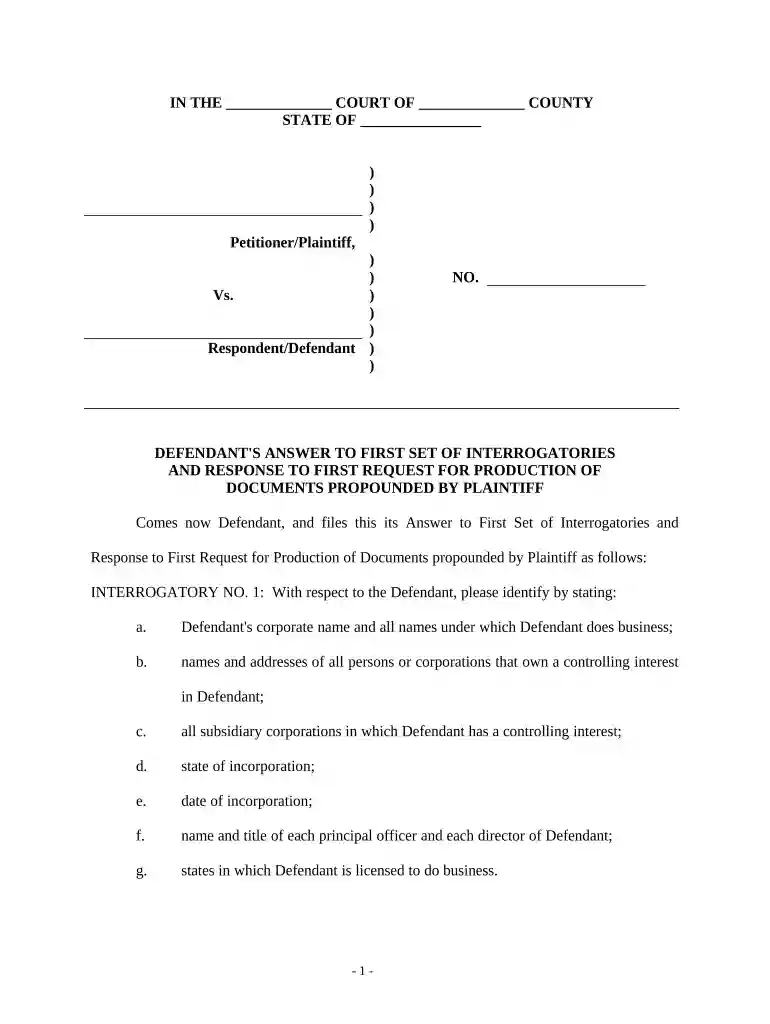
Type text, add images, blackout confidential details, add comments, highlights and more.

Draw your signature, type it, upload its image, or use your mobile device as a signature pad.

Send it via email, link, or fax. You can also download it, export it or print it out.

Start using our platform today to streamline your document editing and ensure a smooth completion process!
Electronic document approval requires a software solution that works in compliance with data protection and eSignature standards. DocHub is a great tool for that, because it fulfills all the aforementioned requirements. Whatever method you like to sign your Defendant's Answers to Plaintiff's First Set of Interrogatories and Requests for Production of Documents in DocHub, your eSignature will be legally binding and court-admissible.
Apart from a comprehensive toolset for editing PDFs on mobile devices, DocHub enables you to sign your Defendant's Answers to Plaintiff's First Set of Interrogatories and Requests for Production of Documents along the way. Open our editor in your web browser, make changes using DocHub’s toolset, and finish your editing by eSigning the finished form.
At DocHub, your data security is our priority. We follow HIPAA, SOC2, GDPR, and other standards, so you can work on your documents with confidence.
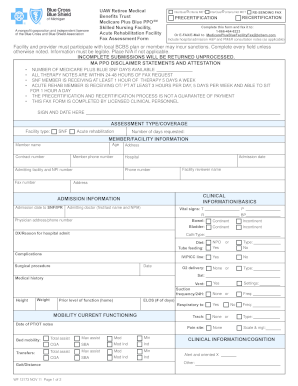


P. 33, Plaintiff hereby submits the following Interrogatories to. Defendant. Plaintiff requests that Defendant serve its answers, in writing and under oath, toRead more
Plaintiff objects to the extent the request seeks the production of documents that are not relevant or likely to lead to the discovery of admissible evidence.Read more
All plaints, petitions, applications and other documents shall be presented by the plaintiff, petitioner, applicant, appellant, defendant or respondent inRead more


