




Here's how it works



How to use or fill out import export agency agreement template with our platform

- Click ‘Get Form’ to open the import export agency agreement template in the editor.
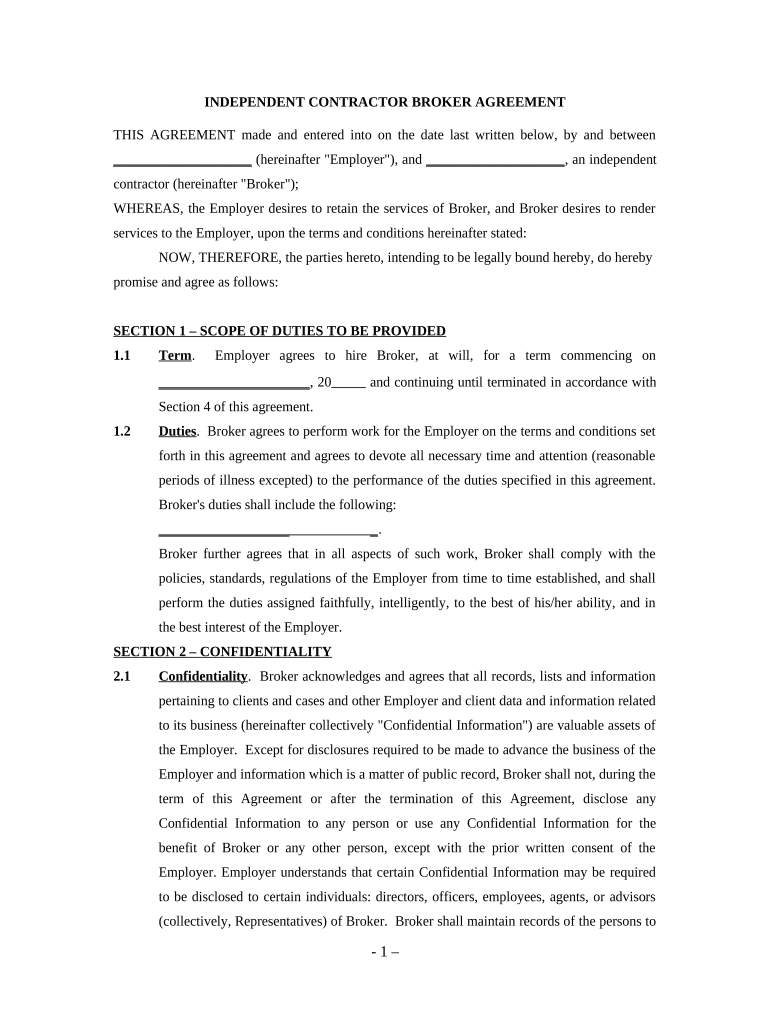
- Begin by filling in the 'Employer' and 'Broker' sections at the top of the form. Ensure you enter accurate names to establish clear identification.
- In Section 1, specify the term of the agreement by entering the start date and any relevant details regarding duties. Clearly outline what services will be provided by the Broker.
- Proceed to Section 2, where you will need to acknowledge confidentiality. Review this section carefully and ensure that all necessary parties understand their obligations regarding confidential information.
- In Section 3, input compensation details including payment amounts and frequency. This ensures both parties are aware of financial expectations.
- Complete Sections 4 through 8 by providing any additional required information such as termination conditions, independent contractor status, insurance requirements, and miscellaneous provisions.
- Finally, review all entries for accuracy before signing. Use our platform’s signature feature to finalize your agreement seamlessly.
Start using our platform today for free to streamline your document editing and signing process!
It's free
See more import export agency agreement template versions
| Versions | Form popularity | Fillable & printable |
|---|---|---|
| 2020 | 4.4 Satisfied (39 Votes) |
Got questions?
How can I send my brokerage agreement template from Google Drive for signing?
If you regularly deal with documents stored in your Google Drive, DocHub is a superb option for you to easily and quickly complete, edit, and approve them. This editor integrates properly with Google services, so you can export your brokerage agreement template from your Google Drive to the editor without the need of downloading and re-uploading it. Right-click on your document, select Open With → DocHub PDF Sign and Edit. In our editor, add and assign Signature Fields for all parties involved, then click on the Menu option above → Send → select how you want to share your form.
How do you get export agency agreement for my state?
If you are looking for a state-specific export agency agreement sample, you will find it in our DocHub Forms & Templates catalog. Use the search field, key in your form’s name, and search through the results for your state. You can also filter out irrelevant results while browsing our catalog by categories.
Security and compliance
At DocHub, your data security is our priority. We follow HIPAA, SOC2, GDPR, and other standards, so you can work on your documents with confidence.
Learn more




