




01. Edit your boat partnership agreement template online
Type text, add images, blackout confidential details, add comments, highlights and more.

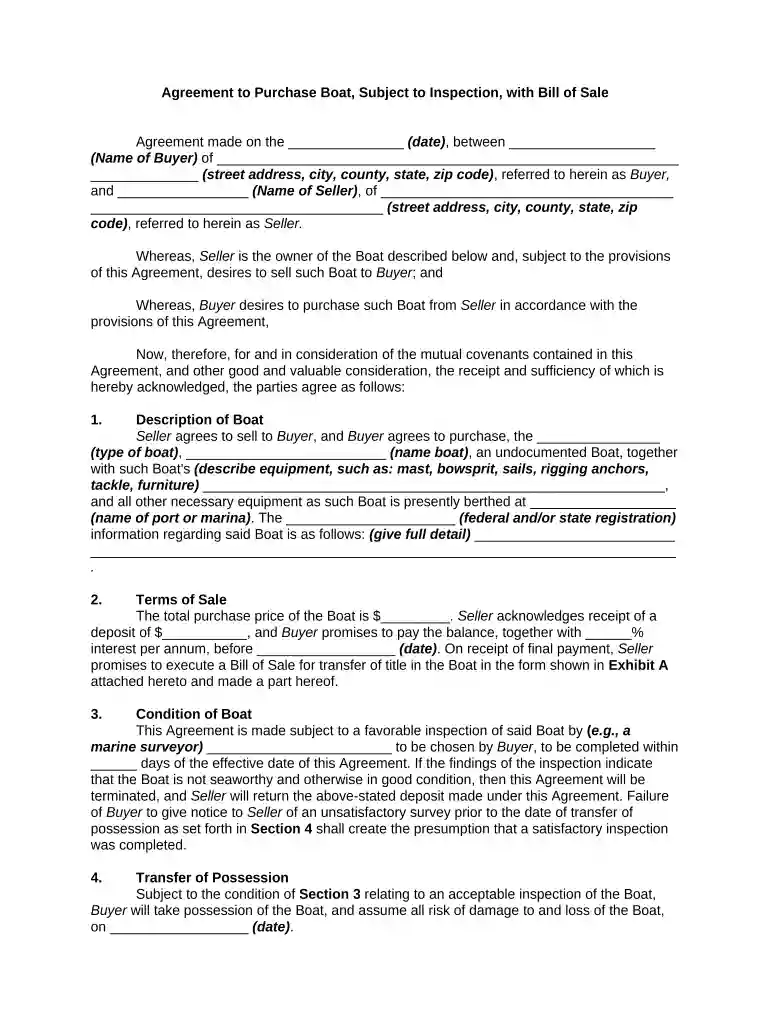
Type text, add images, blackout confidential details, add comments, highlights and more.

Draw your signature, type it, upload its image, or use your mobile device as a signature pad.

Send boat partnership agreement pdf via email, link, or fax. You can also download it, export it or print it out.

Start using our platform today to streamline your agreement boat process for free!
At DocHub, your data security is our priority. We follow HIPAA, SOC2, GDPR, and other standards, so you can work on your documents with confidence.


Lake Balaton (a Balaton) Hungarys largest lake (77km long). You need a permit to cross shipping lanes (as you might need for a longer cross lake paddle).Read more
Boat Lift Fee: $300.00 for the first hour or any part thereof, Vessels up to 30 in length shall be charged the minimum lift fee. Vessels 31 and longer shallRead more
1. I desire to voluntarily participate in the Activity. I understand and acknowledge that there are risks which are inherent in the nature of the Activity,Read more


