




01. Edit your form online
Type text, add images, blackout confidential details, add comments, highlights and more.

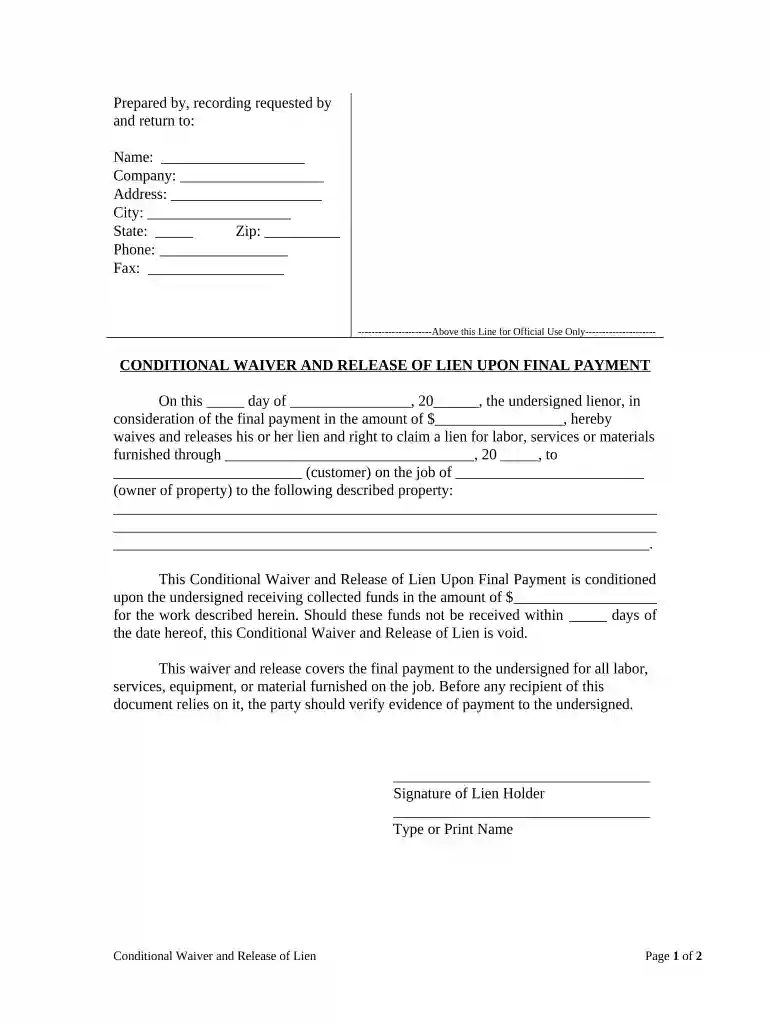
Type text, add images, blackout confidential details, add comments, highlights and more.

Draw your signature, type it, upload its image, or use your mobile device as a signature pad.

Send it via email, link, or fax. You can also download it, export it or print it out.

Start using our platform today to easily complete your New Jersey waiver for free!
At DocHub, your data security is our priority. We follow HIPAA, SOC2, GDPR, and other standards, so you can work on your documents with confidence.




The Center is evaluating New Jerseys Comprehensive Waiver Demonstration that introduces several policy changes to the state Medicaid program aimed atRead more
The purpose of this report is to provide a summary of. Technical Impracticability (TI) waivers that have been issued by U.S. Environmental Protection Agency.Read more
DDD administers two Medicaid waiver programs, the Supports Program and Community Care Program. Through enrollment in one of these programs, individuals canRead more


