



Here's how it works



How to use or fill out New Mexico Disclosure with our platform

- Click ‘Get Form’ to open the New Mexico Disclosure in the editor.
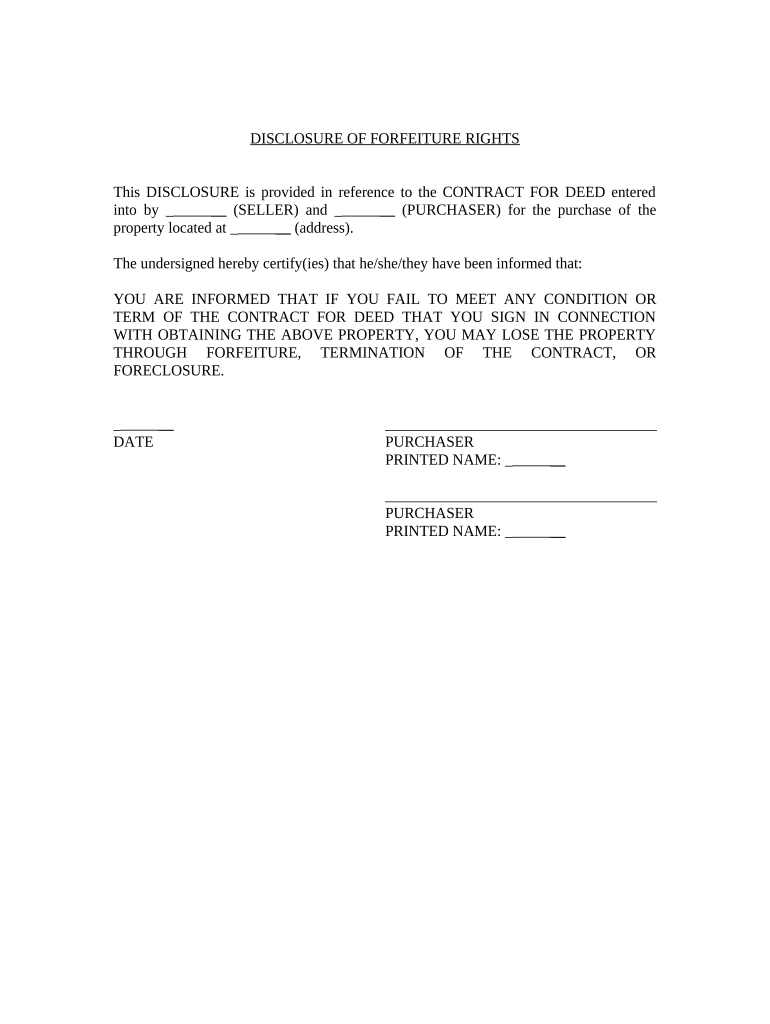
- Begin by entering the names of the Seller and Purchaser in the designated fields. Ensure that both parties' names are clearly printed for legal accuracy.
- Next, input the property address where indicated. This is crucial as it identifies the specific property involved in the contract.
- Review the disclosure statement carefully. It informs you about potential forfeiture risks if any terms of the Contract for Deed are not met.
- Finally, both Purchasers must sign and print their names at the bottom of the form, along with dating it to confirm acknowledgment of this disclosure.
Start using our platform today to easily complete your New Mexico Disclosure for free!
It's free
Got questions?
What is the optimum way to electronically sign my new mexico disclosure?
Many software solutions are available out there for document editing and signing. DocHub is one of the most widely used online solutions that comply with all security and compliance standards and ensures your eSigned documentation is legally enforceable. All you need to try it out is to sign up for an account, add your new mexico disclosure, provide the necessary information, and click Sign. Create your eSignature by typing, drawing it, uploading its picture to your template, or scanning a unique QR code.
How do you get new mexico disclosure?
You can find the latest and most relevant version of the new mexico disclosure in our DocHub forms library. Browse it by categories or use the search field to locate the exact template that fits your case. You may open this form for editing after you find it.
How do I sell my property privately?
What do you legally need to sell a house?
Why is Texas A non-disclosure state?
Security and compliance
At DocHub, your data security is our priority. We follow HIPAA, SOC2, GDPR, and other standards, so you can work on your documents with confidence.
Learn more