




01. Edit your summons returned non est online
Type text, add images, blackout confidential details, add comments, highlights and more.

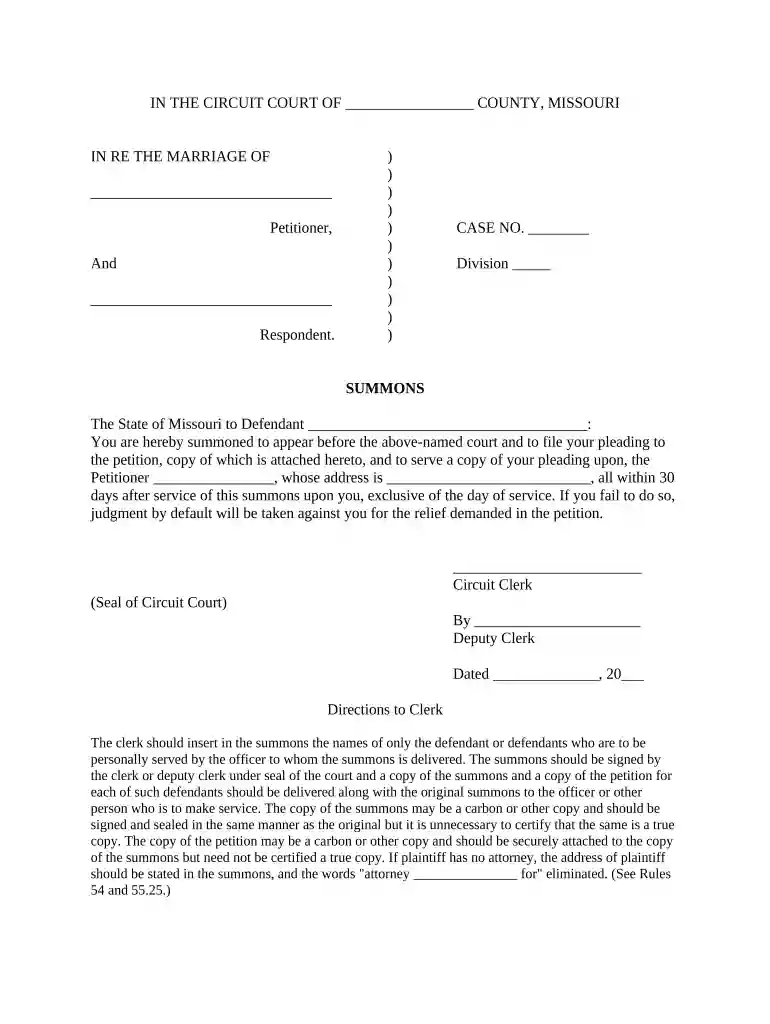
Type text, add images, blackout confidential details, add comments, highlights and more.

Draw your signature, type it, upload its image, or use your mobile device as a signature pad.

Send summons returned non est missouri via email, link, or fax. You can also download it, export it or print it out.

Start using our platform today to easily fill out your Missouri Summons for free!
At DocHub, your data security is our priority. We follow HIPAA, SOC2, GDPR, and other standards, so you can work on your documents with confidence.




Any faculty or staff member is to follow these steps immediately upon being served a summons or petition: Make two copies of the summons or petition. Hand carryRead more
Now some of these politicians are sentenced to the penitentiary, some are in Mexico. The Circuit Attorney, finding that his duty was to catch and convictRead more
The summons and petition shall be served together. Service shall be made as follows: (1) Upon an individual, including an infant or disabled or incapacitatedRead more


