




Here's how it works

01. Edit your 601b rev 05 20 online
Type text, add images, blackout confidential details, add comments, highlights and more.

02. Sign it in a few clicks
Draw your signature, type it, upload its image, or use your mobile device as a signature pad.

03. Share your form with others
Send 601b rev 05 20 meaning via email, link, or fax. You can also download it, export it or print it out.
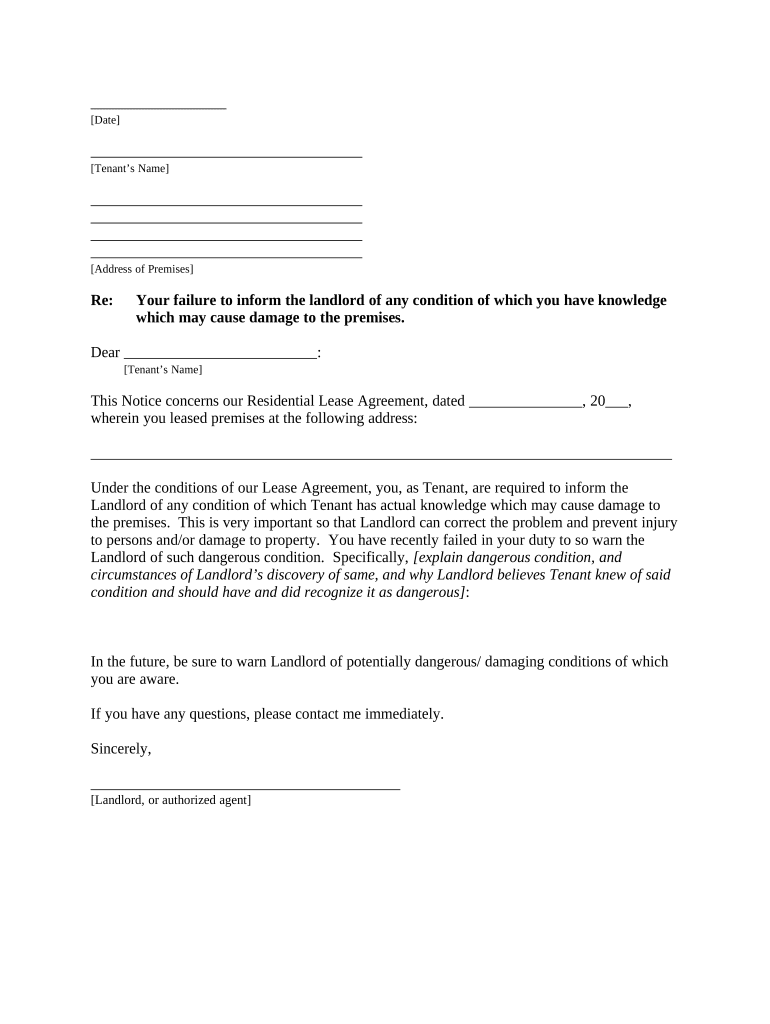
How to use or fill out nj letter notice with our platform

- Click ‘Get Form’ to open the nj letter notice in the editor.
- Begin by entering the date at the top of the form. This sets the context for your notice.
- Fill in the Tenant’s Name and Address of Premises in the designated fields to ensure clarity on who is receiving this notice.
- In the body of the letter, specify the date of your Residential Lease Agreement and address where the tenant leased premises. This information is crucial for legal accuracy.
- Clearly explain any dangerous condition that has been observed, including how it was discovered and why it is believed that the Tenant was aware of it. This section should be detailed to avoid misunderstandings.
- Conclude by reminding the Tenant of their responsibility to inform you about any potentially damaging conditions in the future.
- Finally, sign off with your name as Landlord or authorized agent, and include a method for proof of delivery at the bottom of the form.
Start using our platform today to easily fill out your nj letter notice for free!
Fill out nj letter notice online
It's free
It's free
Security and compliance
At DocHub, your data security is our priority. We follow HIPAA, SOC2, GDPR, and other standards, so you can work on your documents with confidence.
Learn more


Related forms
Ohio state tax forms 2021
The document is a tax return form for individuals in Cincinnati for the year 2020. It provides instructions for completi ...
Alabama tax return form 40
The document is the 2020 Alabama Form 40 Booklet, which provides comprehensive instructions for residents and part-year ...
Alaska gas income
The document is the Alaska Oil and Gas Corporation Net Income Tax Return Form 6100 for the calendar year 2020. It includ ...
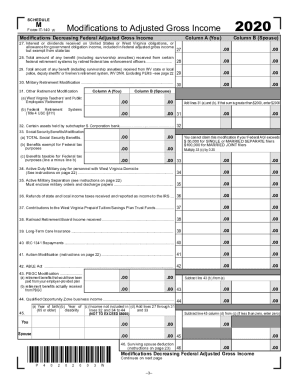
Wv m
The document outlines the modifications to Adjusted Gross Income for tax purposes in West Virginia for the year 2020. It ...

Arizona 830
The document is an Arizona Affidavit Form 830 for individuals wishing to assist in conducting bingo games. It requires p ...
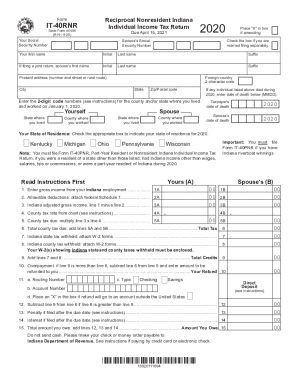
Indiana form tax
The document is the IT-40RNR form, a Reciprocal Nonresident Indiana Individual Income Tax Return for the tax year 2020, ...
Indiana request income tax form
The document is a Form E-6 from the Indiana Department of Revenue, used to request preprinted Corporate Estimated Quarte ...

County Health / Family Planning
The document is a registration application form (Form BA-11) for County Health and Family Planning facilities to be subm ...