




Here's how it works

01. Edit your new jersey business search new jersey online
Type text, add images, blackout confidential details, add comments, highlights and more.

02. Sign it in a few clicks
Draw your signature, type it, upload its image, or use your mobile device as a signature pad.

03. Share your form with others
Send new jersey business search nj via email, link, or fax. You can also download it, export it or print it out.
How to use or fill out New Jersey Corporation with our platform

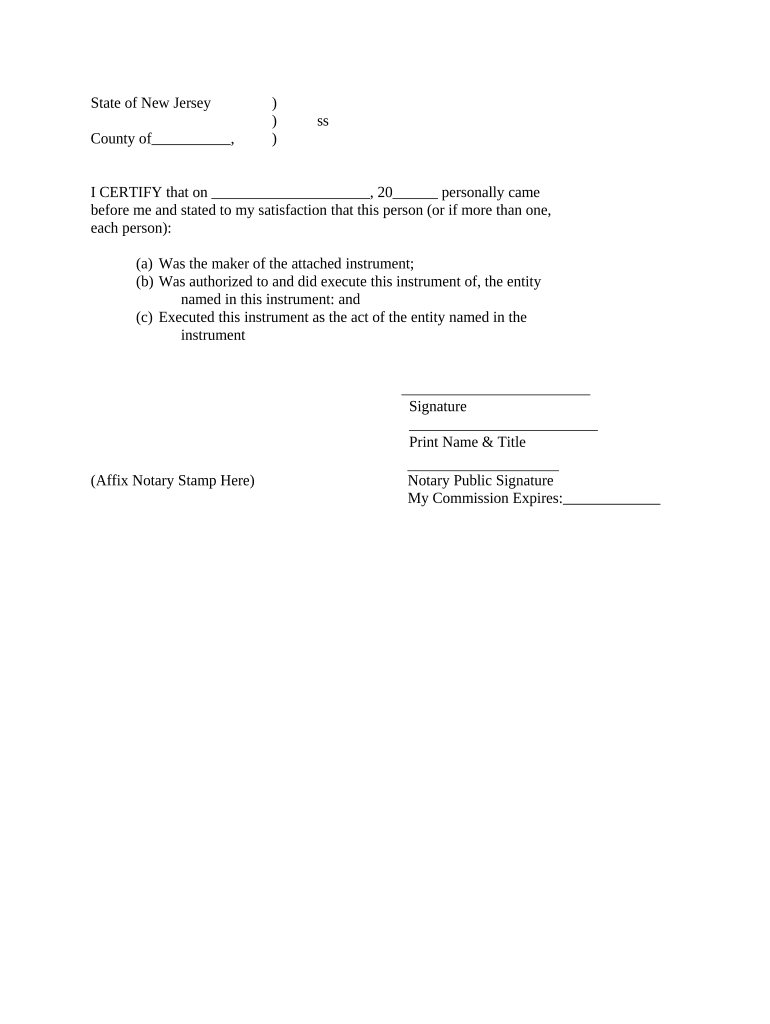
- Click ‘Get Form’ to open the New Jersey Corporation document in the editor.
- Begin by entering the date on which the notary will certify the document. This should be placed in the designated space labeled '______'.
- In the section that states 'personally came before me', ensure you include the name of the individual(s) who are executing the instrument. This is crucial for proper identification.
- Next, confirm that each person listed was authorized to execute this instrument on behalf of the entity named. You may need to provide additional documentation if required.
- Have each signer provide their signature in the space provided, followed by their printed name and title. This ensures clarity and accountability.
- Finally, affix your notary stamp in the designated area and indicate when your commission expires. This step is essential for legal validation.
Start using our platform today to streamline your New Jersey Corporation form completion for free!
Fill out new jersey corporation online
It's free
It's free
Security and compliance
At DocHub, your data security is our priority. We follow HIPAA, SOC2, GDPR, and other standards, so you can work on your documents with confidence.
Learn more


Related forms
Hr 7031
The document is an application form (DBPR HR-7031) from the Florida Department of Business and Professional Regulation f ...

Il claims property
The document is a Property Damage Form for filing claims against the State of Illinois in the Court of Claims. It outlin ...
Sdcera form
The document outlines the process for Retired and Deferred Members to change their address by submitting a form to SDCER ...

Hbd 85
The document provides instructions for completing the Group Continuation Coverage form under the Consolidated Omnibus Bu ...
Wi csas application
The document is a recertification application form for Community Substance Abuse Service (CSAS) Programs in Wisconsin, a ...
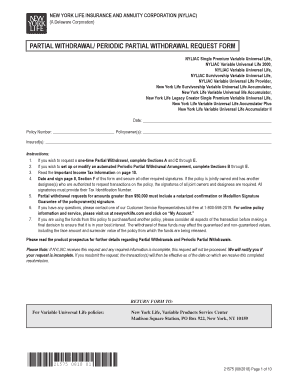
Nyliac withdrawal form fillable
The document is a request form for partial withdrawals and periodic partial withdrawals from various New York Life Insur ...

Nc aide program
The document is a Nurse Aide I Training Program Application Packet from the North Carolina Division of Health Service Re ...