



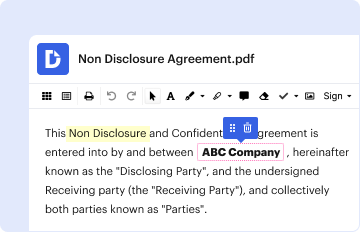
01. Edit your rental increase notice online
Type text, add images, blackout confidential details, add comments, highlights and more.

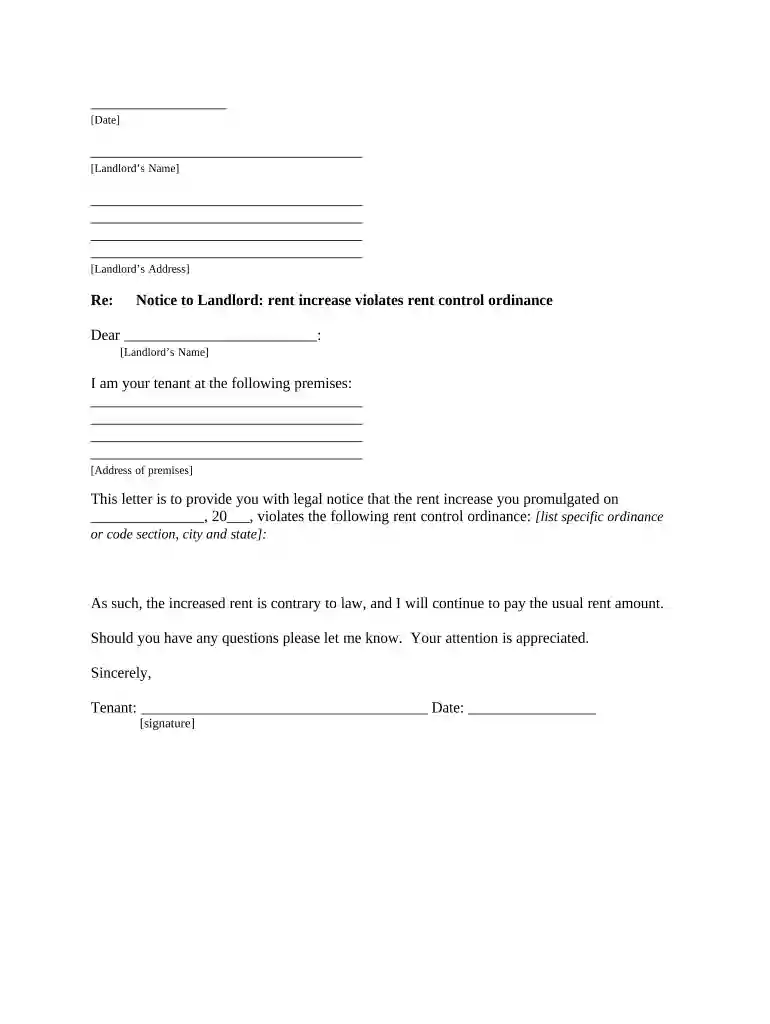
Type text, add images, blackout confidential details, add comments, highlights and more.
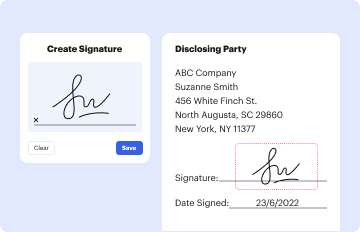
Draw your signature, type it, upload its image, or use your mobile device as a signature pad.
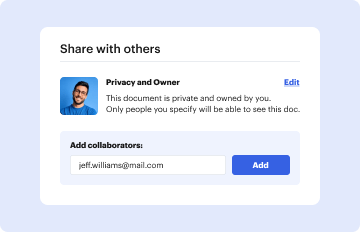
Send 30 day rent increase notice via email, link, or fax. You can also download it, export it or print it out.

Start using our platform today to easily complete and manage your Missouri Notice Rent Increase for free!
At DocHub, your data security is our priority. We follow HIPAA, SOC2, GDPR, and other standards, so you can work on your documents with confidence.


The landlord shall not increase the rent, except for a rent increase based solely on an increase in property taxes, for any tenant of the manufactured or mobileRead more
NOTICE: The project that is the subject of this report was approved by the Governing Board of the National Research Council, whose members are drawn fromRead more
The landlord must give you proper advance written notice of a rent increase. The written notice tells you how much the increased rent is and when the increaseRead more


