




01. Edit your form online
Type text, add images, blackout confidential details, add comments, highlights and more.

Type text, add images, blackout confidential details, add comments, highlights and more.

Draw your signature, type it, upload its image, or use your mobile device as a signature pad.

Send it via email, link, or fax. You can also download it, export it or print it out.

Start using our platform today for free to complete your health care directive effortlessly!
At DocHub, your data security is our priority. We follow HIPAA, SOC2, GDPR, and other standards, so you can work on your documents with confidence.
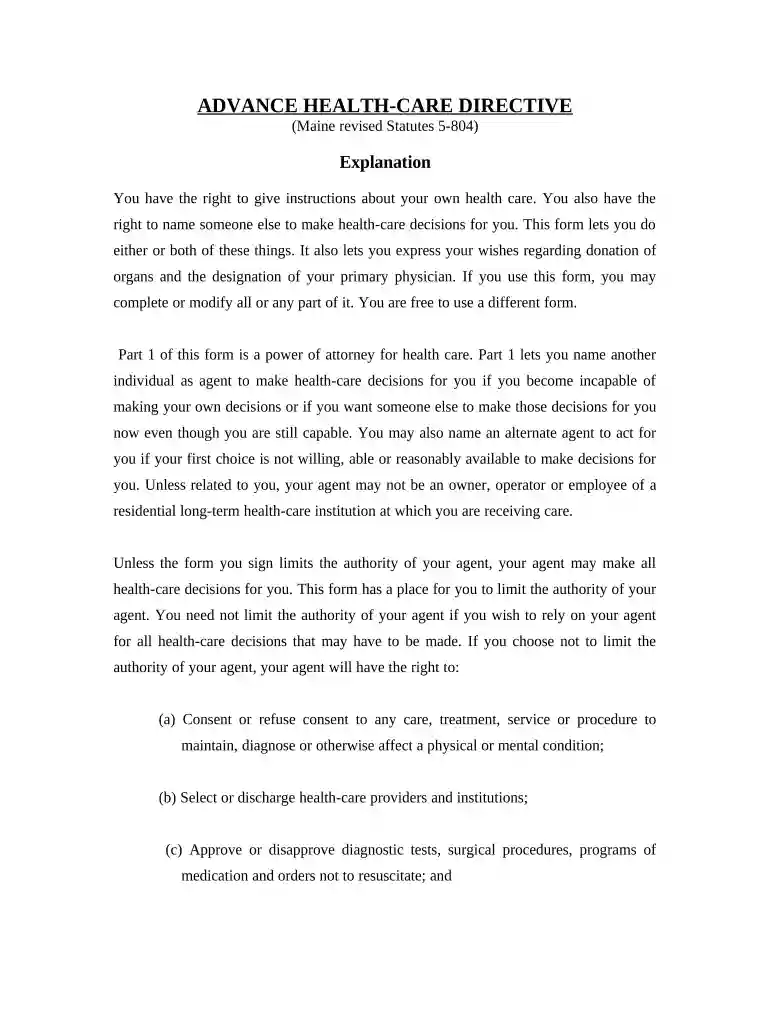
A health care directive is a written legal document that sets out how a person should be cared for in case of an emergency or incapacity.Read more
Name another person (called the health care agent) to make health care decisions for me if I am unable to make and communicate health care decisions for myself.
The healthcare sector encompasses a wide range of services and activities related to the maintenance, improvement, and restoration of human health.Read more


