




Here's how it works

01. Edit your letter of transmittal example online
Type text, add images, blackout confidential details, add comments, highlights and more.

02. Sign it in a few clicks
Draw your signature, type it, upload its image, or use your mobile device as a signature pad.

03. Share your form with others
Send letter of transmittal via email, link, or fax. You can also download it, export it or print it out.
How to use or fill out sample transmittal letter with our platform

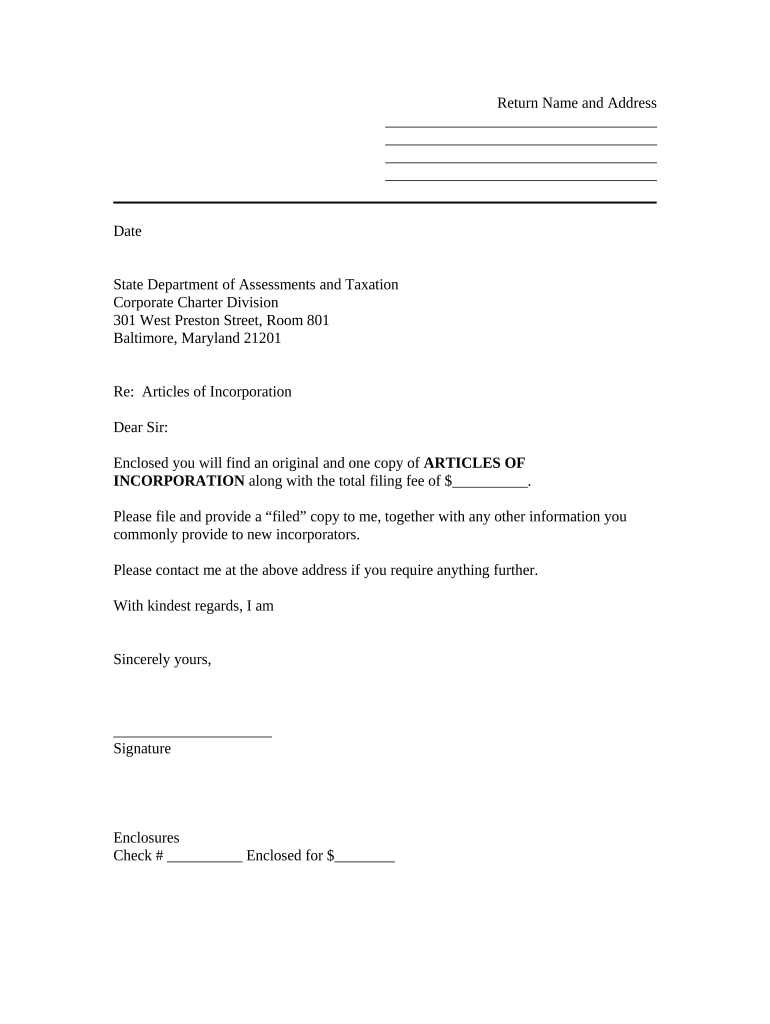
- Click ‘Get Form’ to open the sample transmittal letter in the editor.
- Begin by filling in your name and address at the top of the document. This information is crucial as it identifies you as the sender.
- Next, enter the date on which you are sending the letter. This helps establish a timeline for your correspondence.
- In the recipient section, input 'State Department of Assessments and Taxation' followed by their address. Ensure accuracy for proper delivery.
- Clearly state the subject line as 'Re: Articles of Incorporation' to inform the recipient about the purpose of your letter.
- Fill in the total filing fee amount in the designated space to ensure clarity regarding payment.
- Sign your name at the bottom where indicated, confirming your authorship of this document.
- Lastly, list any enclosures such as checks or additional documents that accompany your transmittal letter.
Start using our platform today to streamline your document editing and signing process for free!
Fill out sample transmittal letter online
It's free
Security and compliance
At DocHub, your data security is our priority. We follow HIPAA, SOC2, GDPR, and other standards, so you can work on your documents with confidence.
Learn more


Related forms
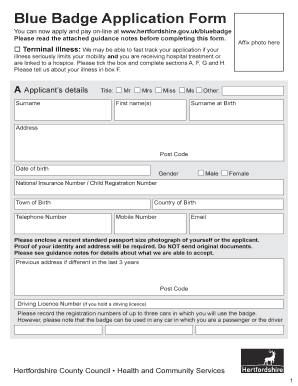
Hertfordshire blue badge application
The document is a Blue Badge Application Form for individuals in Hertfordshire seeking a parking permit for those with d ...
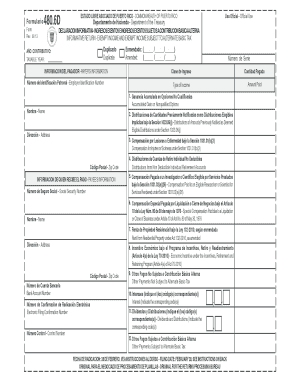
480 6D Electronica Rev 09 13 480 6D Electronica Rev 09 13
The document is Form 480.6D, an Informative Return for the Commonwealth of Puerto Rico's Department of the Treasury. It ...

NIDA Brief Substance Craving Scale
The document is a form titled 'Brief Substance Craving Scale' used for screening and baseline assessment of substance cr ...
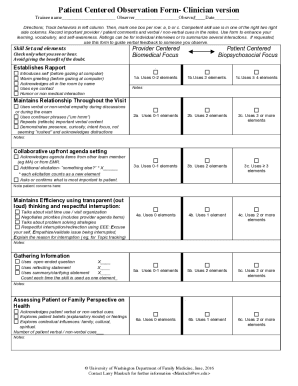
Patient Centered Observation Form
The document is a Patient Centered Observation Form designed for clinicians to track and evaluate their interactions wit ...
Medi-Cal forms & documents
The document is an Authorized Representative Form for the Santa Clara Family Health Plan (SCFHP), allowing members to de ...
Balimed claim form - Department of Human Services - humanservices gov
The document is a claim form for Bali Special Health Care benefits, allowing individuals to request reimbursement for ou ...

WEB CONTRACT ACKNOWLEDGMENT OF DEBT
The document is a legal content disclaimer and acknowledgment of debt form from LegalWise, aimed at providing guidance o ...
What does a cbic card look like
The September 2016 New York State Medicaid Update introduces the redesigned Common Benefit Identification Card (CBIC) fo ...