




01. Edit your petition to close estate form online
Type text, add images, blackout confidential details, add comments, highlights and more.

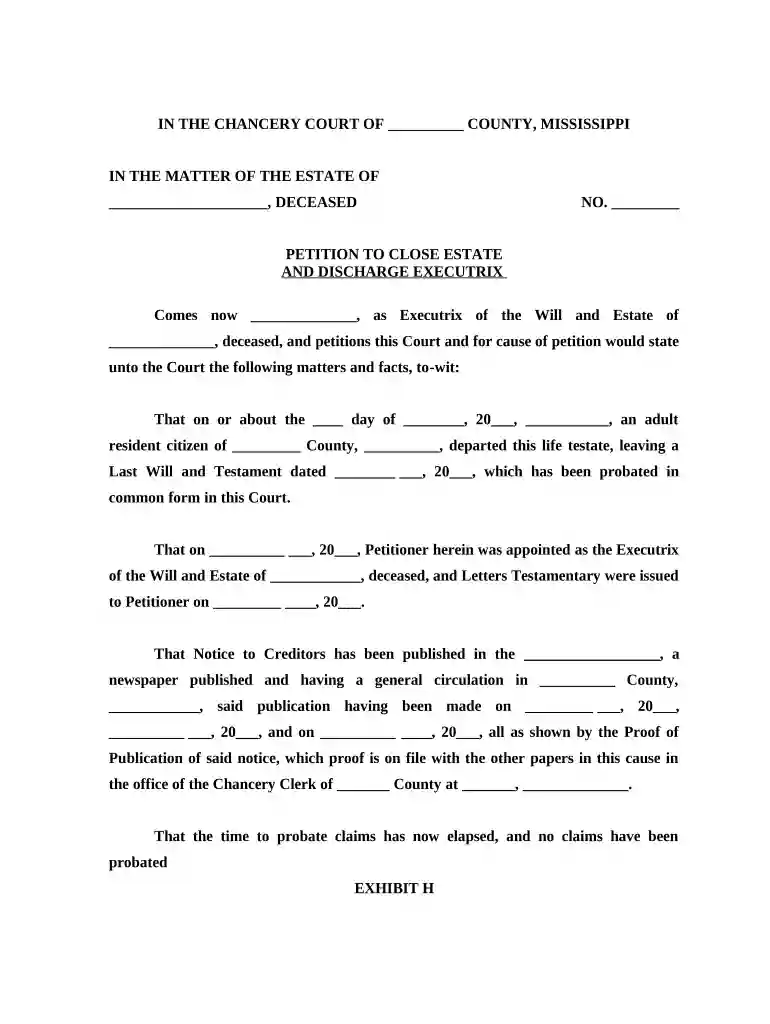
Type text, add images, blackout confidential details, add comments, highlights and more.

Draw your signature, type it, upload its image, or use your mobile device as a signature pad.

Send it via email, link, or fax. You can also download it, export it or print it out.

Start using our platform today to streamline your estate closure process effortlessly!
At DocHub, your data security is our priority. We follow HIPAA, SOC2, GDPR, and other standards, so you can work on your documents with confidence.
By closing on any sale with knowledge of a default under the contract, the non- defaulting party may be deemed to have waived any right to enforce the default,Read more
You can file your paperwork to close the estate informally 6 months after the date that the court named you as the Personal Representative, or one year afterRead more
The probate process in the United States is designed to settle the affairs of a deceased individual. It is a court-administered process.Read more


