




Here's how it works

01. Edit your bDocHub of lease form anne arundel landlord to tenant online
Type text, add images, blackout confidential details, add comments, highlights and more.

02. Sign it in a few clicks
Draw your signature, type it, upload its image, or use your mobile device as a signature pad.

03. Share your form with others
Send bDocHub of lease maryland via email, link, or fax. You can also download it, export it or print it out.
How to use or fill out notice breach lease with our platform

- Click ‘Get Form’ to open the notice breach lease in the editor.
- Begin by entering the Tenant(s) name in the designated field at the top of the form. This identifies who is receiving the notice.
- Next, fill in your name as the Landlord in the corresponding section. This ensures clarity on who is issuing the notice.
- Provide the Address of Leased Premises where the violation has occurred. This is crucial for proper identification of the property involved.
- Identify and specify which provision(s) of the lease are being violated in the provided space. Be clear and concise to avoid confusion.
- Explain briefly why you believe there is a breach. This helps establish context for your notice.
- Indicate how many days are allowed for curing the breach by filling in the blank provided. This sets a clear deadline for action.
- Sign and date at the bottom of the form to finalize your notice, ensuring it is legally binding.
- Complete the Proof of Delivery section by selecting how you delivered this notice and signing accordingly.
Start using our platform today to easily complete your notice breach lease online, for free!
Fill out notice breach lease online
It's free
It's free
Security and compliance
At DocHub, your data security is our priority. We follow HIPAA, SOC2, GDPR, and other standards, so you can work on your documents with confidence.
Learn more


Related forms
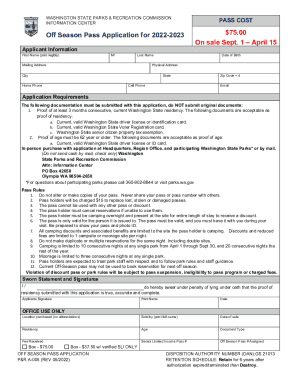
Washington state parks senior pass
The document is an application form for the Off Season Pass for Washington State Parks for the 2022-2023 period, detaili ...

Hawaii sheet
The document is an information sheet from the Family Court of the Third Circuit in Hawai‘i, specifically for the Hilo Di ...
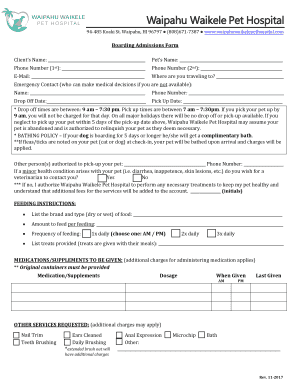
Waipahu Waikele Pet Hospital - Pet Hospitals of Hawaii
The document is a boarding admissions form for Waipahu Waikele Pet Hospital, detailing the necessary information require ...

Nebraska Department of Children and Family Services
The Arkansas Better Chance Foster Care Waiver Form is designed to request temporary approval for serving a foster child ...
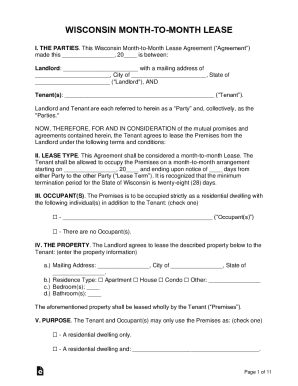
Wisconsin Month to Month Lease Agreement - Legal Forms
The Wisconsin Month-to-Month Lease Agreement outlines the terms and conditions under which a Tenant agrees to lease a re ...
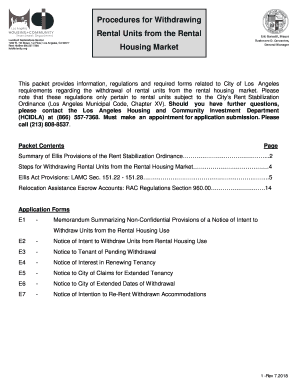
Withdrawing rental
The document outlines the procedures and regulations for landlords in Los Angeles to withdraw rental units from the hous ...
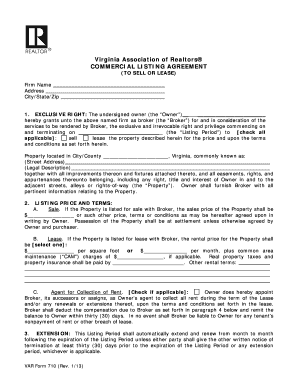
Commercial listing agreement
The document is a Commercial Listing Agreement from the Virginia Association of Realtors®, granting a broker exclusive r ...
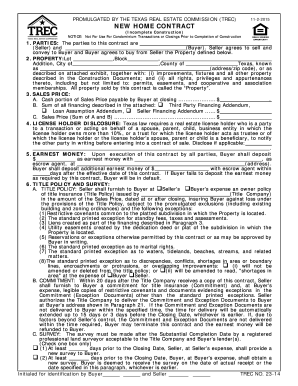
Tx trec form pdf
The document is a New Home Contract for the sale of property in Texas, specifically for incomplete construction. It outl ...