




Here's how it works

01. Edit your gwinnett county water bill online
Type text, add images, blackout confidential details, add comments, highlights and more.

02. Sign it in a few clicks
Draw your signature, type it, upload its image, or use your mobile device as a signature pad.

03. Share your form with others
Send gwinnett water bill via email, link, or fax. You can also download it, export it or print it out.
How to use or fill out md letter landlord with our platform

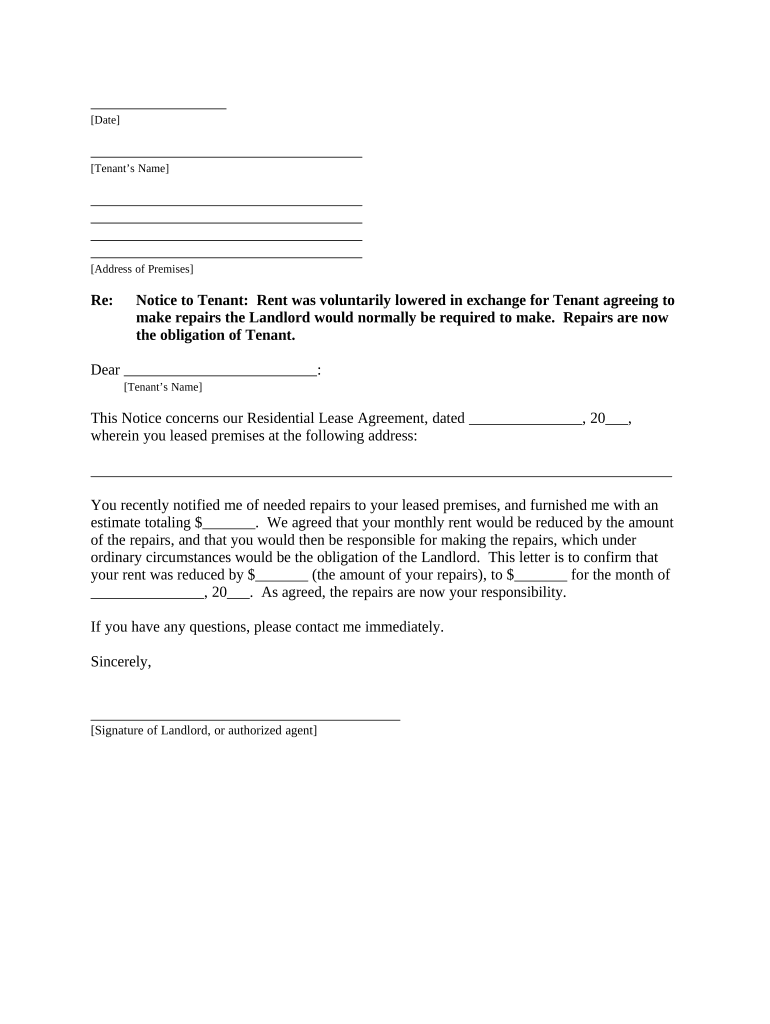
- Click ‘Get Form’ to open the md letter landlord in the editor.
- Begin by entering the date at the top of the document. This sets the context for your notice.
- Fill in the tenant’s name and their address in the designated fields to ensure clarity on who this notice is addressed to.
- In the body of the letter, specify the details of your Residential Lease Agreement, including the date and address of the leased premises.
- Clearly state the amount of repairs and how it affects their rent. Input these figures where indicated to confirm that their rent has been adjusted accordingly.
- Sign off with your name or that of an authorized agent, ensuring you include a signature field for authenticity.
- Finally, select how you delivered this notice to the tenant by checking one of the options provided at the bottom.
Start using our platform today for free to streamline your document editing and signing process!
Fill out md letter landlord online
It's free
Security and compliance
At DocHub, your data security is our priority. We follow HIPAA, SOC2, GDPR, and other standards, so you can work on your documents with confidence.
Learn more


Related forms
Dog and Cat Registration Form - PDF
The document is a Dog and Cat Registration Form for the Swan Hill Council, outlining the requirements and fees for regis ...
New York State Health Care Proxy Form -
The document is a New York State Health Care Proxy Form, allowing an individual to appoint a health care agent to make m ...
Shared room statement
The document is a Lodging Statement that travelers must complete to certify their lodging expenses while on Temporary Ad ...
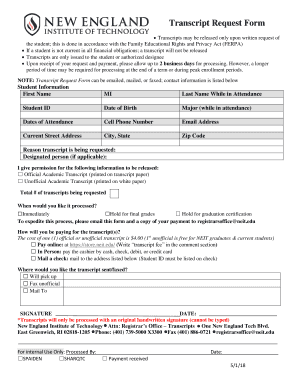
New england institute technology transcript
The document is a Transcript Request Form outlining the process for students to request their academic transcripts in co ...
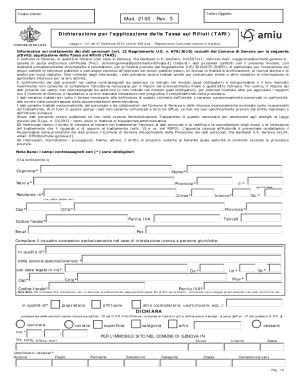
TARI Waste Tax Declaration Form
The document is a user code form for the declaration of the Waste Tax (TARI) in Genoa, Italy. It outlines the collection ...
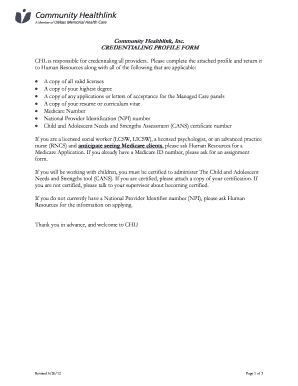
Community Healthlink, Inc CREDENTIALING PROFILE FORM
The document is a Credentialing Profile Form for Community Healthlink, Inc. It outlines the requirements for credentiali ...