




Here's how it works

01. Edit your maryland lien release online
Type text, add images, blackout confidential details, add comments, highlights and more.

02. Sign it in a few clicks
Draw your signature, type it, upload its image, or use your mobile device as a signature pad.

03. Share your form with others
Send lien release maryland via email, link, or fax. You can also download it, export it or print it out.
How to use or fill out md lien with our platform

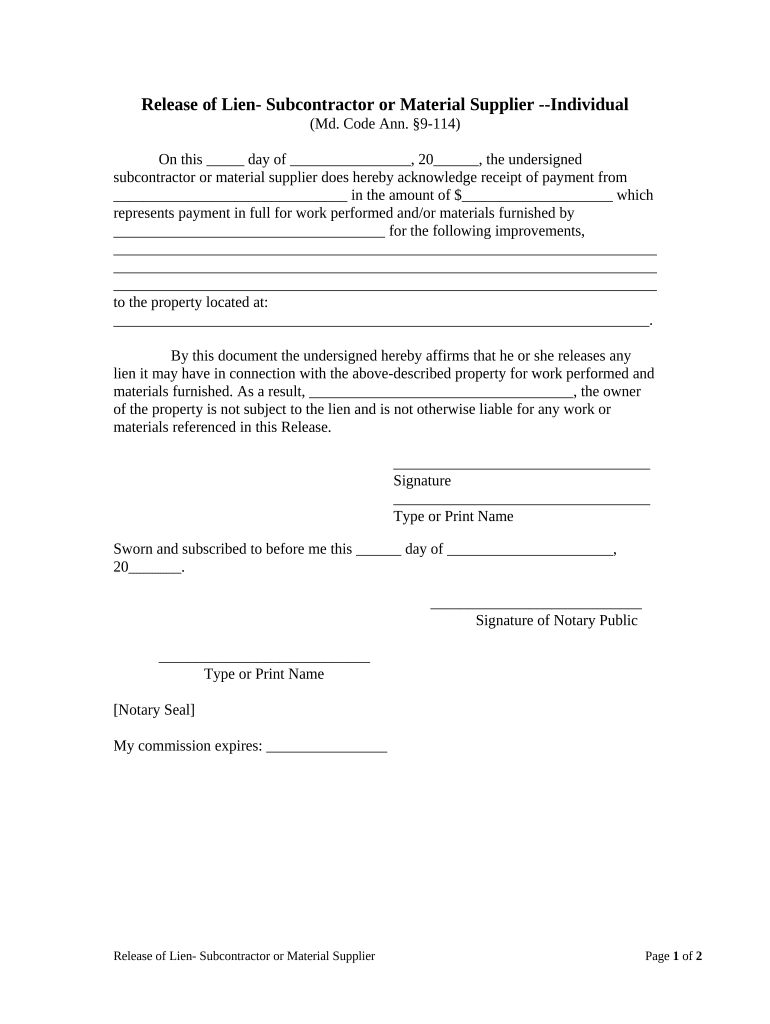
- Click ‘Get Form’ to open the md lien document in the editor.
- Begin by entering the date at the top of the form. This is crucial for establishing the timeline of your release.
- Fill in the name of the party from whom you received payment, along with the amount paid. Ensure accuracy as this confirms your receipt.
- In the section detailing improvements, describe the work performed or materials supplied clearly and concisely.
- Provide the property address where the work was completed. This ensures that all parties are aware of which property is involved.
- Sign and print your name at the designated area to validate your acknowledgment of payment and release of lien.
- If applicable, have a notary public sign and seal your document to finalize it legally.
- Complete the Certificate of Delivery section by certifying how you delivered a copy of this document to relevant parties.
Start using our platform today for free to streamline your document editing and signing process!
Fill out md lien online
It's free
Security and compliance
At DocHub, your data security is our priority. We follow HIPAA, SOC2, GDPR, and other standards, so you can work on your documents with confidence.
Learn more


Related forms
Client Waiver Form - The Pilates Connection
The document is a waiver of liability and informed consent for clients participating in Pilates and Yoga programs at The ...
Weight Loss Consent Form - The Medical Spa GMG
The document is a consent form for a weight management program authorized by Dr. David Thomas at The Medical Spa @ GMG. ...
Affidavit of representation
The document is an Affidavit of Representation for a business entity, where the affiant declares their authority to repr ...
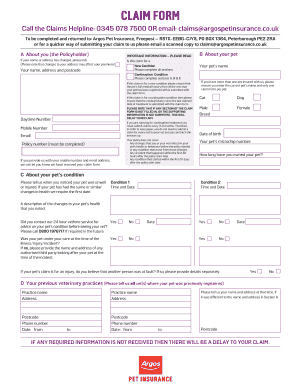
Argos pet insurance claim form
The document is a claim form for Argos Pet Insurance, detailing the process for submitting claims for pet health issues. ...
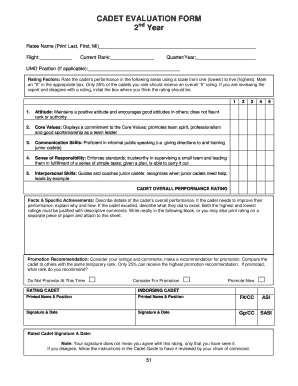
CADET EVALUATION FORM
The document is a Cadet Evaluation Form designed for assessing the performance of second-year cadets. It includes sectio ...
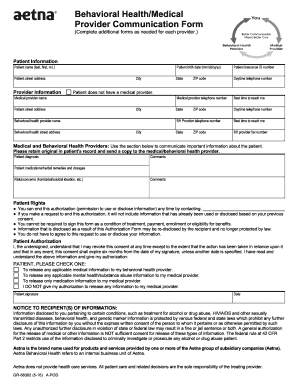
Aetna health medical provider form
The document is a Behavioral Health/Medical Provider Communication Form designed to facilitate communication between med ...
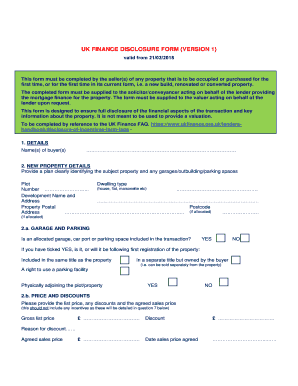
Ukf disclosure form
The UK Finance Disclosure Form (Version 1) is a mandatory document for sellers of properties being purchased or occupied ...
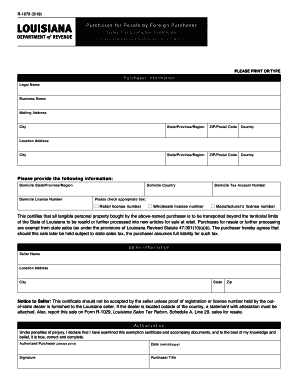
Purchases for Resale by Foreign Purchaser
The document is a Sales Tax Exemption Certificate for Purchases for Resale by Foreign Purchasers in Louisiana, allowing ...