




Here's how it works

01. Edit your pwd 143 online
Type text, add images, blackout confidential details, add comments, highlights and more.

02. Sign it in a few clicks
Draw your signature, type it, upload its image, or use your mobile device as a signature pad.

03. Share your form with others
Send pwd 143 form via email, link, or fax. You can also download it, export it or print it out.
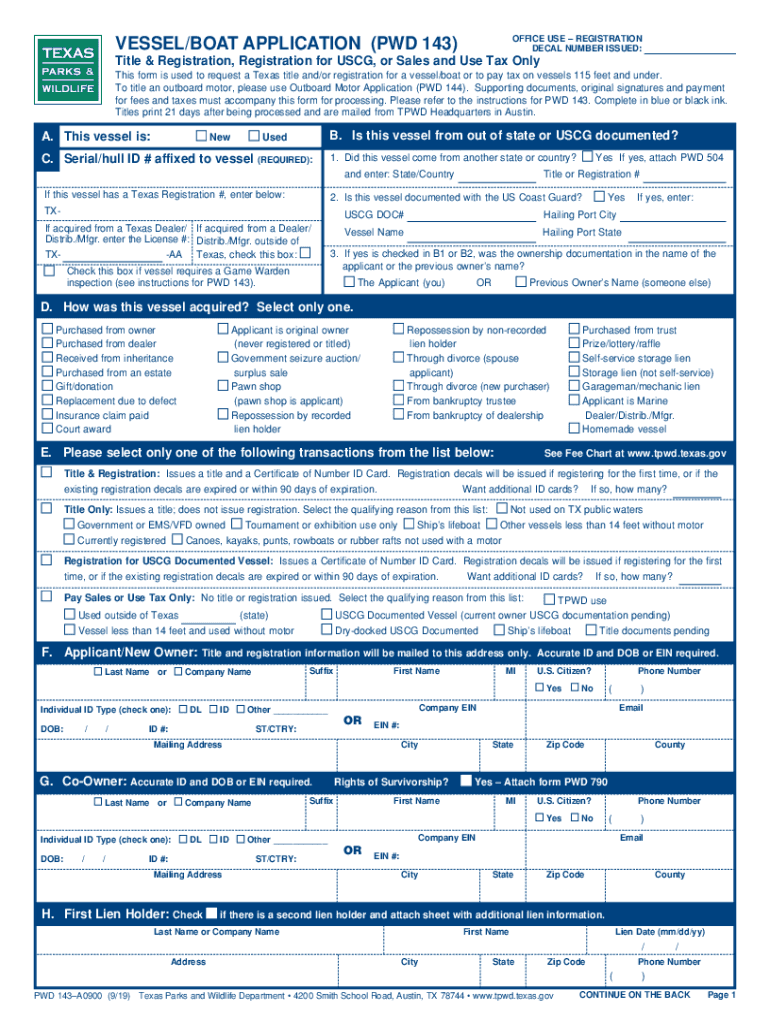
How to use or fill out pwd 143 with our platform

- Click ‘Get Form’ to open the pwd 143 in the editor.
- Begin by selecting whether the vessel is new or used in Section A. Mark the appropriate box and provide any necessary details.
- In Section B, indicate if the vessel is from out of state or USCG documented. If applicable, attach form PWD 504.
- Fill in Section C with the serial/hull ID number of the vessel, ensuring this information is accurate as it is required for processing.
- Complete Sections D and E by selecting how you acquired the vessel and what type of transaction you are requesting.
- In Section F, provide your personal information as the applicant, including identification details. Ensure all fields are filled accurately.
- Review all sections for completeness before submitting. Use our platform’s features to save your progress and make edits as needed.
Start filling out your pwd 143 form online for free today!
Fill out pwd 143 online
It's free
Security and compliance
At DocHub, your data security is our priority. We follow HIPAA, SOC2, GDPR, and other standards, so you can work on your documents with confidence.
Learn more


Related forms
- courts state co
The document is a legal form used in Small Claims Court in Colorado, allowing a party (plaintiff or defendant) to formal ...

Capp 50 1
The Aerospace Education Officer Handbook (CAPP 50-1) outlines the responsibilities and resources for Civil Air Patrol (C ...

Ks minor defendant addendum
The document is a 'Minor Defendant Addendum' that requires information about a minor defendant in a legal case, includin ...

Kansas 188 2 recommendations fill
The document is a court order related to a permanency hearing for a child in the interest of ensuring their welfare post ...
Kansas request review 400
The document is a legal request for a review of custody concerning a juvenile offender in Kansas. It outlines the circum ...

2017 kansas motion parenting time fill
The document is a legal motion filed in a Kansas District Court requesting a modification of parenting time between two ...
5113 -1- 354 IN THE DISTRICT COURT OF - Judicial Council - kansasjudicialcouncil
The document is a legal notice from the District Court of Kansas regarding a hearing on a Motion to Impose Departure Sen ...
Kansas icwa transfer jurisdiction form get
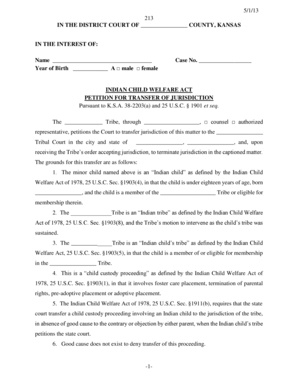
The document is a petition for the transfer of jurisdiction regarding an Indian child custody proceeding from a Kansas s ...