




Here's how it works

01. Edit your vs35 online
Type text, add images, blackout confidential details, add comments, highlights and more.

02. Sign it in a few clicks
Draw your signature, type it, upload its image, or use your mobile device as a signature pad.

03. Share your form with others
Send vs35 form via email, link, or fax. You can also download it, export it or print it out.
How to use or fill out vs35 complaint form with our platform

- Click ‘Get Form’ to open the vs35 complaint form in the editor.
- Begin by filling in your personal information, including your name, address, and contact details. Ensure all entries are printed clearly using black ink.
- Select the type of complaint you are filing by checking the appropriate box: vehicle inspection, repair, or purchase.
- Provide details about the facility involved, including its name and identification number. Include specifics about your vehicle such as the VIN and year, make, and model.
- Answer the questions related to your complaint thoroughly. For repair complaints, describe the issue and any estimates received. Attach relevant documents if necessary.
- Review all entered information for accuracy before signing. You can easily add your signature using our platform's tools.
- Once completed, save your form and email it to CSR@dmv.ny.gov or print it for mailing.
Start filling out your vs35 complaint form today for free on our platform!
Fill out vs35 complaint form online
It's free
It's free
Security and compliance
At DocHub, your data security is our priority. We follow HIPAA, SOC2, GDPR, and other standards, so you can work on your documents with confidence.
Learn more


Related forms

Dr 600 e services form
The document outlines the process for enrolling and authorizing electronic services for tax payments in Florida. It spec ...

APPLICATION AND RETURN FOR HIGH-WATER RECHARGE CLASSIFICATION OF LANDS
The document is an application form for the separate assessment of mineral, oil, and other subsurface rights in accordan ...
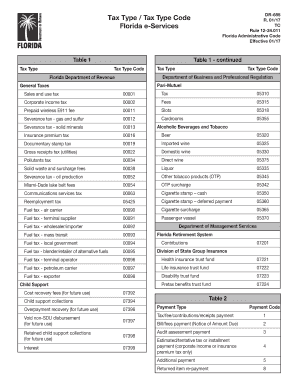
Florida tax code
The document DR-655 outlines various tax types and their corresponding codes as per the Florida Administrative Code, eff ...

Florida cutout request
The document outlines the procedure for requesting a cutout of property from the tax roll in Florida, including sections ...
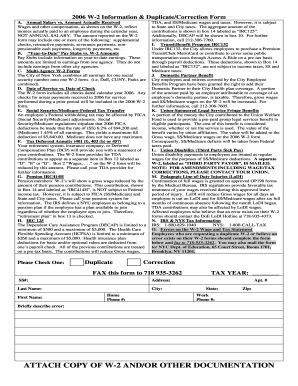
2006 ny w2 create
The document provides detailed information regarding the 2006 W-2 form for employees, explaining the differences between ...
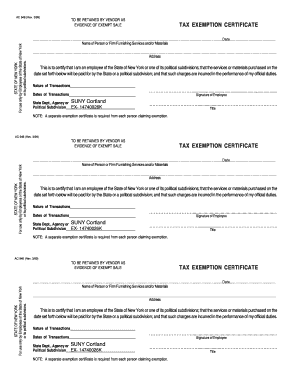
Ac946
The document is a Tax Exemption Certificate for employees of the State of New York or its political subdivisions, certif ...
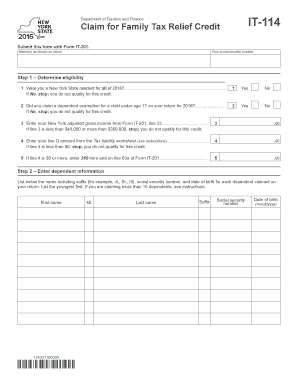
Ny family credit
The document outlines the eligibility criteria and application process for the New York State Family Tax Relief Credit f ...
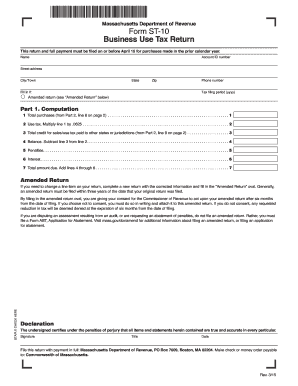
Form st 9 massachusetts
The document is the Massachusetts Department of Revenue Form ST-10, a Business Use Tax Return that must be filed by Apri ...