




Here's how it works

01. Edit your 401k adoption agreement online
Type text, add images, blackout confidential details, add comments, highlights and more.

02. Sign it in a few clicks
Draw your signature, type it, upload its image, or use your mobile device as a signature pad.

03. Share your form with others
Send sharing plan adoption agreement via email, link, or fax. You can also download it, export it or print it out.
How to use or fill out plan adoption agreement with our platform

- Click ‘Get Form’ to open the plan adoption agreement in the editor.
- Begin by entering the Employer Information. Fill in the Adopting Employer's name, address, and telephone number. Ensure you include the Employer Identification Number, which can be obtained from the IRS website.
- Proceed to specify the Effective Dates. If this is a new plan, enter the Effective Date as the first day of the Plan Year when this agreement is signed.
- Complete Section Two on Eligibility. Specify age requirements and select options for eligibility service requirements based on your business needs.
- In Section Three, outline Contributions. Indicate if Elective Deferrals are permitted and whether Roth Elective Deferrals will be allowed.
- Finalize by signing in Section Nine as an authorized representative of the Adopting Employer, ensuring all information is accurate before submission.
Start using our platform today to streamline your document editing and signing process for free!
Fill out plan adoption agreement online
It's free
It's free
See more plan adoption agreement versions
We've got more versions of the plan adoption agreement form. Select the right plan adoption agreement version from the list and start editing it straight away!
| Versions | Form popularity | Fillable & printable |
|---|---|---|
| 2019 | 4.8 Satisfied (92 Votes) |
Security and compliance
At DocHub, your data security is our priority. We follow HIPAA, SOC2, GDPR, and other standards, so you can work on your documents with confidence.
Learn more


Related forms
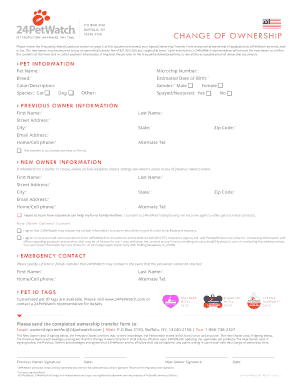
Please review the Frequently Asked Questions section on page 2 of this document and send your signed
Please review the Frequently Asked Questions section on page 2 of this document and send your signed
The document outlines the process for transferring pet ownership through 24PetWatch, including required forms, proof of ...

Interior register registration form
The NPS Form 10-900 is a registration form used by the United States Department of the Interior's National Park Service ...

Final test
The document is an Academic Review Status Declaration Form for Pearl City High School, used to declare a student's acade ...

ABSTRACT TEMPLATE 326Q - US Department of Education
The document is an abstract template for a project proposal under the 84.325D program, focusing on special education and ...

Reappointment as qualified medical evaluator QME form 104 - dir ca
The document is an application form for reappointment as a Qualified Medical Evaluator (QME) in California's workers' co ...
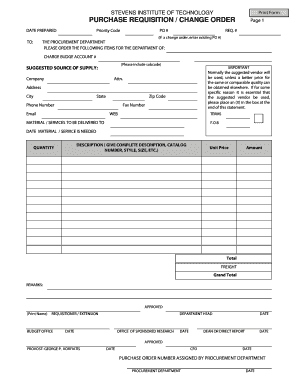
Approval request
The document is a Purchase Requisition/Change Order form from Stevens Institute of Technology, used to request the procu ...
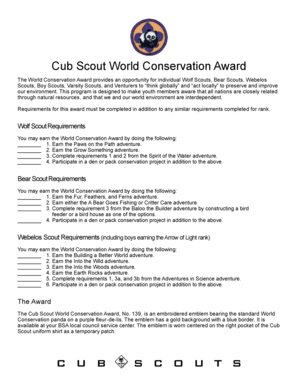
Cub scout world award
The Cub Scout World Conservation Award encourages youth members to engage in environmental conservation through specific ...
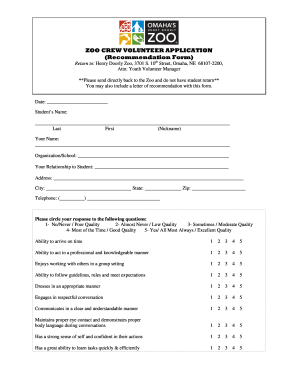
Omaha henry doorly crew volunteer application create
The document is a volunteer application form for the Zoo Crew at Henry Doorly Zoo, intended for students. It includes se ...