
Get any PDF form from the DocHub library of ready-made templates - Page 1419
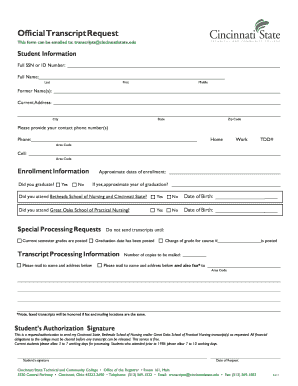
Cincinnati state official
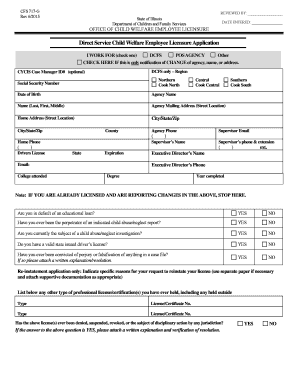
Cfs 717 g
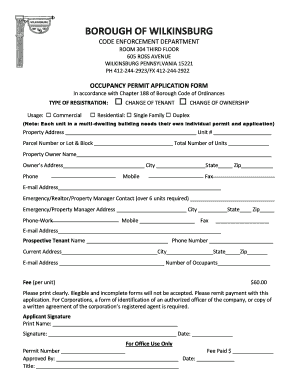
Occupancy permit
Hillhouse capital pdf
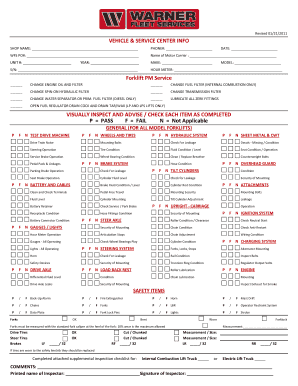
Forklift PM Service VISUALLY INSPECT AND ADVISE / CHECK ...
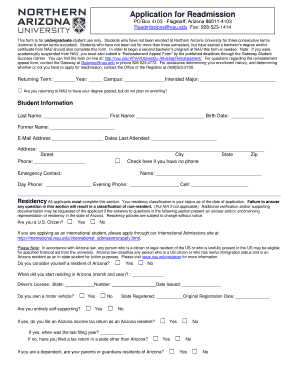
Nau application readmission
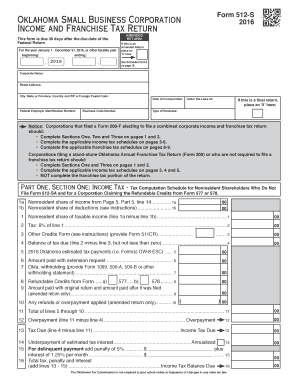
Oklahoma form 512 s

Indiana state form 42070
Self perception profile questionnaire

Fitness letter from doctor
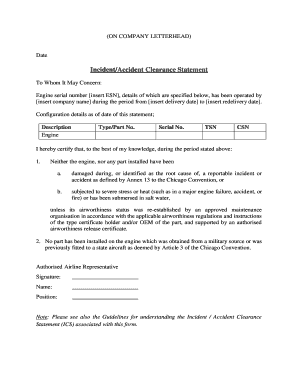
Non incident statement

After school detention letter
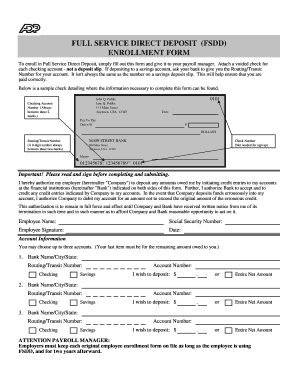
Fsdd
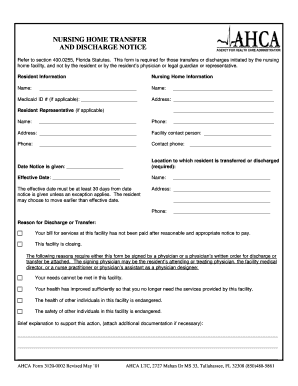
Nursing home transfer and discharge notice - Long-Term Care ...
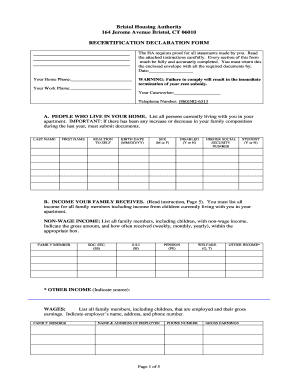
Recertification Declaration Form - Bristol Housing Authority
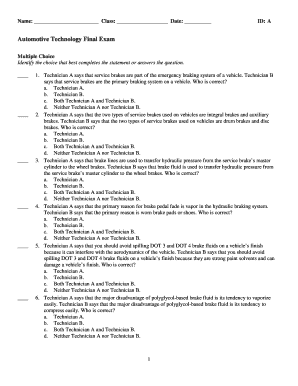
Cdx automotive answer key

Assessment appeal application

Air force retirement ceremony program template

WakeMed Urgent Care Patient Intake Form - WakeMed Physicians

Titmus vision test form pdf
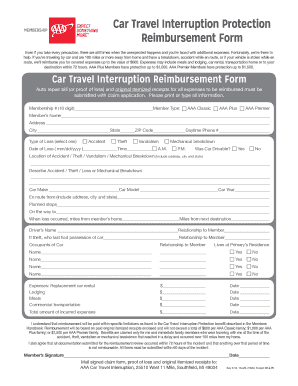
Aaa interruption

Clinical appointment letter

Alps 30 ahpra

Sgc statement excel
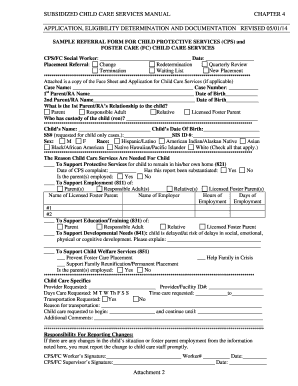
Cps referral form
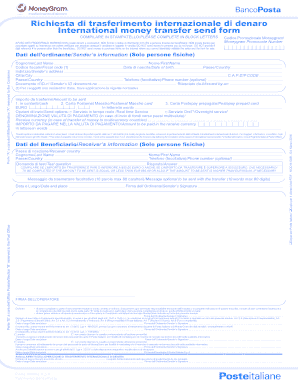
Modulo moneygram
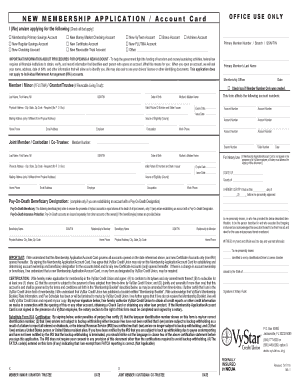
Vystar down

Individualized health care plan template
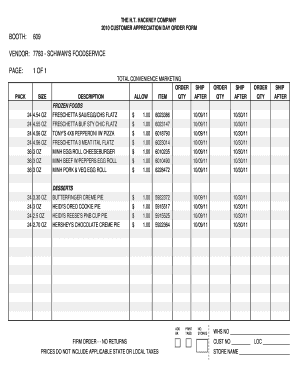
H t hackney product list pdf
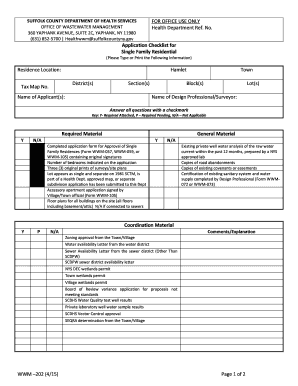
Checklist for Single Family Residential WWM-202 Checklist for Single Family Residential WWM-202 - suffolkcountyny

Care home housekeeping audit template
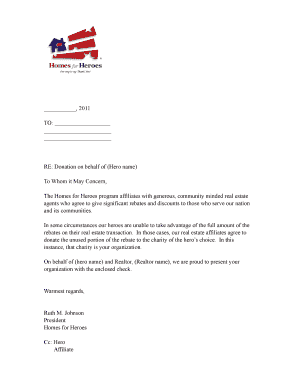
Realtor contribution letter
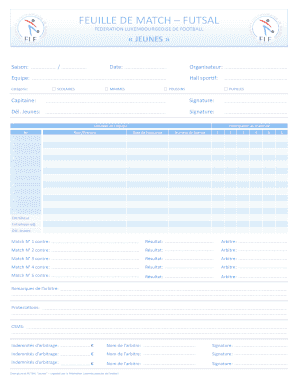
Feuille de match futsal - F d ration Luxembourgeoise de Football - flf

Steelpix stemming machine parts
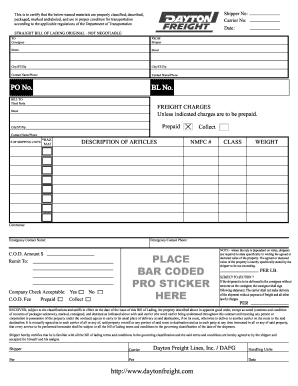
Dayton bol
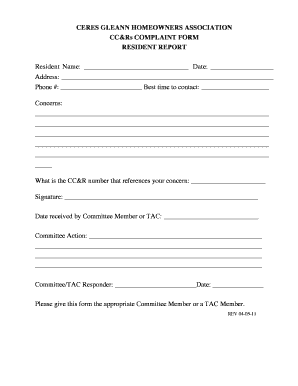
Hoa complaint form
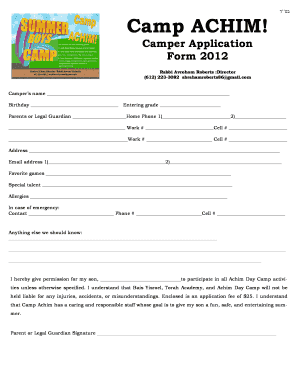
Camp achim application

Chemistry 11 Hand In Assignment # 14 Chemical Bonding Name Date Due Date Mark /54 Correct and Hand in Again by Chemistry 11 Hand In Assignment # 14 Chemical Bonding This Assignment will be marked and you are allowed to do one set of
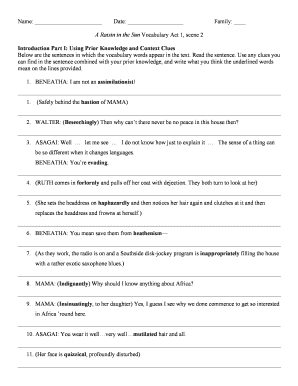
Act 1 scene 2 a raisin in the sun

Dir2 form download
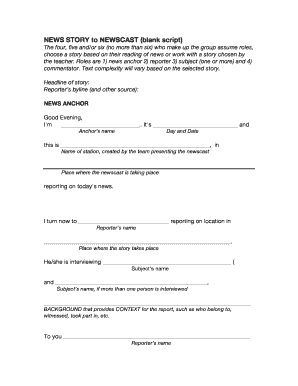
News script template
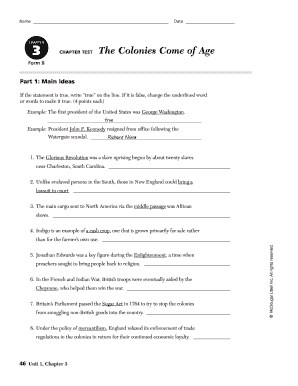
Chapter 3 the colonies come of age answer key

Computer repair liability waiver
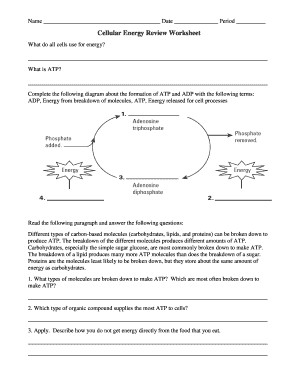
Cellular energy review worksheet answer key
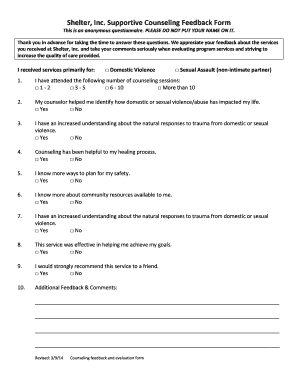
Shelter Inc Supportive Counseling Feedback Form - shelterincalpena
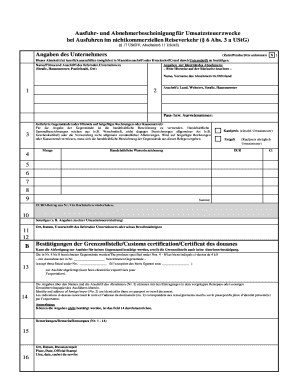
Abnehmerbescheinigung f r umsatzsteuerzwecke
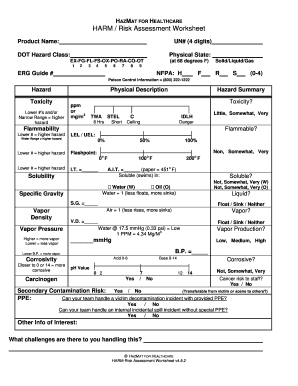
HARM Risk Assessment Worksheet - hazmatforhealthcare

Verklaring van inwoning haarlem
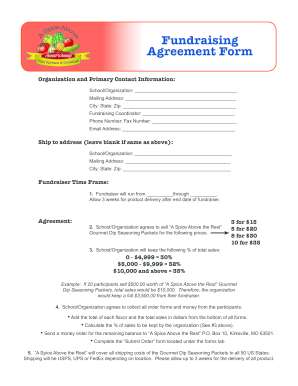
Fundraising Agreement Form - spiceabovetherestcom
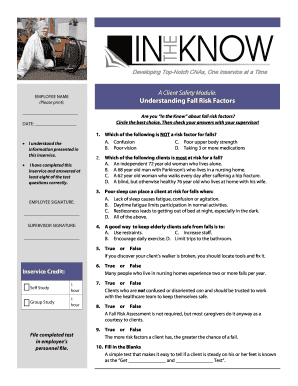
In the know developing top notch cna
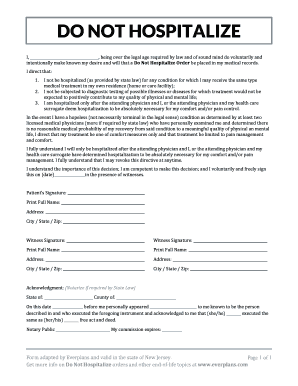
DO NOT HOSPITALIZE

Section 8 2 solubility and concentration

Clothing request form

Mitosis practice worksheet

CHILD SUPPORT ORDER ADDENDUM - Fulton County Courthouse
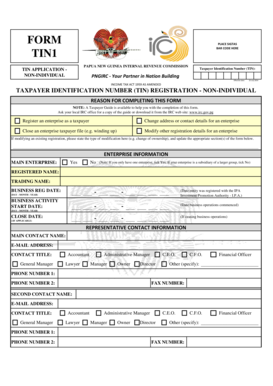
Irc tin 2 form pdf

Kotak mahindra bank rtgs form word

Wrestling weigh in sheet
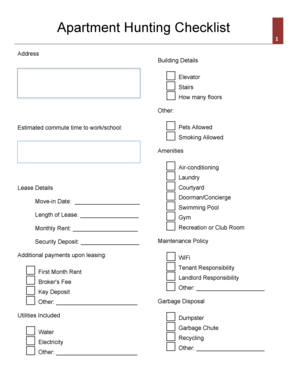
Apartment checklist
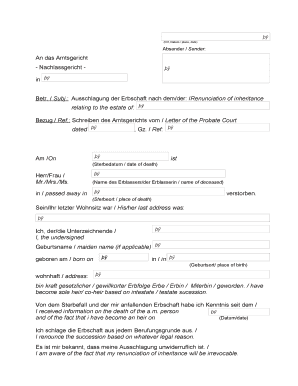
Absender Sender - bgermanyinfob
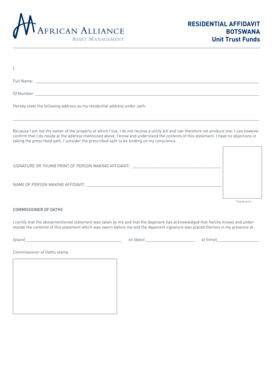
Proof of residence affidavit botswana

Wrestling score sheet
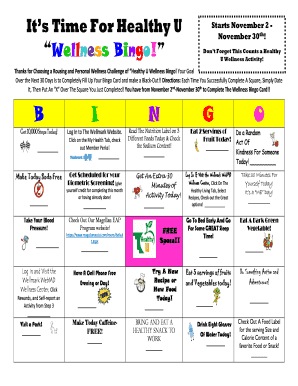
Wellness bingo template

Alabama Background Check ABC Report Waiver - alabamainteractive
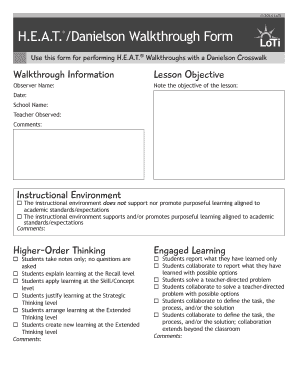
Danielson walkthrough form

Examples of black funeral resolutions
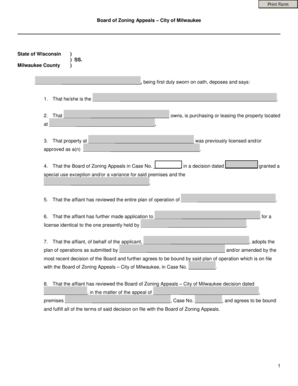
Boza milwaukee
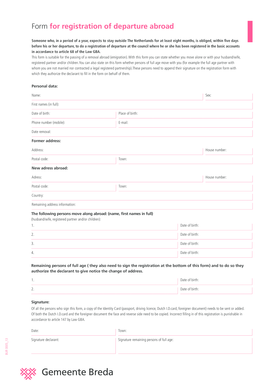
Form for registration of departure abroad - Breda - english breda

Vat1614d
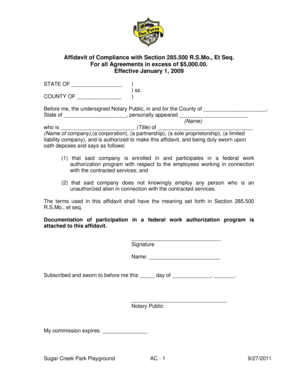
Affidavit of Compliance with Section 285500 RSMo Et - desperesmo
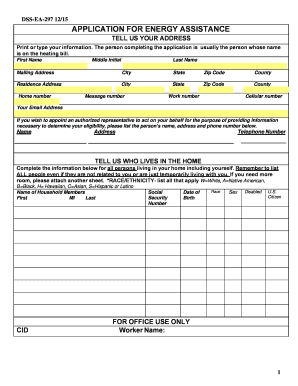
Printable energy assistance application south dakota

Makss survey
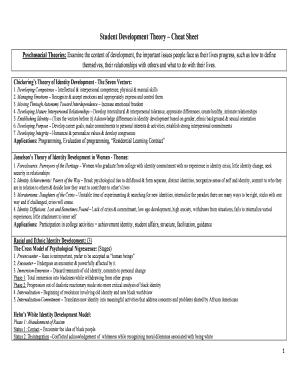
Student development theory cheat sheet
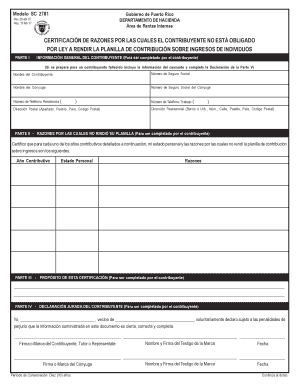
Modelo sc 2781
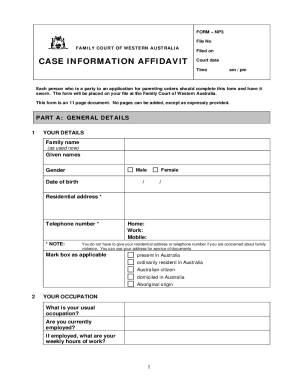
Family court case information affidavit
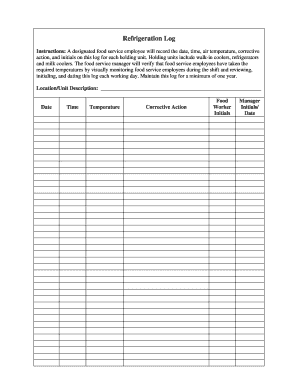
Refrigerant log sheet pdf
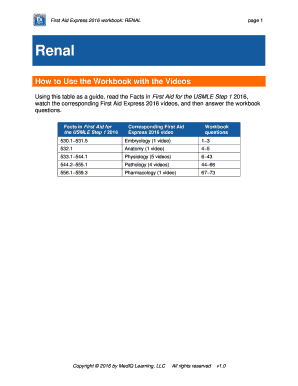
Usmle rx express videos download
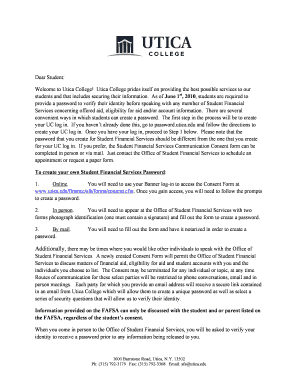
SFS letter for website.docx - utica
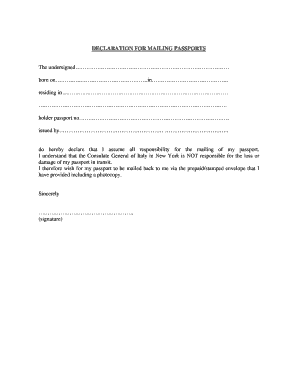
Declaration passports

Autorizacion orange pdf

Mra tenth schedule regulation 22b
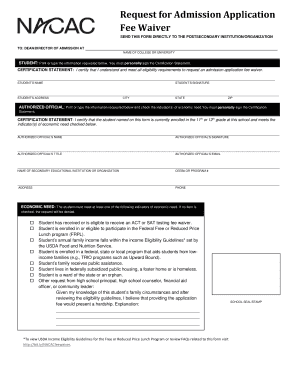
Nacac fee waiver pdf
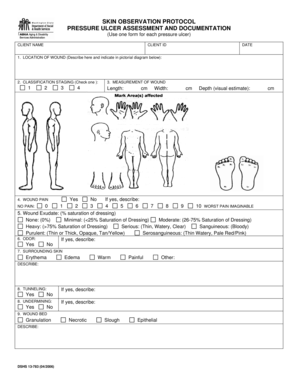
Skin observation form

KPD Private Property Traffic Accident Report PDF
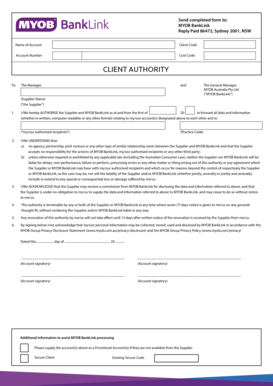
Banklink authority form

Mobile home installer license

Michigan cdl pre trip inspection memory aid

Form rent a car
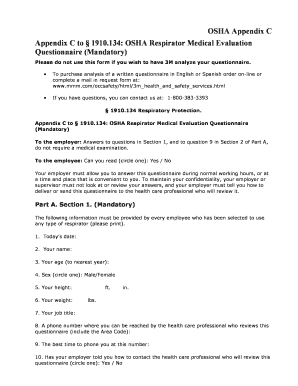
3m respirator medical evaluation

Fannie mae form 1005 july 96

Sc w2 form
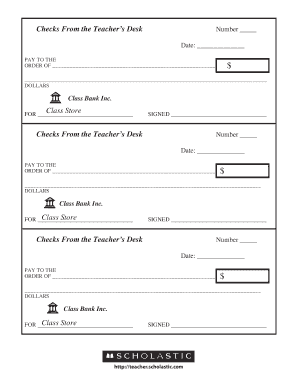
Printable play checks

Shubil

Dog registration moreton bay

MoDEx System Use Agreement - Missouri State Highway Patrol - mshp dps mo

Aidet competency assessment tool

CHFA Form 110 Buydown Agreement - CHFAcom

Student statement form

Riverside county dpss forms

Dj le 250b
Benefit from the DocHub online library of fillable PDF forms
Searching the PDF forms doesn't have to be a tedious and time-consuming process. With the DocHub online library, it has become easier to find the fillable PDF forms and modify them in your browser. The service allows you to adjust the document to your needs using powerful editing tools.
You can use online document editing features to modify almost any type of document with ease. You just need to find the template of your choice, open it in the editor, and use the toolbar to make the necessary corrections.
Follow this guide to get your document done with DocHub:
- Find the PDF template you need.
- Click the Get Form button to open the file in the editor.
- Use the toolbar to fill out and edit the document.
- Easily add and highlight text, insert images, checkmarks, and symbols.
- Drop new fillable fields, and rearrange or delete pages from your file.
- Save changes and download your record.
DocHub empowers everyone to streamline document editing, signing, and distribution, and form completion. Create an account and benefit from our well-organized PDF Forms library and comprehensive editor.