




Here's how it works

01. Edit your knoxville police reports online online
Type text, add images, blackout confidential details, add comments, highlights and more.

02. Sign it in a few clicks
Draw your signature, type it, upload its image, or use your mobile device as a signature pad.

03. Share your form with others
Send knox county accident reports via email, link, or fax. You can also download it, export it or print it out.
How to use or fill out KPD Private Property Traffic Accident Report PDF with our platform

- Click ‘Get Form’ to open the KPD Private Property Traffic Accident Report PDF in the editor.
- Begin by filling in the 'Location / Address of Accident' section with the precise details of where the incident occurred.
- Next, enter the 'Time of Accident' and 'Date of Accident' to provide a clear timeline of events.
- In the 'Driver’s Name' field, input your full name, followed by your home and work phone numbers for contact purposes.
- Complete your address and driver's license information, including the state and vehicle tag number.
- Fill out the 'Owner’s Name' and contact details, ensuring accuracy for insurance purposes.
- Provide vehicle details such as make, year, model, color, and any damage sustained during the accident.
- Lastly, include your insurance company name along with your policy number. Don’t forget to add names and phone numbers for any passengers or witnesses involved.
Start using our platform today to easily complete your KPD Private Property Traffic Accident Report PDF online for free!
Fill out KPD Private Property Traffic Accident Report PDF online
It's free
Security and compliance
At DocHub, your data security is our priority. We follow HIPAA, SOC2, GDPR, and other standards, so you can work on your documents with confidence.
Learn more


Related forms
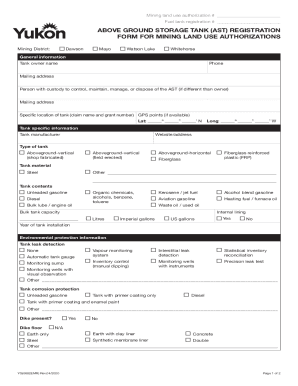
Forms and Applications - Department of Environmental
The document is an Above Ground Storage Tank (AST) registration form specifically for mining land use authorizations. It ...

Request for Amendment -
The document outlines the process for requesting an amendment to the owner name and/or address under the Australian Desi ...
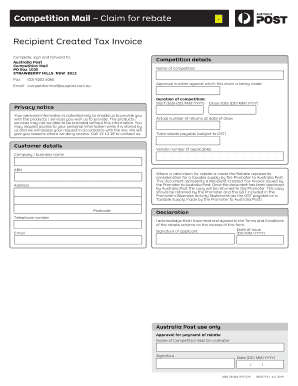
Competition Mail Claim for rebate Recipient Created Tax
The document outlines the procedures and requirements for claiming rebates under the Australia Post Competition Mail Reb ...
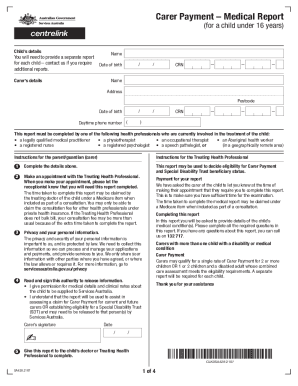
Carer Payment Medical Report (for a child under 16 years)
The document is a Carer Payment Medical Report for children under 16 years, requiring completion by a qualified health p ...
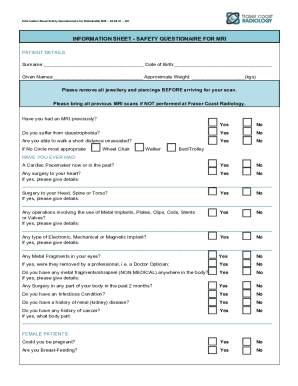
Patient Information Sheet for Rebateable MRI new docx
The document is an Information Sheet and Safety Questionnaire for patients undergoing MRI scans. It collects essential p ...
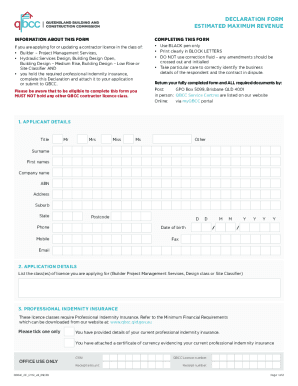
Estimated maximum revenue declaration
The document is a Declaration Form for individuals applying for or updating a contractor licence in specific classes rel ...
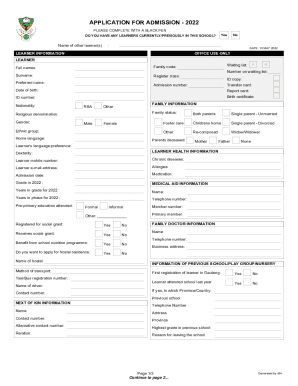
2022 south africa education
The document is an application form for admission to Laerskool Doringkloof Primary for the year 2022. It collects compre ...

Uk application equal monitoring
The document is an application form for a position at PRM Group, collecting personal information, education, employment ...