




Here's how it works

01. Edit your student statement sample online
Type text, add images, blackout confidential details, add comments, highlights and more.

02. Sign it in a few clicks
Draw your signature, type it, upload its image, or use your mobile device as a signature pad.

03. Share your form with others
Send student statement via email, link, or fax. You can also download it, export it or print it out.
How to use or fill out student statement form with our platform

- Click ‘Get Form’ to open the student statement form in the editor.
- Begin by entering your name in the designated field. This ensures that your statement is properly attributed to you.
- Next, fill in the program you are enrolled in. This information helps contextualize your statement.
- Enter the date on which you are completing this form. Accurate dating is crucial for record-keeping.
- In the section labeled 'What Happened & Who Else Was There?', provide a detailed account of the incident. Use clear and concise language to describe events and individuals involved.
- Finally, sign the document in the designated area to affirm that your statement is truthful and acknowledge potential disciplinary actions for falsification.
Start using our platform today to easily complete your student statement form online for free!
Fill out student statement form online
It's free
It's free
See more student statement form versions
We've got more versions of the student statement form form. Select the right student statement form version from the list and start editing it straight away!
| Versions | Form popularity | Fillable & printable |
|---|---|---|
| 2015 | 4.5 Satisfied (44 Votes) |
Security and compliance
At DocHub, your data security is our priority. We follow HIPAA, SOC2, GDPR, and other standards, so you can work on your documents with confidence.
Learn more


Related forms
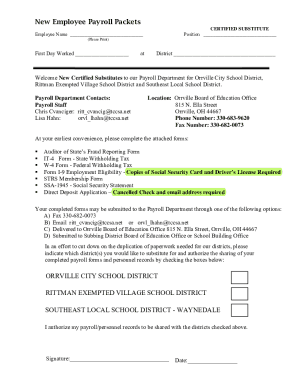
Rittman k12 oh ussitesrittmanNew Employee Payroll Packets - Rittman High School
The document is a New Employee Payroll Packet for certified substitutes in the Orrville City School District, Rittman Ex ...
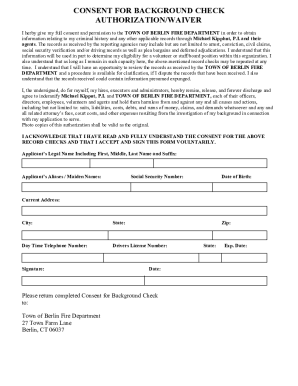
Free Background Check Authorization Form - PDFeFormsFree Background Check Authorization (Consent) Fo
Free Background Check Authorization Form - PDFeFormsFree Background Check Authorization (Consent) Fo
The document is a consent form for a background check required by the Town of Berlin Fire Department. It authorizes the ...

Maryland worker compliance

New york vaccination requirements
The document is a compliance affirmation form for businesses in New York City, confirming adherence to the December 13, ...

GCSD Substitute Teacher Application - Geneva City Schools
The document is a substitute teacher application for the Geneva City School District, outlining the necessary personal i ...

Nh fire application employment
The document is a memo from the Hudson Fire Department outlining the application process for inspector candidates. It de ...
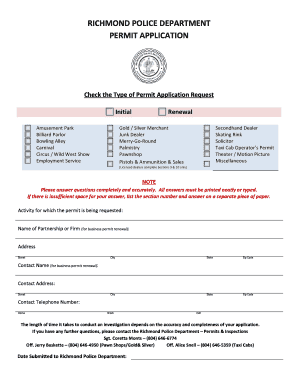
RPD Permit Application (Initial and Renewal) 1 dotx
The document is a permit application form from the Richmond Police Department, detailing the process for applying for va ...

Crash Data and StatisticsDPSHighway Safety
The 'Utah Crash Report Instruction Manual' provides comprehensive guidelines for law enforcement officers on how to accu ...