
Get any PDF form from the DocHub library of ready-made templates - Page 1418

Wa exemption form
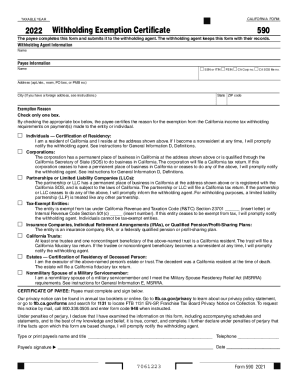
State tax
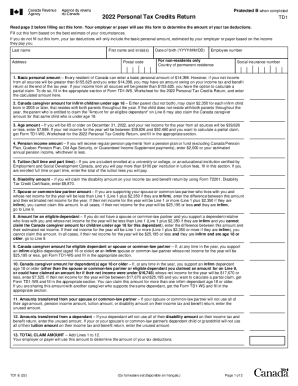
Td1
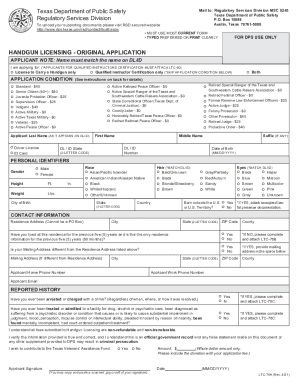
Texas ltc application form
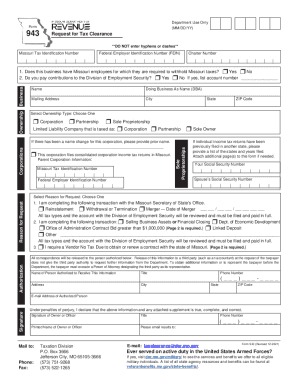
Missouri form 943
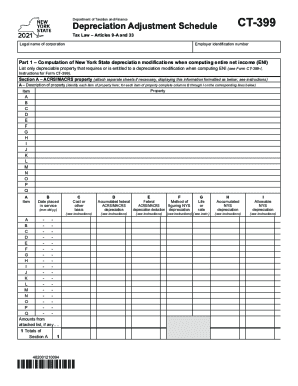
Form ct 399

Indiana form 11274
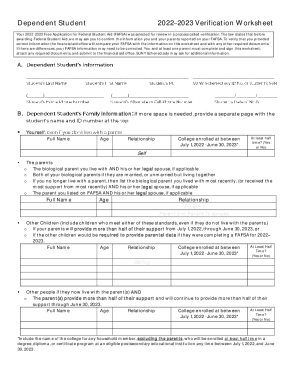
Dependent verification worksheet
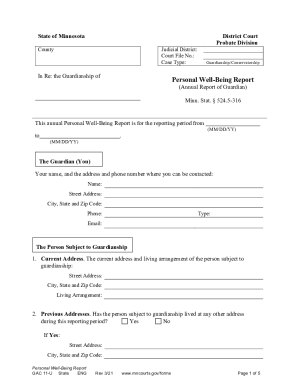
Mn minnesota

Form credit

Loan forgiveness form pdf

TN MNPD Form 720 - Davidson County

Dr2489a

Anz progress payment form
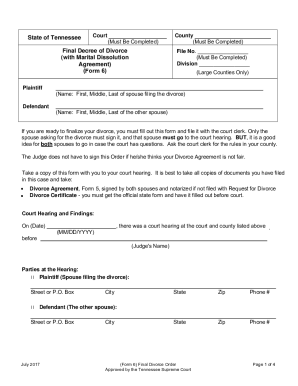
Tn decree

New zealand tourist visitor application
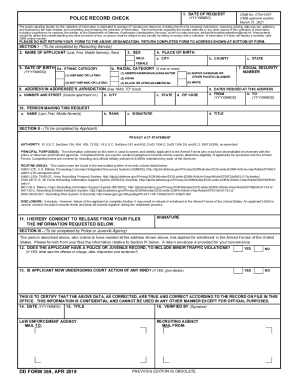
Dd form 369

Vl17 form
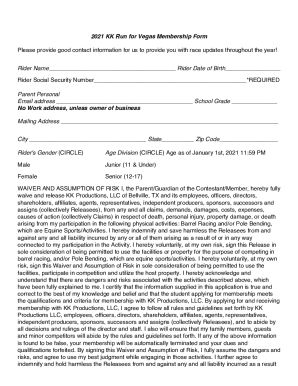
KK Run for Vegas/Junior World Finals - HomeFacebook
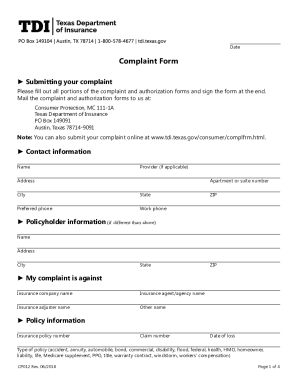
Texas insurance complaint
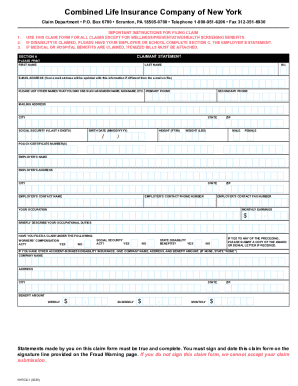
New york insurance company
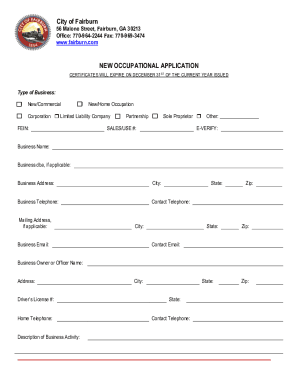
New occupational tax

M1m
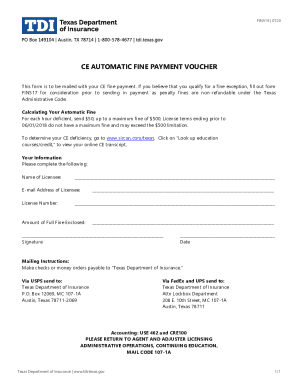
2018-2020 Form TX FIN519 Fill Online, Printable, Fillable ...

Alabama form 40

Medication list template
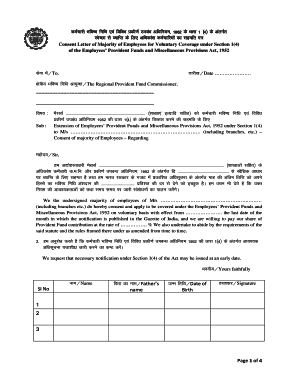
Consent letter of majority of employees for voluntary coverage
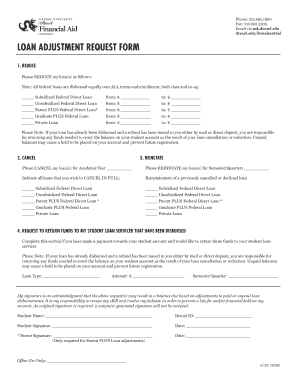
Contact Drexel: Directory, Email and MoreDrexel University
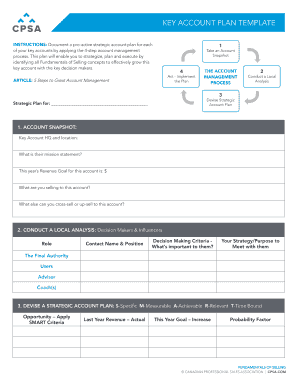
One page account plan template

Virginia restore firearm
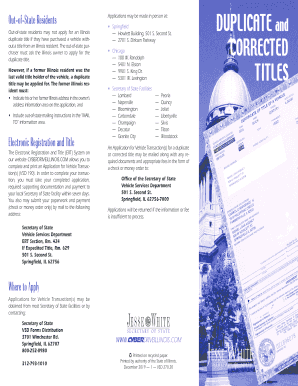
Illinois duplicate title application
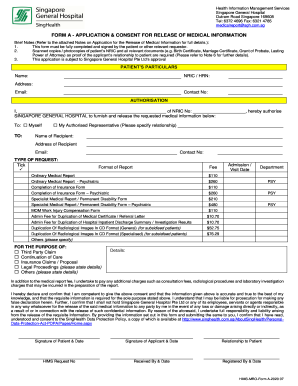
Singapore general hospital form
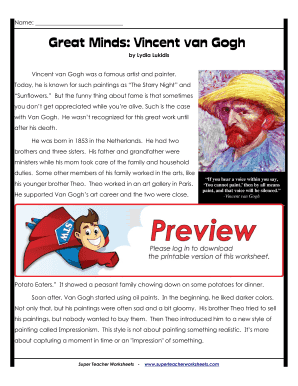
Great minds vincent van gogh answer key
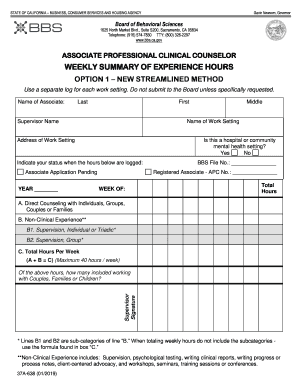
APCC Weekly Summary Option 1

Morpheus8 consent form
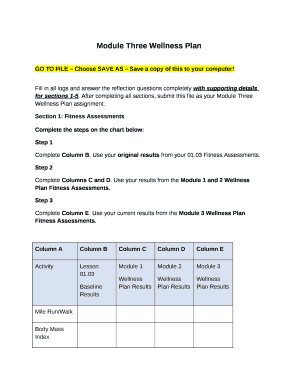
Module 2 wellness plan
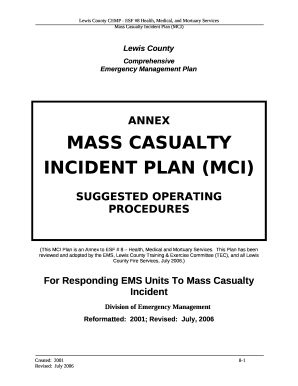
Mass casualty plan template
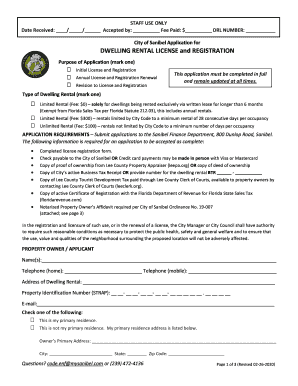
DWELLING RENTAL LICENSE and REGISTRATION - City of ...
Schedule icr
American girl form
Trihealth pavilion membership cost
Quittance de loyer
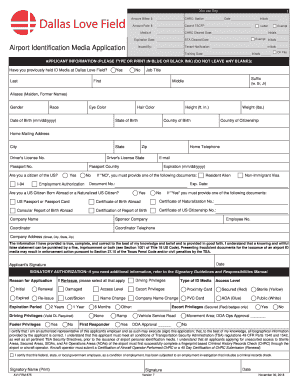
DAL201820 - App 10 - AVI-FRM-675 - Airport Identification Media Application (V7) test.pdf
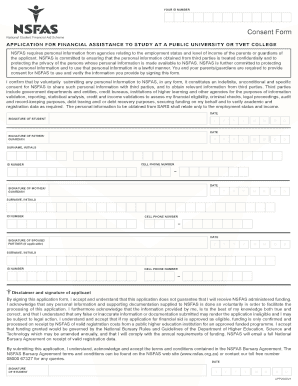
Nsfas consent form download
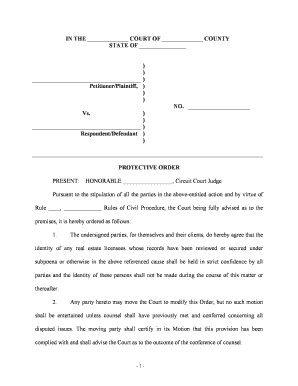
Protective order
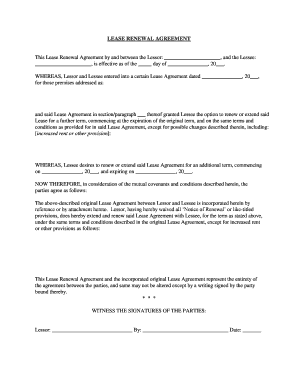
Lease renewal form

Texas correction deed form

Limited liability company
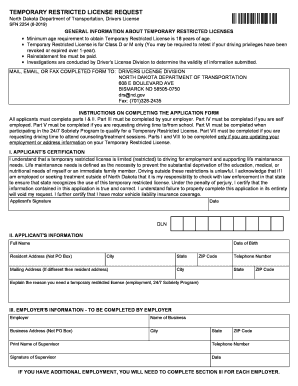
How to fill reference check form

Registration register
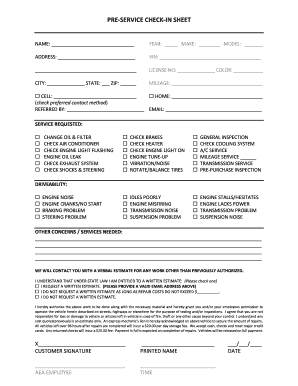
PRE-SERVICE CHECK-IN SHEET
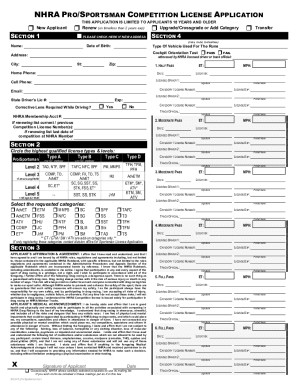
Nhra license

Asco educational book 2022 pdf
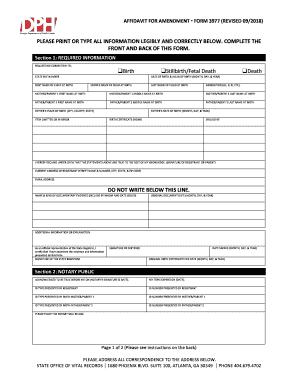
AFFIDAVIT FOR AMENDMENT FORM 3977 (REVISED 09/2018)
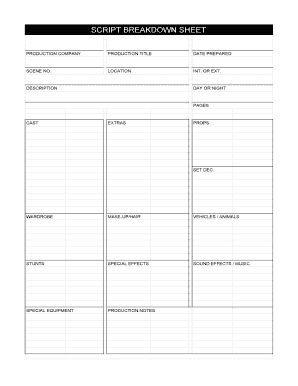
Breakdown sheet template
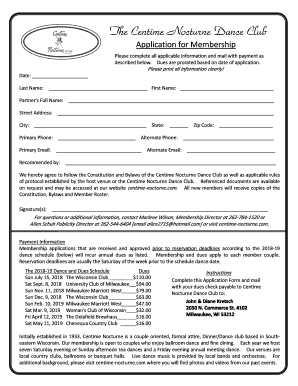
Centime nocturne dance club
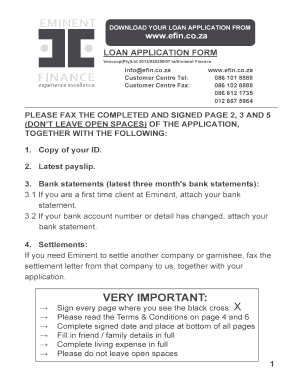
Eminent finance application form
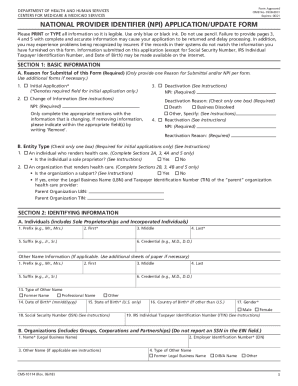
National application npi

Nasi malpractice insurance
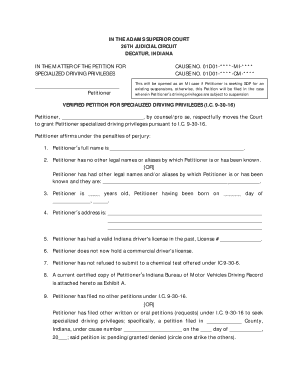
Indiana specialized driving privileges form

Nastc fuel card application

Continuous Quality Improvement Plan Example #1 - PA Keys

Riai blue form contract download

Trs tda loan

Mechanical permit application - Meridian Township

Certificate of Insurance - Kiwanis International
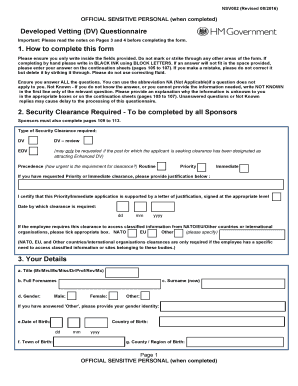
Developed vetting form
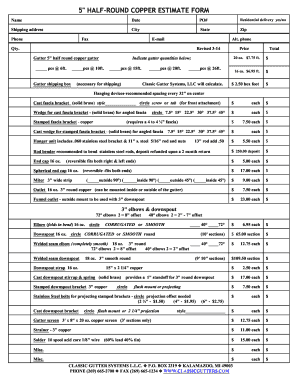
Gutter estimate template
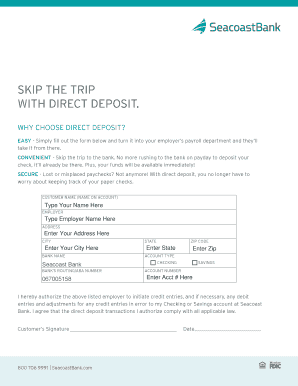
Personal Online Banking Terms and Conditions - Seacoast Bank
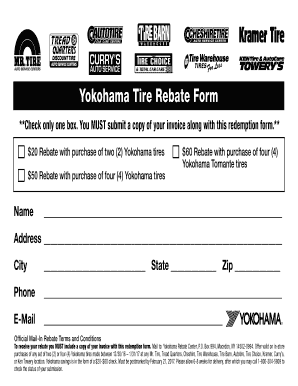
Yokohama tire rebate form
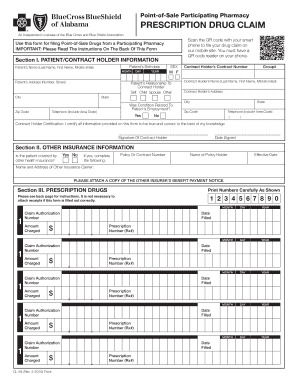
Alabama cl blue blue
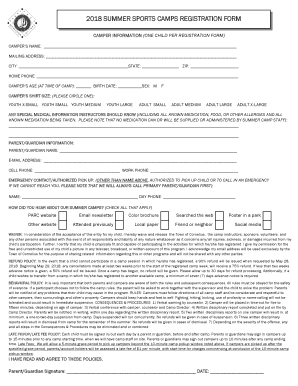
Summer sports form
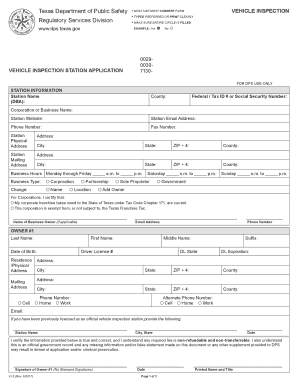
Texas vehicle inspection report pdf

Custody affidavit
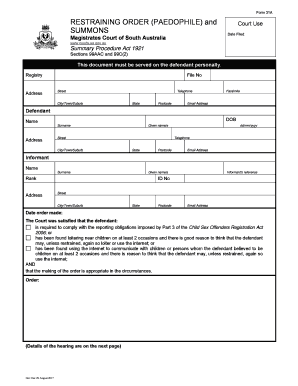
Restraining order template uk
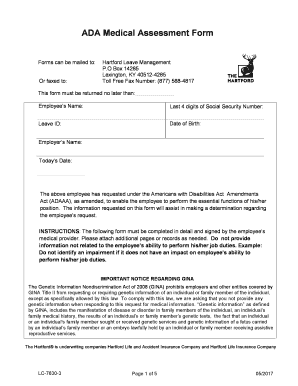
The hartford ada medical assessment form
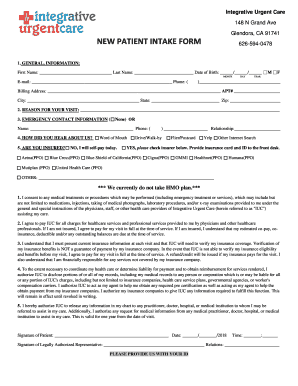
New patient intake form - Integrative Urgent Care

Bsa nomination form
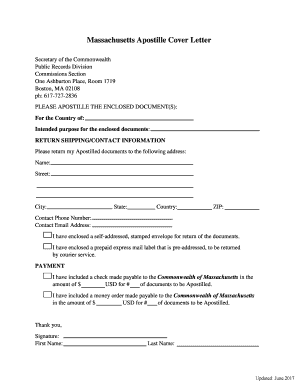
Massachusetts Apostille Cover Letter
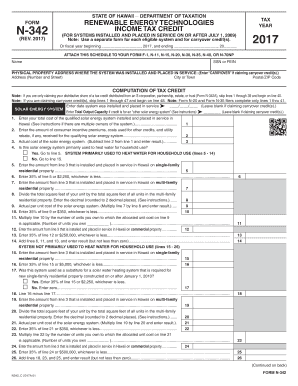
State of hawaii form n 342

RABBIT RESCUE ADOPTION CONTRACT - CHINCHILLA
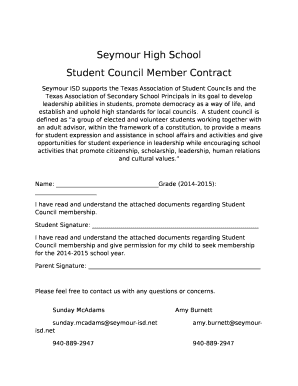
Student council contract
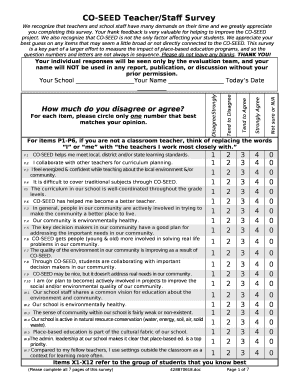
CO-SEED Teacher/Staff Survey
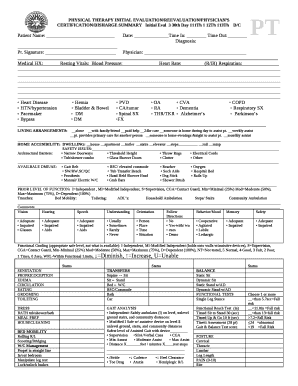
Physical therapy evaluation template word doc
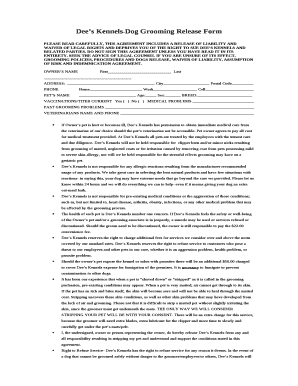
Dees Kennels-Dog Grooming Release Form
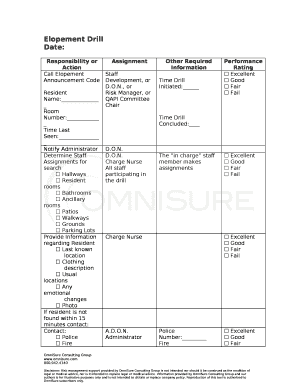
Elopement drill template
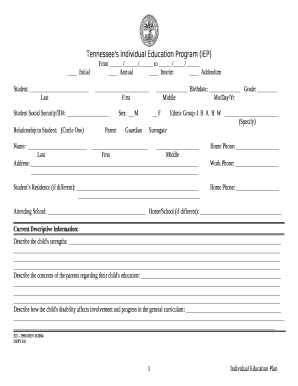
Tennessee's Individual Education Program (IEP)

Nebraska Route Survey Form
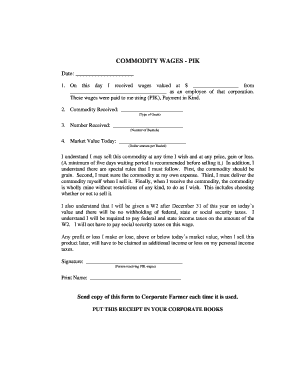
Commodity wages

Sf1010 form pdf
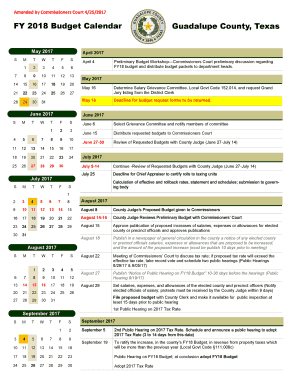
FY 2018 Budget Calendar Guadalupe County, Texas
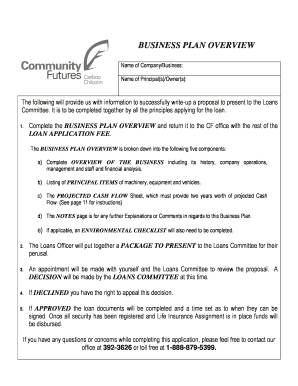
Name and address of principals business plan example
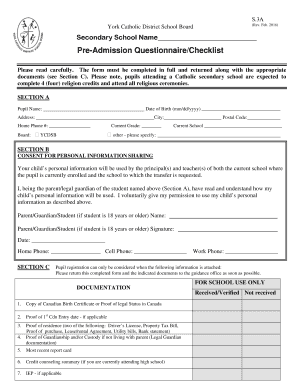
Pre-Admission Questionnaire/Checklist
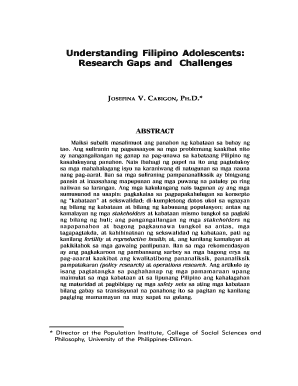
Abstract in tagalog

Fire safety form

Dd 285 form

Payment plan for impounded car

Request for Amendment to Medical Record Form - Nephrology ...

Sample letter requesting iep evaluation
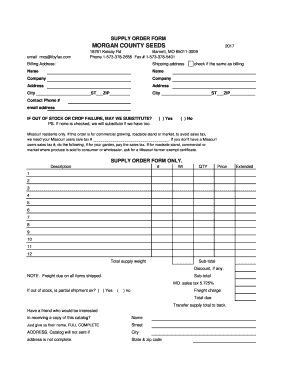
Ibyfax
Benefit from the DocHub online library of fillable PDF forms
Searching the PDF forms doesn't have to be a tedious and time-consuming process. With the DocHub online library, it has become easier to find the fillable PDF forms and modify them in your browser. The service allows you to adjust the document to your needs using powerful editing tools.
You can use online document editing features to modify almost any type of document with ease. You just need to find the template of your choice, open it in the editor, and use the toolbar to make the necessary corrections.
Follow this guide to get your document done with DocHub:
- Find the PDF template you need.
- Click the Get Form button to open the file in the editor.
- Use the toolbar to fill out and edit the document.
- Easily add and highlight text, insert images, checkmarks, and symbols.
- Drop new fillable fields, and rearrange or delete pages from your file.
- Save changes and download your record.
DocHub empowers everyone to streamline document editing, signing, and distribution, and form completion. Create an account and benefit from our well-organized PDF Forms library and comprehensive editor.