
Get any PDF form from the DocHub library of ready-made templates - Page 1421
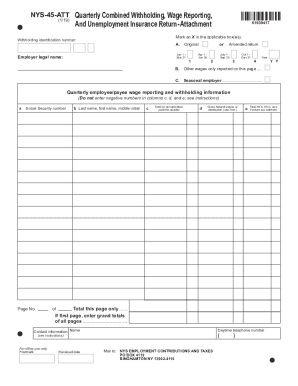
Nys 45 att
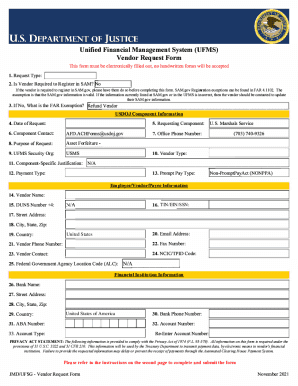
Ufms vendor request form

Hr0081
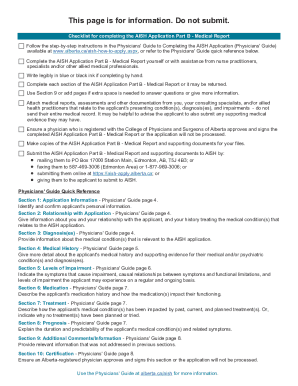
Aish application form

Nh form condominium
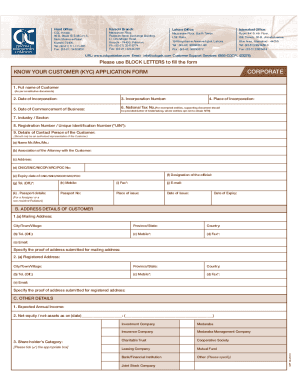
Cdc kyc
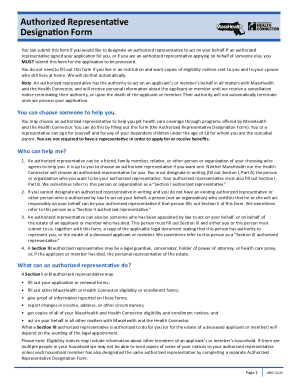
Ard form
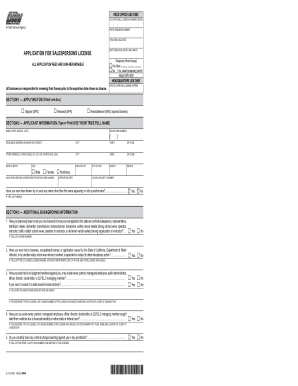
Ca ol dmv
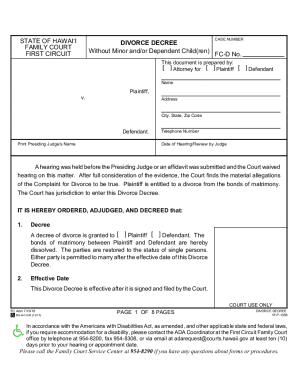
1f p1056 decree
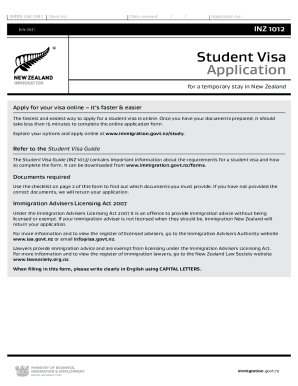
Zealand 2021 application
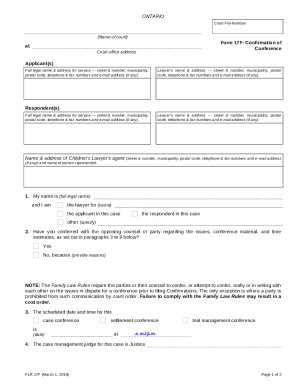
Form 17F: Confirmation of Conference - Ontario Court Services ...

Ca 17
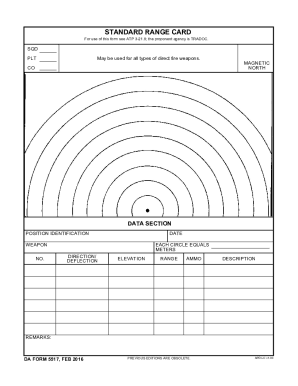
Da form 5517
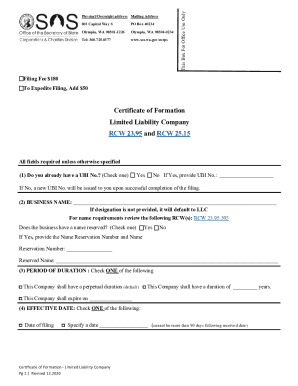
Washington formation

Monkey town booking form

2678

Sba form 3511
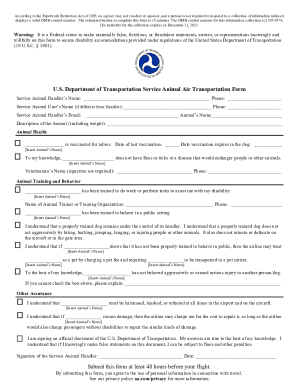
The OMB control number for this information collection is 2105-0576
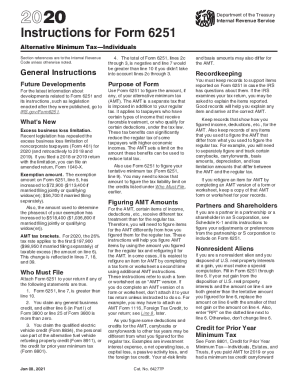
Federal tax tables
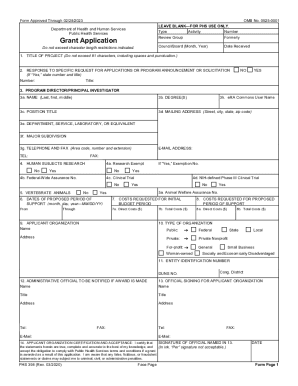
Phs 398

Vehicle log templates form

Review template document

Meeting agenda document

Gbhc080x

Counselling contract template
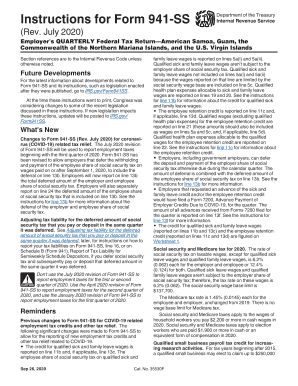
Instructions for Form 941 (Rev. July 2020) - Internal Revenue ...

Change reporting form - MDHS
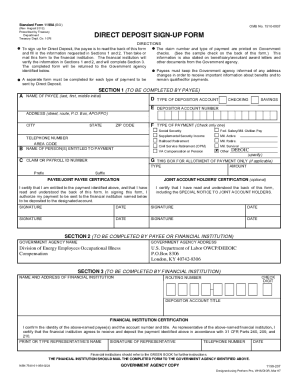
1199a
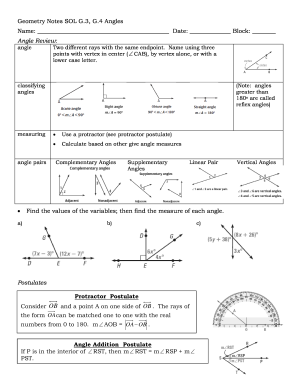
Geometry Notes SOL G
Bacb monthly fieldwork verification form

Cn22 form
Vat1614a form download
Field Experience Log-In Sheet - West Virginia University
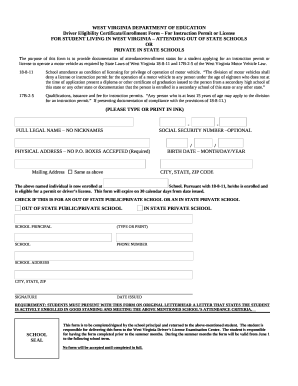
West virginia drivers license template
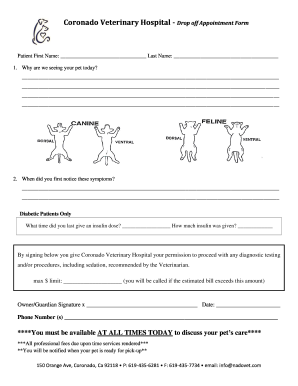
Drop off Form - nadovet.com

Zen Shiatsu Intake Form
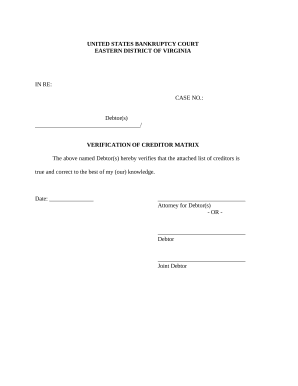
Verification of Creditors Matrix - Virginia
Studocu downloader
Ny d 001

Stat declaration 1900 form

New mexico bill sale

Child connecticut application

Authorized personal representative

Il vsd form
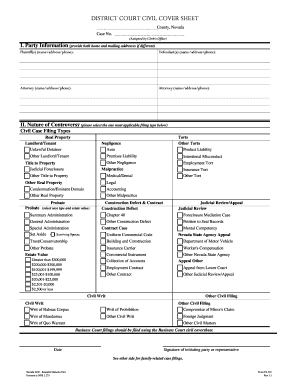
Nevada cover sheet

Eviction Notice (Notice of Termination of Tenancy for ...

Maryland security deposit receipt

Standard form bid bond
Tr 54 form
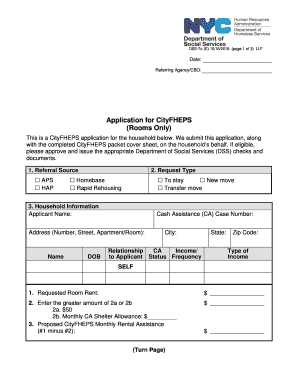
Cityfheps application online

Policy on reasonable accommodation - Miami-Dade County

Pet sitting waiver form

Ekart logistics franchise application form
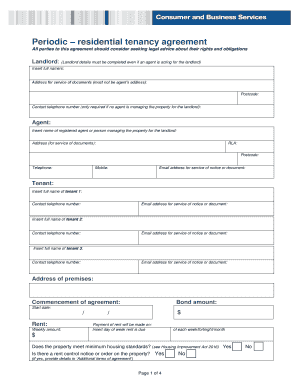
Australia residential tenancy

Soil formation worksheet pdf
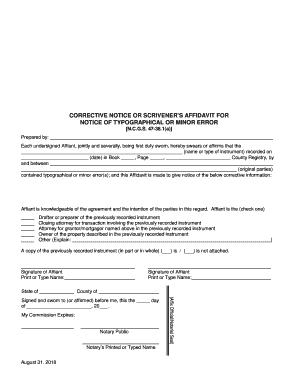
AFFIDAVIT-NOTICE OF TYPO OR MINOR ERROR. Corrective or Scrivener's Affidavit

Dissolution petition
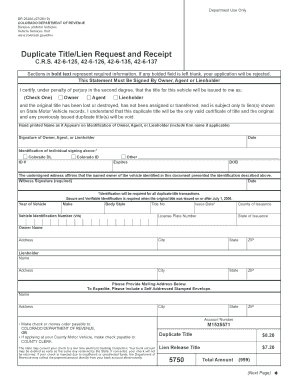
Co duplicate title
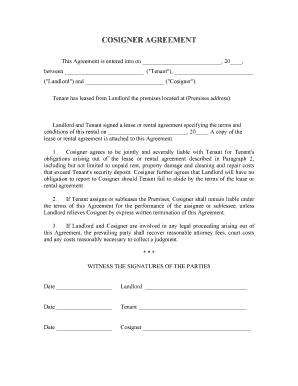
Tenant agreement form

Lease rental agreement
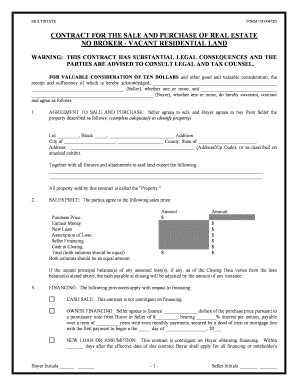
Purchase contract for real estate
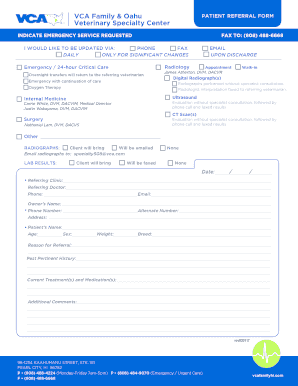
0508 VCA Referral Form copy - VCA Animal Hospitals

New Jersey Department of Health Office of Emergency Medical Services
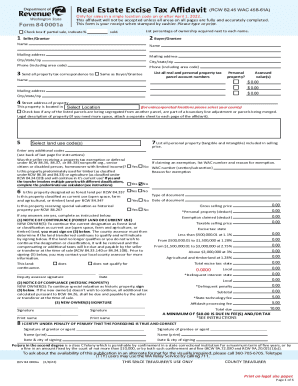
Real estate excise tax affidavit

Continued Education Scholarship Application - gesa.com
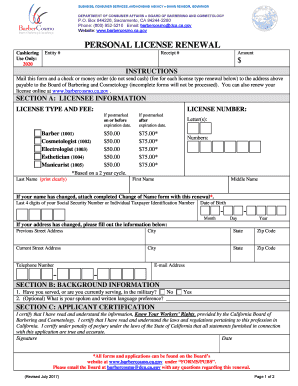
Cosmetology license renewal form

, Husband and Wife, as Community Property with Right of Survivorship, the following described real property in

Community Outreach and Assessment Support Team Clinician Referral (Edmonton Zone) Form

STANISLAUS COUNTY CIVIL GRAND JURY CITIZEN
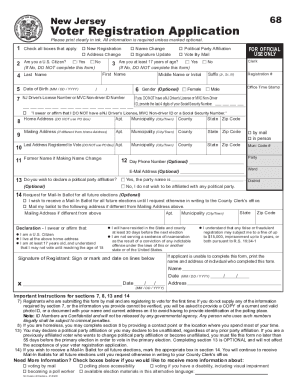
New jersey voter registration
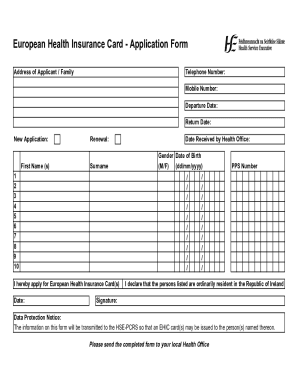
Ireland health insurance application
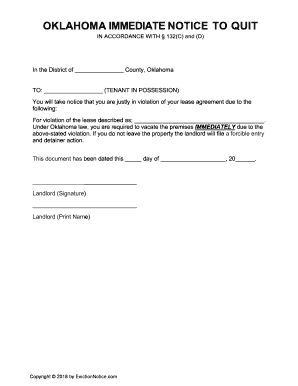
Notice to quit oklahoma
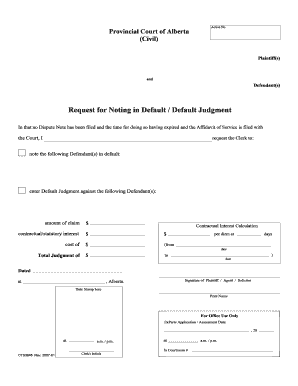
Request noting default sample

Supporting teaching and learning in schools level 2 book pdf

Franklin templeton beneficiary distribution request form

PC-442A - Connecticut Probate Courts
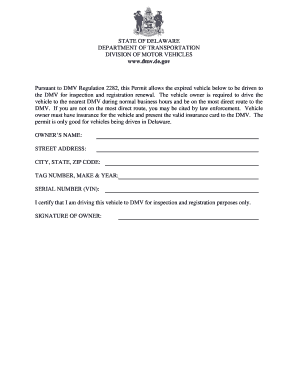
De dmv forms
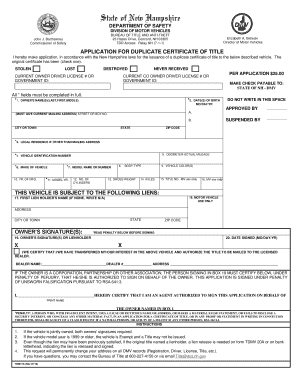
Tdmv 17a
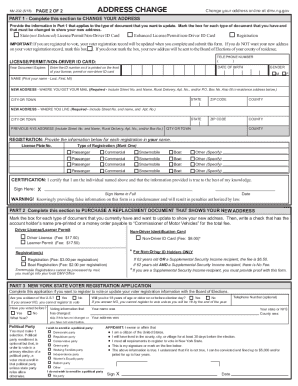
MV-232 - DMV - New York State
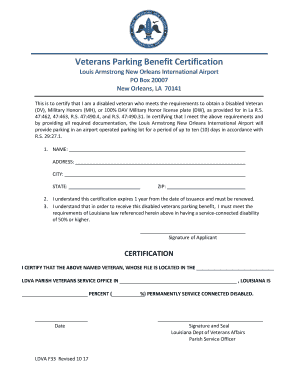
Msy veteran parking benefit request
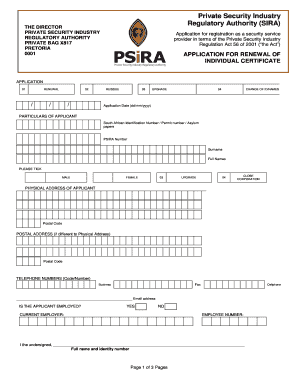
Annual review of administration fees - PSiRA

Daycare contract template

Attendance Allowance claim form AA!

Cosmetic filler consent form

Holistic health pdf
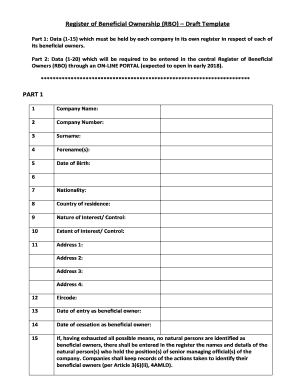
Register of Beneficial Ownership (RBO) Draft Template

New york apostille
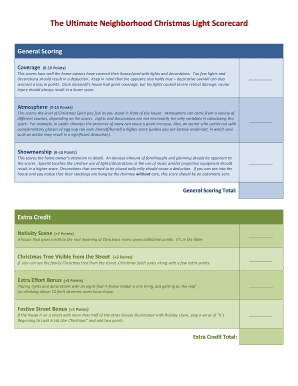
The Ultimate Neighborhood Christmas Light Scorecard

Release to the rights of possession form

Proclamation template word
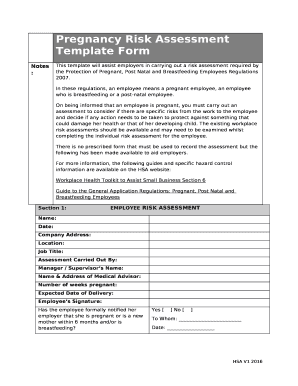
Pregnancy risk assessment template

Unarmed platoon drill sheet
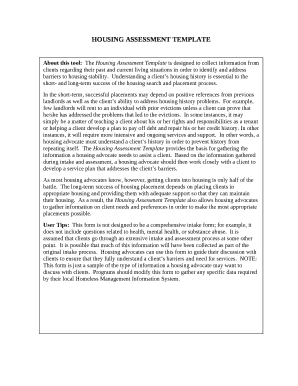
Housing assessment template

Naitas application form

Retrenchment letter template south africa

Etch handwriting assessment pdf
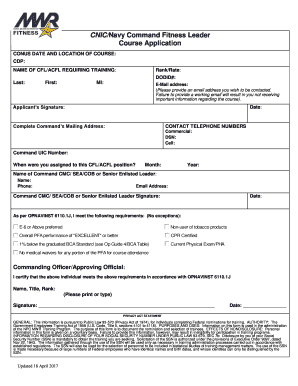
Cnic form 6110 1

Lifeforming Leadership Coaching
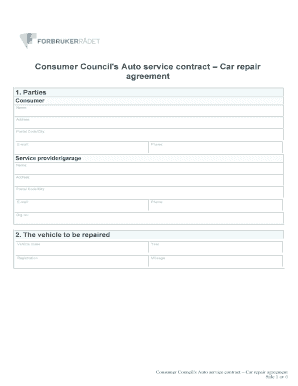
Consumer Council 's Auto service contract Car repair

Ward emergency plan
Benefit from the DocHub online library of fillable PDF forms
Searching the PDF forms doesn't have to be a tedious and time-consuming process. With the DocHub online library, it has become easier to find the fillable PDF forms and modify them in your browser. The service allows you to adjust the document to your needs using powerful editing tools.
You can use online document editing features to modify almost any type of document with ease. You just need to find the template of your choice, open it in the editor, and use the toolbar to make the necessary corrections.
Follow this guide to get your document done with DocHub:
- Find the PDF template you need.
- Click the Get Form button to open the file in the editor.
- Use the toolbar to fill out and edit the document.
- Easily add and highlight text, insert images, checkmarks, and symbols.
- Drop new fillable fields, and rearrange or delete pages from your file.
- Save changes and download your record.
DocHub empowers everyone to streamline document editing, signing, and distribution, and form completion. Create an account and benefit from our well-organized PDF Forms library and comprehensive editor.