




Here's how it works

01. Edit your form online
Type text, add images, blackout confidential details, add comments, highlights and more.

02. Sign it in a few clicks
Draw your signature, type it, upload its image, or use your mobile device as a signature pad.

03. Share your form with others
Send it via email, link, or fax. You can also download it, export it or print it out.
How to use or fill out the Application for Canadian Citizenship - Minors (2013) with Our Platform

- Click ‘Get Form’ to open it in the editor.
- Begin by selecting your preferred language of service: English or French. Check the appropriate box.
- Indicate if the child has special needs by checking 'Yes' or 'No'.
- Provide details about previous applications for Canadian citizenship for the child, if applicable.
- Fill in the child's name exactly as it appears on their immigration document, including any other names they may have used.
- Complete the birth details section with accurate information, including date and place of birth.
- Enter current citizenship status and personal information such as marital status and contact details.
- Provide information about the child's parents, including their citizenship status and proof of citizenship.
- Answer questions regarding any prohibitions under the Citizenship Act that may apply to the child.
- Sign and date the application form in the designated areas, ensuring all information is true and complete.
Start filling out your application for Canadian citizenship today using our platform for free!
Fill out example of how to fill a form for canadian citizenship 2013 online
It's free
See more example of how to fill a form for canadian citizenship 2013 versions
We've got more versions of the example of how to fill a form for canadian citizenship 2013 form. Select the right example of how to fill a form for canadian citizenship 2013 version from the list and start editing it straight away!
Security and compliance
At DocHub, your data security is our priority. We follow HIPAA, SOC2, GDPR, and other standards, so you can work on your documents with confidence.
Learn more


Related forms

Wa dol change of address
The document provides instructions for changing the address on a Washington state driver license or identification card. ...

IDENTIFICATION FORM FOR ALLOCATION OF FEES Oklahoma - ok
The document is an identification form for the allocation of fees related to cemeteries owned by an organization, requir ...
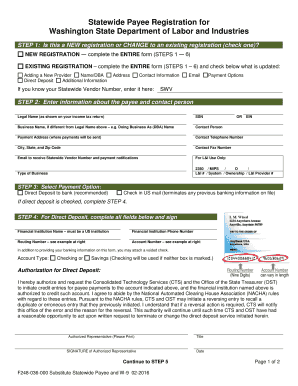
F248 036 000
The document outlines the Statewide Payee Registration process for the Washington State Department of Labor and Industri ...

08 PRELIMINARY ASSESSMENT misadventure form - jschs nsw edu
The document is a Preliminary Illness/Misadventure Consideration/Extension Application form for students at James Sheaha ...
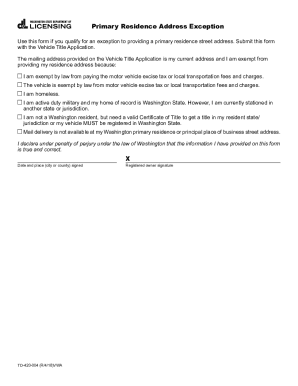
Primary Residence Address Exception Form to use for an exception to a primary residence street addre
Primary Residence Address Exception Form to use for an exception to a primary residence street addre
The document outlines the conditions under which individuals can submit a form to qualify for an exception to providing ...

IN THE CIRCUIT COUNTY COURT OF THE TWENTIETH JUDICIAL CIRCUIT IN AND FOR
The document is a legal form used in Lee County, Florida, for individuals to claim exemptions from wage garnishment. It ...

Non-Employee Confidentiality Agreement
The document is a Non-Employee Confidentiality and Non-Disclosure Agreement for visitors at the University of Utah Healt ...

Box or Suite
The document is a tax statement form (Form 1071) from the Louisiana Department of Insurance for insurance companies to r ...