
Get any PDF form from the DocHub library of ready-made templates - Page 1405

Form 1041 qft 2017
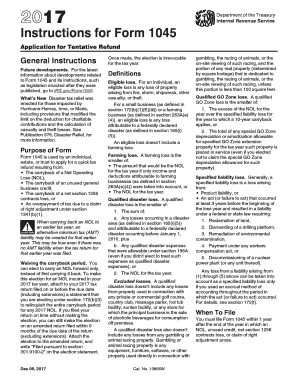
2017 instructions 1045 form
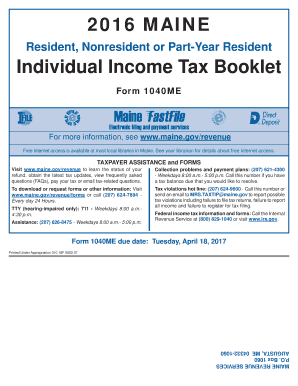
Assistance: (207) 626-8475 - Weekdays 8:00 a - maine

Form rew 1 1041 2017
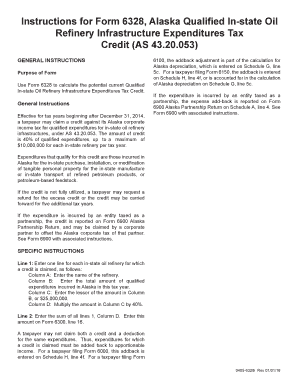
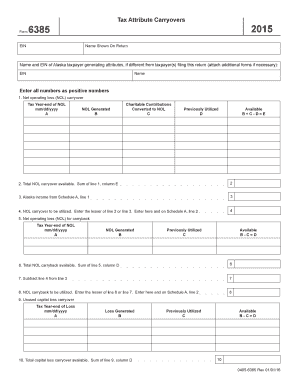
- tax alaska
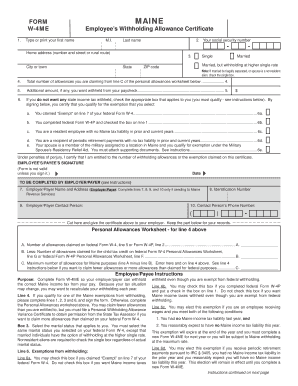
Maine w4 2017 form

Form 941p me 2016
Form 2555 causing a NOL on line 21 of 1040 - Accountants...
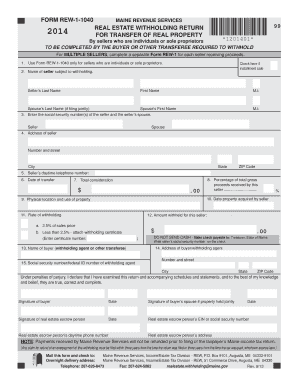
Real estate withholding return for transfer of real property 99 ...
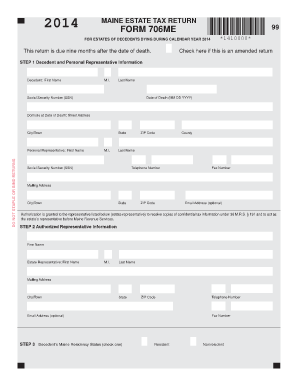
706me
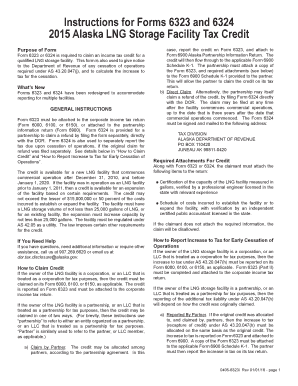
- tax alaska
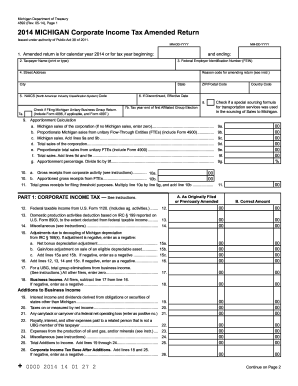
4892 2014 form
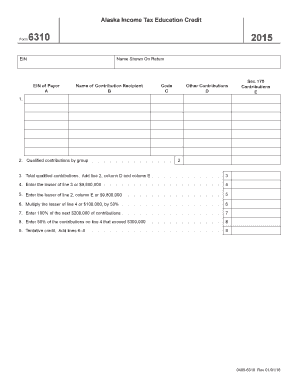
- tax alaska

Political subdivision form gtr ps 2013 2014

Form w 3me 2015

Mi 1040 2016 form

ALK Annual Income Statement - Alaska Air Group Inc. Annual ...
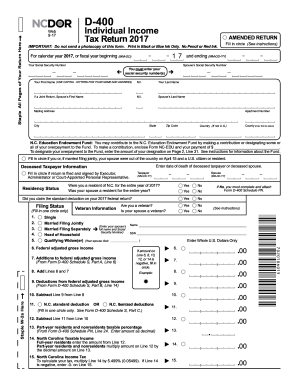
Form d 400 2017

Application for Property Tax Relief
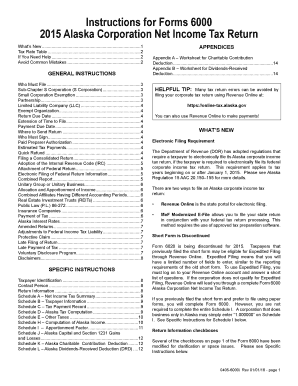
Ak 6000 form 2015
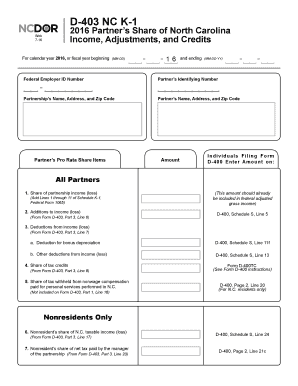
D 403 north carolina 2016 form
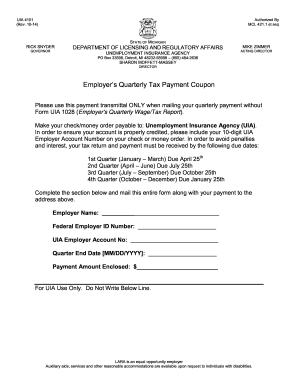
Uia4101 2014 form
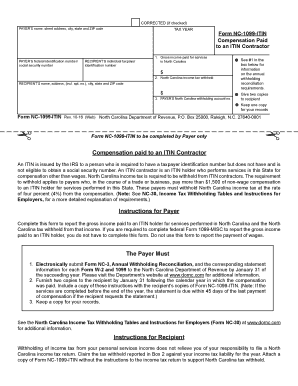
Nc 1099 2016 form

E-592A Web-Fill Application for State Agency Exemption Number ... - dor state nc
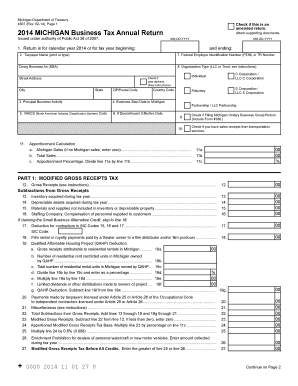
Michigan 4567 form 2014
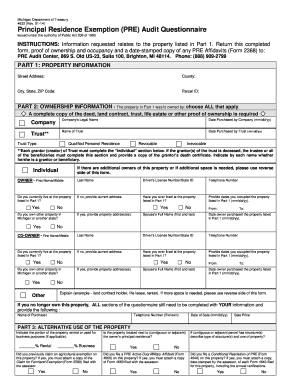
PRE Audit Questionnaire - State of Michigan - michigan

BA-101 - North Carolina Department of Revenue
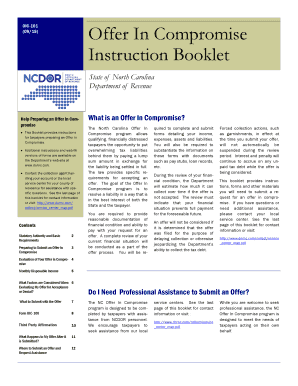
Nc instruction booklet 2015 form
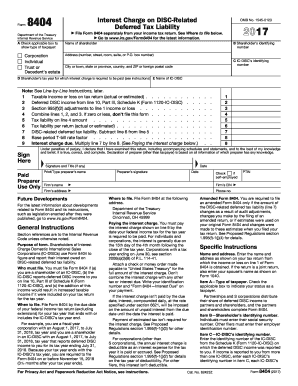
Form 8404 2017
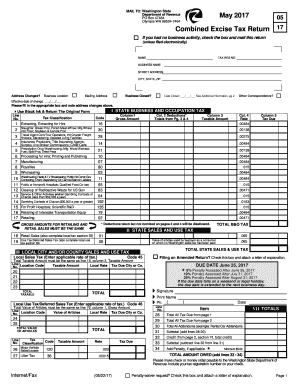
Combined excise tax 2017 form

Real tax affidavit 2015 form

Qualified High Technology Companies (QHTCs)otr - Office of Tax...
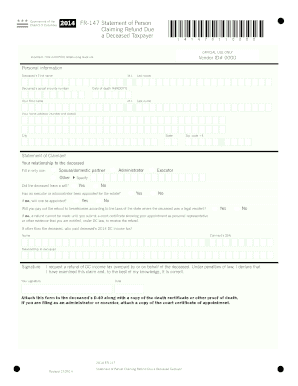
Fr 147 2014 form
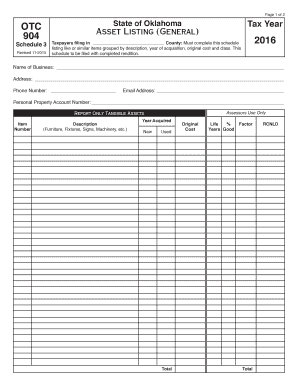
Form 904 2016
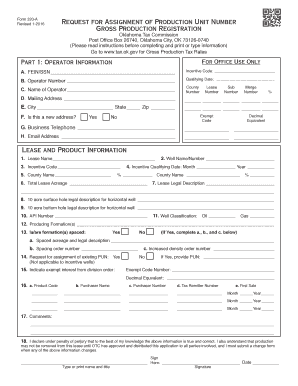
State of oklahoma 320a 2016 form
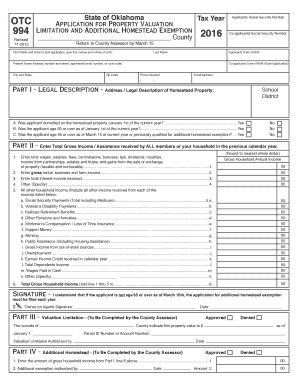
Oklahoma tax homestead exemption 2016 form
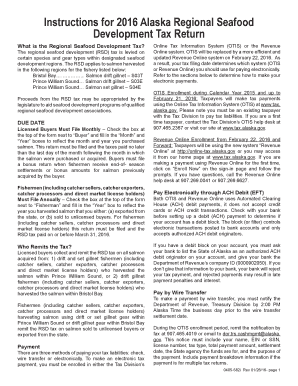
- tax alaska

- tax alaska
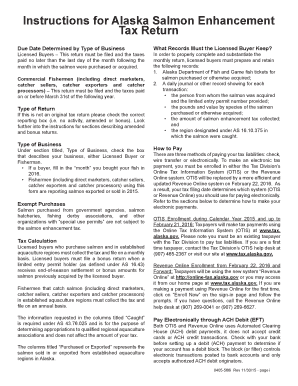
- tax alaska
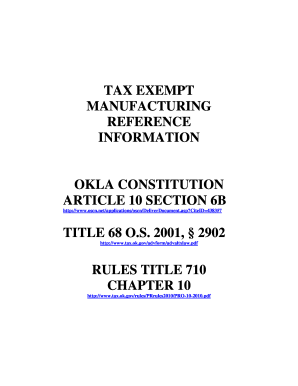
Ok exempt 2015 form
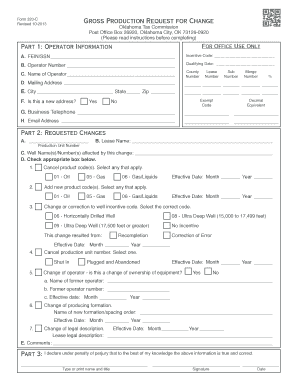
Form 320 c 2013
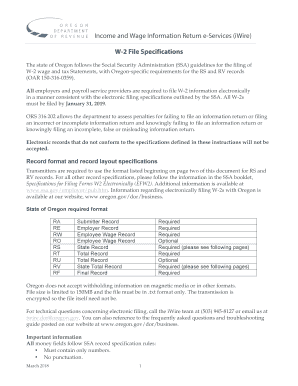
Oar150 3162023 2018 form

2016 Publication OR-40-FY, Oregon Income Tax Full ... - Oregon.gov - oregon
2016, Form OR-20, Oregon Corporation Excise Tax Return, 150-102 ...

Form OR-65-V, Oregon Partnership Return of Income Payment Voucher, 150-101-066 - oregon
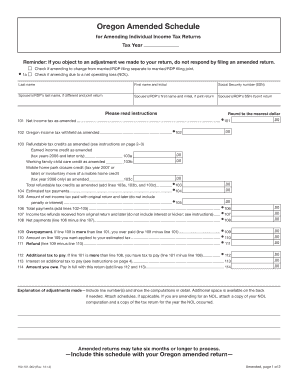
Oregon amended schedule 2014 form

Submitter form nj efw2 s 2017
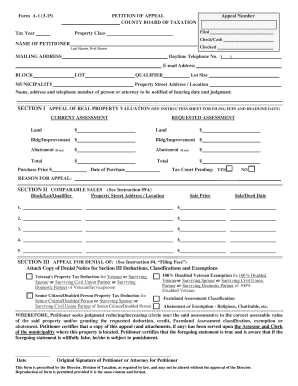
New jersey appeal 2015 form
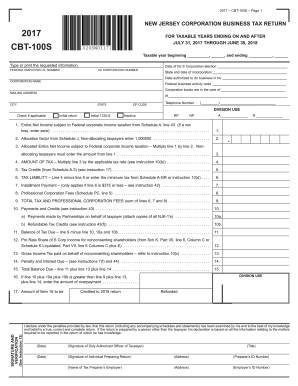
CBT-100S Form 2017 -S Corporation Business Tax Return. CBT-100S Form- 2017 -S Corporation Business Tax Return
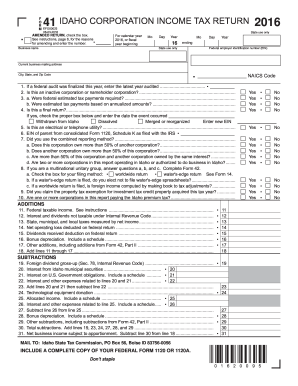
- tax idaho
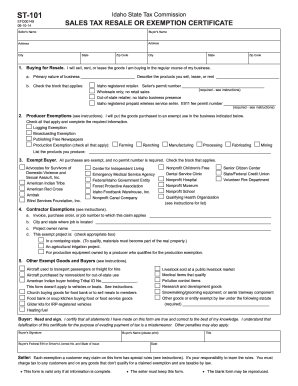
St 101 2014 form

WINERY ANNUAL PRIVILEGE TAX STATEMENT - Oregon.gov - oregon
2015 nj form
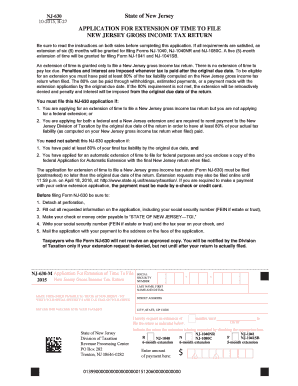
Jersey form 2015

Form nj 2010

Louisiana r 1086 2014 form
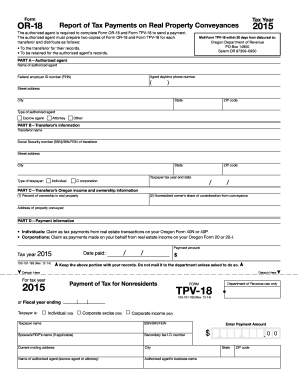
Tpv18com 2015 form

Oregon statement 2015 form

New jersey cbt 200 2014 form

Tax Clearance Form - City of New Orleans - nola

Form cift 620ext v 2014
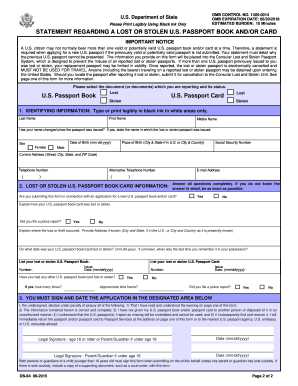
Ds 64 2015 form
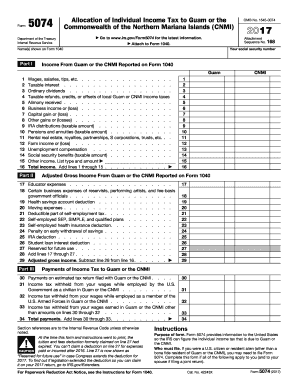
Form 5074 2017
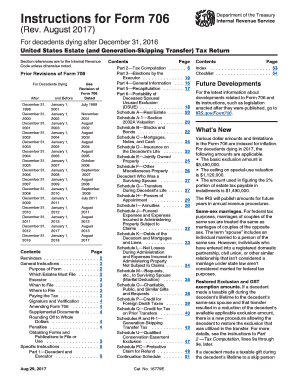
Form 706 example 2017
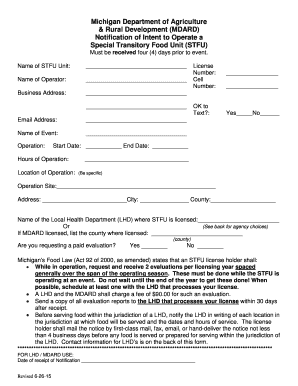
Stfu full form
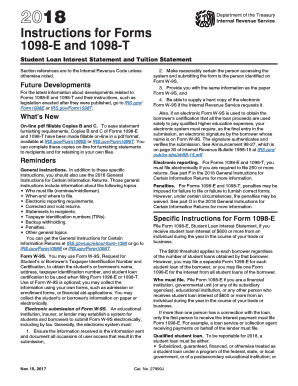
Instructions 1098 t 2016 form
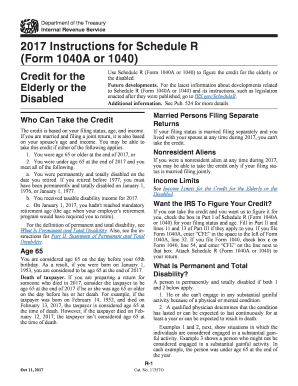
2017 Instructions for Schedule R (Form 1040A or 1040) - IRS.gov
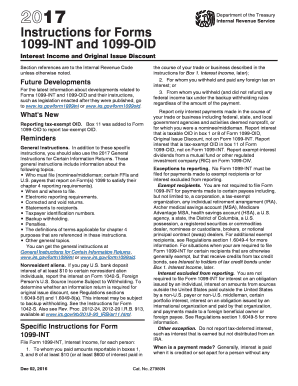
1099 int instructionsDocHubcom 2017 form
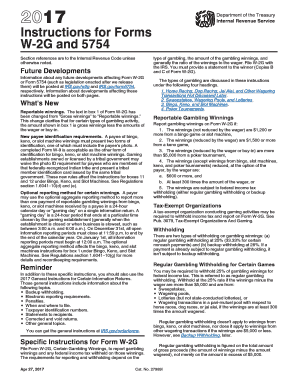
Irs instructions 5754 form 2017
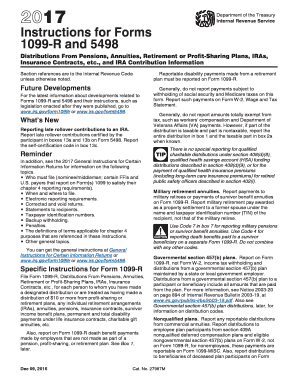
Pdf 1099r 2017 form
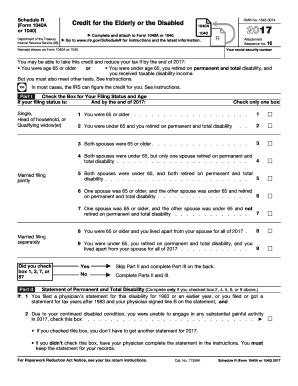
R form print 2017

Nflpn gerontology certification 2016 form
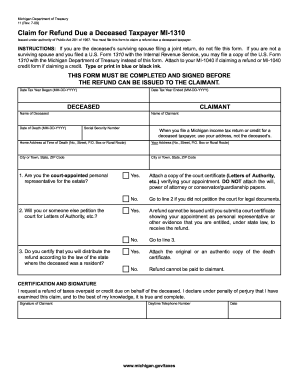
Mi 1310 instructions 2009 form
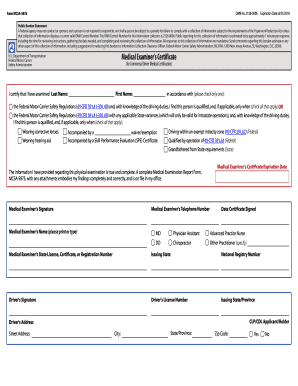
Mcsa 5876 printable form 2019
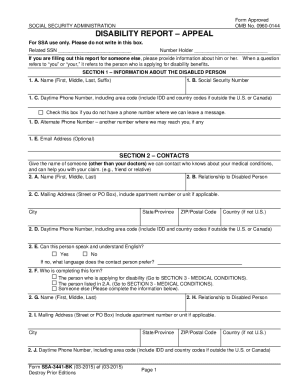
Ssa 3441 bk 2015 form
To act as my representative in connection with my claim(s) or asserted right(s) under:
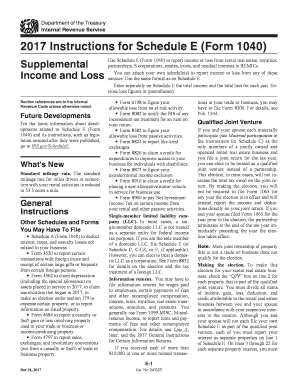
Schedule a 2017 form
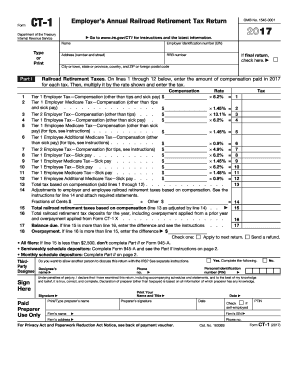
Gov/CT1 for instructions and the latest information

Mv349 1 2015 form
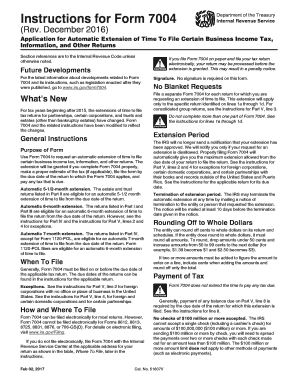
Form 7004 instructionsDocHubcom 2017

Irs form 1098 c instructions 2017

Form 1576 2013
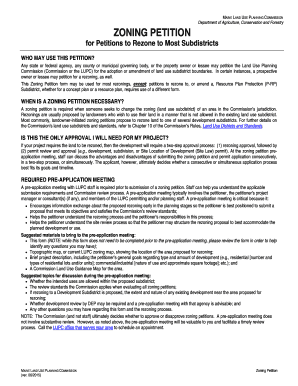
Zoning Petition Form - maine

Irs 8804 2017 form
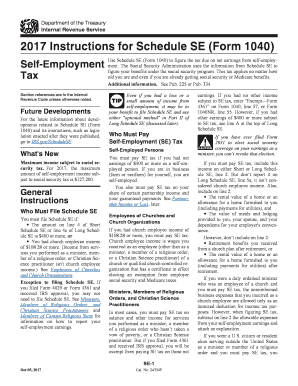
Irs 1040 se 2017 form
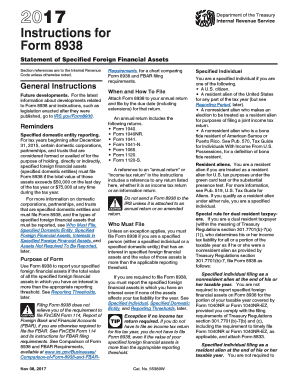
Irs 8938 instructions form 2017
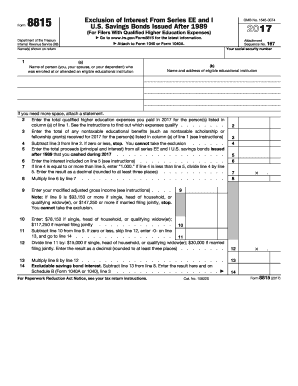
Form 8815 2017
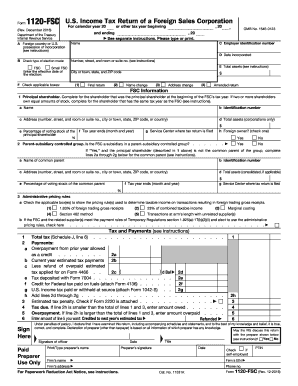
Form 1120-FSC (Rev. December 2016) - irs
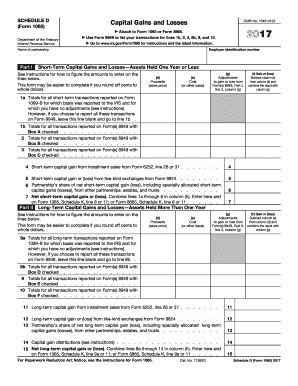
1065 dDocHubcom 2017 form
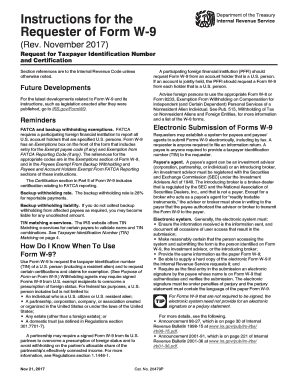
W 9 instruction form 2017
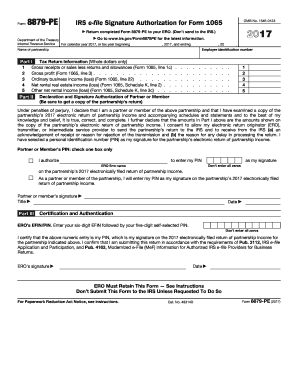
Form 8879 peDocHubcom 2017
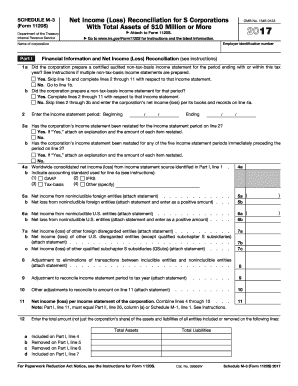
Form 1120 s 2017
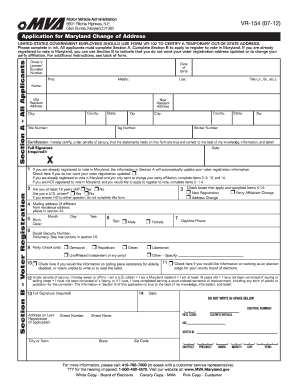
Address maryland change 2012 form

Material and information is to be forwarded to the Ontario Municipal Board by the Clerk of the Municipality within 15 days

Jdf 910 2013 form
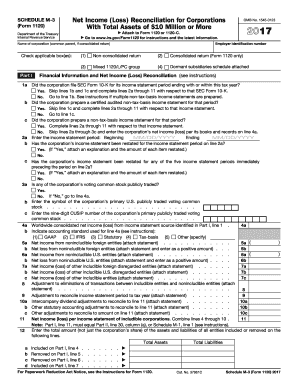
2016 schedule 3
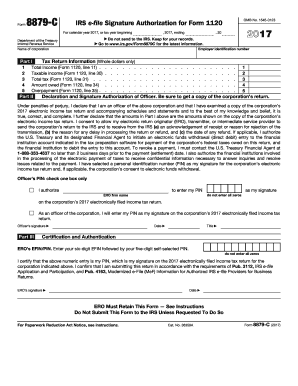
8879-C
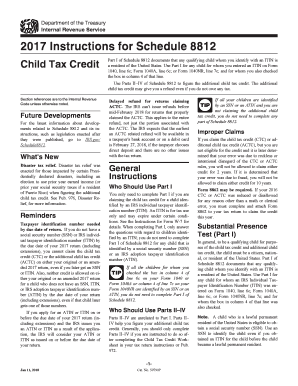
Irs instructions form 8812
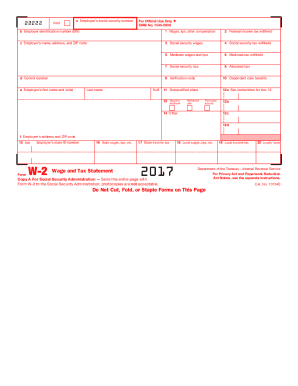
IRS W-2 Form
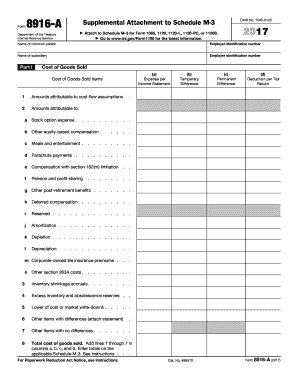
8916 2017 form
Benefit from the DocHub online library of fillable PDF forms
Searching the PDF forms doesn't have to be a tedious and time-consuming process. With the DocHub online library, it has become easier to find the fillable PDF forms and modify them in your browser. The service allows you to adjust the document to your needs using powerful editing tools.
You can use online document editing features to modify almost any type of document with ease. You just need to find the template of your choice, open it in the editor, and use the toolbar to make the necessary corrections.
Follow this guide to get your document done with DocHub:
- Find the PDF template you need.
- Click the Get Form button to open the file in the editor.
- Use the toolbar to fill out and edit the document.
- Easily add and highlight text, insert images, checkmarks, and symbols.
- Drop new fillable fields, and rearrange or delete pages from your file.
- Save changes and download your record.
DocHub empowers everyone to streamline document editing, signing, and distribution, and form completion. Create an account and benefit from our well-organized PDF Forms library and comprehensive editor.