
Get any PDF form from the DocHub library of ready-made templates - Page 1390
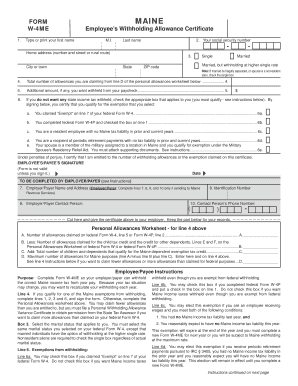
Me withholding form w 4me us updated on 8 30 19

Partnerships - Montana Department of Revenue
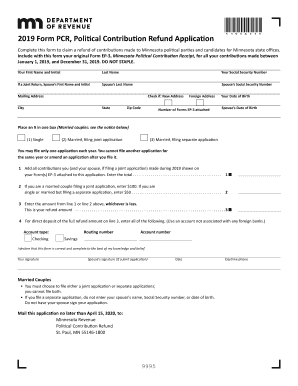
2019 PCR, Political Contribution Refund Application

Individual Income Tax Declaration For Electronic FilingDOR
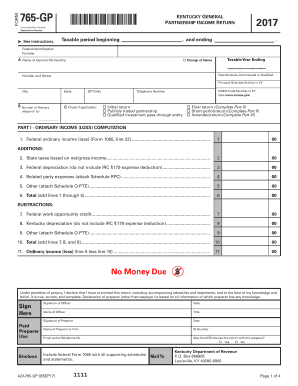
Kentucky revenue cabinet form 765gp pdf
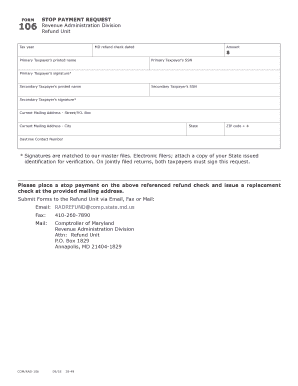
Maryland rad form

Ky k 3 form
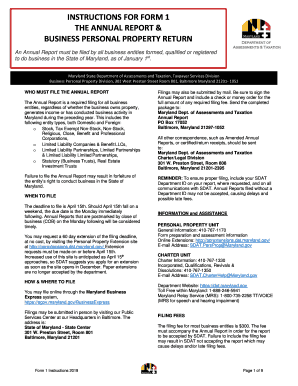
Md sdat personal property
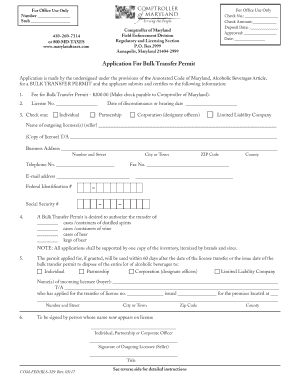
Application For Bulk Transfer Permit - Comptroller of Maryland
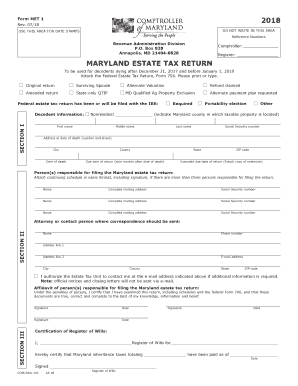
Maryland met 1
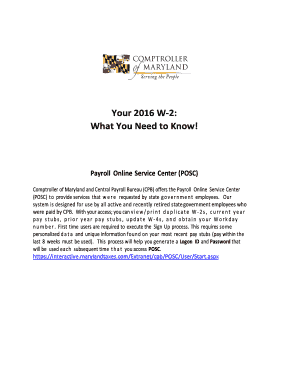
Maryland state retirement w 2
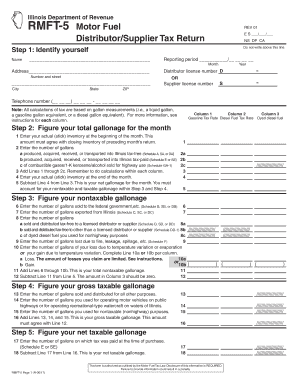
Fill in rmft 5
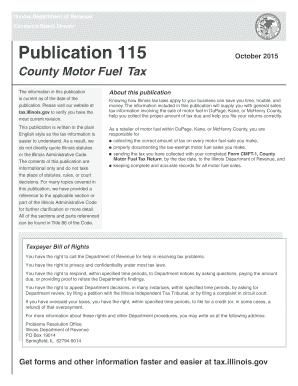
Publication 115 County Motor Fuel Tax - Illinois Department of ... - revenue state il

Dr 0442

Colorado form dr 0204 2018 form

Dr 1778
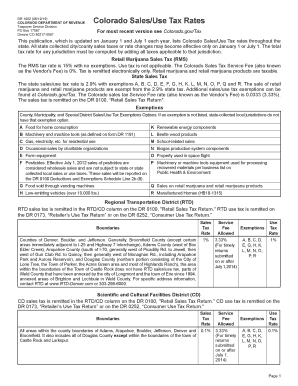
Dr1002
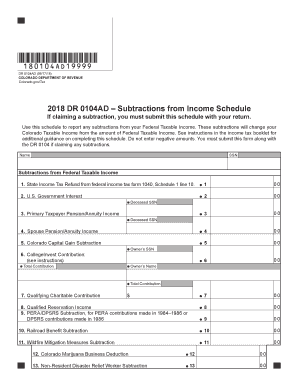
Dr 0104ad

Pueblo colorado marijuana excise tax form

Palm bch counyy tow badge appl

Form 436

Wisconsin f form
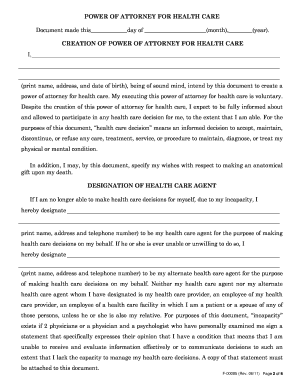
Poa for selling a house in wisconsin
State of wisconsin badger care application form
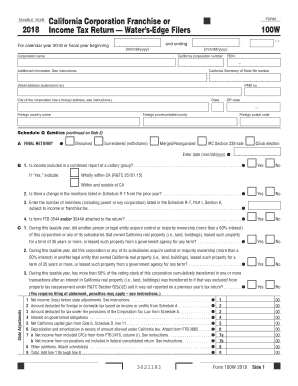
California form 100w
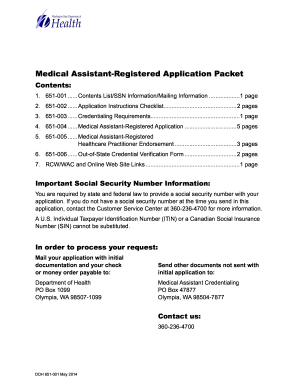
Washington assistant registered
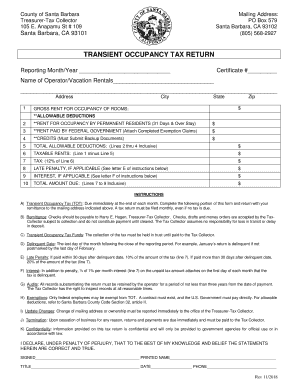
Property tax exemption for veterans form for santa barbara california

470 4698

California form 100x 2018
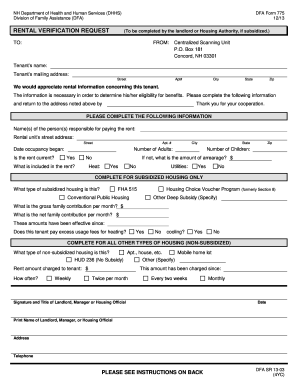
Dfa form 775
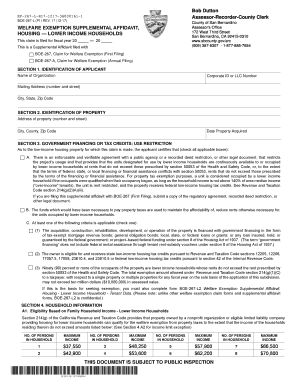
267 l
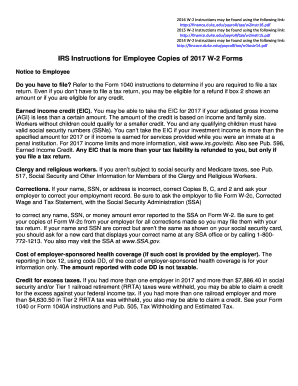
2016 W-2 Instructions may be found using the following link:

Ifta 105 form
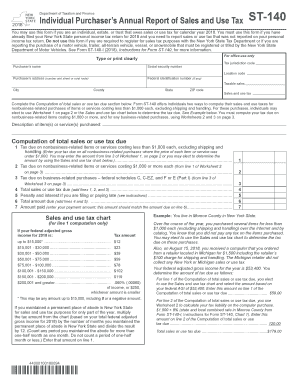
Form st 140
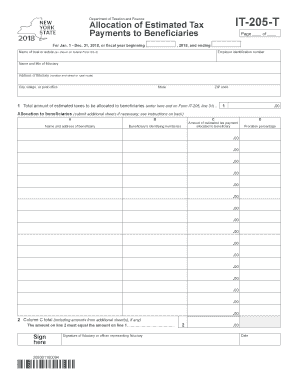
2018 Form 1041-T - Internal Revenue Service
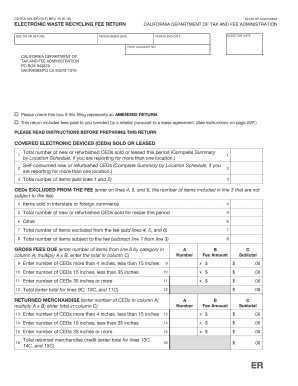
California electronic waste fee form

Ny mt 15

Fl276
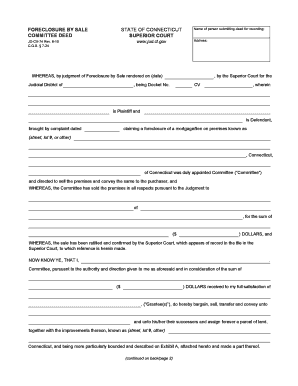
Foreclosure committee
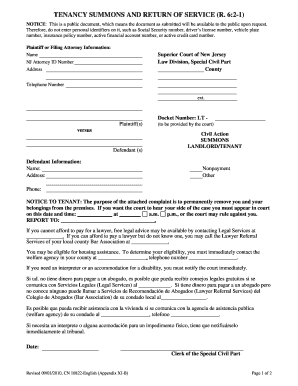
Tenancy summons for burlington county

PROPERTY INDICATED ON TAX MAPS BY AN IDENTIFICATION NUMBER

Answering a Complaint in Probate & Family Court - MassLegalHelp

Tc208
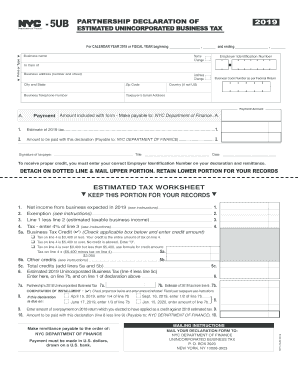
Nyc 5ub

Tc600 form
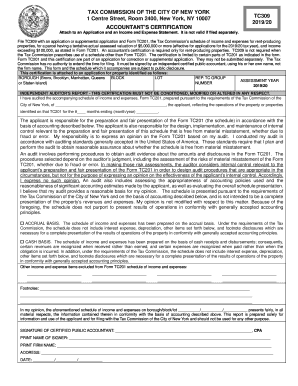
Fillable tc309 2019
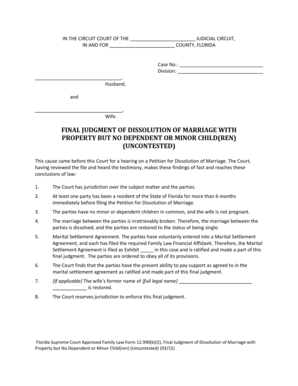
FINAL JUDGMENT OF DISSOLUTION OF MARRIAGE WITH PROPERTY BUT NO DEPENDENT OR MINOR CHILD(REN) (UNCONTESTED) This cause came before this Court for a hearing on a Petition for Dissolution of Marriage - flcourts

Pub 63:12/18:Specifications for Reproduction of New York State Sales and Use Tax, Employer, and Miscellaneous Tax Forms:pub63

Court Visitor (Name):

Dws esd 61app rev 7 2018
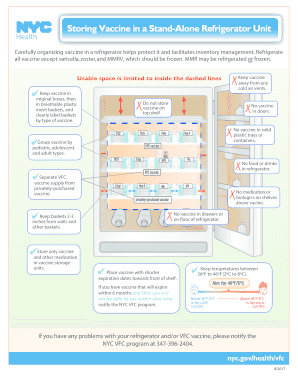
Storing Vaccine in a Stand-Alone Refrigerator Unit

Ef23 10618

Ny 130
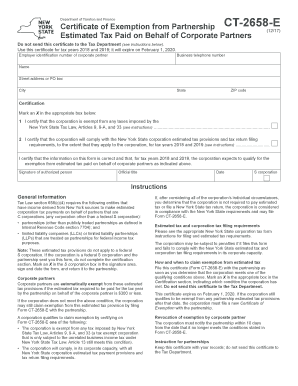
Form ct 2658
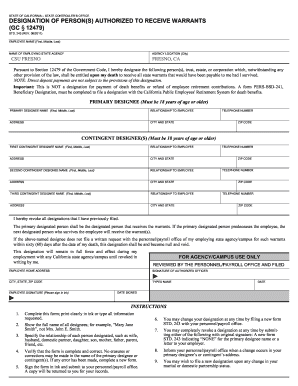
Std 243

Box 7228

City of Yonkers Certificate of Nonresidence and
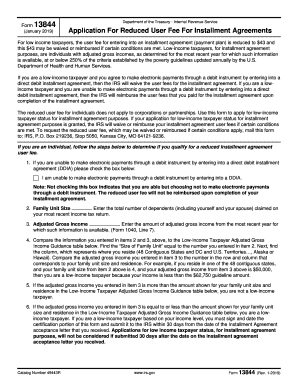
Irs form 13844

Gov/Form8932 for the latest information

N400 form pdf 2019
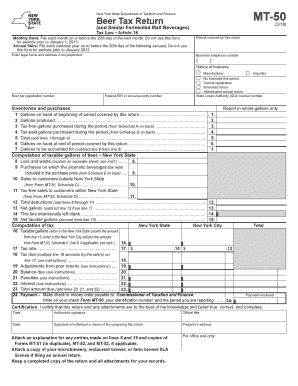
Mt 50

Cause of action definitions are listed on the back of this form
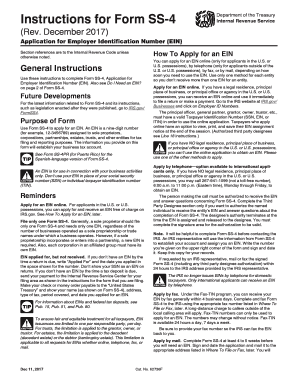
Instructions ss 4 form
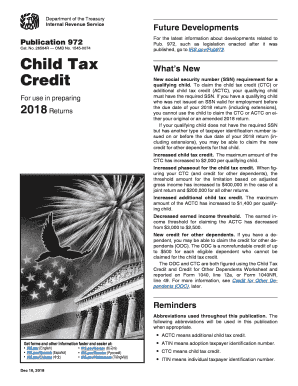
Child tax credit form 2017

Partial Full payment and satisfaction of the following:

JD-FM-240 - Connecticut Judicial Branch - CT.gov - jud ct
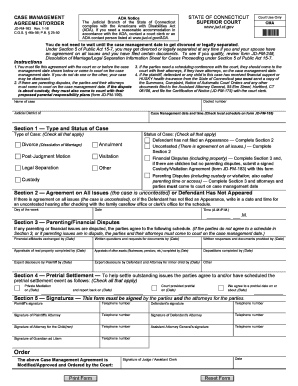
Ct agreement
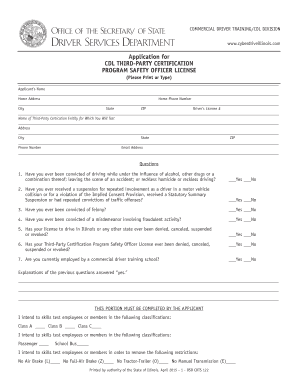
Register rules - AvoidTheScam.net
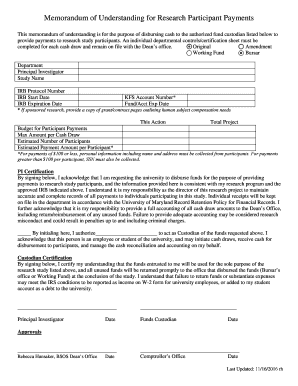
MOU for Research Participant Payments Form - University of Maryland
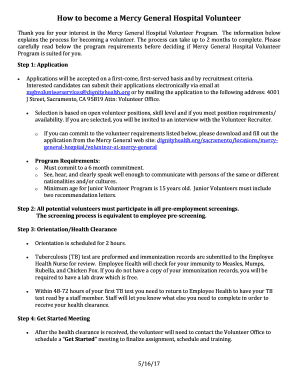
Carefully read below the program requirements before deciding if Mercy General Hospital Volunteer
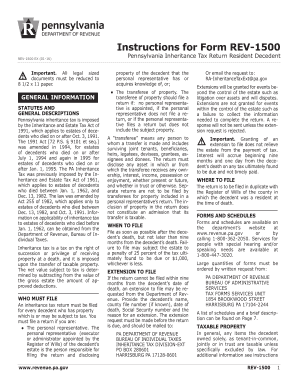
Fillable Instructions for Form REV-1500 - Pennsylvania Inheritance Tax ...

CERTIFICATION OF SALES UNDER SPECIAL CONDITIONS

Indiana bmv form 44237
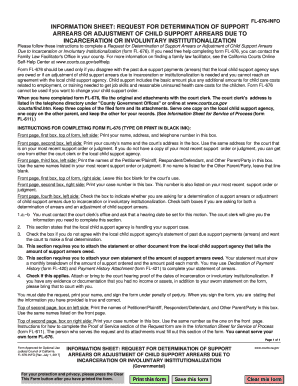
Judicial determination form

Illinois identification

Florida franchise tax return

Form dr 15tdt

Dr 601g fill in

2018 berks earned income tax calculator
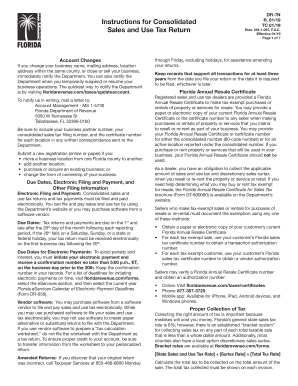
Instructions for Consolidated

Dr908

Seller residency certification nj
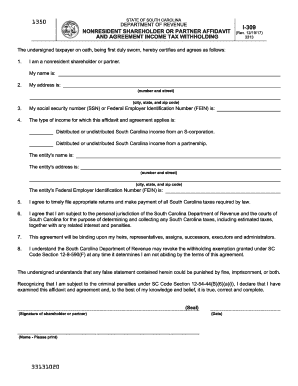
Faa form 8000 36
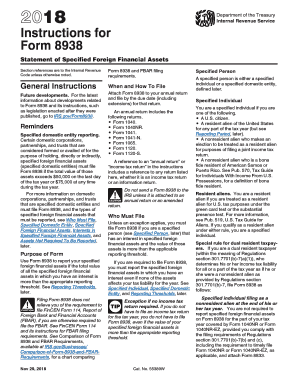
Form 8938 2017 fill online
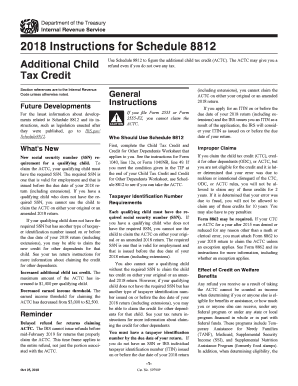
Irs form 8812 instructions
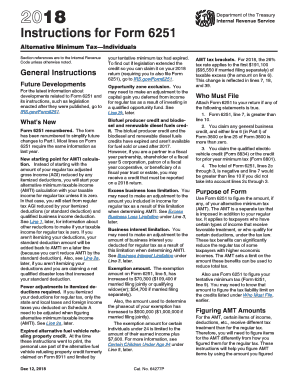
2016 instructions for form 6251
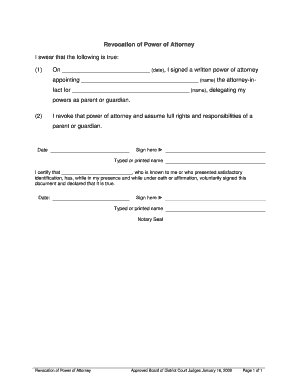
Grade:7 Lesson # 7 Doc TemplateDocHub
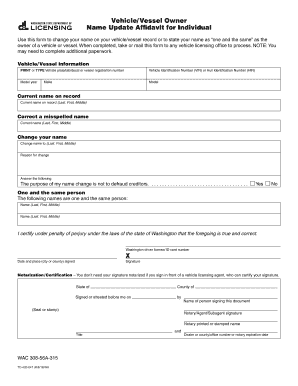
Name update affidavit

PURPOSE: In order to withdraw (terminate/cancel) the registration
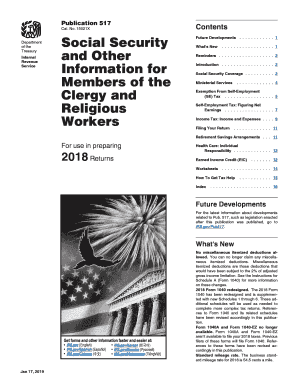
Publication 517 clergy
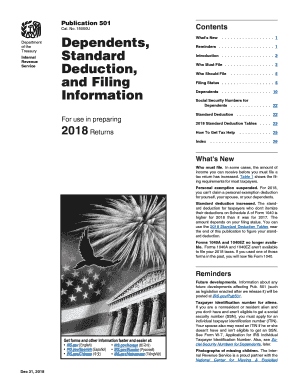
Irs publication 501 for 2017
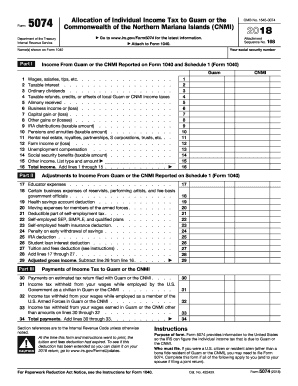
Irs form 5074
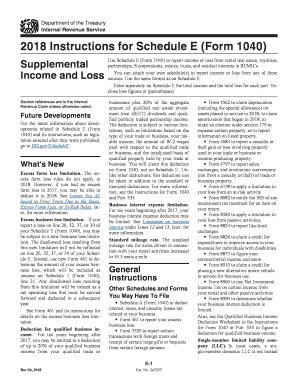
Irs 1040 schedule e form
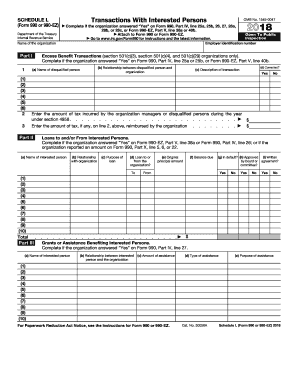
Schedule l
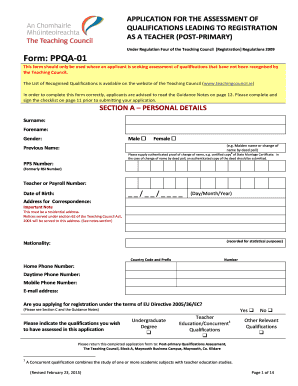
Ppqa 01

State of alaska forms dr1 10
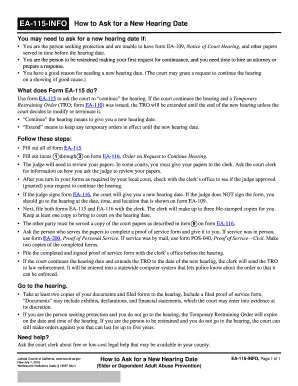
Ea 115 info

2019 de board

Il hearing officer

Use Tax Questions and Answers - Illinois Department of Revenue
Benefit from the DocHub online library of fillable PDF forms
Searching the PDF forms doesn't have to be a tedious and time-consuming process. With the DocHub online library, it has become easier to find the fillable PDF forms and modify them in your browser. The service allows you to adjust the document to your needs using powerful editing tools.
You can use online document editing features to modify almost any type of document with ease. You just need to find the template of your choice, open it in the editor, and use the toolbar to make the necessary corrections.
Follow this guide to get your document done with DocHub:
- Find the PDF template you need.
- Click the Get Form button to open the file in the editor.
- Use the toolbar to fill out and edit the document.
- Easily add and highlight text, insert images, checkmarks, and symbols.
- Drop new fillable fields, and rearrange or delete pages from your file.
- Save changes and download your record.
DocHub empowers everyone to streamline document editing, signing, and distribution, and form completion. Create an account and benefit from our well-organized PDF Forms library and comprehensive editor.