




01. Edit your dr1002 online
Type text, add images, blackout confidential details, add comments, highlights and more.

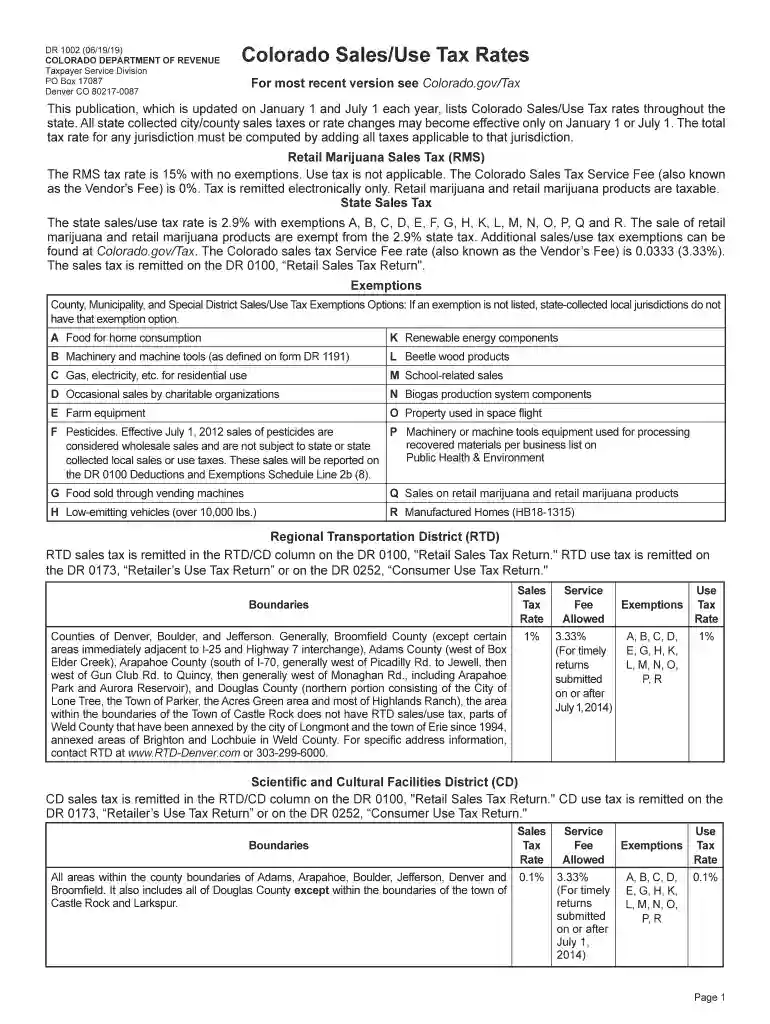
Type text, add images, blackout confidential details, add comments, highlights and more.

Draw your signature, type it, upload its image, or use your mobile device as a signature pad.

Send it via email, link, or fax. You can also download it, export it or print it out.

Start filling out your dr1002 today using our platform for a seamless experience!
We've got more versions of the dr1002 form. Select the right dr1002 version from the list and start editing it straight away!
| Versions | Form popularity | Fillable & printable |
|---|---|---|
| 2025 | 4.1 Satisfied (54 Votes) | |
| 2024 | 4.7 Satisfied (32 Votes) | |
| 2023 | 4.1 Satisfied (31 Votes) | |
| 2022 | 4.8 Satisfied (46 Votes) | |
| 2021 | 4.8 Satisfied (113 Votes) | |
| 2020 | 4.3 Satisfied (206 Votes) | |
| 2019 | 4.4 Satisfied (211 Votes) | |
| 2019 | 4.4 Satisfied (285 Votes) | |
| 2018 | 4.3 Satisfied (181 Votes) | |
| 2018 | 4.3 Satisfied (307 Votes) | |
| 2017 | 4.3 Satisfied (187 Votes) | |
| 2014 | 4 Satisfied (47 Votes) |
eSignatures are a perfect replacement for traditional signing, as they save time, effort, and money people spend on printing, scanning, and paper delivery. You can electronically sign your dr1002 using a trustworthy and robust online document management tool like DocHub. It complies with primary eSignature standards (ESIGN and UETA), so all documents approved there are legally binding and have the same validity as manually signed ones.
It is a no-brainer on a computer or via a mobile device to complete a dr1002 with DocHub. All you need to do is open any installed web browser on your smartphone and go to the DocHub site. Once authenticated, add your file and open it in editing mode. Use our toolbar to make your edits and save modifications. Optionally, keep your file in your files or send it to a recipient on the spot.
At DocHub, your data security is our priority. We follow HIPAA, SOC2, GDPR, and other standards, so you can work on your documents with confidence.
You now own a state of the art 1/10 scale oval race car. shown in this manual. the following for the Diff and Rear Axle assembly: Diff Rings (DR-1002) and Spur
A sellers claim for refund is submitted when the vendor paid sales tax to the Colorado Department of Revenue with the sales or retailers use tax return inRead more


