




Here's how it works

01. Edit your dochub com fillable form online
Type text, add images, blackout confidential details, add comments, highlights and more.

02. Sign it in a few clicks
Draw your signature, type it, upload its image, or use your mobile device as a signature pad.

03. Share your form with others
Send n 400 form in spanish pdf via email, link, or fax. You can also download it, export it or print it out.
How to use or fill out N-400 form PDF 2019 with our platform

- Click ‘Get Form’ to open the N-400 form in the editor.
- Begin with Part 1, where you will select your eligibility category. Ensure you check only one box to avoid delays.
- In Part 2, provide your current legal name as it appears on your permanent resident card. Fill in all required fields accurately.
- Continue to Part 5, detailing your residence history for the last five years. Use additional sheets if necessary for extra addresses.
- Complete Parts 6 through 12 by providing information about your parents, biographic details, and any additional information requested.
- Finally, review Parts 13 to 15 for signatures and certifications. Make sure all information is complete and accurate before submission.
Start filling out your N-400 form today using our platform for free!
Fill out n400 form pdf 2019 online
It's free
See more n400 form pdf 2019 versions
We've got more versions of the n400 form pdf 2019 form. Select the right n400 form pdf 2019 version from the list and start editing it straight away!
Got questions?
We have answers to the most popular questions from our customers. If you can't find an answer to your question, please contact us.
Contact us
How to download N-400 form?
Continuous Residency: You must have continuously lived in the United States for three years prior to filing Form N-400. Physical Presence: You need to have been physically present in the U.S. for at least 18 months (or 548 days) of the three years.
How to download forms from IRCC?
Find the link of the file you want to save (you may need to go back to the previous page to find it). Press the Control (Ctrl) key and click on the link. When the option menu appears, choose Download link to disk or Download linked file. Choose the location on your computer where you would like to store the file.
What is the 3 year rule for N-400?
Errors in Form N-400 Common mistakes include: Skipping sections, such as employment history, marital status, or travel outside the U.S.; Inaccurate personal informationsuch as listing an inaccurate name, date of birth, or Social Security number; and. Failing to sign the application.
Security and compliance
At DocHub, your data security is our priority. We follow HIPAA, SOC2, GDPR, and other standards, so you can work on your documents with confidence.
Learn more


Related forms
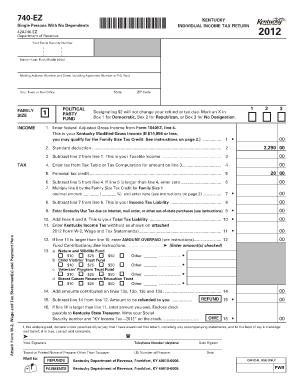
Ez740 ic
The document is the 2012 Kentucky Individual Income Tax Return Form 740-EZ for single persons with no dependents. It out ...

San diego regional hazardous materials questionnaire 1998 form
The document is a Hazardous Materials Questionnaire for businesses in San Diego, requiring information on the use, stora ...

For court use only los angeles superior court probate department
The document is a confidential compliance certification form for attorneys participating in the Los Angeles Superior Cou ...
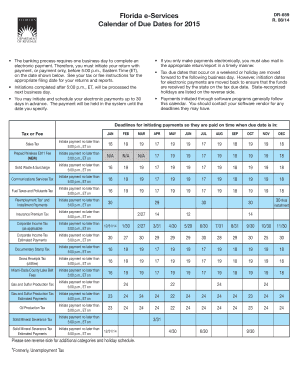
Florida e-Services Calendar of Due Dates for 2015 - formuPack
The document outlines the Florida e-Services Calendar of Due Dates for 2015, detailing deadlines for initiating electron ...
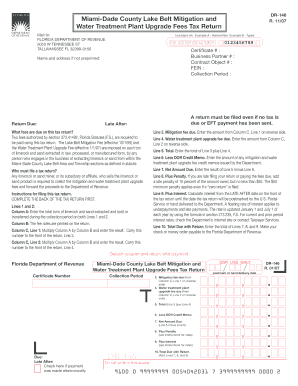
DR-146 Miami-Dade County Lake Belt Mitigation Fee Tax Return R 11 07
The document is a tax return form (DR-146) for Miami-Dade County, specifically for the Lake Belt Mitigation and Water Tr ...
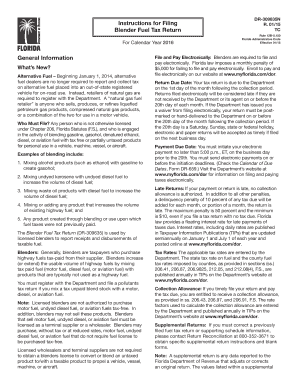
2014 Taxation, Diversion, Alternative Fuels Booklet - FTA Home Page
The document provides detailed instructions for filing the Blender Fuel Tax Return (DR-309635) for the calendar year 201 ...
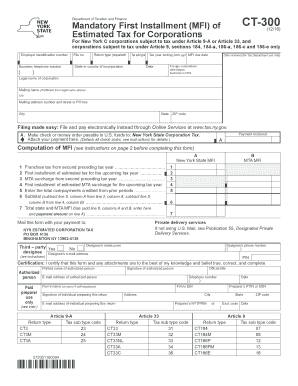
Form CT-300 - tax ny
The document CT-300 is a form issued by the New York Department of Taxation and Finance for C corporations to report and ...
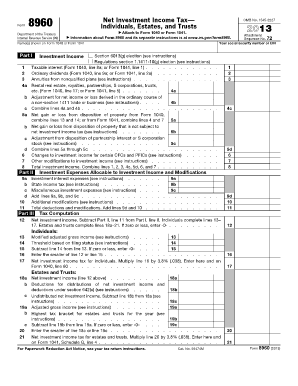
Form 8960 - Internal Revenue Service - irs
Form 8960 is a tax form used by individuals, estates, and trusts to calculate the Net Investment Income Tax (NIIT) as ma ...