




Here's how it works

01. Edit your dochub com fillable form online
Type text, add images, blackout confidential details, add comments, highlights and more.

02. Sign it in a few clicks
Draw your signature, type it, upload its image, or use your mobile device as a signature pad.

03. Share your form with others
Send badgercare application via email, link, or fax. You can also download it, export it or print it out.
How to use or fill out state of Wisconsin BadgerCare application form with our platform

- Click ‘Get Form’ to open the state of Wisconsin BadgerCare application form in the editor.
- Begin by filling out Section 1, which requires your personal information such as name, date of birth, and Social Security number. Ensure all details are accurate to avoid delays.
- In Section 2, provide your contact information. Include a reliable phone number and email address for communication regarding your application.
- Move to Section 3 where you will list all family members living in your household. Be thorough and include children who live with you at least 40% of the time.
- Complete Section 4 by answering questions about additional services like FoodShare. If applicable, fill out any required attachments mentioned in this section.
- Finally, review all sections for completeness and accuracy before signing the application in Section 5. Remember that unsigned applications will be returned.
Start using our platform today to easily complete your BadgerCare Plus application online for free!
Fill out state of wisconsin badger care application form online
It's free
It's free
See more state of wisconsin badger care application form versions
We've got more versions of the state of wisconsin badger care application form form. Select the right state of wisconsin badger care application form version from the list and start editing it straight away!
Security and compliance
At DocHub, your data security is our priority. We follow HIPAA, SOC2, GDPR, and other standards, so you can work on your documents with confidence.
Learn more


Related forms
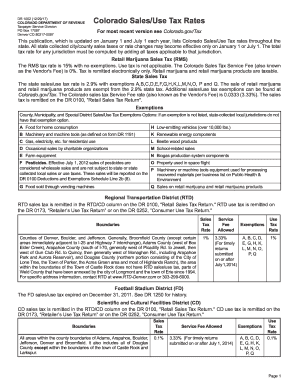
Colorado Sales Use Tax Rates (DR 1002) - Colorado - colorado
The document provides an overview of Colorado's Sales and Use Tax rates, including specific rates for retail marijuana, ...
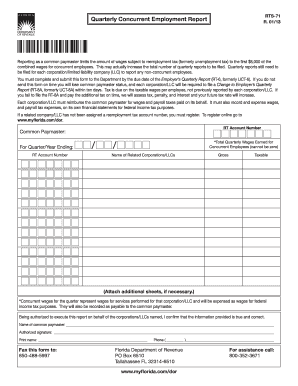
Download this form - Florida Department of Revenue - MyFlorida
The document is a Quarterly Concurrent Employment Report (RTS-71) that outlines the requirements for reporting wages for ...

Application for Rescindment of Tax Credit Allocation for Contributions
The document is an application form (DR-116100) for rescinding a previously approved tax credit allocation for contribut ...
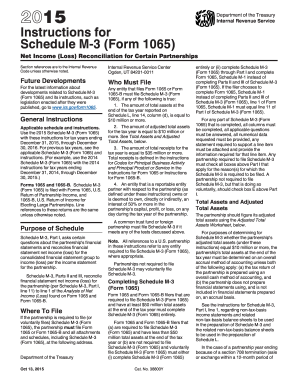
2015 Instructions for Schedule M-3 (Form 1065) Instructions for Schedule M-3 (Form 1065), Net Income
2015 Instructions for Schedule M-3 (Form 1065) Instructions for Schedule M-3 (Form 1065), Net Income
The document provides detailed instructions for completing Schedule M-3 (Form 1065), which is used by certain partnershi ...
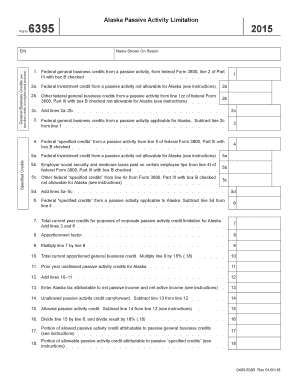
- tax alaska
The document outlines the Alaska Passive Activity Limitation form, detailing the calculation of federal general business ...
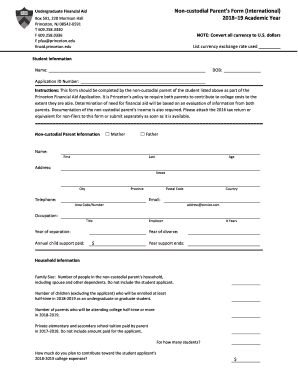
Non-custodial Parent's Fom (International) Parent's Fom (International)
The document is a Non-custodial Parent's Form for the 2018-19 academic year, required by Princeton University as part of ...

Form 1019, Notice of Assessment, Taxable - State of Michigan - michigan
The document is a Notice of Assessment, Taxable Valuation, and Property Classification issued by the Michigan Department ...
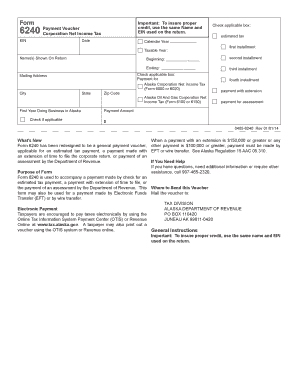
- tax alaska
Form 6240 is a payment voucher for the Alaska Corporation Net Income Tax, used for estimated tax payments, payments with ...