
Get any PDF form from the DocHub library of ready-made templates - Page 1282
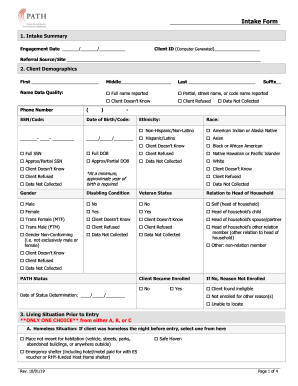
Engagement Date //

Kesseltronics

Fsafeds reimbursment forms
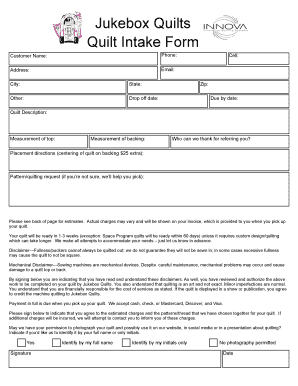
Longarm quilting intake form

Gentry health services
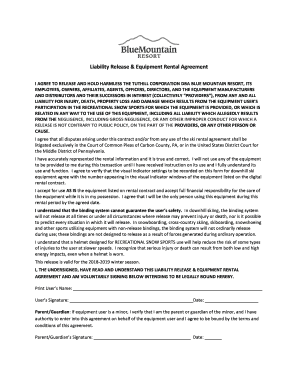
Blue mountain resort waiver

Hawaii advance directive

Michigan Power of Attorney for a Minor Child

Acceptance service county

Sublease agreement - MindMeister

Request for Copy of Collision Report, Revised 1/19. Washington State Patrol Collision Records Section, (360) 570-2355, collisionrecordswsp.wa.gov

Colorado birth certificate

Certificate IV in Accounting and Bookkeeping - TAFE Gippsland

T 138 form
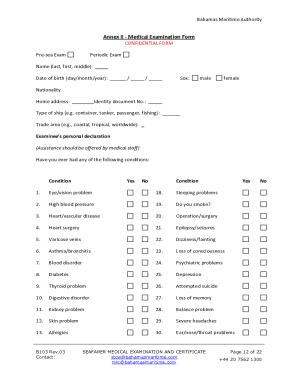
Bahamas medical certificate

Sliding scale agreement
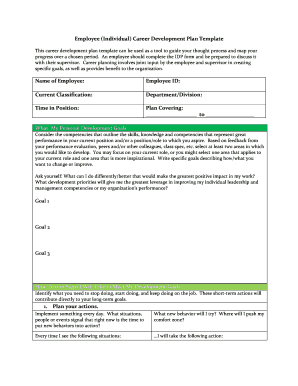
Sample IDP v2
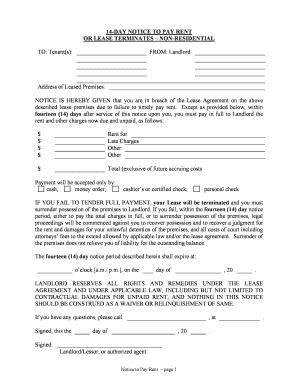
Tennessee 14 day

Notice terminate tenancy
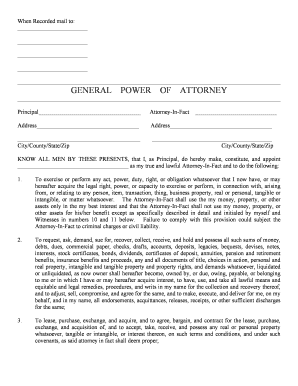
Arizona general attorney
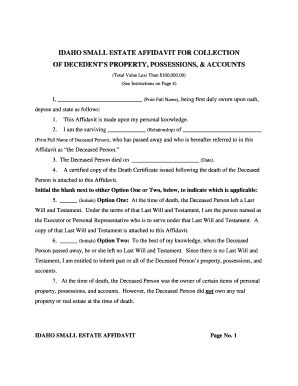
Idaho estate affidavit

Florida llc
Move out form
Speech therapy contract template

Door measurement sheet
DONATION TRANSMITTAL FORM
Federal Law Enforcement Training Center Graduation Speech ...
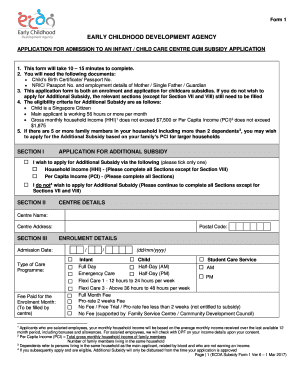
Ecda form 1
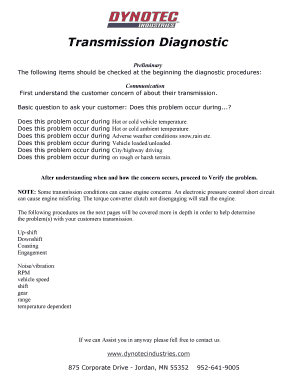
Automatic Transmission Diagnostic Worksheet

Personalized left right baby shower game

Simply Spay and Neuter of OC

25b career map
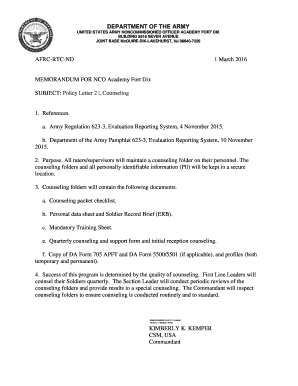
Fort dix blc
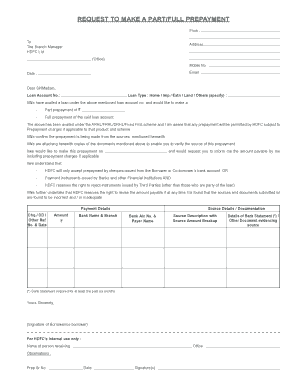
How to fill the hdfc prepayment form

Textbook of pharmaceutical analysis by ravi shankar pdf download
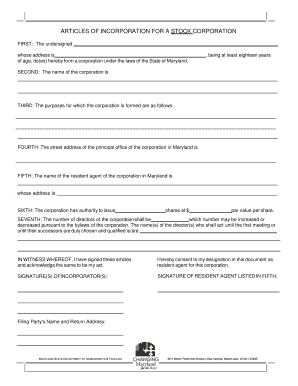
Maryland articles incorporation
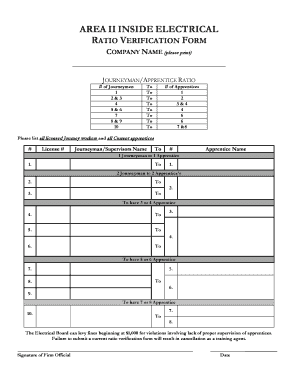
Journeyperson to apprentice ratio verification worksheet
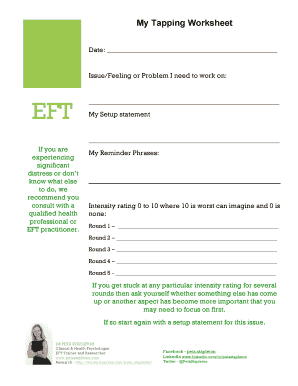
Eft tapping worksheet pdf
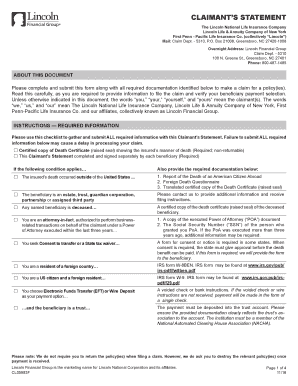
Claimant's Statement - Lincoln Financial Group

Coweta county school affidavit
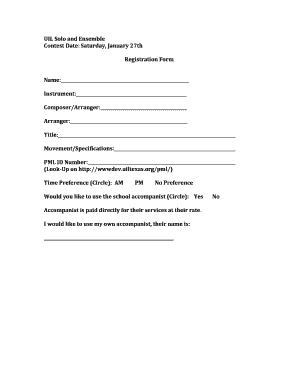
UIL Solo and Ensemble Registration Form

Idaho st 133
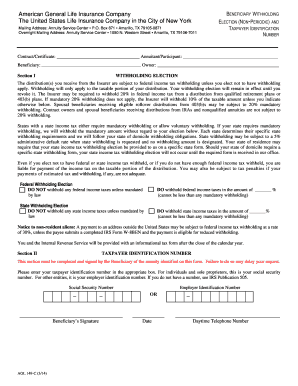
AGL 149C W-9 3-14.doc
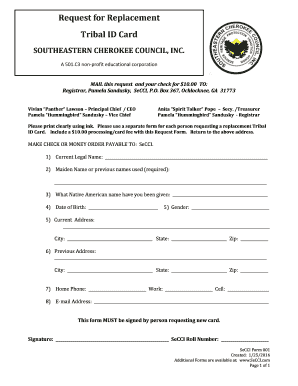
Southeastern cherokee council inc
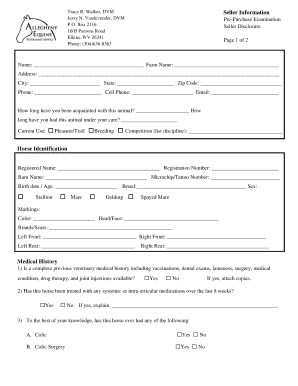
Pre-Purchase Seller Disclosure PDF - Allegheny Equine Veterinary ...
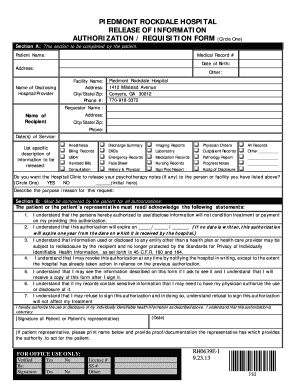
Piedmont hospital discharge papers
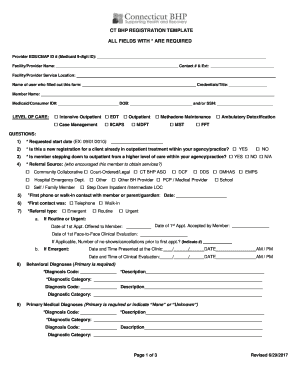
Ct bhp registration template
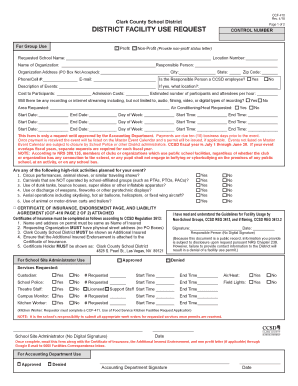
Ccsd form request
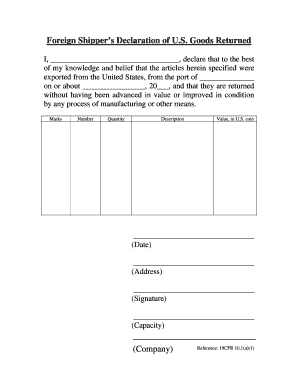
Foreign shipper declaration example
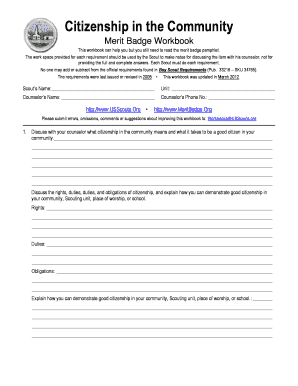
Citizenship in society merit badge worksheet
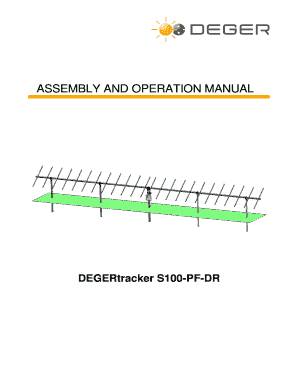
Deger S100 Installation Manual - Frankensolar
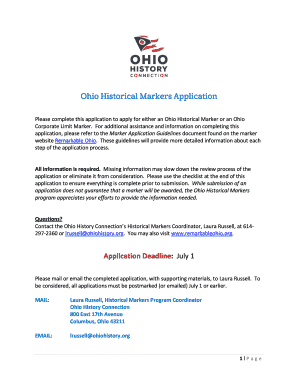
Ohio Historical Society Historical Markers Application Form
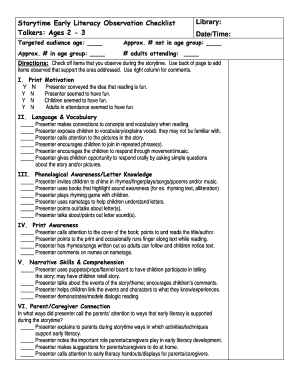
Literacy observation checklist
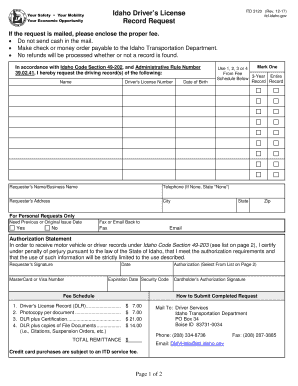
Idaho Driver's License Record Request - Idaho Transportation ...
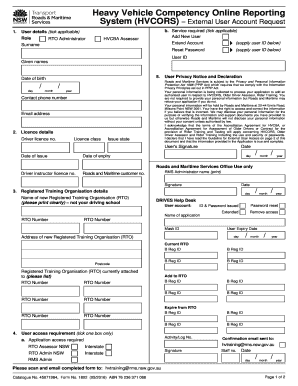
Hvcors login
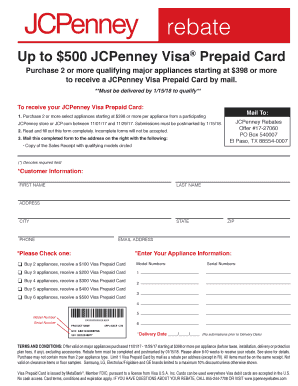
Jcpenney rebates

Client Referral Form - Provida Financial Services

Affidavit of missing person
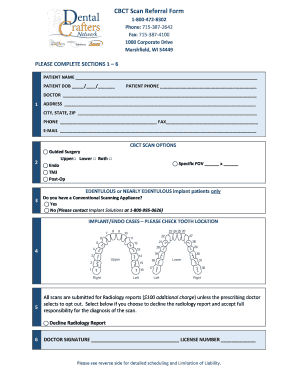
Cbct referral form
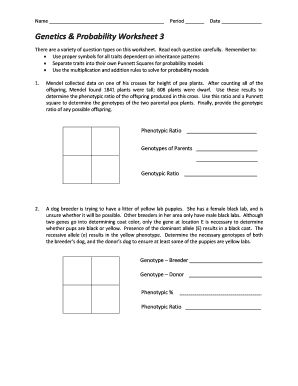
Genetics and probability worksheet 3 answers
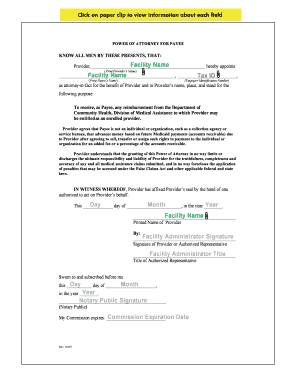
POWER OF ATTORNEY FOR PAYEE
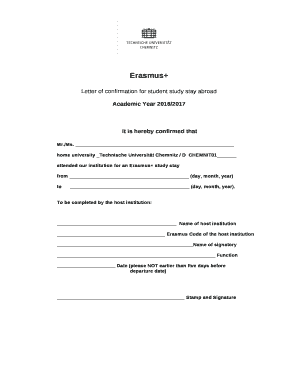
Study confirmation letter
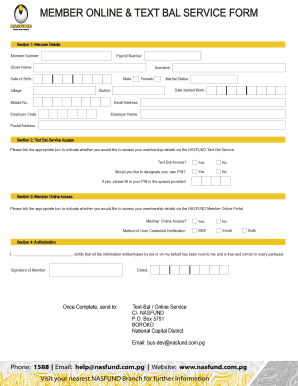
Nasfund withdrawal request letter sample

Daily positive behavior tracking form doc
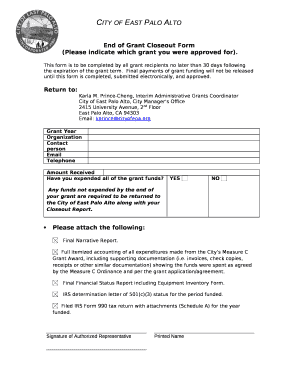
End of Grant Closeout Form
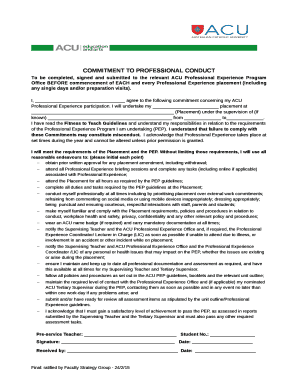
Commitment to professional conduct form acu
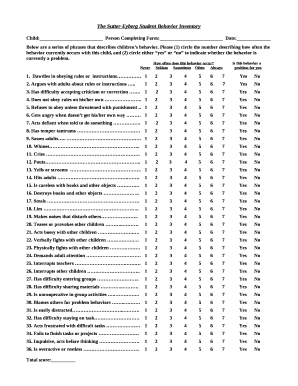
The Sutter-Eyberg Student Behavior Inventory
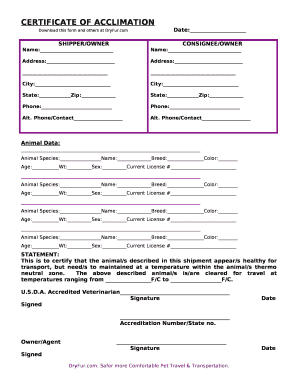
Certificate of acclimation pdf
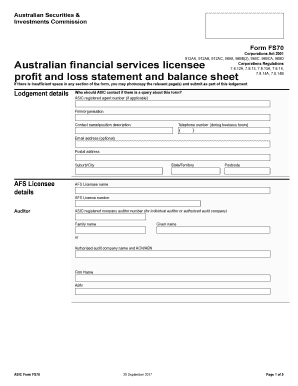
Fs 70 form
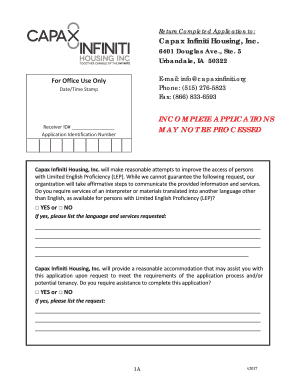
Capax infiniti housing
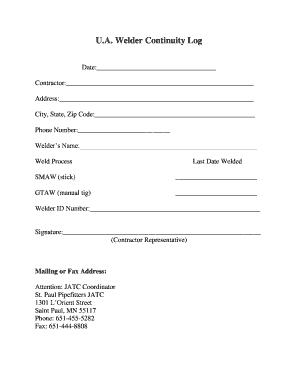
Welder continuity log
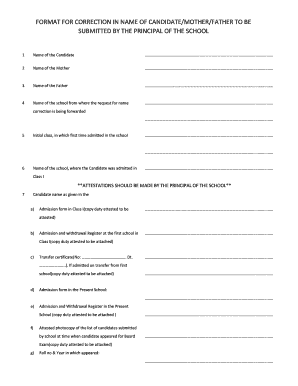
Cbse name correction form
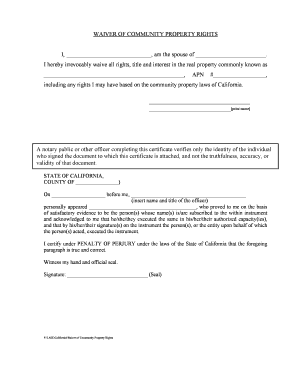
WAIVER OF COMMUNITY PROPERTY RIGHTS
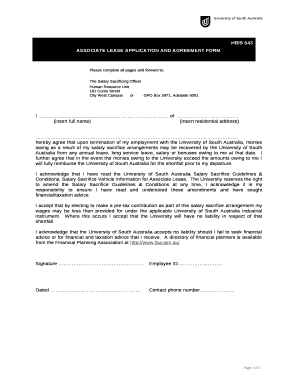
Associate lease agreement template
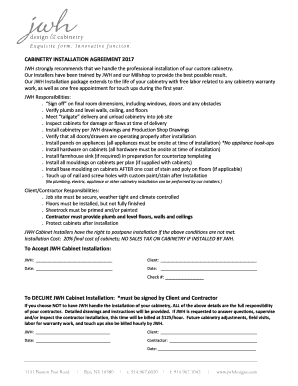
Cabinet installation contract template
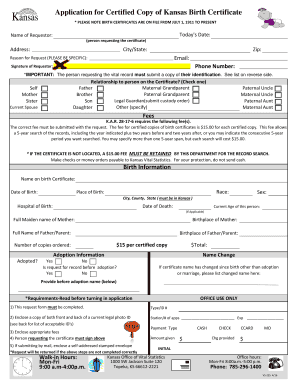
Kansas birth certificate
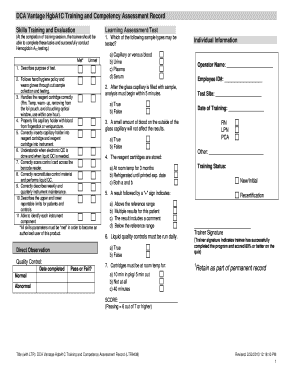
Dca vantage hgba1c training and competency assessment record ltr9438
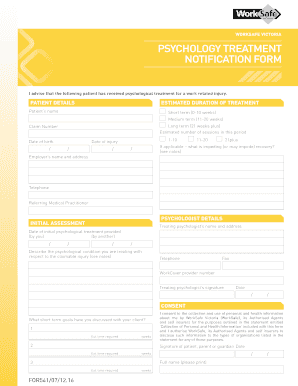
Worksafe psychology treatment notification form
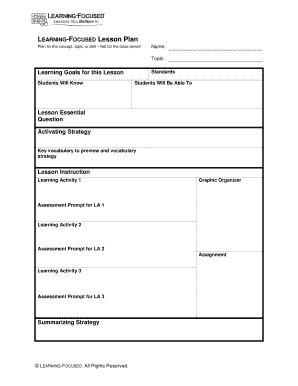
Learning focused lesson plan template
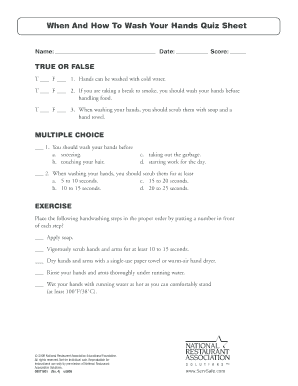
Hand washing quiz 101

Plat and dedication for street purposes - City of Omaha

Cpt30 form
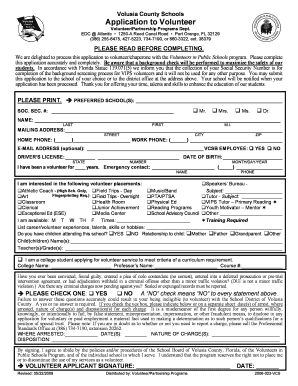
Volusia county school calendar
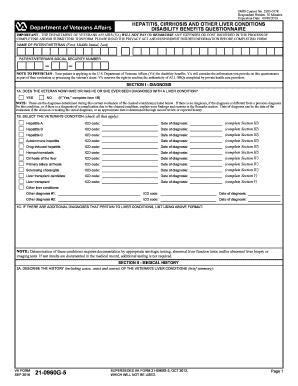
VA Form 21-0960G-5. HEPATITIS, CIRRHOSIS AND OTHER LIVER CONDITIONS DISABILITY BENEFITS QUESTIONNAIRE - vba va
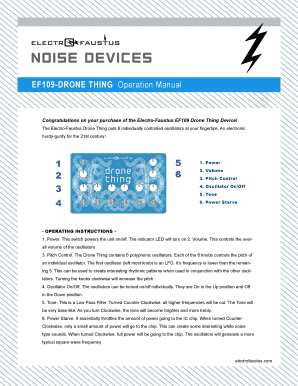
EF109-DRONE THING Operation Manual 1 2 3 4 5 6

Cigarette inventory count sheet
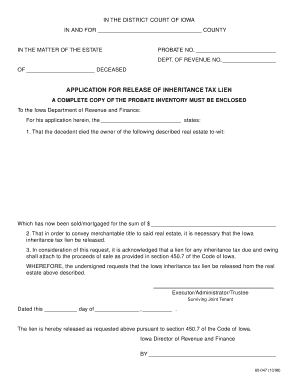
Inheritance release form

Cdcr cadet handbook 2021

Leadership questionnaire for students pdf
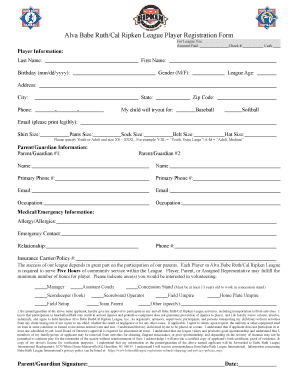
Alva Babe Ruth/Cal Ripken League Player Registration Form
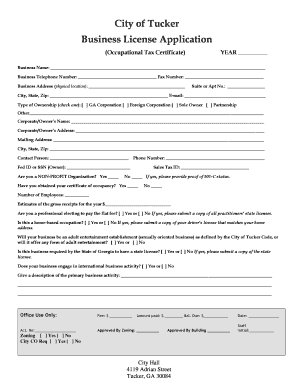
City of tucker business license
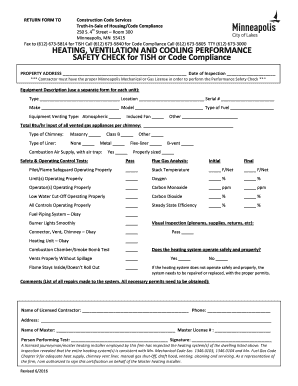
Safety tish template

Deped parental consent and waiver form
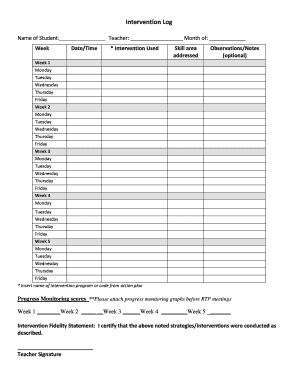
Intervention log template

Server training manual pdf

Authorization For Home Insemination - Midwest Sperm Bank
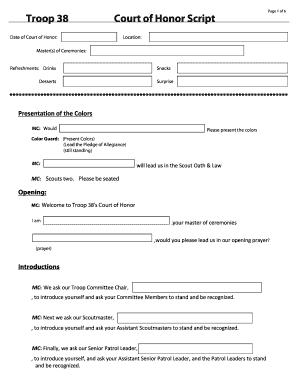
Court of honor script
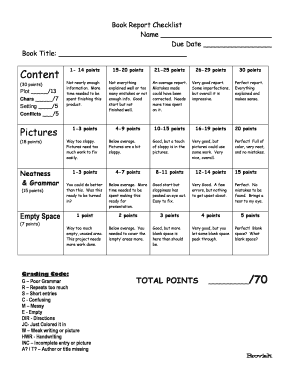
Book Report Checklist

Ebot exam
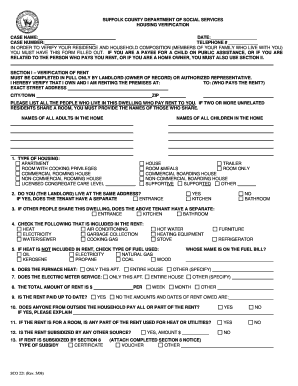
Suffolk county department of social services housing verification form
Benefit from the DocHub online library of fillable PDF forms
Searching the PDF forms doesn't have to be a tedious and time-consuming process. With the DocHub online library, it has become easier to find the fillable PDF forms and modify them in your browser. The service allows you to adjust the document to your needs using powerful editing tools.
You can use online document editing features to modify almost any type of document with ease. You just need to find the template of your choice, open it in the editor, and use the toolbar to make the necessary corrections.
Follow this guide to get your document done with DocHub:
- Find the PDF template you need.
- Click the Get Form button to open the file in the editor.
- Use the toolbar to fill out and edit the document.
- Easily add and highlight text, insert images, checkmarks, and symbols.
- Drop new fillable fields, and rearrange or delete pages from your file.
- Save changes and download your record.
DocHub empowers everyone to streamline document editing, signing, and distribution, and form completion. Create an account and benefit from our well-organized PDF Forms library and comprehensive editor.