
Get any PDF form from the DocHub library of ready-made templates - Page 1283
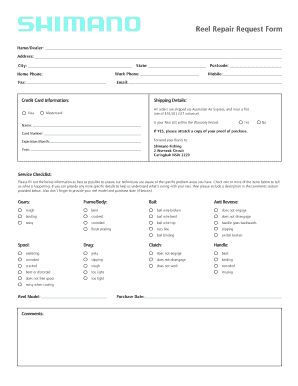
Shimano reel repair form pdf
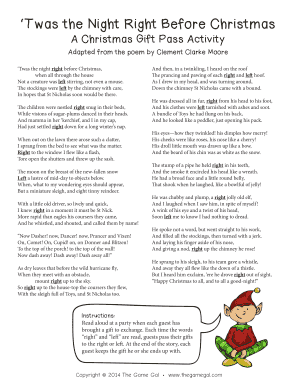
Printable twas the night before christmas
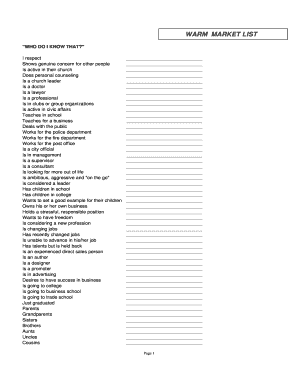
WARM MARKET LIST - Life Done Better
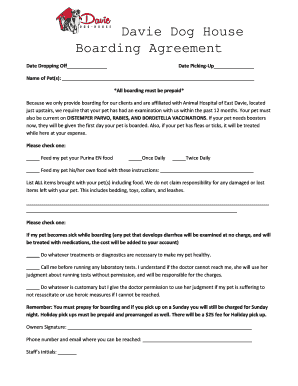
Davie dog house

Sunscreen permission form for daycare
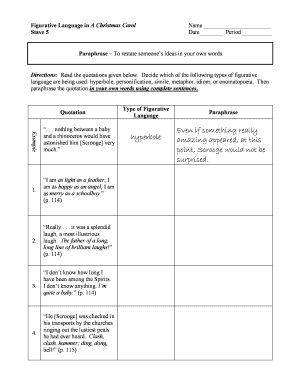
A christmas carol figurative language worksheet pdf
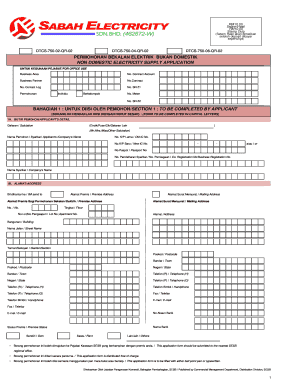
Borang permohonan meter sesb
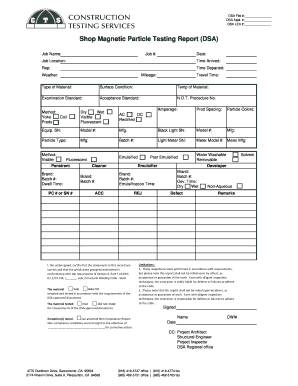
Shop Magnetic Particle Testing Report DSA
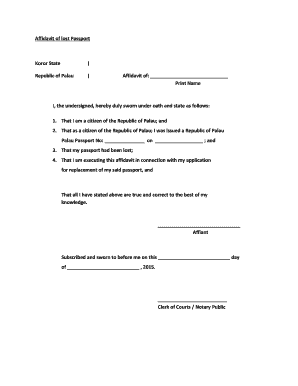
Lost passport affidavit sample
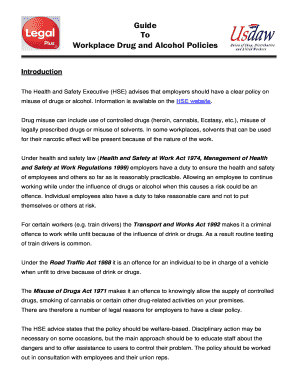
Workplace Drug and Alcohol Policies

Aarcd

Formulario 003 msp ecuador pdf
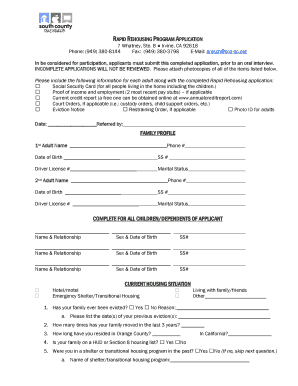
RAPID REHOUSING PROGRAM APPLICATION
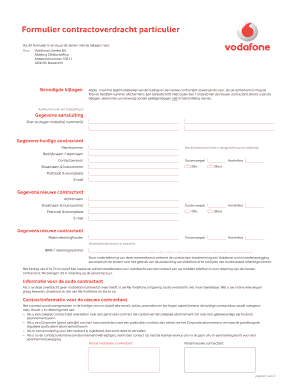
Vodafone contract
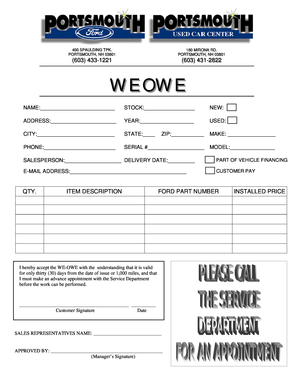
We owe form pdf
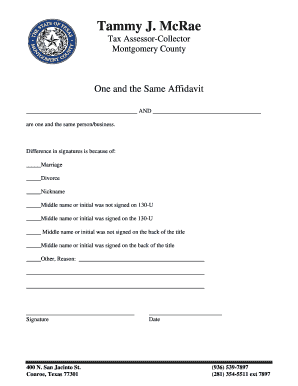
One in the same form

Healthy habits bingo

Underground Storage Tank Sump And Spill Bucket Inspection Checklist

Plumbing job application forms
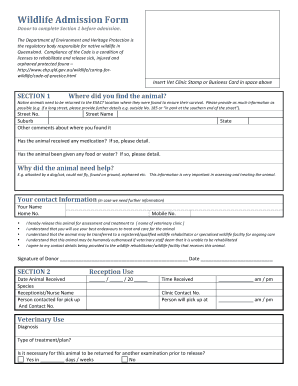
Wildlife Admission Form QLD - Wildcare Australia

Well Child Book - IU Health - iuhealth
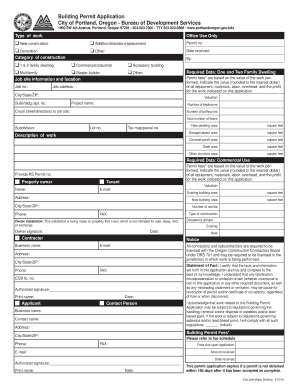
Building permit application - The City of Portland, Oregon
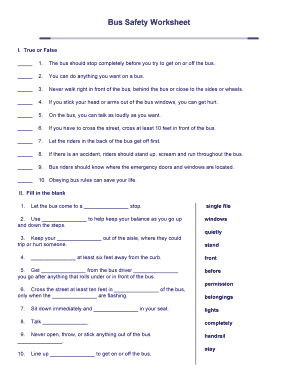
Printable bus safety worksheets
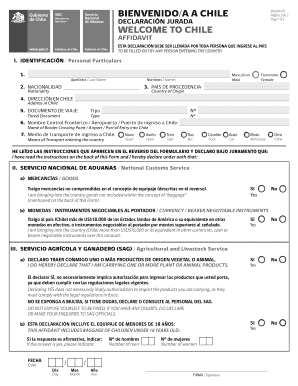
Welcome to chile affidavit

Libertys 2nd Reading Briefing on Crime and Security Bill - DNA Lordsdoc
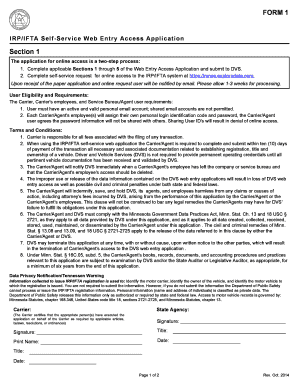
Mnec exploredata

Incident investigation report
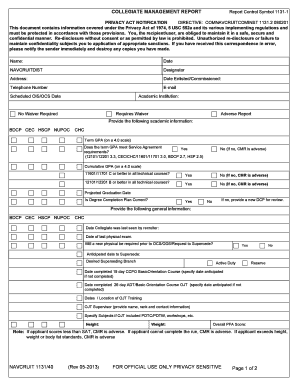
COLLEGIATE MANAGEMENT REPORT Report Control Symbol 1131-1 - cnrc navy
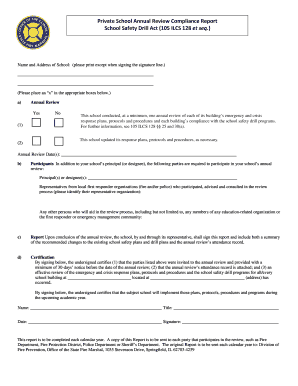
Private school annual review compliance report
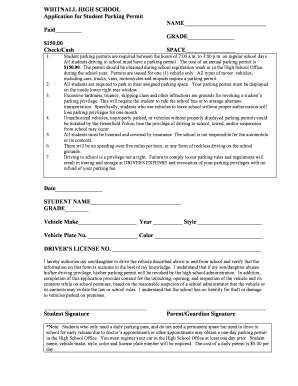
WHITNALL HIGH SCHOOL Application for Student Parking
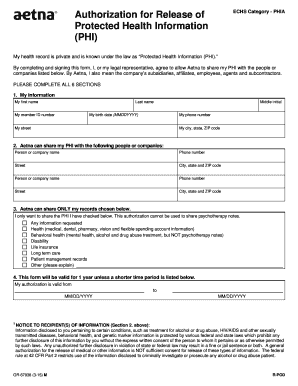
Echs phia
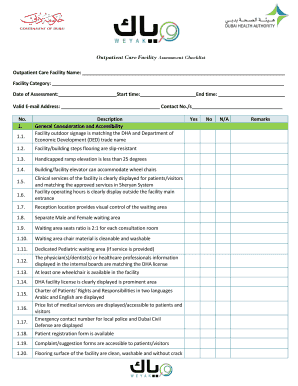
Weyak checklist
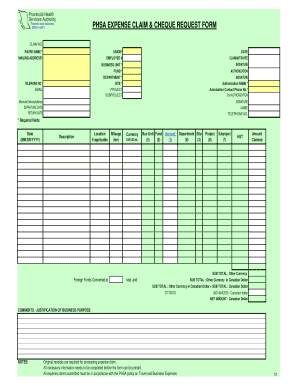
Phsa expense claim cheque request form

SY Precon Certification Form-2010docx
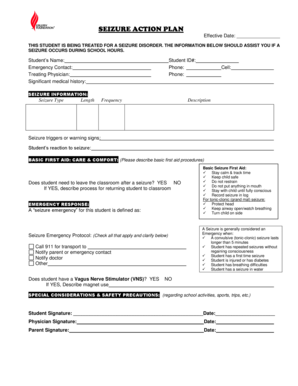
Printable seizure action plan
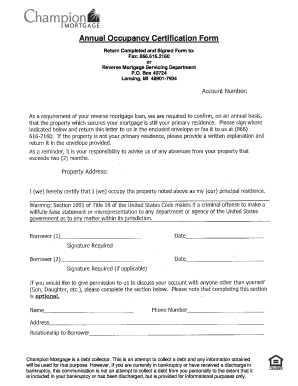
Occupancy certification form
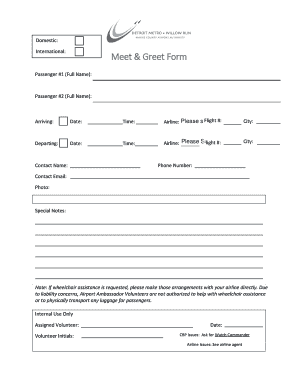
Meet and greet celebrity format

Omha offer of commitment

AFFIDAVIT LEE COUNTY LOCAL BUSINESS TAX RECEIPT ORDINANCES

Ir886

Office of Trademark Licensing ROYALTY WAIVER REQUEST FORM - fresnostate

Section 21 notice template
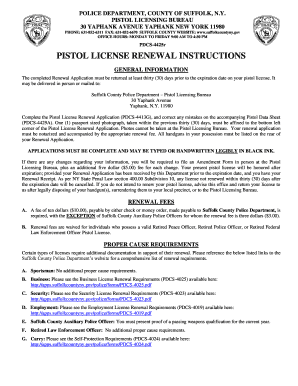
Suffolk county pistol permit amendment form
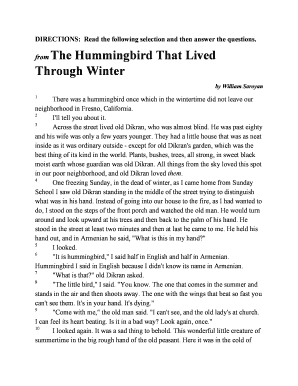
The hummingbird that lived through winter questions and answers

RRB-19a - Childs's Disability Benefits

Dnn 3 form in english
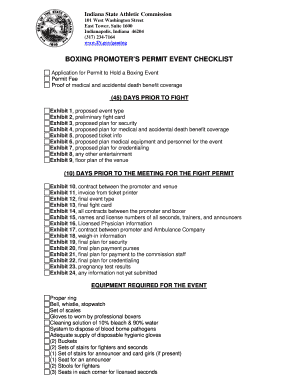
Boxing promoter checklist
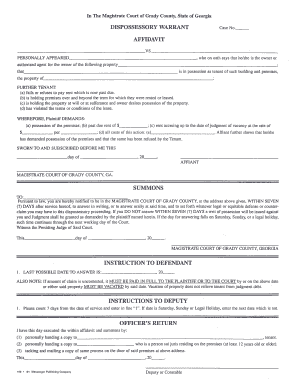
Dispossessory warrant
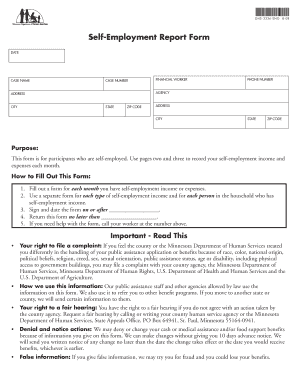
Self employment report form dhs 3336
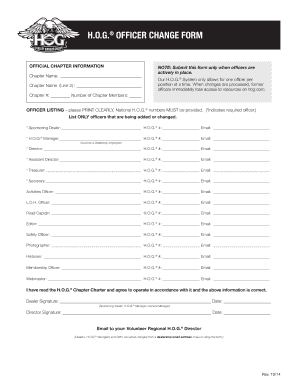
Hog officer change form - Foothills HOG Chapter 76
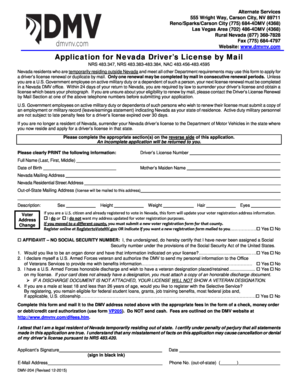
Dmv 204
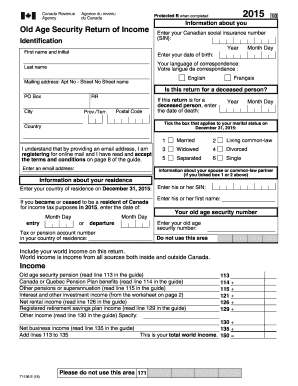
Old age security return of income form
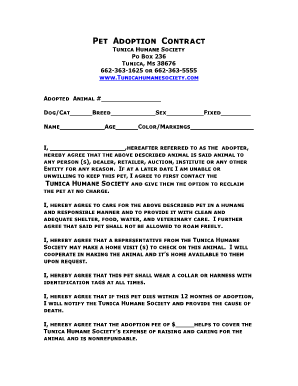
Dog adoption contract
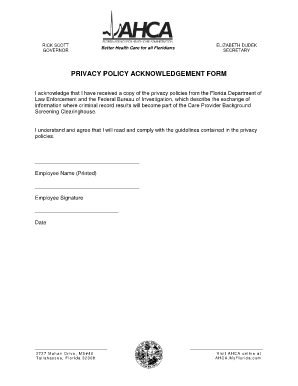
Privacy policy acknowledgement form ahca

Louisiana lost title application pdf
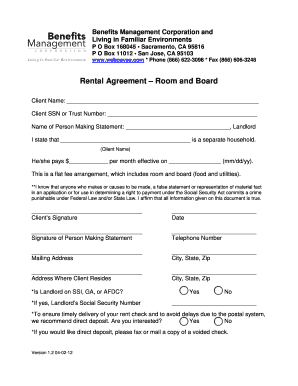
Ssi rental agreement pdf

Blank divorce papers

B2013b-registration-form-2 - Strings Without Boundaries
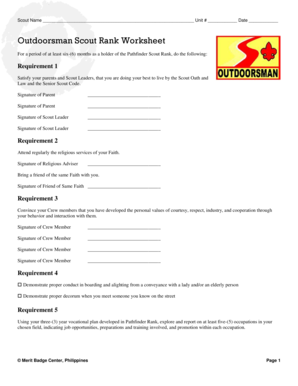
Outdoorsman scout rank worksheet
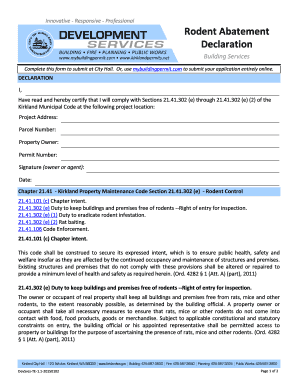
Rodent Abatement Declaration This form is used to capture the applicants acknowledgment of the Kirkland Municipal Code requirements for rodent abatement and that rait baiting may be required for their project This form also contains the - -
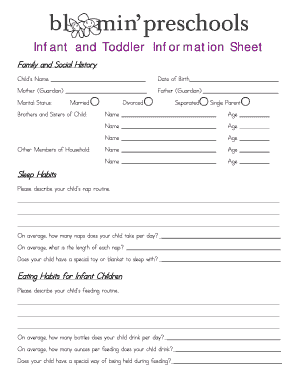
Infant information sheet
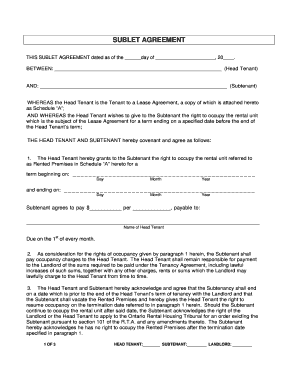
Sublet agreement waterloo
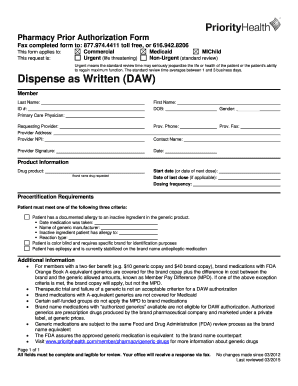
Dispense as Written Prior Authorization Form - Priority Health
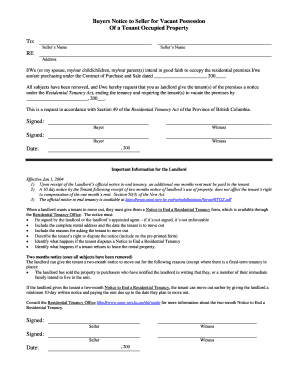
Buyers Notice to Seller for Vacant Possession Of a Tenant Occupied ...

Handicap parking permit winnipeg

Short Term Mission Trip Rish Acknowledgement and Release Form

New employee starter form template

Sample Enrollment Agreement - Ohio State Board of Career ...

Past performance template
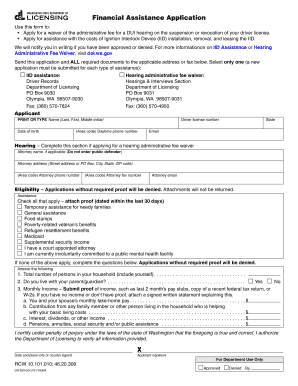
Dol financial assistance application

Kitchen facilities use agreement

Fhsaa skin form

Stepparent adoption adoptee
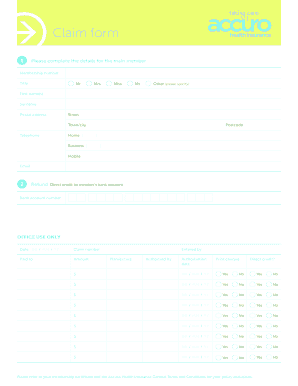
Accuro claim form
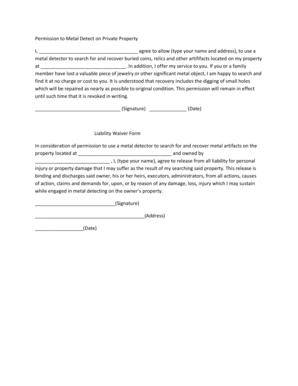
Metal detecting permission form
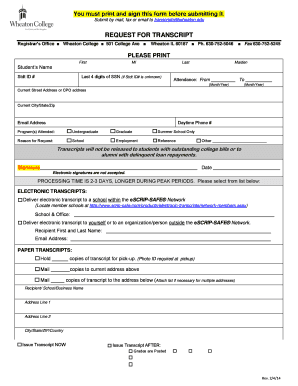
Wheaton college transcript request
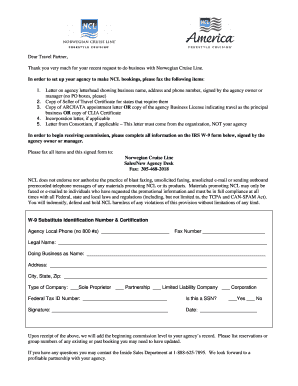
Ncl medical form
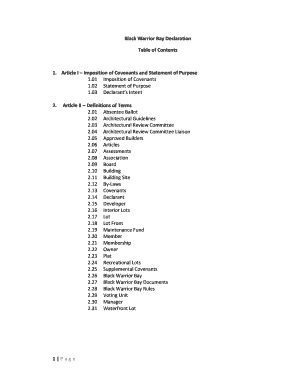
Download File - Black Warrior Bay Homeowners Association
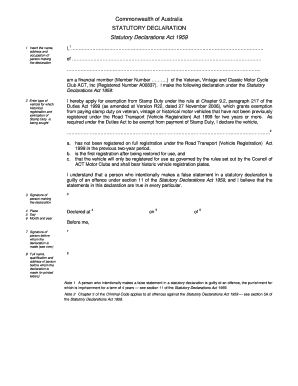
Commonwealth statutory declaration

Child support forms

BI393 Biostatistics Course Outline Fall 2012 - Wilfrid Laurier bb - wlu

Guitar center jobs

Firpta form
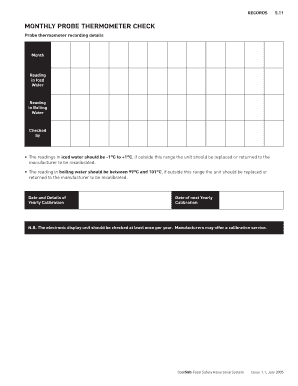
Monthly probe thermometer check
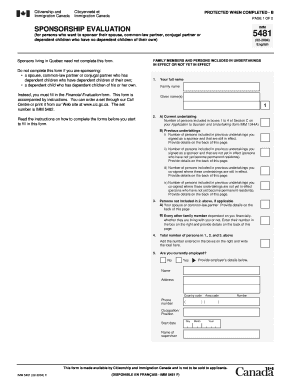
Imm 5481
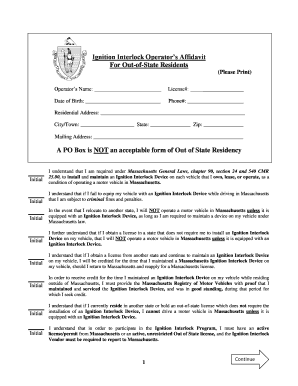
Ignition Interlock Operator's Affidavit For Out-of-State Residents A ...
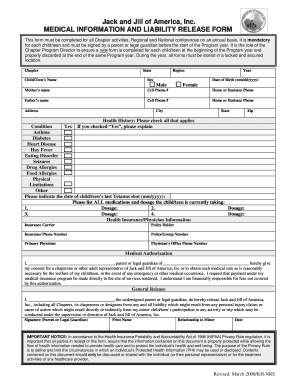
Jack & Jill Medical Information & Liability Release Form - RegOnline
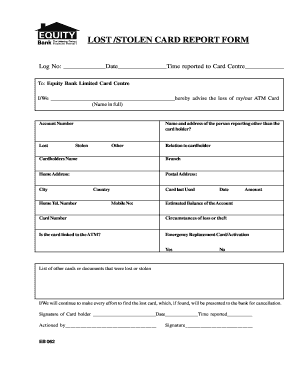
LOST /STOLEN CARD REPORT FORM - Equity Bank
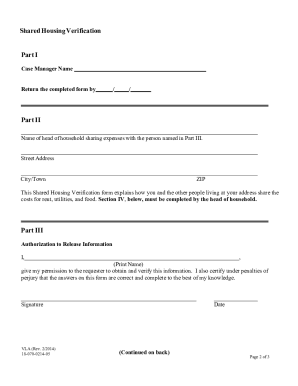
Shared housing ccsd
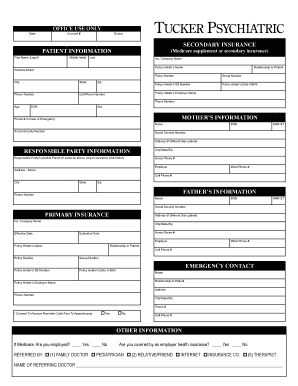
Tucker psychiatric clinic
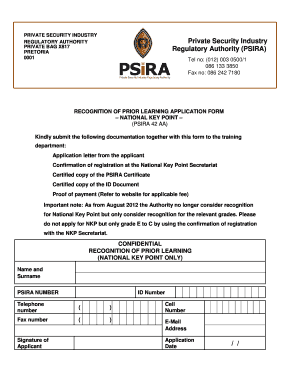
Psira application

GC-350 LETTERS OF CONSERVATORSHIP - State Legal Forms

Washington dol vision form
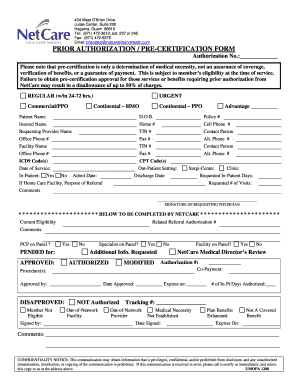
Netcare guam pre athorization form
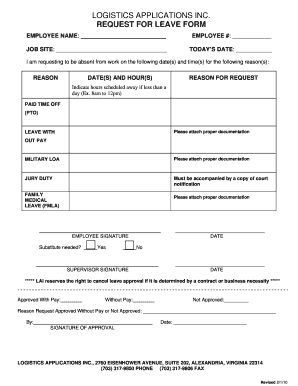
Leave form

Saha recertification packet
Mdcps letterhead
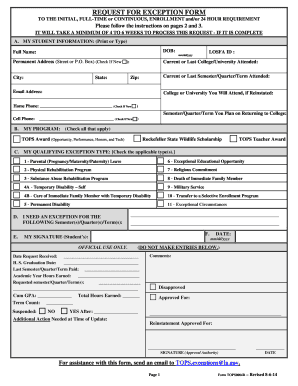
TOPS Request for Exception Form - Louisiana Office of Student ...
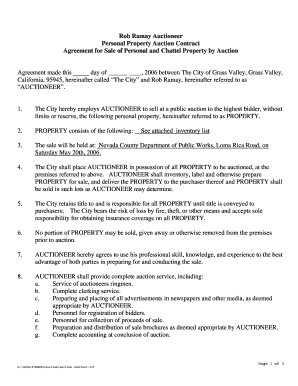
Auction contract template

Informal Procedure - Federal Court (Canada) - cas-ncr-nter03 cas-satj gc
Benefit from the DocHub online library of fillable PDF forms
Searching the PDF forms doesn't have to be a tedious and time-consuming process. With the DocHub online library, it has become easier to find the fillable PDF forms and modify them in your browser. The service allows you to adjust the document to your needs using powerful editing tools.
You can use online document editing features to modify almost any type of document with ease. You just need to find the template of your choice, open it in the editor, and use the toolbar to make the necessary corrections.
Follow this guide to get your document done with DocHub:
- Find the PDF template you need.
- Click the Get Form button to open the file in the editor.
- Use the toolbar to fill out and edit the document.
- Easily add and highlight text, insert images, checkmarks, and symbols.
- Drop new fillable fields, and rearrange or delete pages from your file.
- Save changes and download your record.
DocHub empowers everyone to streamline document editing, signing, and distribution, and form completion. Create an account and benefit from our well-organized PDF Forms library and comprehensive editor.