
Get any PDF form from the DocHub library of ready-made templates - Page 1079
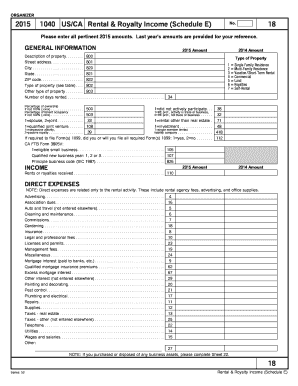
Rental and royalty income schedule e organizer

Nz Passport Form - Fill Out and Sign Printable PDF Template
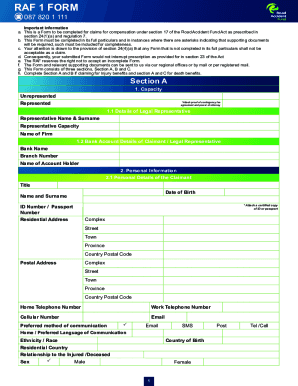
RAF 1 FORM - Road Accident Fund

California :: Domestic Partnership Registry :: Secretary Of
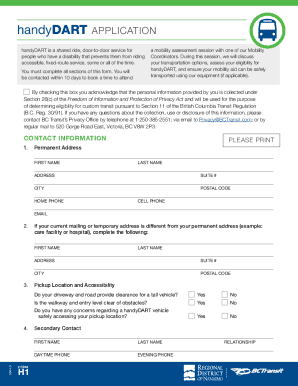
11 The British Columbia transit fare evasion audit
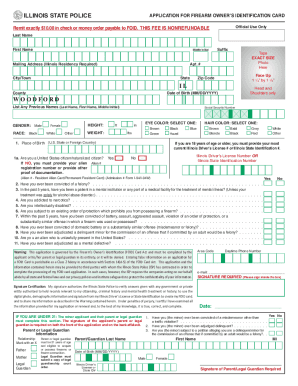
Illinois foid card renewal online
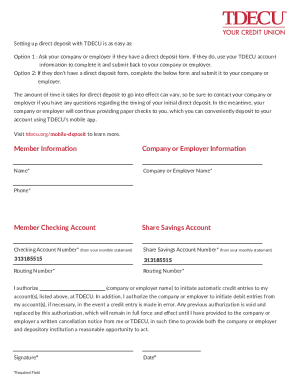
TDECU Direct Deposit FormV1
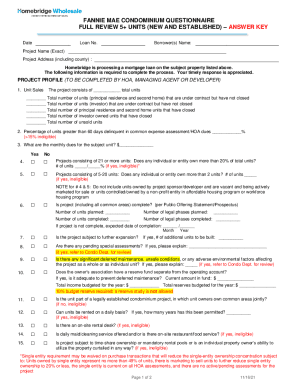
Homebridgewholesale wp-content uploadsFANNIE MAE CONDOMINIUM QUESTIONNAIRE FULL REVIEW 5+ UNITS

MoneyGram Receive Application
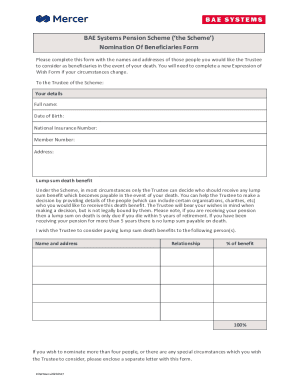
BAE Systems Pension Scheme ('the
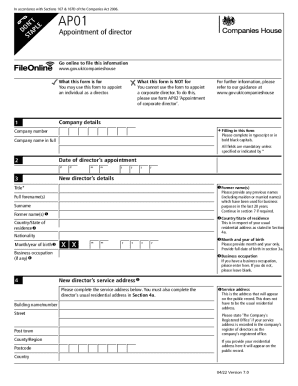
AP01 Appointment of a Director What this form is for?You may use this form to appoint an individual
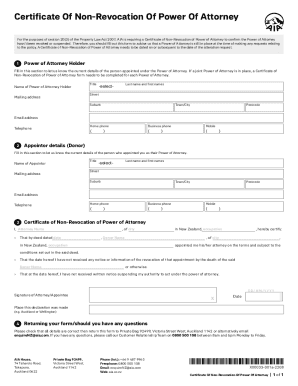
Form POS AM for Somalogic INC filed 07 21 2022
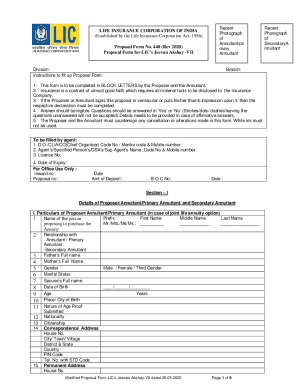
Lic Form No 470 Rev 2020 Pdf Download - Fill Online

THRESHOLD ASSESSMENT APPLICATION FORM (For
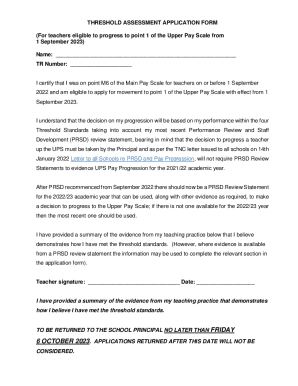
ED1 22 293866Threshold Assessment Application Form (4)(2) DOCX
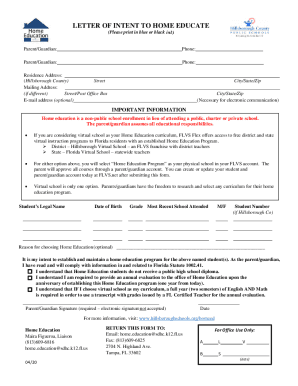
Coursehero file49440570Completed Letter of Intent to Home Education - Jordan Lanier

Free Homeschool Letter of Intent Template - PDF - eForms
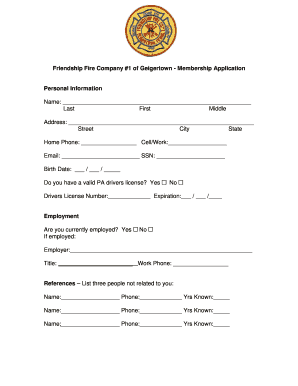
ACCOUNT APPLICATION VNowdoc Certificate of Foreign Persons Claim That Income Is Effectively Connecte

Volleyball Rotation Sheet Blank Pdf - Fill Online, Printable

Final DC2-813 docx

Tankless Water Heater Comfort Assurance Service Agreement

000295000000000G
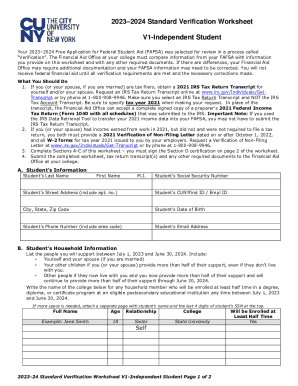
20232024 Standard Verification Worksheet

20222023 Standard Verification Worksheet V1-Independent Student
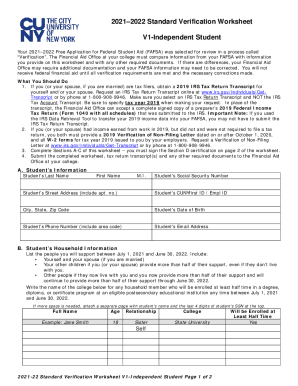
20212022 Standard Verification Worksheet - ccny cuny

FS-2700-3a Request for Revocation of a Special Use Authorization -EXAMPLE ONLY PLEASE COMPLETE IN NR
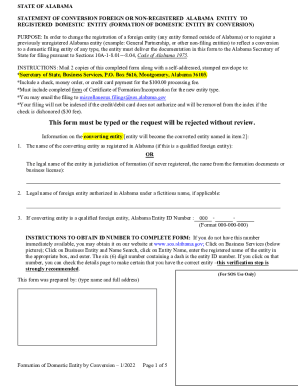
Statement Of Conversion Foreign Or Non-Registered To

Answer Form to Landlord's Eviction Petition

Order for the expungement of criminal offender record (

Directions for Payment for Enquiry On Results 7 FORM
APPLICANT INFORMATION: (Typed & Verified)

Mail to: Medical Affairs, PO Box 55889, Boston, MA 02205-5889 857-368-8020 mass

Certificate of Inclusionary Zoning Compliance Application
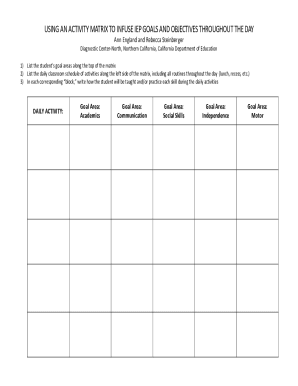
USING AN ACTIVITY MATRIX TO INFUSE IEP GOALS

Application for an Extension of StayImmigration Department
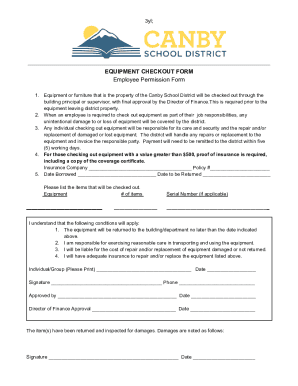
Equipment Checkout & Agreement Form

ACCOUNT OPENING FORM FOR NON INDIVIDUALS-01 03 08

Notice of Completion blank Form 2 9 2021
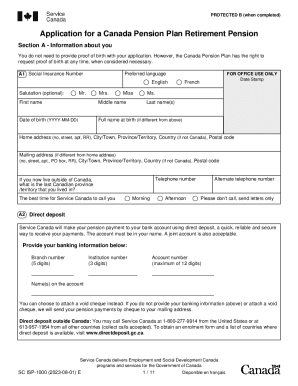
What Are the Steps to Apply for a Canada Pension Plan
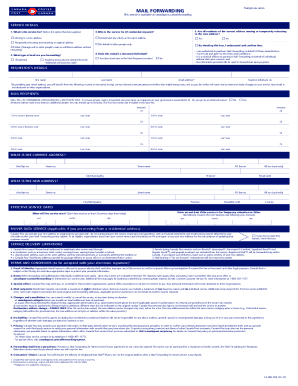
Mail Forwarding service terms and conditions
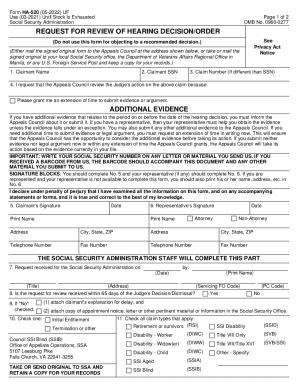
Ha 520 Form - Fill Out and Sign Printable PDF Template
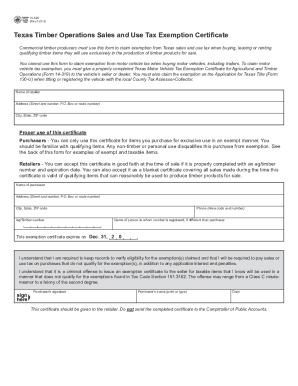
Form 01-925 Texas Timber Operations Sales and Use Tax
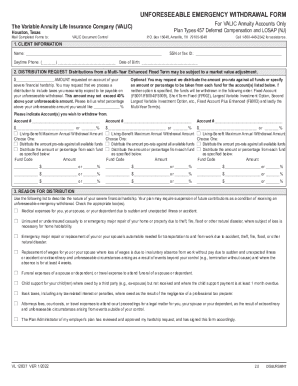
UNFORESEEABLE EMERGENCY WITHDRAWAL FORM - Valic
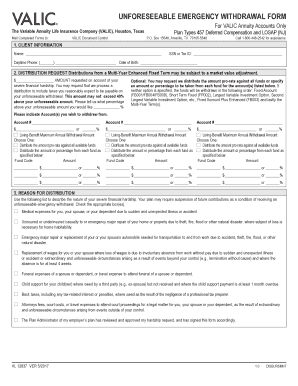
DISTRIBUTION REQUEST Distributions from a Multi-Year Enhanced Fixed Term may be subject to a market
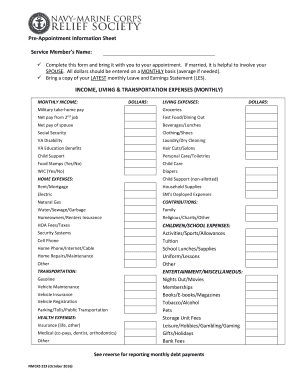
Pre-Appointment Information Sheet

Ukon cancellation form: Fill out & sign online
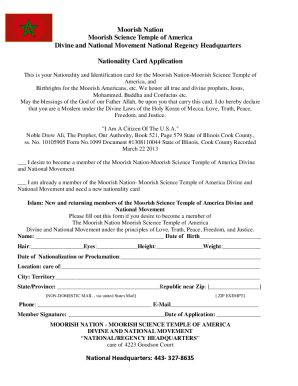
Certificate Of Moorish Nationality - Fill Online, Printable
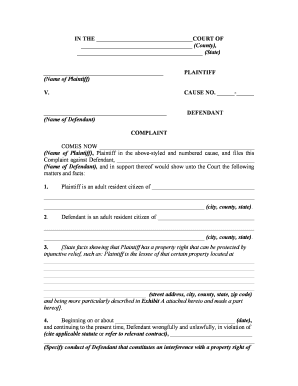
Temporary restraining order form
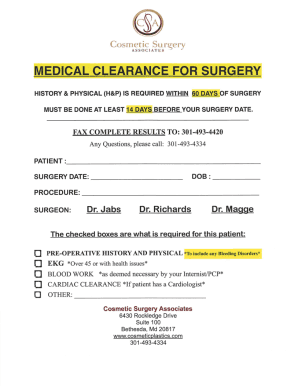
Age limitationAsk A Surgeon - For Medical Professionals
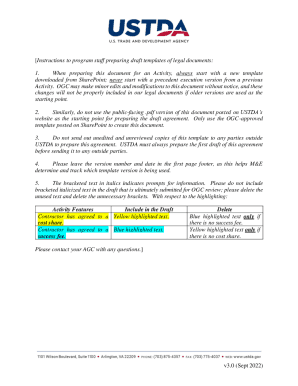
Document templates for Intranet scenario - Microsoft Q&A
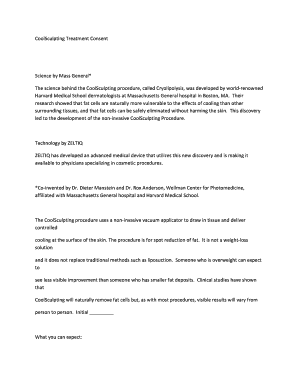
Cryolipolysis consent form
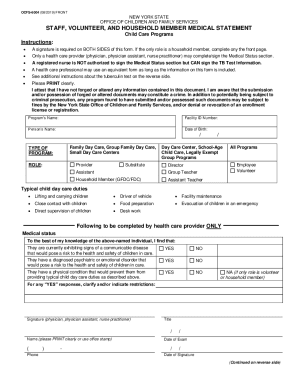
Staff, Volunteer, and Household Member Medical Statement

Assupol Death claim formIndividualOctober 2022 cdr

Deceased Estate Standard Transfer Form

EMPLOYMENT CONTRACT TEMPLATE V - International Gc - Fill
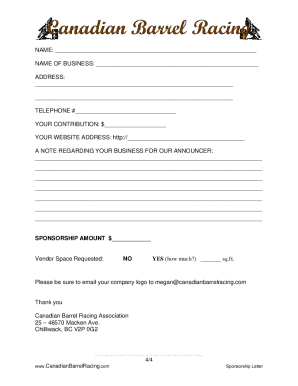
Canadian Barrel Racing

Lake meeler sanitary sewer improvements
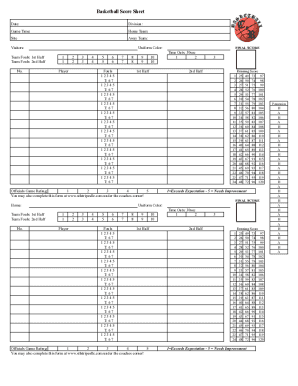
CNR Score Sheet 2014-2015 xlsx
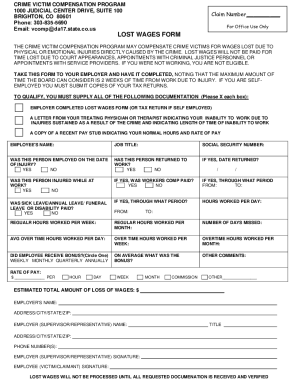
Victim CompensationThe District Attorney
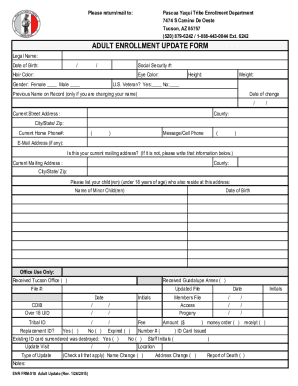
Adult Enrollment Update Form
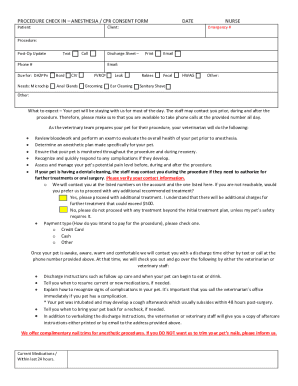
Anesthetic Procedure Consent Form - St Francis Animal Hospital
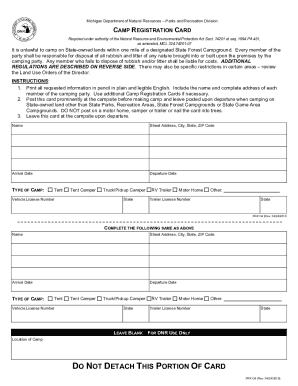
CAMP REGISTRATION CARD - Michigan Department of Natural
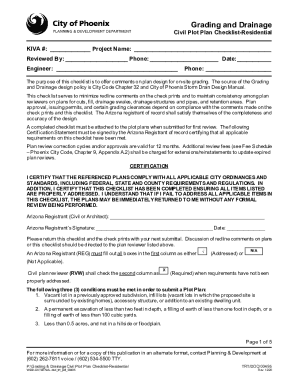
Grading & Drainage Plot Plan, Residential Single Lot Checklist doc
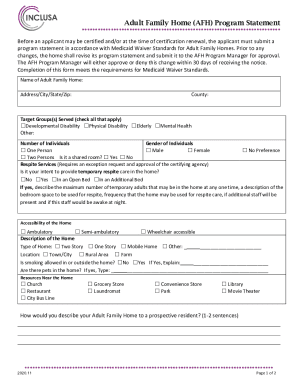
Adult Family Home (AFH) Program Statement
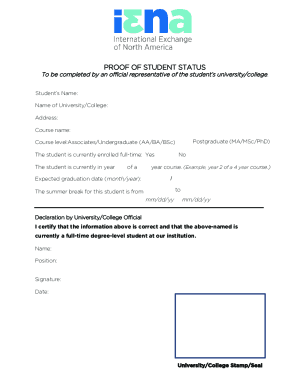
Proof of Student Status Form
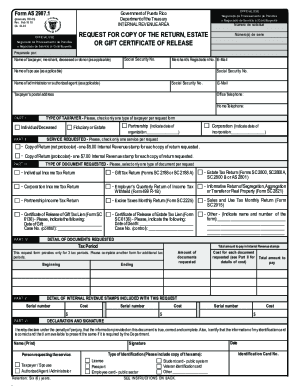
Request For Copy Of The Return, Estate Or Gift Certificate Of Release
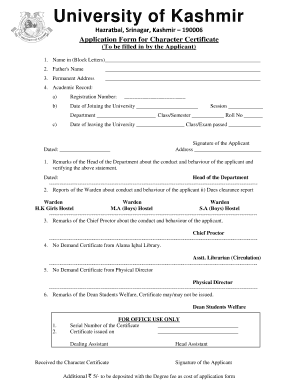
Application form character

Affidavit of vehicle ownership by succession south dakota

Safety and Loss Control Minnesota

STORMWATER FIELD INSPECTION REPORT - ACTIVE
33 Printable Storage Contract Forms and Templates - Fillable
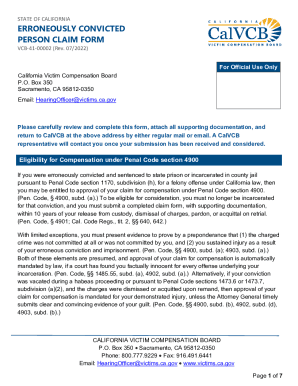
State Program Information

D1216S Treatment Service Voucher for use by Specialists and Consultant Physicians only D1216S Treatm
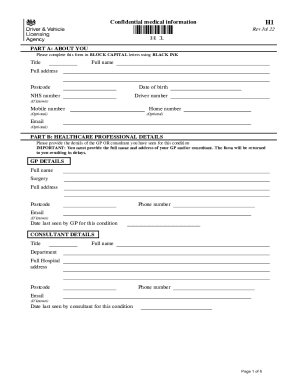
Report your medical condition (form H1) - GOV UK
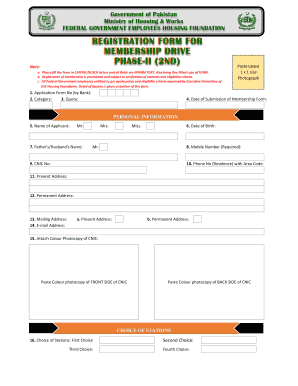
FEDERAL GOVERNMENT EMPLOYEES HOUSING FOUNDATION
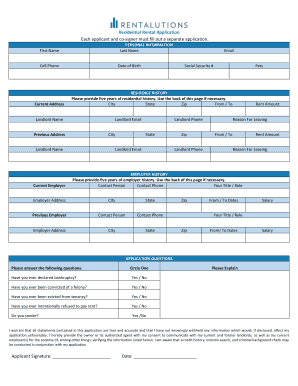
Each applicant and co-signer must fill out a separate application

Driving Record Release of Interest Employers, prospective employers, volunteer organizations, or the

Get Methodist Church Internal Organisations Report Form
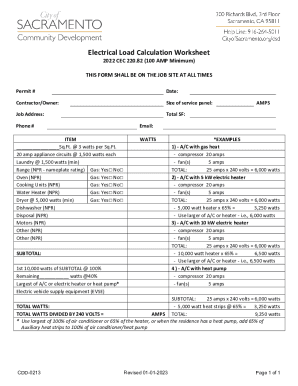
Electrical Load Calculation Worksheet

Columbus - Public Utilities - Residential Forms
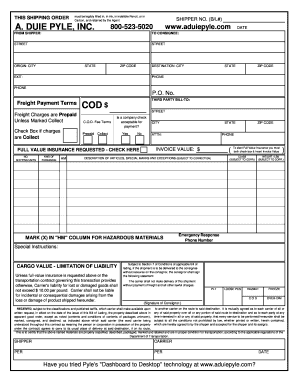
THIS SHIPPING ORDER
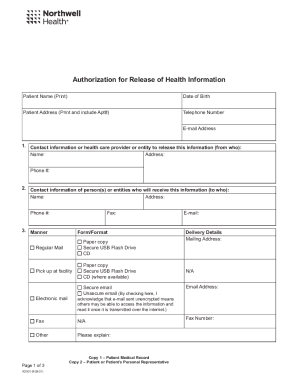
Authorization for Release of Health Information

Fillable Online South Dakota AFFIDAVIT OF VEHICLE

Data collection form - City of Gold Coast
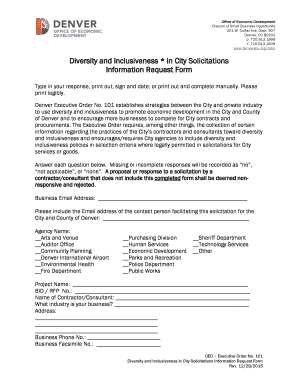
Diversity and Inclusiveness * in City Solicitations Information

The Post Office identity document checking service is for
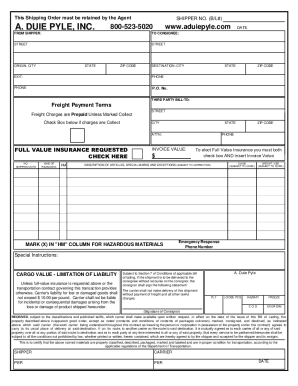
Fillable Online THIS SHIPPING ORDER SHIPPER NO BL

Reactivate FormPersonal ai

PETITION TO EXPUNGE AND IMPOUND CRIMINAL RECORDS - FEE REQUIRED

Connecticut Prison Rape Elimination Act (PREA) Incident
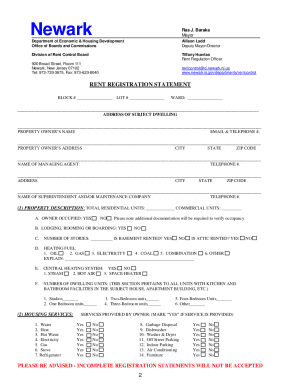
Newark Rent Control Office

Book Review: When I'm Gone by Emily Bleekerand a
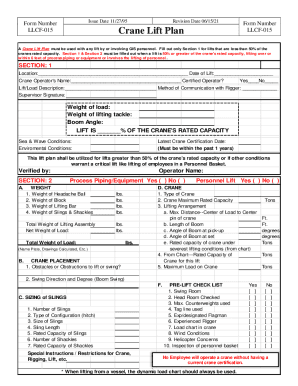
Mentoring is a process of transferring skills and - GIS Safety Portal
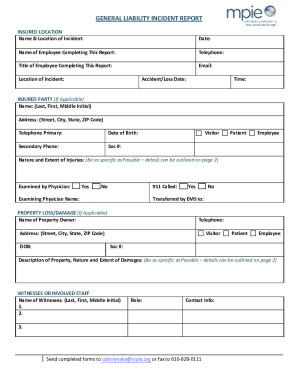
Fillable Online INSURED LOCATION Name & Location of

Referee Guide

Admiral Taverns Business Plan Template

Bureau County Fair BBQ Rib Cook Off Event Ended
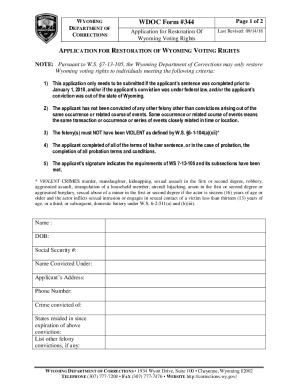
Wyoming Voting Rights Restoration Application
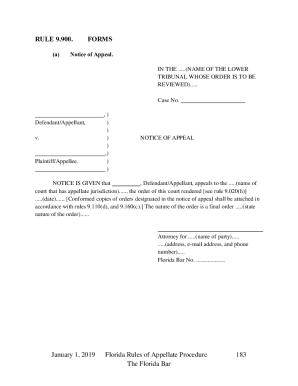
Florida Notice of Appeal
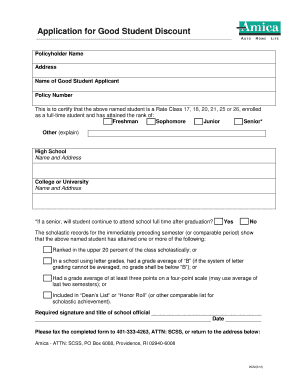
Amica good student
Benefit from the DocHub online library of fillable PDF forms
Searching the PDF forms doesn't have to be a tedious and time-consuming process. With the DocHub online library, it has become easier to find the fillable PDF forms and modify them in your browser. The service allows you to adjust the document to your needs using powerful editing tools.
You can use online document editing features to modify almost any type of document with ease. You just need to find the template of your choice, open it in the editor, and use the toolbar to make the necessary corrections.
Follow this guide to get your document done with DocHub:
- Find the PDF template you need.
- Click the Get Form button to open the file in the editor.
- Use the toolbar to fill out and edit the document.
- Easily add and highlight text, insert images, checkmarks, and symbols.
- Drop new fillable fields, and rearrange or delete pages from your file.
- Save changes and download your record.
DocHub empowers everyone to streamline document editing, signing, and distribution, and form completion. Create an account and benefit from our well-organized PDF Forms library and comprehensive editor.