




Here's how it works
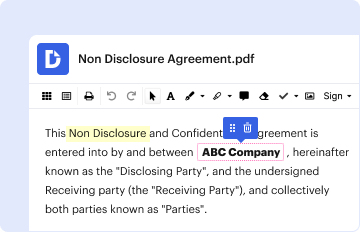
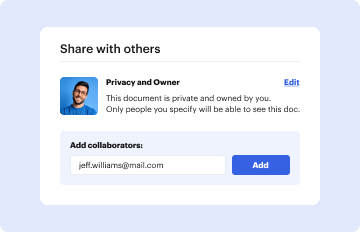
How to use or fill out California :: Domestic Partnership Registry :: Secretary Of with our platform

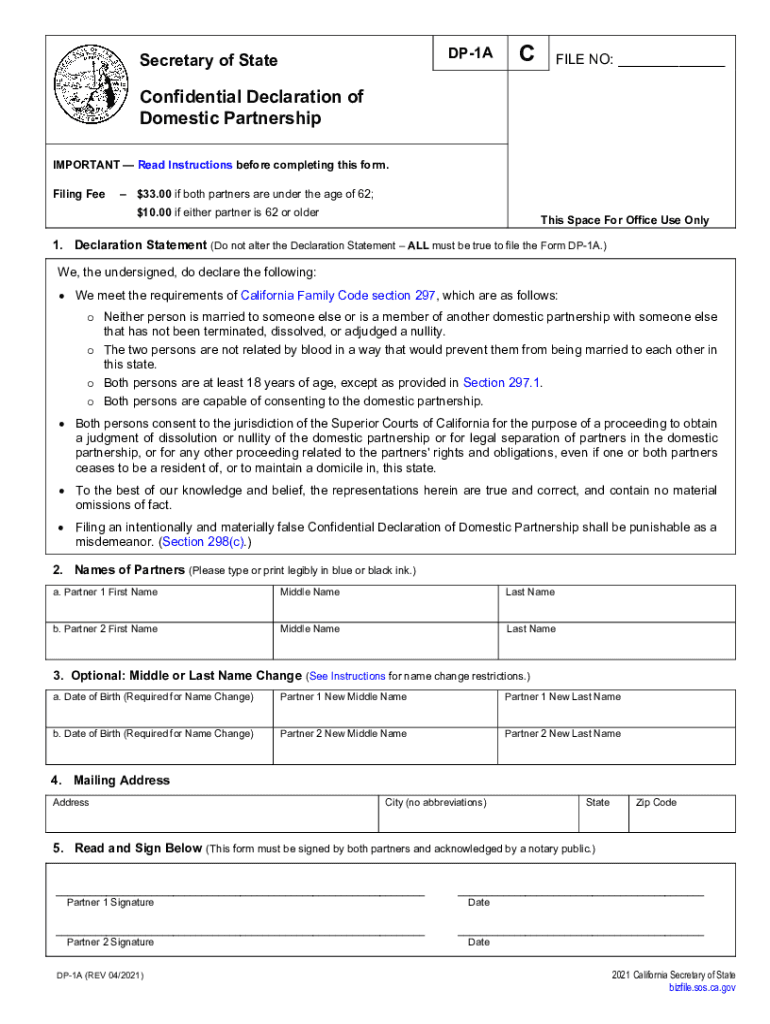
- Click ‘Get Form’ to open the California Domestic Partnership Registry form in the editor.
- Begin by filling out the Declaration Statement. Ensure that all statements are true and unaltered, as they are required by law.
- In Section 2, enter the names of both partners clearly. Use blue or black ink if completing manually.
- If applicable, provide new middle or last names in Section 3, along with the date of birth for each partner.
- Complete Section 4 with a full mailing address, ensuring no abbreviations are used for city names.
- Both partners must sign and date the form in Section 5. Remember that signatures need to be notarized.
Start your journey towards partnership today by utilizing our platform for free!
It's free
See more California :: Domestic Partnership Registry :: Secretary Of versions
Got questions?
What do I need to sign my domestic partnership cdcr electronically?
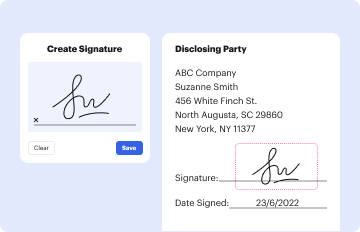
Electronic document approval requires a software solution that works in compliance with data security and eSignature laws. DocHub is a perfect tool for that, as it fulfills all the aforementioned requirements. Whatever method you like to sign your domestic partnership cdcr in DocHub, your electronic signature will be legally binding and court-admissible.
How do you get domestic partner for my state?
If you are looking for a state-specific domestic partner sample, you can find it in our DocHub Forms & Templates catalog. Use the search field, enter your form’s name, and search through the results for your state. You may also filter out irrelevant results while exploring our catalog by categories.
Security and compliance
At DocHub, your data security is our priority. We follow HIPAA, SOC2, GDPR, and other standards, so you can work on your documents with confidence.
Learn more




