



Here's how it works



How to use or fill out biopsychosocial assessment template social work pdf with our platform

- Click ‘Get Form’ to open the biopsychosocial assessment template in the editor.
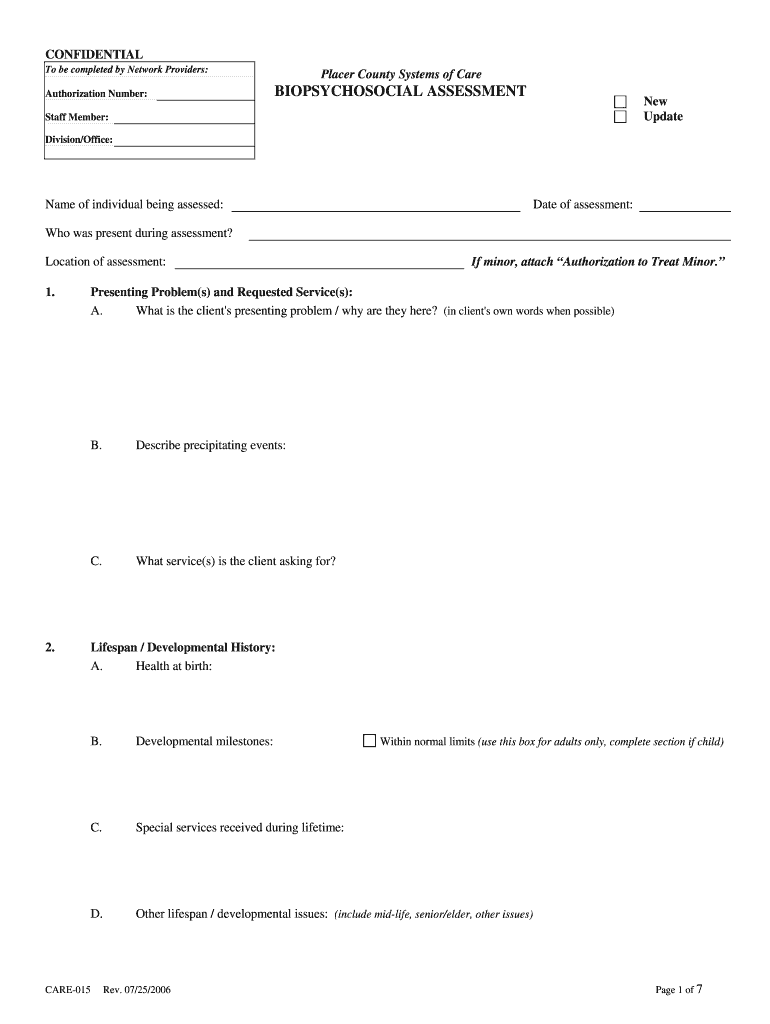
- Begin by entering the authorization number and details about the individual being assessed, including their name and date of assessment.
- In the 'Presenting Problem(s) and Requested Service(s)' section, document the client's issues in their own words, along with any precipitating events.
- Fill out the 'Lifespan / Developmental History' section by detailing health at birth, developmental milestones, and any special services received.
- Complete sections on education and occupation, family history, current social supports, legal history, substance use, mental health services history, and medical history as applicable.
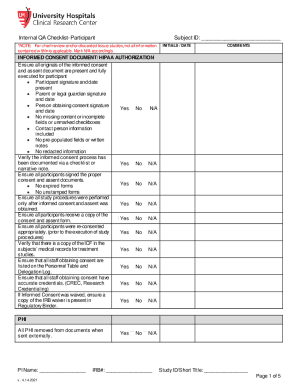
- Assess current symptoms/problems by rating severity and duration for each listed symptom. Provide detailed descriptions where necessary.
- Conclude with a summary of findings and recommended services based on your assessment.
Start using our platform today to efficiently complete your biopsychosocial assessment template for free!
It's free
See more biopsychosocial assessment template social work pdf versions
| Versions | Form popularity | Fillable & printable |
|---|---|---|
| 2006 | 4.8 Satisfied (166 Votes) |
Got questions?
Can I fill out and sign my biopsychosocial assessment template online?
Yes, and it’s really easy! DocHub is an online PDF editor with advanced document management features that allow you quickly edit your paperwork, complete empty fields and drop new ones for others to fill out, and create electronic signatures in several ways. Upload your biopsychosocial assessment template, provide information as requested, and choose how you want to eSign your document - by typing your name, drawing your signature, uploading its picture, or using a QR code.
How do you edit biopsychosocial assessment template pdf in Chrome?
If you use Chrome, there are two simple ways to modify your biopsychosocial assessment template pdf online. First, visit the DocHub website, add your file, and modify it utilizing our toolbar. You may also set up our Chrome extension and modify any document by dragging and dropping it in your browser tab.
What is the order of the biopsychosocial model?
What is the biopsychosocial model of assessment?
What is included in the biopsychosocial assessment?
Security and compliance
At DocHub, your data security is our priority. We follow HIPAA, SOC2, GDPR, and other standards, so you can work on your documents with confidence.
Learn more