
Printable work Order Forms
Explore state-specific Printable work Order Forms and adjust them online. Use DocHub's powerful document management features and track your templates' status with an audit log.

Create a new Printable work Order Form
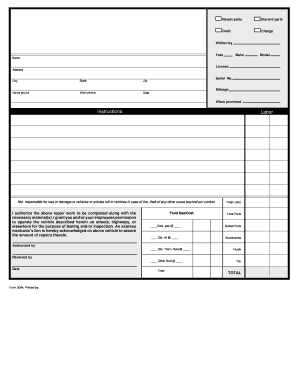
Repair form orders
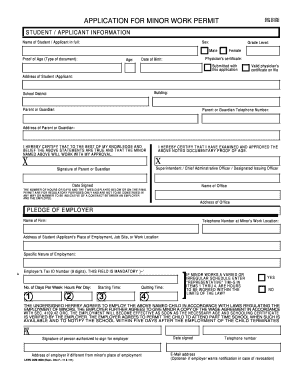
Work permit for minors
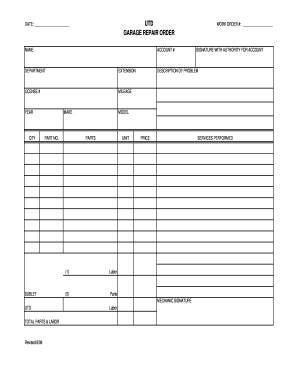
Printable small engine repair forms
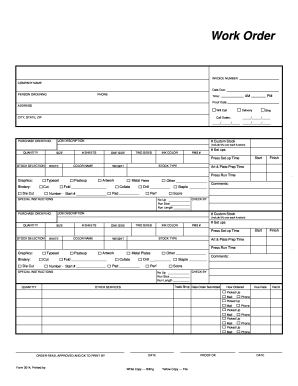
Blank work order

Screen printing order form template
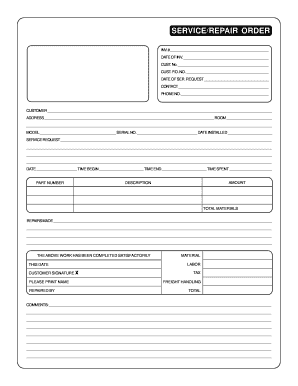
Repair order forms pdf
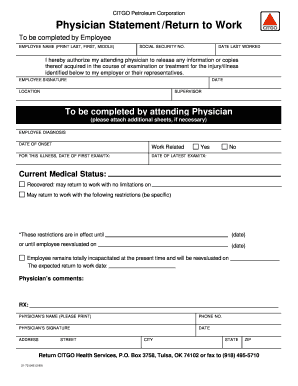
Printable return to work form pdf
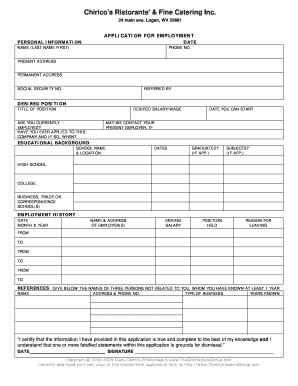
Printable employment application
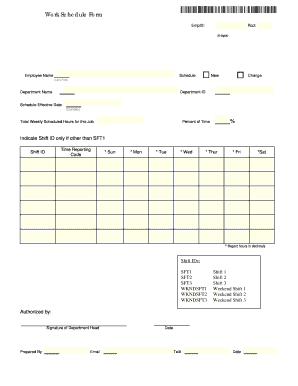
Work schedule form
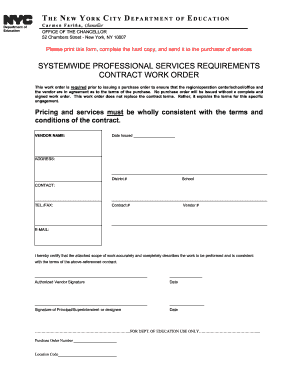
Systemwide professional services requirements contract work order
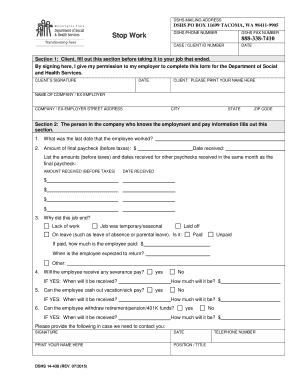
Stop work form
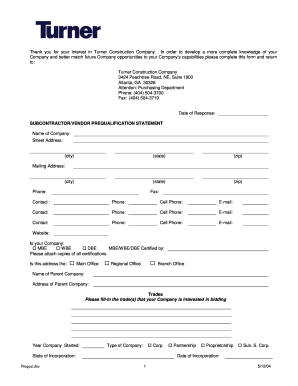
Turner construction prequalification form
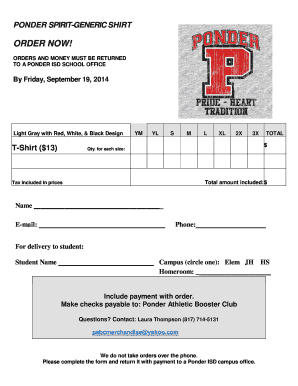
Tshirt order forms templates
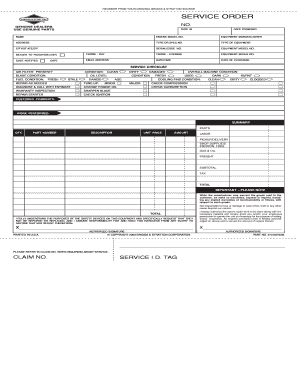
Briggs and stratton service order forms
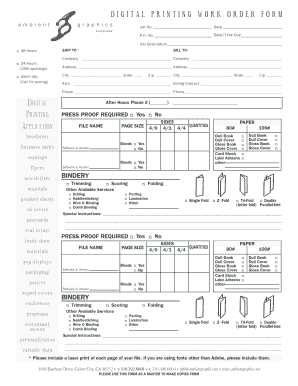
DIGITAL PRINTING WORK ORDER FORM
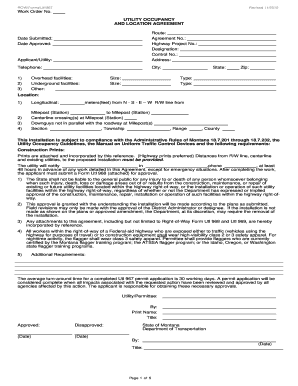
Mdt work order form
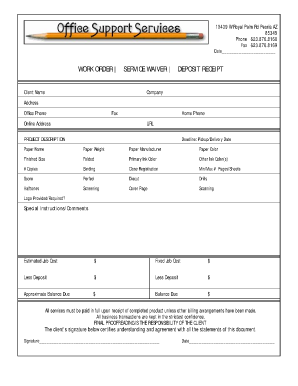
Job order receipt
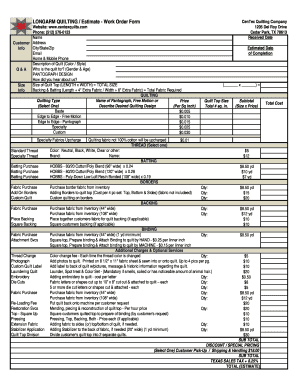
LONGARM QUILTING Estimate - Work Order Form
Work order slips

Construction work ticket template

Hhs 439 form

Usps work order
Vehicle maintenance request form
Download Maintenance Request Form PDF
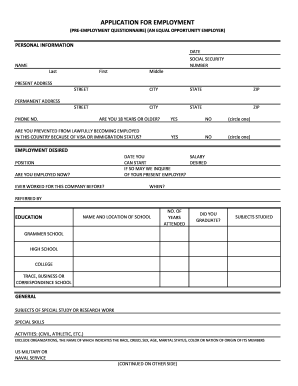
Printable job application for employment
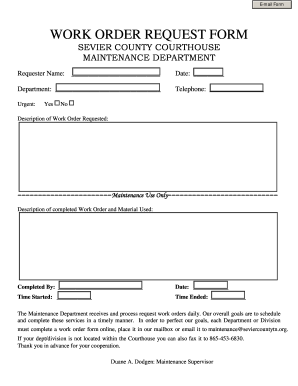
Maintenance work order
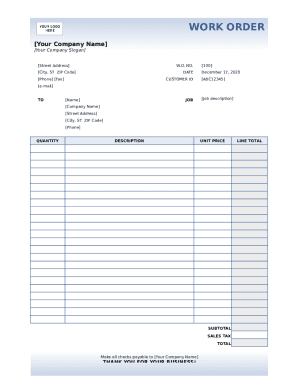
Work order document
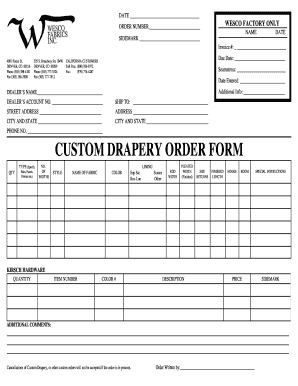
Drapery work order template
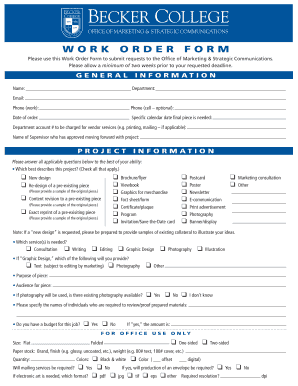
Graphic design work order template
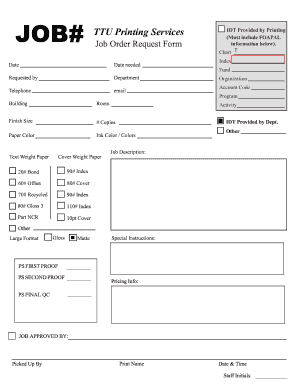
Printable job tickets
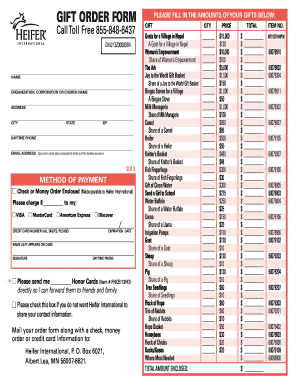
Heifer international printable order form
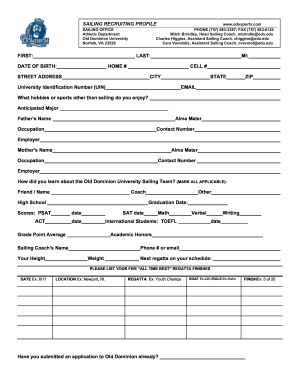
Job order form
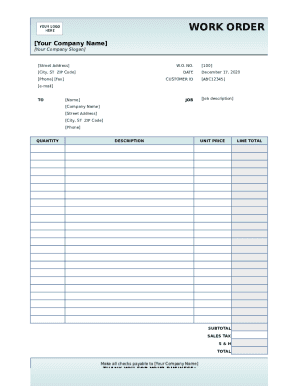
Work order template form

Stop work order form

Taxidermy work order forms
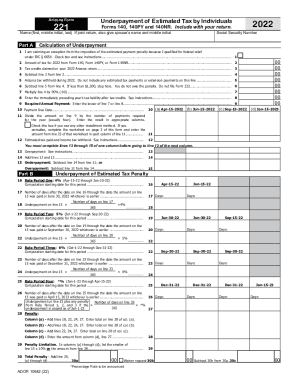
Azdor.govformsindividualForm 140 - Resident Personal Income Tax Form -- Non-fillable ...
-
1
- 2
Supercharge your work productivity with Printable work Order Forms
Papers administration takes up to half of your business hours. With DocHub, you can easily reclaim your office time and boost your team's productivity. Get Printable work Order Forms online library and investigate all templates relevant to your everyday workflows.
Easily use Printable work Order Forms:
- Open Printable work Order Forms and apply Preview to obtain the appropriate form.
- Click Get Form to begin working on it.
- Wait for your form to upload in the online editor and begin modifying it.
- Add new fillable fields, symbols, and pictures, change pages order, and many more.
- Fill your document or set it for other contributors.
- Download or share the form by link, email attachment, or invite.
Boost your everyday document administration using our Printable work Order Forms. Get your free DocHub profile today to discover all templates.
Video Guide on Printable work Order Forms management

Commonly Asked Questions about Printable work Order Forms
How to make a work order form?
A standard work order template includes: Work order number: A unique identifier for the service ticket. Contact name: The name of the person requesting the work. Contact information: The requestors contact information. Description of work: A description of the work that needs to be done.
What is an example of a work order?
For example, a machine operator might submit a work request when equipment breaks down. The work request is reviewed by a maintenance manager, who adds extra information, schedules the task, and assigns it to a technician. The work request is now a work order.
How do I make my own order form?
Steps to Create an Order Form Decide what to sell. Choose a form builder tool. Customize the template with proper fields. Add photos of the products. Customize the order form with branding. Set up a payment method. Set up a success message. Share the order form.
What is meant by work order?
What is a work order? A work order is a document that includes all the details of maintenance tasks and outlines a process for completing those tasks. Work orders are the driving force behind any organizations maintenance strategy.
How to write work order format?
You should include the following information in your work order letter: Company name. Start with your company name, typically in one of the upper corners. Company address. Below the company name, include your address. Work order number. Work order title. Work order description. Priority level. Work location. Workers name.
What is a work order pdf?
Work Order Format PDF is an excellent tool for organising and prioritising business tasks. Construction work order comes in a structured format for documenting work requests, allowing for better tracking, monitoring, and allocation of resources. It ensures a systematic approach to the assigned task.
How to create a work order format in Word?
Heres a step-by-step guide: Step 1: Open Microsoft Word. Step 2: Set Page Layout. Step 3: Create the Header. Step 4: Title and Work Order Information. Step 5: Task Details. Step 6: Assignment Section. Step 7: Communication Section. Step 8: Approval and Completion.
Related Templates
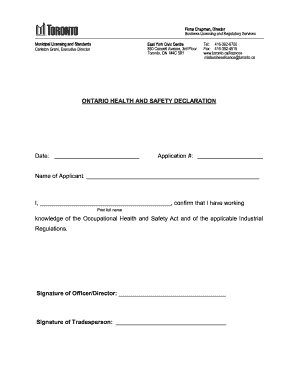
Ontario health and safety declaration
The document is an Ontario Health and Safety Declaration form, intended for applicants to confirm their knowledge of the ...
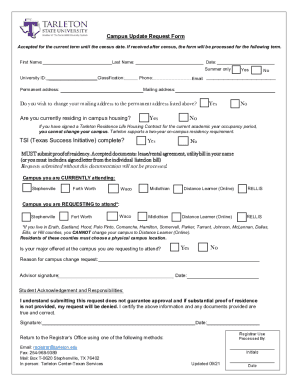
Campus Update Request Form docx
The document is a Campus Update Request Form for students wishing to change their campus or mailing address at Tarleton ...

Form DD 1718 DD 1718 Certification of Qualified Products
The document is a certification form for manufacturers to verify that their products meet specific standards and specifi ...
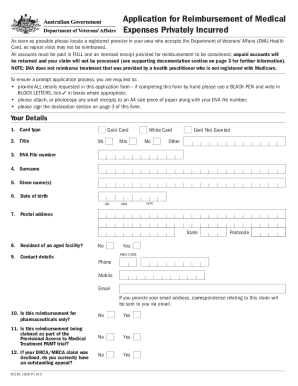
About VA Form 21P-8416Veterans Affairs
The document is an application form for reimbursement of privately incurred medical expenses for holders of the Departme ...

VBA-21P-4718a-ARE
The document is a VA Form 21P-4718a, titled 'Certificate of Balance on Deposit and Authorization to Disclose Financial R ...
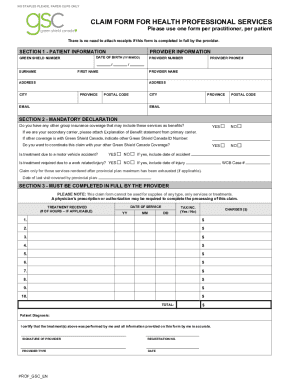
CLAIM FORM FOR HEALTH PROFESSIONAL SERVICES
The document is a claim form for health professional services provided by Green Shield Canada. It outlines the necessary ...
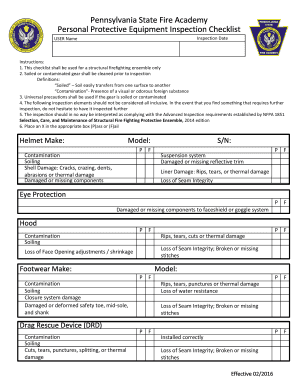
Visio-PPE Inspection vsdx
The document is a checklist for inspecting personal protective equipment (PPE) used in structural firefighting. It outli ...
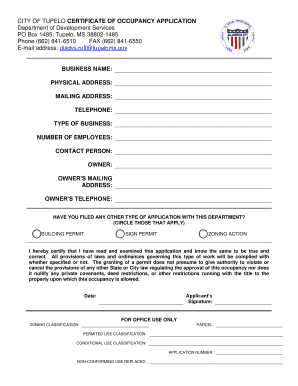
CITY OF TUPELO CERTIFICATE OF OCCUPANCY APPLICATION Department of Development Services PO Box 1485,
CITY OF TUPELO CERTIFICATE OF OCCUPANCY APPLICATION Department of Development Services PO Box 1485,
The document is a Certificate of Occupancy Application for the City of Tupelo, intended for businesses seeking to obtain ...