
Diy Order Forms
Locate relevant forms with Diy Order Forms catalog. Pick the document, modify and distribute it, and securely store completed documents in your DocHub profile.

Create a new Diy Order Form

Western union receipt generator
Printable qdro forms
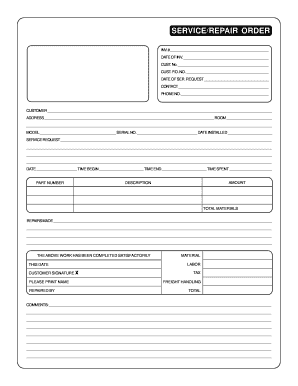
Repair order forms pdf
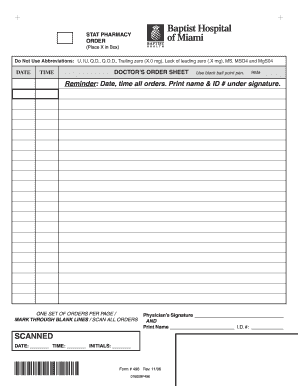
Blank physician order form

How to make a cpn step by step pdf
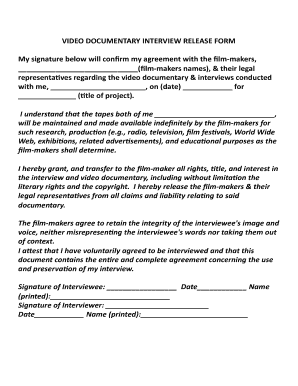
Documentary release form
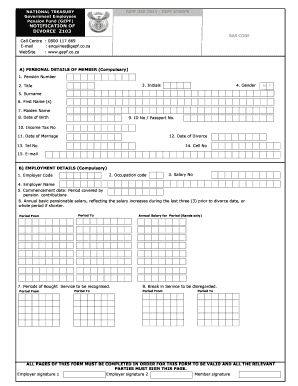
South african divorce papers pdf download
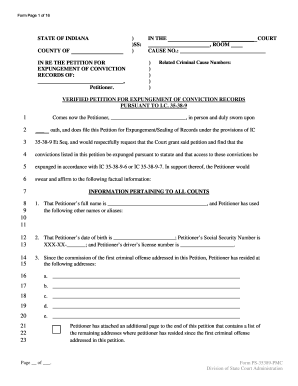
Indiana expungement forms 2022

Petition for custody ny fillable form
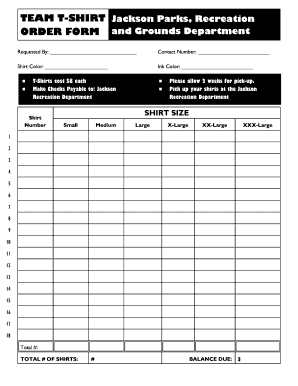
Editable t shirt order form

Florida identification card online

Order to show cause wyoming
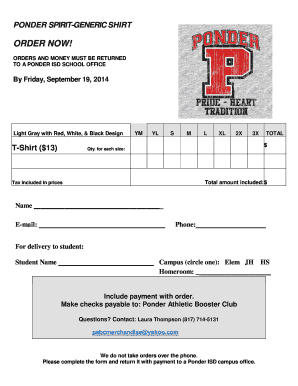
Tshirt order forms templates
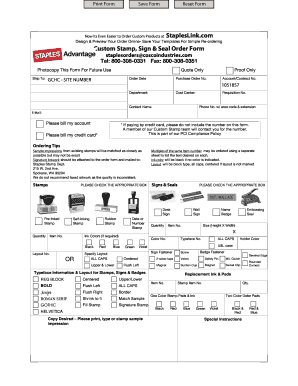
Staples advantage custom stamp order form
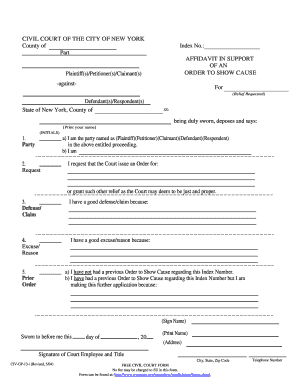
Order to show cause new york pdf

Executor of estate form pdf
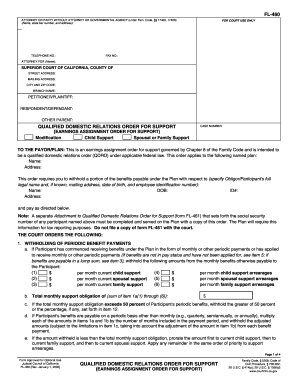
California qualified domestic relations order form
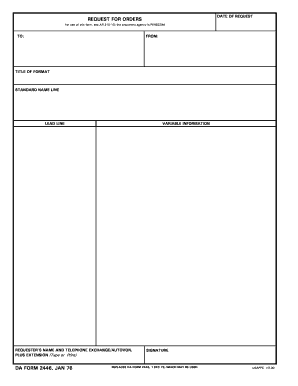
Request orders

Ky petition custody
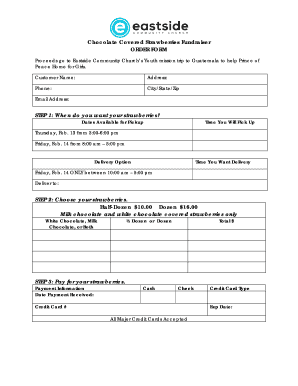
Chocolate covered strawberries order form

BTricareb Breast Pump Order Form Contract - Tidewater Lactation Group
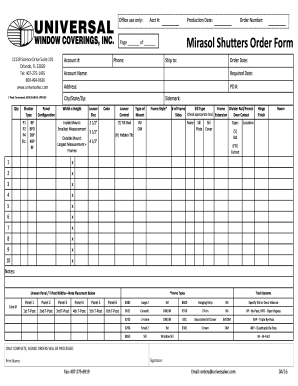
Mirasol shutter form
Ontario family court forms
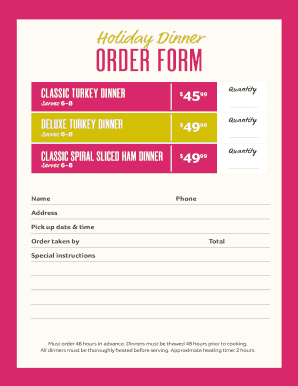
Holiday Dinner ORDER FORM - winndixie.com
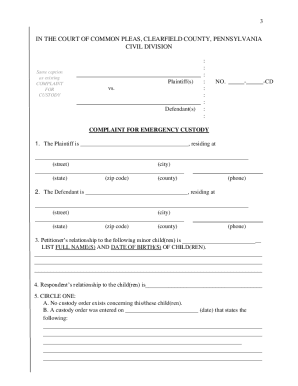
Emergency custody forms pa

Nj show cause form
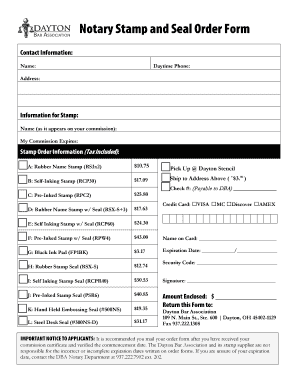
Notary Stamp and Seal Order Form
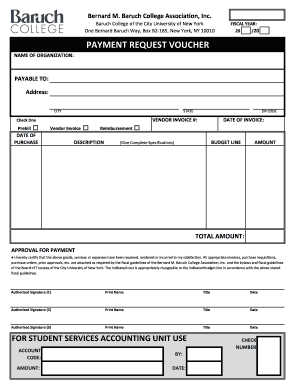
Payment request voucher
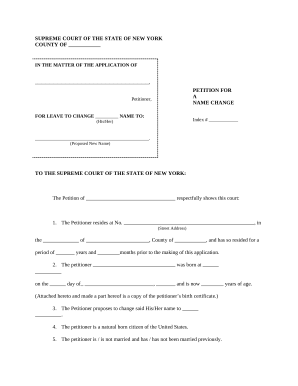
Name change form new york
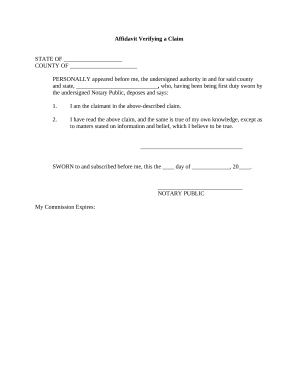
Affidavit claim make
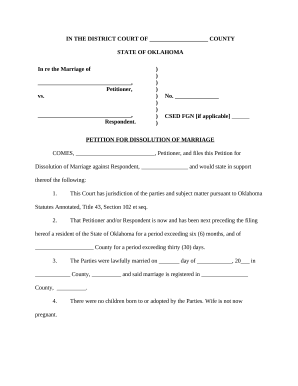
Oklahoma divorce pdf
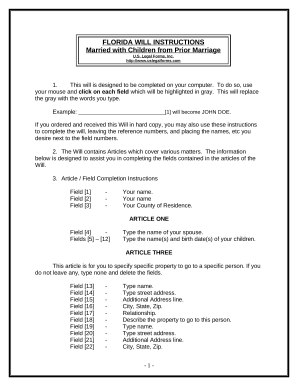
Florida simple will form for married person

California living trust sample
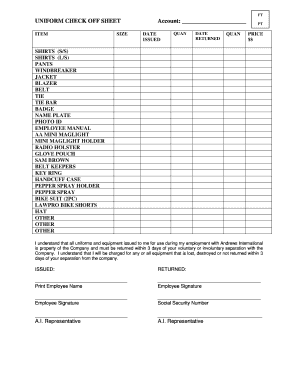
UNIFORM CHECK OFF SHEET

Dengineers application form 2023

VAT431C form and notes VAT refunds for DIY housebuilders Claim form for conversions
-
1
- 2
Raise your productivity with Diy Order Forms
Document management occupies to half of your business hours. With DocHub, you can reclaim your office time and boost your team's efficiency. Access Diy Order Forms collection and investigate all templates relevant to your daily workflows.
The best way to use Diy Order Forms:
- Open Diy Order Forms and utilize Preview to find the appropriate form.
- Click on Get Form to start working on it.
- Wait for your form to upload in the online editor and start editing it.
- Add new fillable fields, symbols, and images, adjust pages, and many more.
- Fill out your template or set it for other contributors.
- Download or share the form by link, email attachment, or invite.
Accelerate your daily file management with the Diy Order Forms. Get your free DocHub account today to discover all templates.
Video Guide on Diy Order Forms management

Commonly Asked Questions about Diy Order Forms
How do I make a paper order form?
Youll need a few key pieces of information to put together an order form template: Customers name and contact info (phone number and/or email address) Delivery address (for physical products) Payment information. Product order information (name/SKU, quantity, pricing, etc.) Your business address.
Does Google have an order form template?
Step 1: Create a form Navigate to Google Forms and choose from a blank form or one of the provided templates. There is an order form template available, but it doesnt include any payment questions.
How do I create my own order form?
Steps to Create an Order Form Decide what to sell. Choose a form builder tool. Customize the template with proper fields. Add photos of the products. Customize the order form with branding. Set up a payment method. Set up a success message. Share the order form.
What is the best program to create an order form?
Google Forms is a popular tool that allows users to create order forms quickly and easily using pre-made templates or by designing their own forms. PDFs with fillable forms are also an option for creating order forms, which can be filled out and submitted electronically.
Related Templates

Canadian direct assured Tax Report (Form C-FET01)
The Canadian 'direct assured' Tax Report (Form C-FET01) is a mandatory form for Lloyd's brokers to submit when certain c ...

Patient Name Date TMD Disability Index Questionnaire
The document is a TMD (Temporomandibular Disorder) Disability Index Questionnaire designed for patients to assess the im ...
C M Russell High School Transcript Request Form
The document is a transcript request form for C.M. Russell High School, requiring personal information from the requeste ...