
Google doc Donation Forms
Obtain compliant and modifiable Google doc Donation Forms. Find and select the documents necessary to your everyday document handling procedures.

Create a new Google doc Donation Form
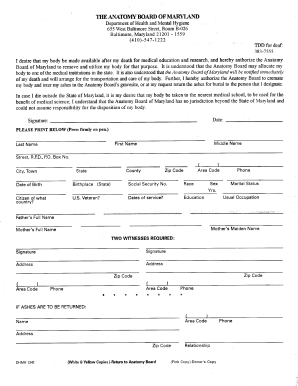
Maryland anatomy board
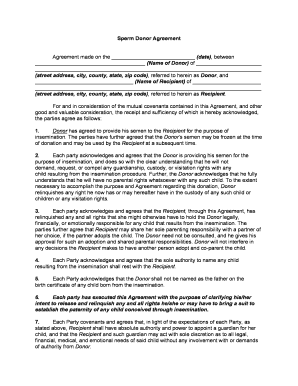
Sperm donor agreement
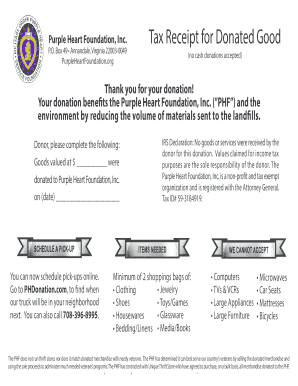
Purple heart donation receipt
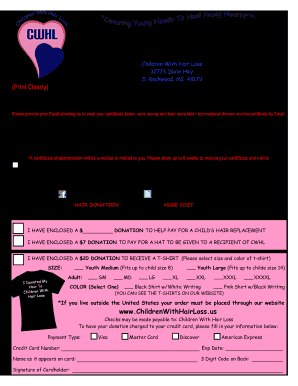
Children with hair loss address
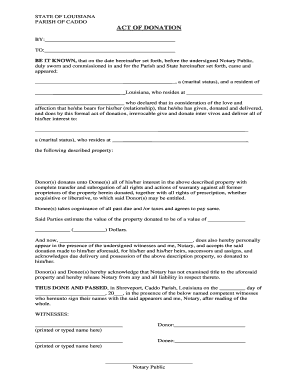
Act of donations for land
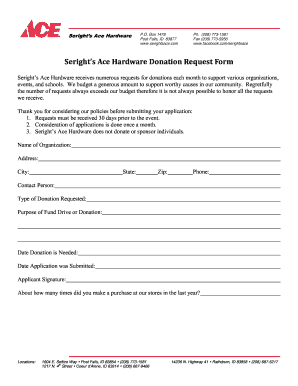
Ace hardware donation request
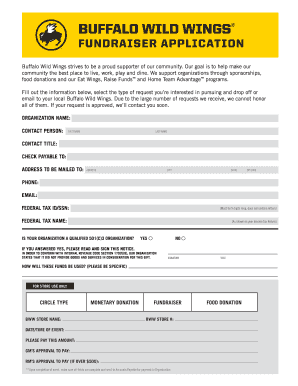
Buffalo wild wings donation request
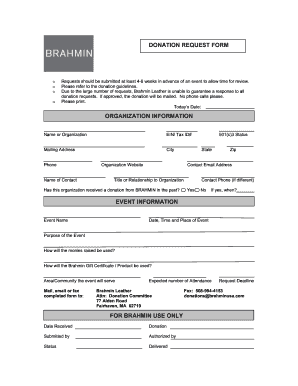
Custom donation slips

Donation receipt template

Walmart donation request form 2022
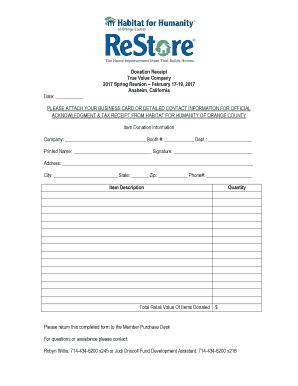
Donation Receipt True Value Company 2017 Spring Reunion ...
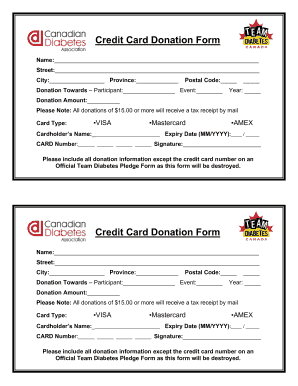
Donation card template

Coles donation request
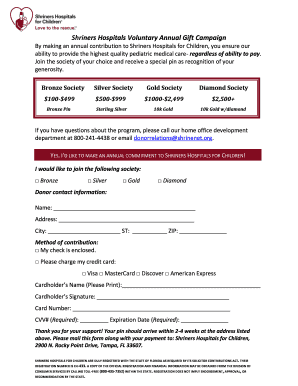
Shriners hospital printable donation form
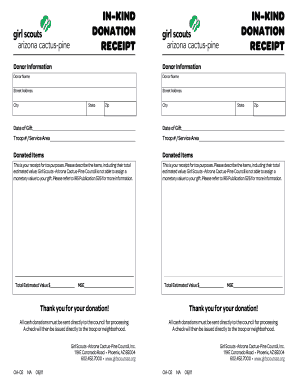
In-Kind Donation Form - Girl Scouts - girlscoutsaz

Download the Chairty Donation Grant Application Form

Donation Form - National Kidney Foundation of Illinois - nkfi
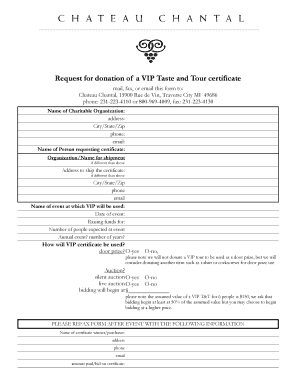
Chateau chantal donation request
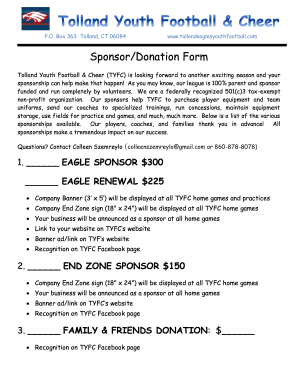
Sponsor/Donation Form - Tolland Eagles Youth Football

Gift aid form

Lupus donation receipt

Stock # Vehicle Donation Form - Cars for Charity

Utsw willed body program
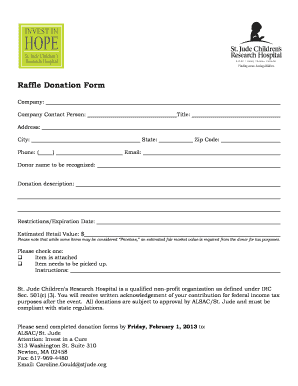
Donation form template
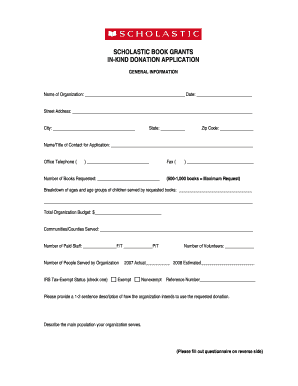
SCHOLASTIC BOOK GRANTS IN-KIND DONATION APPLICATION

Video donation request
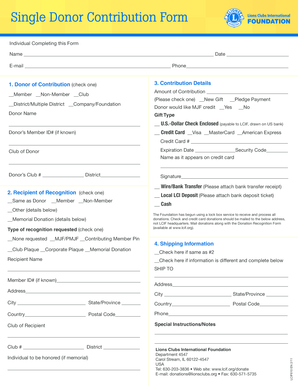
Single Donor Contribution Form - Lions Clubs International - lcif
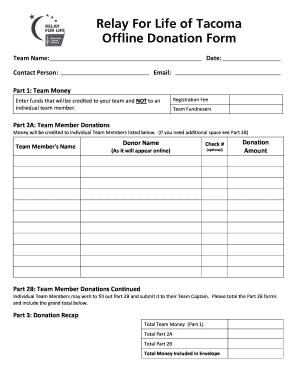
Donation form for a team
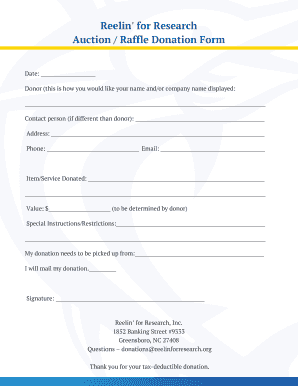
Auction Raffle Donation Form
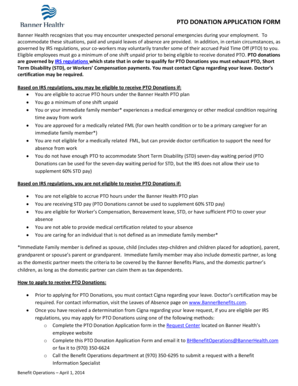
Pto donation form
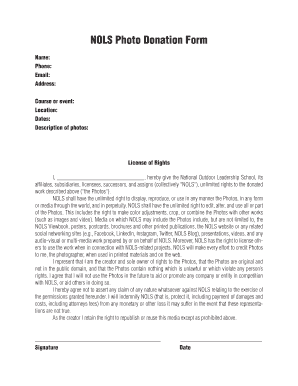
NOLS Photo Donation Form - nols
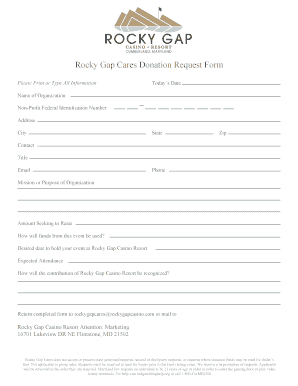
Gap donation request form
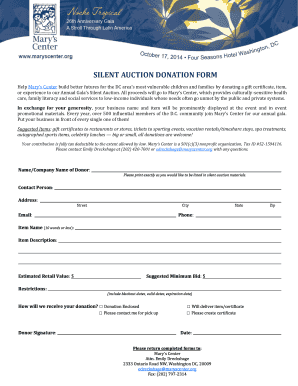
Silent auction donation form
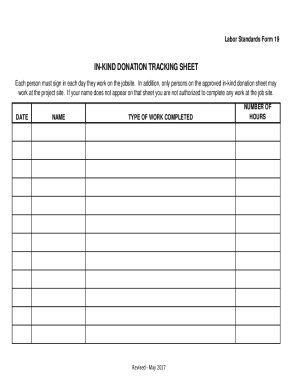
In kind donation sheet
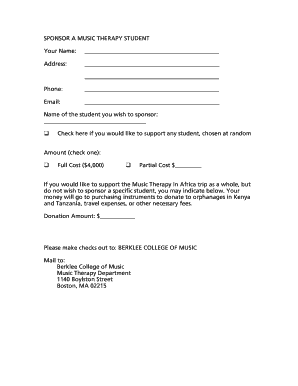
Download a donation form (pdf, 29 3 KB) - Berklee College of Music - berklee

Culver's donation request form
-
1
- 2
Get and manage Google doc Donation Forms online
Improve your form management with our Google doc Donation Forms library with ready-made form templates that meet your requirements. Get your document template, edit it, fill it, and share it with your contributors without breaking a sweat. Begin working more efficiently with your documents.
How to use our Google doc Donation Forms:
- Open our Google doc Donation Forms and look for the form you want.
- Preview your form to ensure it’s what you want, and click on Get Form to start working on it.
- Alter, include new text, or point out important information with DocHub tools.
- Fill out your form and save the modifications.
- Download or share your form with other recipients.
Examine all the opportunities for your online document administration using our Google doc Donation Forms. Get a free free DocHub account right now!
Video Guide on Google doc Donation Forms management

Commonly Asked Questions about Google doc Donation Forms
Is Google Docs forms free?
Google Forms is a free online form builder app that offers all the features you need to create a simple poll or dynamic survey: you can add different question types, use form logic, customize the form to match your branding, and thanks to its deep integration with Google Sheets, you can gather data and mine it for
How to make a donation Google Form?
How to Create Donation Forms template for Google Sites Website Choose the Donation Forms template from the list and press the Use Template. Modify the templates elements to meet your interest and apply all adjustments. Sign in to the account.
How do I create a Google Doc order form?
Creating a purchase order in Google Forms Go to docs.google.com/forms. Select a template. Make a form. Add the necessary fields. Customize the form. Test your form. Start sending.
How do I turn a Google doc into a fillable form?
Choose a template or start with a blank document. Create a Table for Form Fields. Create a table in your Google Docs document to hold your form fields. Add Form Controls to the Table. Click on a cell in the table to add a form field. Format the Form. Preview the Form. Save the Form. Insert Fillable Form Fields.
How to create a donation form?
7 Pro Tips to Build a Charitable Donation Form that Works Include suitable donation amounts. Share how gifts are used. Dont ask too many questions. Add recurring donation intervals. Use branding. Add multiple payment options. Test your donation form before sharing it with donors.
How do I create a fillable form in Google Forms?
If youre using a template, you can skip to Update questions. Open a form in Google Forms. Click Add . To the right of the question title, choose the type of question you want. Type the possible responses to your question. To prevent people from not answering, turn on Required.
Can you accept payments through Google Forms?
The Payable Forms Add-On is available in the Google Workspace Marketplace and adds the payment acceptance capabilties to Google Forms. After installation when a Google Form is open you will see a puzzle piece in the tool bar with Payable Forms listed in the drop down.
Related Templates
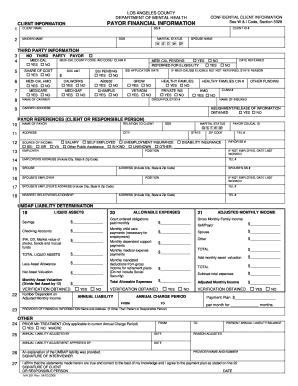
Pfi form
The document is a client information form from the Los Angeles County Department of Mental Health, which collects confid ...
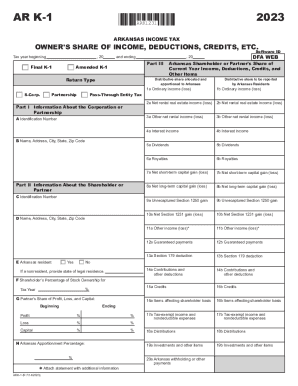
2023 Schedule K-1 (Form 1041)
The document is an Arkansas K-1 tax form for reporting an owner's share of income, deductions, credits, and other items ...
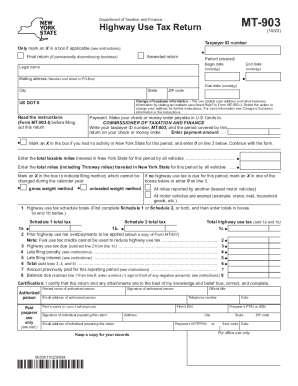
Instructions for Form MT-903 Highway Use Tax Return
The document is the MT-903 Highway Use Tax Return form issued by the Department of Taxation and Finance, designed for ta ...
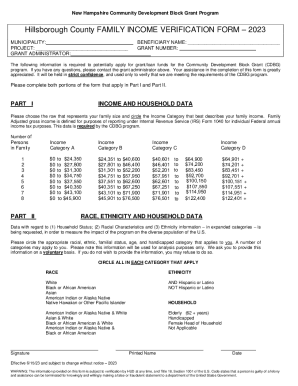
2023 CDBG Competitive Grant Application Guidelines
The document is a Family Income Verification Form for the New Hampshire Community Development Block Grant (CDBG) Program ...
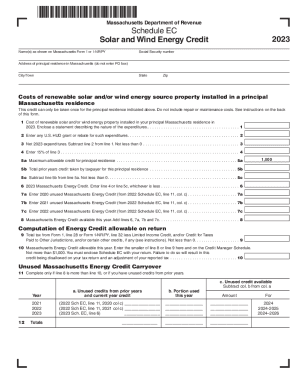
Residential Renewable Energy Income Tax Credit
The document outlines the Massachusetts Solar and Wind Energy Credit, which allows homeowners or tenants of principal re ...

Foster Care Dental Contact Form docx
The document is a Foster Care Dental Contact Form used by dental providers to communicate the health needs and dental ca ...

P1e form
The document is a Certificate of Completion form issued by the Physical Therapy Board of California for graduates of CAP ...

DHCS Discrimination Complaint Form - State of California
The document is a Civil Rights Compliance Review form from the California Department of Health Care Services, designed f ...