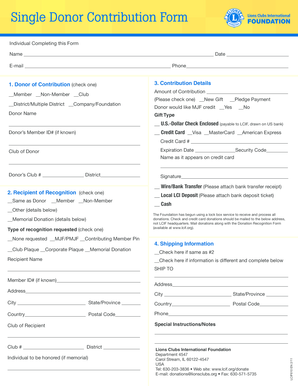
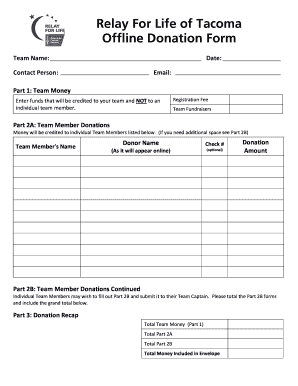
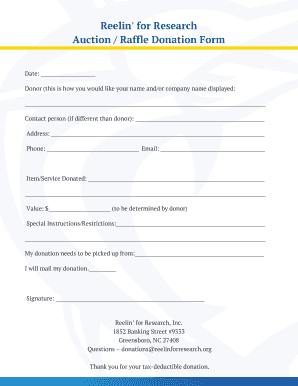
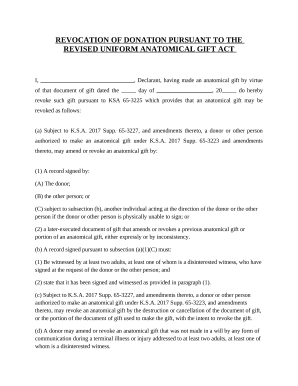
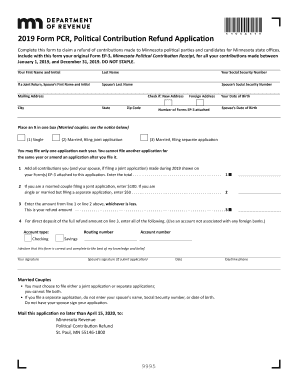
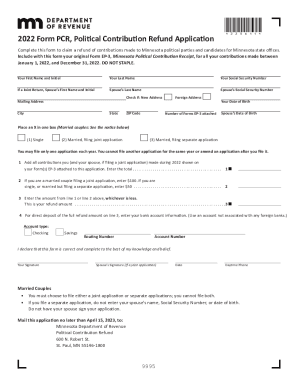
Campaign Donation Forms

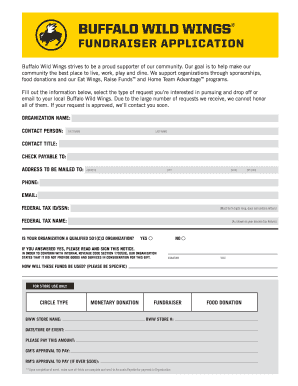
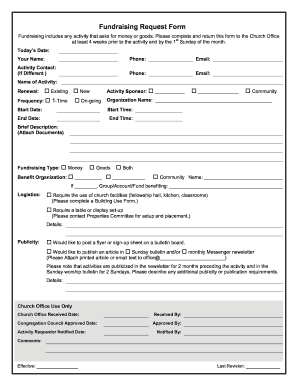
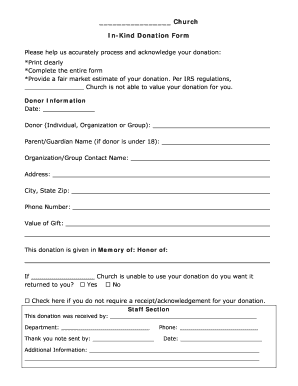
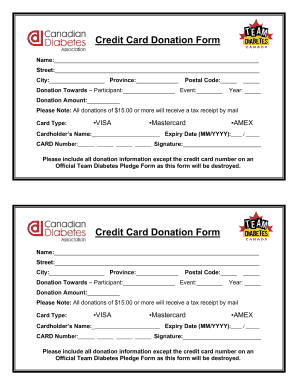
Get modifiable Campaign Donation Forms collection and find the form you require. Fill out, eSign, and send templates with simplicity using DocHub.

Transform your file managing with Campaign Donation Forms

Your workflows always benefit when you can easily find all of the forms and files you may need at your fingertips. DocHub supplies a a large collection documents to relieve your day-to-day pains. Get a hold of Campaign Donation Forms category and easily discover your document.

Begin working with Campaign Donation Forms in a few clicks:

  1. Open Campaign Donation Forms and get the form you need.
  2. Click on Get Form to open it in our online editor.
  3. Start editing your document: add more fillable fields, highlight sentences, or blackout sensitive data.
  4. The app saves your changes automatically, and after you are all set, you can download or distribute your form with other contributors.

Enjoy easy document management with DocHub. Explore our Campaign Donation Forms category and discover your form right now!


Video Guide on Campaign Donation Forms management

video background

Commonly Asked Questions about Campaign Donation Forms

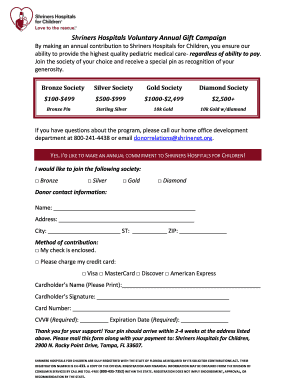
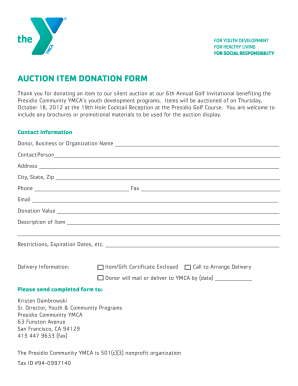
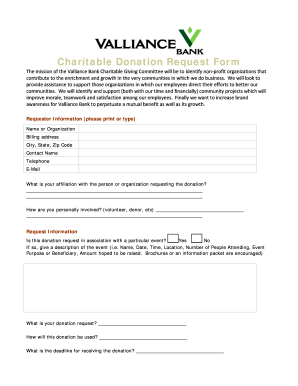
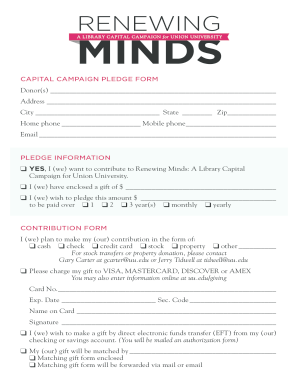
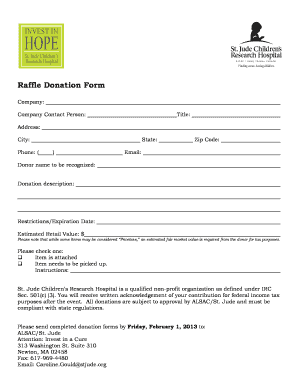
During the donation page design process, be sure to keep the following tips in mind: Brand your donation page design to match your website. Optimize your donation page design for mobile. Design your donation page with multiple giving options. Map out a minimalist donation page design.
How to Set Up a Donation Page for Fundraising Success in 8 Steps Create an interesting fundraiser title. Write a meaningful fundraiser story. Choose the best types of photos and videos for your fundraiser. Pick the right fundraising goal. Share your fundraiser to get more donations. Thank your supporters.
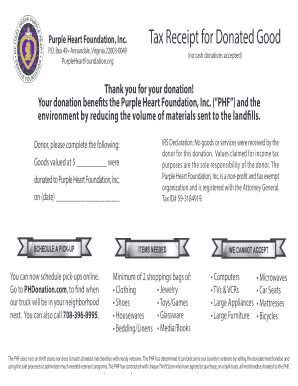
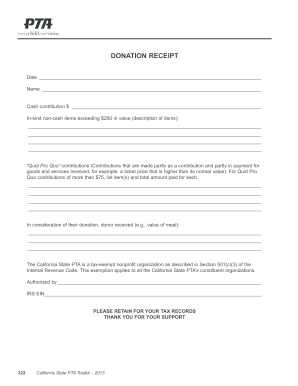
You should always have the following information on your donation receipts: Name of the organization. Donors name. Recorded date of the donation. Amount of cash contribution or fair market value of in-kind goods and services. Organizations 501(c)(3) status.
A list of Major Donors and access to Major Donor campaign reports is available through CAL-ACCESS .
FEC Form 1: Statement of Organization.
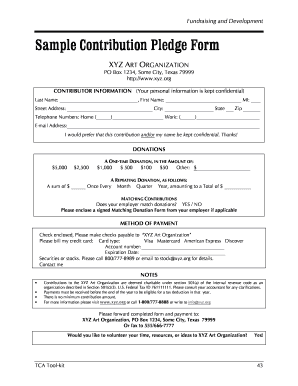
7 Pro Tips to Build a Charitable Donation Form that Works Include suitable donation amounts. Share how gifts are used. Dont ask too many questions. Add recurring donation intervals. Use branding. Add multiple payment options. Test your donation form before sharing it with donors.
Im writing to ask you to support me and my [cause/project/etc.]. Just a small donation of [amount] can help me [accomplish task/docHub a goal/etc.]. Your donation will go toward [describe exactly what the contribution will be used for]. [When possible, add a personal connection to tie the donor to the cause.
Form 99: Miscellaneous Report to the FEC Used by registered committees filing electronically to submit a letter: Online webform.