




Here's how it works

01. Edit your hardee's donation request online
Type text, add images, blackout confidential details, add comments, highlights and more.

02. Sign it in a few clicks
Draw your signature, type it, upload its image, or use your mobile device as a signature pad.

03. Share your form with others
Send hardees donation request via email, link, or fax. You can also download it, export it or print it out.
How to use or fill out Hardee’s Donation Request with Our Platform

- Click ‘Get Form’ to open the Hardee’s Donation Request form in the editor.
- Begin by entering the 'Name of Organization' in the designated field. Ensure that this is accurate as it represents your group.
- Next, specify the 'Type of Event' you are organizing. This helps Hardee’s understand the context of your request.
- Fill in the 'Date of Event/Deadlines' section. Remember, requests must be submitted at least 15 business days prior to your event.
- In the 'Item(s) Requested and Quantity' section, list what you need along with how many items you are requesting.
- Provide details for the 'Contact Person', including their name, mailing address, phone number, cell number, and email address for follow-up communication.
- Finally, indicate the location of the Hardee’s closest to your event to facilitate processing your request.
Start using our platform today to easily complete and submit your Hardee’s Donation Request form for free!
Fill out hardees donation request online
It's free
It's free
Security and compliance
At DocHub, your data security is our priority. We follow HIPAA, SOC2, GDPR, and other standards, so you can work on your documents with confidence.
Learn more


Related forms

UK PSC01 Form
The document is a PSC01 form used to notify Companies House of an individual person with significant control (PSC) over ...

Ontario Form 12: Notice of Withdrawal
The document is a legal form titled 'Notice of Withdrawal' used in Ontario courts. It allows an applicant to formally wi ...
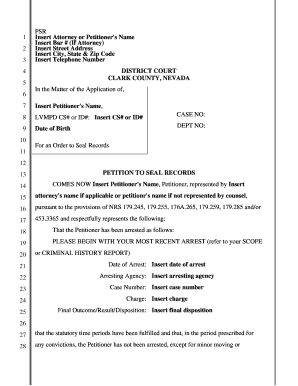
Petition to Seal Records
The document is a legal petition submitted to the District Court of Clark County, Nevada, requesting an order to seal cr ...
CONTINUATION SHEET FROM IGAR DA FORM I559 - al ngb army
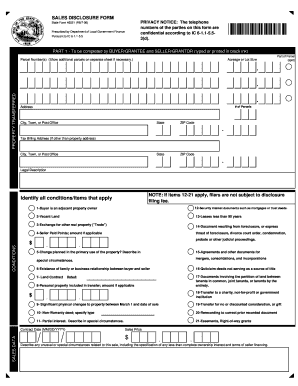
Indiana Sales Disclosure Form
The document is an Indiana Sales Disclosure Form, which must be completed during property transfers. It includes section ...

Canada Customs Invoice
The document is a Canada Customs Invoice, which outlines the necessary information for customs clearance of goods being ...
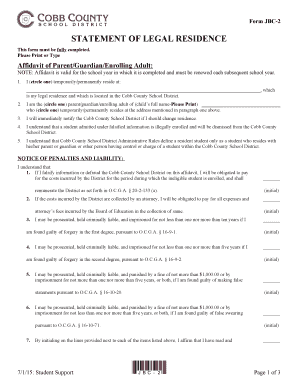
Cobb County Legal Residence Affidavit
The document is Form JBC-2, a Statement of Legal Residence required by the Cobb County School District. It includes an a ...

US Federal 1040 Tax Return 2017
The document is a comprehensive tax return for Douglas C. Emhoff and Kamala D. Harris for the year 2017, including vario ...