
Budget planner Canada Forms
Organize Budget planner Canada Forms for individual or corporate use. Easily modify and complete your forms, send them with your team, and store finished forms in your DocHub account.

Create a new Budget planner Canada Form
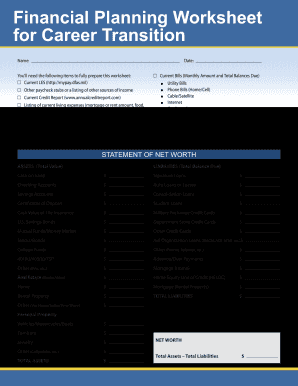
Turbotap financial planning worksheet

Wes academic records request form canada pdf
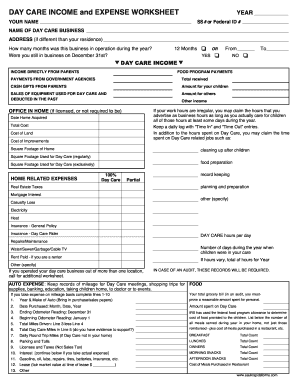
Monthly daycare expense spreadsheet
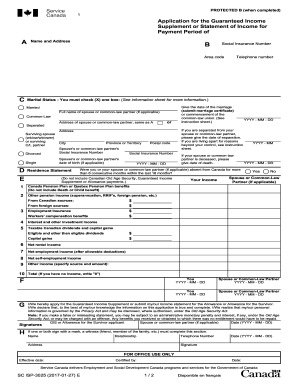
Gis application form
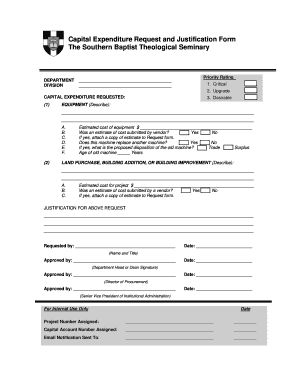
Capital expenditure request form template
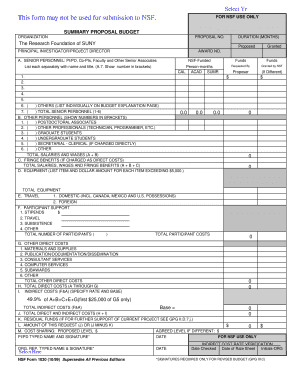
Nsf form 1030
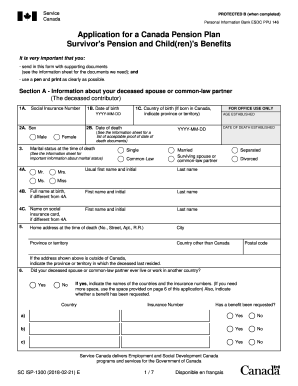
Service canada isp 1300 form
R1 form

Financial client profile example
Mr price account application
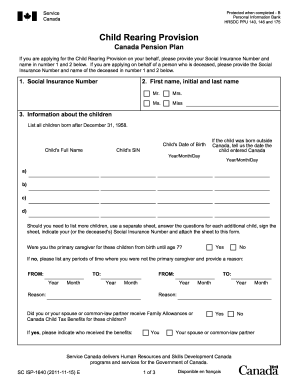
Service canada form 1640 2011

Aer form 57
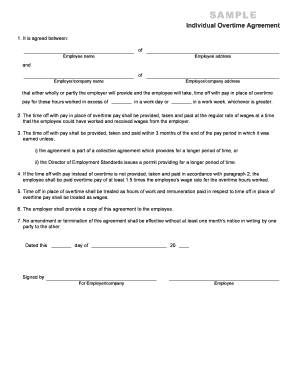
Overtime agreement alberta template
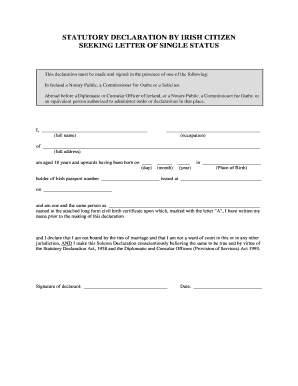
Single declaration letter

Ohip reimbursement claim form
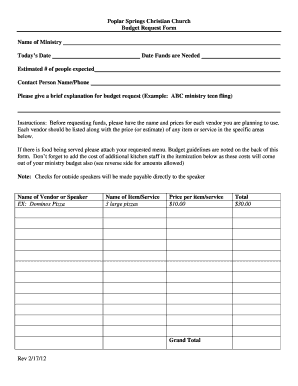
Budget request form.docx

SF424C - Budget Information Construction Programs - nps
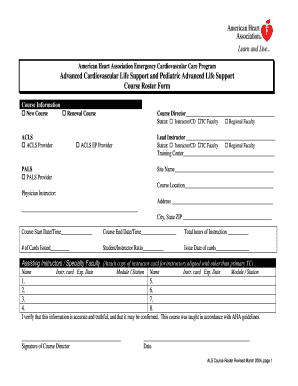
Life support course roster
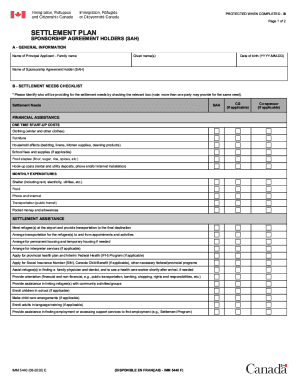
Canada imm e agreement
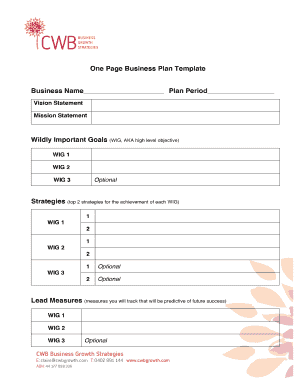
Printable business plan template
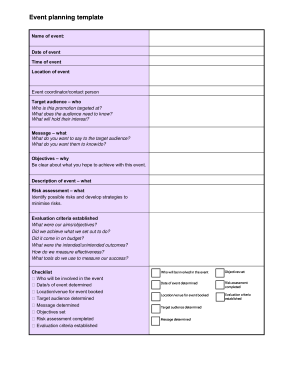
Event planning template
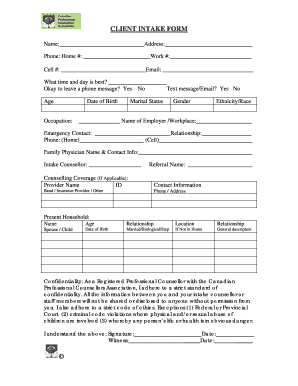
Counselling intake form template canada
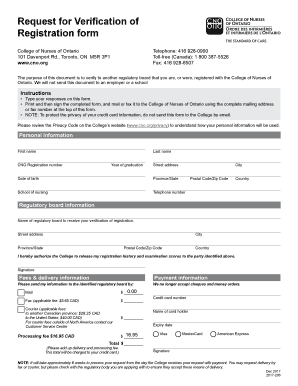
Cno canada
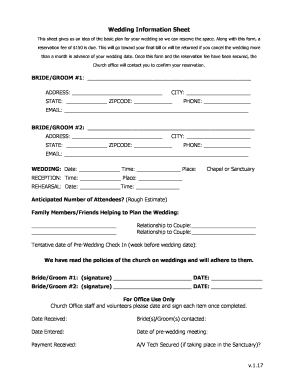
Wedding information form
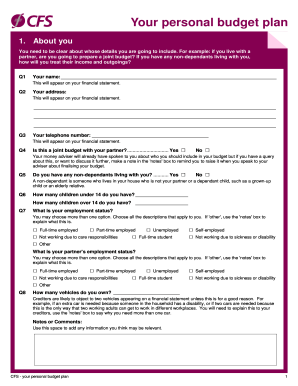
Cfs budget
Florist contract
Chapter 13 plan template
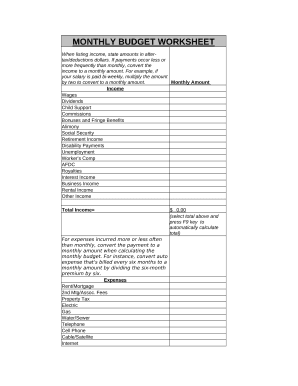
Personal Monthly Budget Worksheet
Sarp employer return
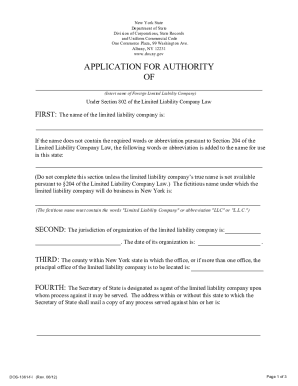
New york form application authority
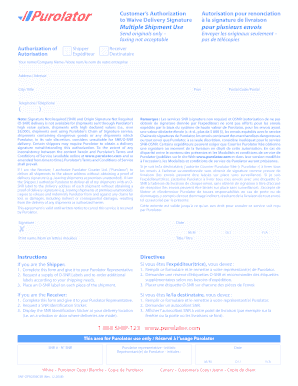
Purolator snr form
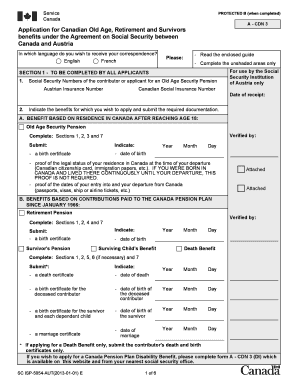
APPLICATION FOR OLD AGE RETIREMENT AND SURVIVORS BENEFITS UNDER THE AGREEMENT ON SOCIAL SECURITY BETWEEN CANADA AND Austria. SC ISP5054-AUT-E

Barangay budget preparation forms 2022
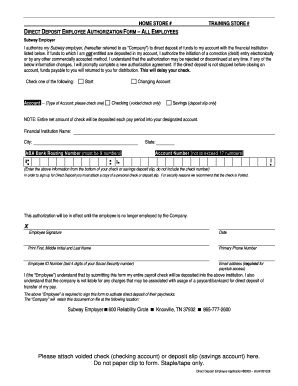
Subway direct deposit form
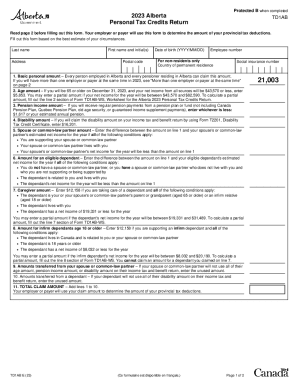
2023 Alberta Personal Tax Credits Return
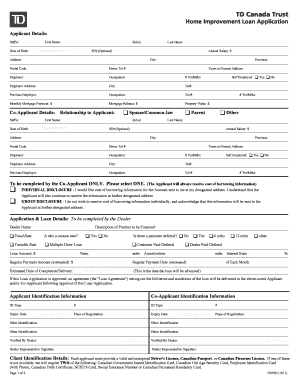
TD Canada Trust Home Improvement Loan Application - patioline
-
1
- 2
Transform your document operations with Budget planner Canada Forms
Your workflows always benefit when you can obtain all the forms and files you require on hand. DocHub offers a a huge collection of templates to ease your daily pains. Get hold of Budget planner Canada Forms category and quickly browse for your document.
Begin working with Budget planner Canada Forms in several clicks:
- Gain access to Budget planner Canada Forms and locate the document you require.
- Click on Get Form to open it in the editor.
- Begin modifying your file: add more fillable fields, highlight paragraphs, or blackout sensitive information.
- The app saves your changes automatically, and once you are all set, you are able to download or share your file with other contributors.
Enjoy seamless form managing with DocHub. Check out our Budget planner Canada Forms online library and discover your form today!
Video Guide on Budget planner Canada Forms management

Commonly Asked Questions about Budget planner Canada Forms
Is there an Excel template for budget?
DIY with the Personal budget template This Excel template can help you track your monthly budget by income and expenses. Input your costs and income, and any difference is calculated automatically so you can avoid shortfalls or make plans for any projected surpluses.
Where can I find a budget template?
Google Sheets budget templates Google Sheets also provides annual business budget templates for entrepreneurs who want to track their expenses.
How to budget properly in Canada?
How to make a budget Do a monthly review of your income, expenses and investments. Understand your spending and saving habits. Set up expense guardrails. Set your financial goals. Track, monitor and adjust your budget as needed.
Does Excel have a expense template?
Microsoft Excel has lots of free, customizable budget templates available to pick from, so youre certain to find one that works for you. Lets open the Excel expense template that I got from the Microsoft Create and dive into a few ways to customize it for my small business.
What is the best budget template in Excel?
Free excel budgeting templates for 2024 Expense tracker by Sheetgo. Monthly Budget Planner by Money Under 30. Annual Budget Planner by Budget Templates. Student Budget template by Microsoft. Household Expense Budget by Smartsheet. Zero-based Budget Spreadsheet by Smartsheet. Money Manager template by Smartsheet.
How to layout a budget in Excel?
If you prefer to use a template, you can follow these steps to prepare a budget in Excel: Navigate to the File tab. The File tab is on the top ribbon in Excel. Search for budgets. You can expect to see a bar on the new interface. Select a suitable template. Fill the template.
How do I create a personal budget planner?
Five simple steps to create and use a budget Step 1: Estimate your monthly income. Step 2: Identify and estimate your monthly expenses. Step 3: Compare your total estimated income and expenses, and consider your priorities and goals. Step 4: Track your spending, and at the end of month, see if you spent what you planned.
Does Excel have budget spreadsheets?
Creating a budgeting plan for your household can feel overwhelming and hard, but Excel can help you get organized and on track with a variety of free and premium budgeting templates.
Related Templates
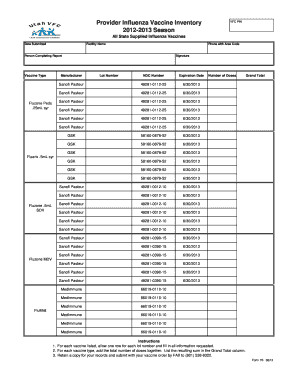
Vaccine inventory form
The document is a report template for providers to inventory their influenza vaccine stock for the 2012-2013 season. It ...
2004 MA Pre-Need Funeral Contract
The document is a Pre-Need Funeral Contract that outlines the agreement between a licensed funeral establishment and a b ...

Alabama form adv 40
The document is a Business Personal Property Return form required by Alabama law for taxpayers to report all business pe ...
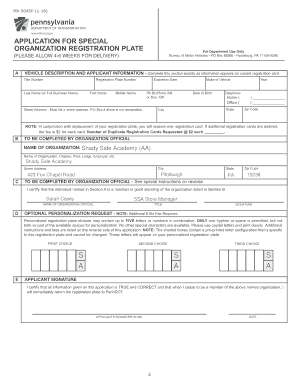
This, Our Golden Opportunity, The Campaign for Shady Side Academy
The document is an application form for obtaining a special organization registration plate from the Pennsylvania Depart ...

Free Oregon Notary Acknowledgment Form - PDF - eForms
The Oregon Notary Public Guide provides comprehensive information on the roles, responsibilities, and legal requirements ...
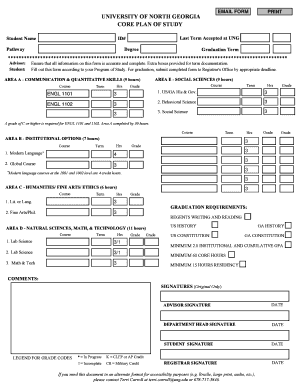
UNG Core Plan of Study - University of North Georgia
The document is an email form for the University of North Georgia's Core Plan of Study, detailing the requirements for g ...

Free Fire Risk Assessment for download
The document is a fire risk assessment form designed for use by responsible persons in businesses or organizations to ev ...

2014 Ivy Tech Community College Transcript Request Form
The document is a Transcript Request Form from Ivy Tech Community College, requiring students to provide personal inform ...