
Appointment confirmation email Booking Templates
Streamline your reservation process with Appointment confirmation email Booking Templates. Effortlessly modify, complete, and send documents online with DocHub adaptable document management tools.

Create a new Appointment confirmation email Booking Template
Photobooth events form
Psa appointment form
Caravan booking form template
Ds 160 blank form download pdf 2020
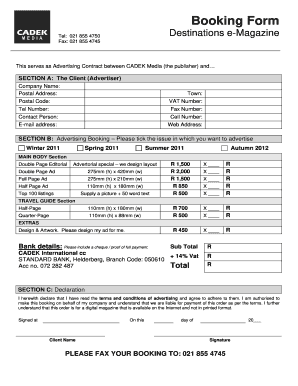
Order booking format
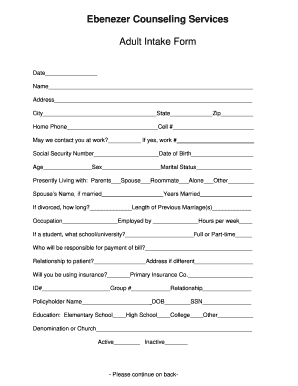
Social work intake form

Infosheet appointment login
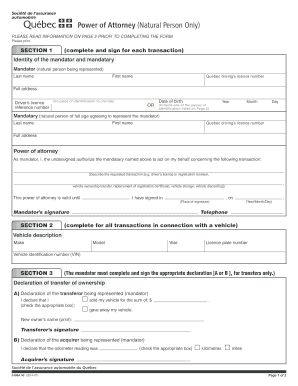
Transfer of vehicle ownership forms saaq
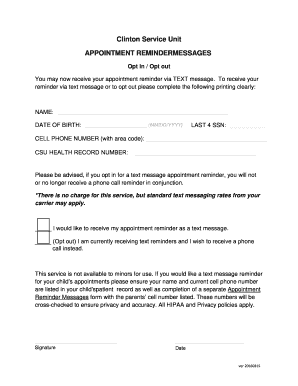
Appointment reminder unit
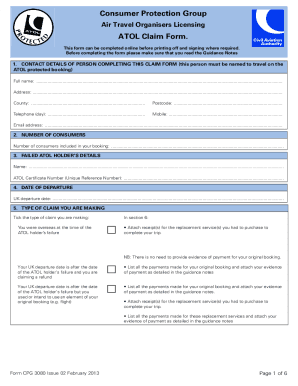
Atol form
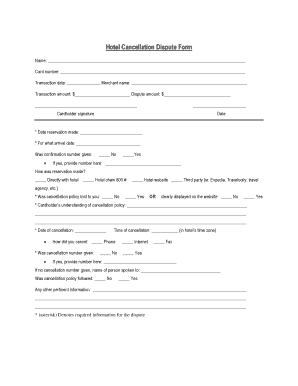
Cancellation form in hotel
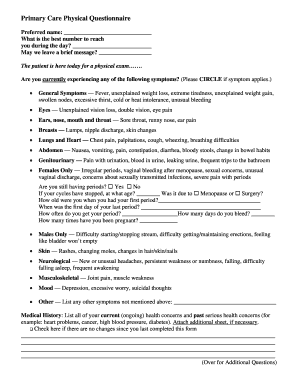
Appointment questionnaire

Oath of professional teachers

Ncl transfer form
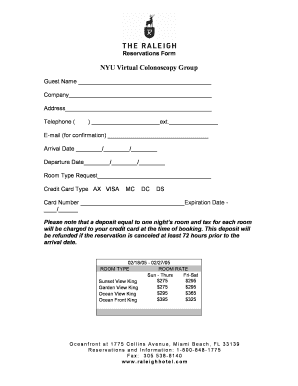
Reservation form

Medical appointment form pdf
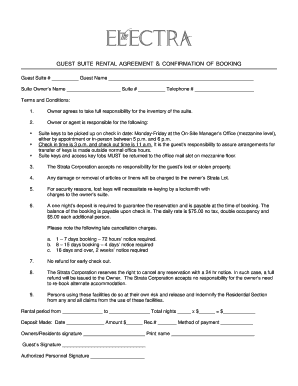
Guest suite rental agreement & confirmation of booking - The Electra
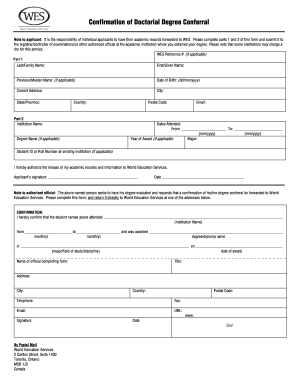
Wes doctoral conferral form canada
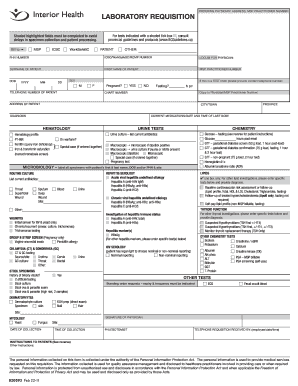
Laboratory Requisition - Interior Health Authority
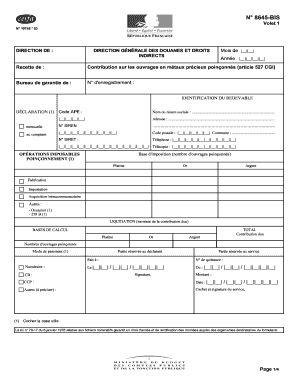
Cefra form
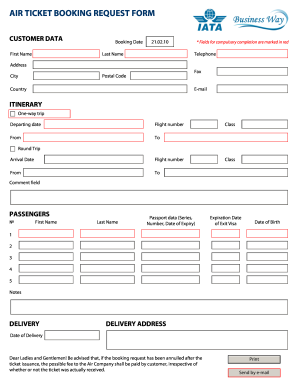
Air ticket booking request

Italy national los angeles consulate
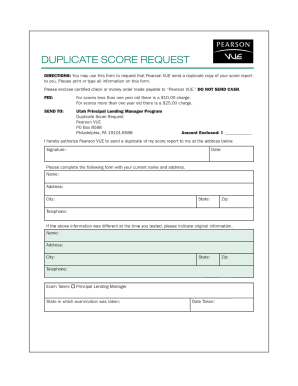
Pearson vue duplicate
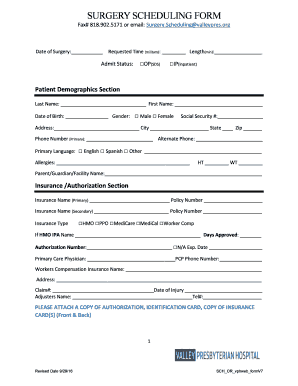
Surgery scheduling form
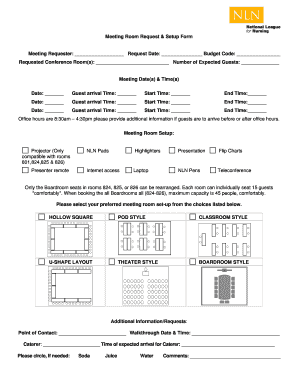
Meeting Room Request & Setup Form
Medical appointment forms pdf
Remplissable Chinese Visa Application Service Center
Indian passport form eapx 1 04

Form AWI-VPK 02 Eligibility Certificate.doc
Guardianship paper

Reservation agreement letter sample
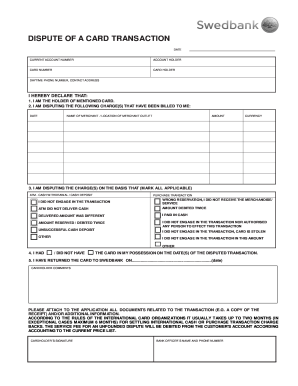
Swedbank dispute get
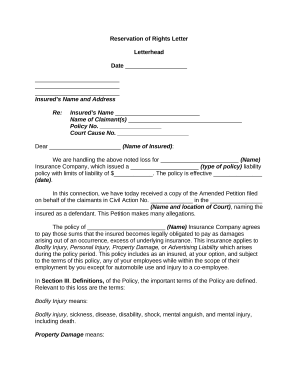
Reservation letter
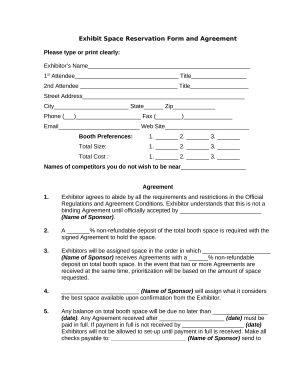
Reservation form
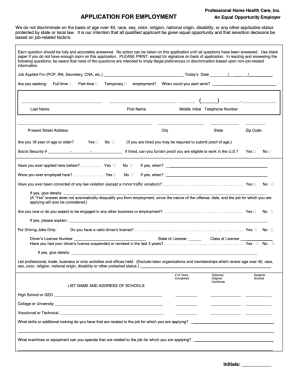
Home care application form
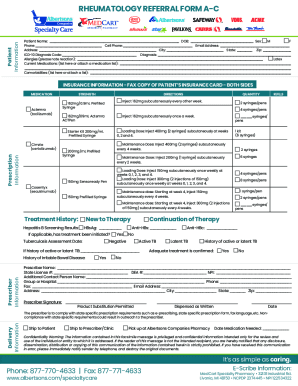
Rheumatology Referral Form Fax# Patient Information
-
1
- 2
Raise your productiveness with Appointment confirmation email Booking Templates
Form administration takes up to half of your business hours. With DocHub, it is possible to reclaim your office time and enhance your team's efficiency. Get Appointment confirmation email Booking Templates collection and investigate all templates relevant to your daily workflows.
Easily use Appointment confirmation email Booking Templates:
- Open Appointment confirmation email Booking Templates and use Preview to obtain the appropriate form.
- Click Get Form to start working on it.
- Wait for your form to upload in our online editor and start editing it.
- Add new fillable fields, symbols, and images, modify pages order, etc.
- Fill out your document or set it for other contributors.
- Download or share the form by link, email attachment, or invite.
Boost your daily file administration with the Appointment confirmation email Booking Templates. Get your free DocHub account right now to explore all templates.
Video Guide on Appointment confirmation email Booking Templates management

Commonly Asked Questions about Appointment confirmation email Booking Templates
How do you write an email for a book appointment?
I am writing to request an appointment with you to discuss [briefly mention the purpose of the work]. Your insights and expertise would be precious to our [mention the context or reason for the meeting]. Please let me know if the suggested date and time work for you or if you prefer an alternative.
How to write an email to confirm an appointment?
I trust this message finds you well. I am writing to confirm our scheduled appointment on [Date] at [Time]. Our meeting will take place at [Location]. If you need any additional information or wish to make adjustments, please feel free to docHub out to me at [Your Phone Number] or [Your Email Address].
How to write a letter of confirmation of appointment?
Confirmation of appointment Letter. Following the probationary review meeting held on , I am pleased to confirm your appointment to the role of . I would like to take this opportunity to thank you for your contribution to the team and wish you continued success in the future.
How to write a confirmation email for a reservation?
Email: Dear [Guest Name], We are pleased to inform you that your booking for [Experience Name] is confirmed. The team at [Your Company Name] is very excited to welcome [Corporation Name] and its employees on [Date]. If you have any questions or requests, please dont hesitate to docHub out to us.
Related Templates

Fl attorney
The document is a Limited Power of Attorney for the sale of a motor vehicle, allowing an appointed Attorney-in-Fact to e ...

12R-253 - Lincoln ne - lincoln ne
The document is a resolution by the City Council of Lincoln, Nebraska, declaring the 1st and Cornhusker Highway Redevelo ...
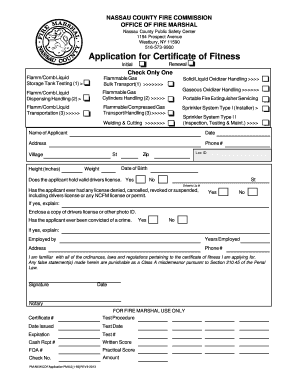
Nassau county certificate of fitness
The document is an application form for a Certificate of Fitness from the Nassau County Fire Commission's Office of Fire ...
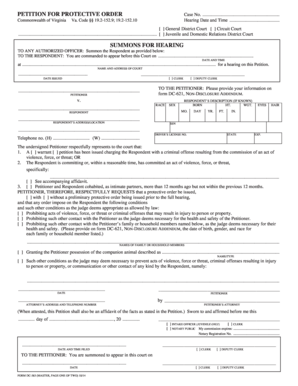
Hearing Date and Time - courts state va
The document is a Petition for Protective Order filed in the Commonwealth of Virginia, outlining the request for legal p ...

HVAC Certification Form
The document outlines the contact information and roles of key personnel in the Pittsfield Charter Township's Department ...
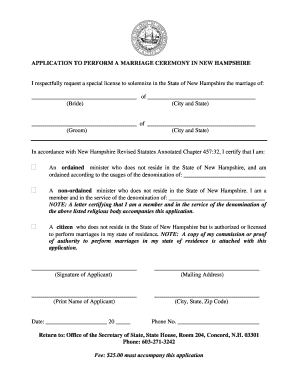
I respectfully request a special license to solemnize in the State of New Hampshire the marriage of
I respectfully request a special license to solemnize in the State of New Hampshire the marriage of
The document is an application form for a special license to perform marriage ceremonies in New Hampshire. It requires t ...
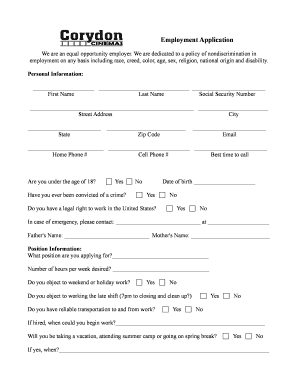
Employment Application - Corydon Cinemas
The document is an employment application for Corydon Cinemas, outlining the company's commitment to equal opportunity a ...
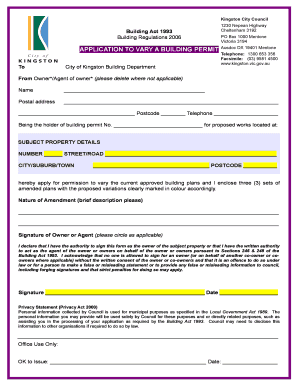
APPLICATION TO VARY A BUILDING PERMIT - City of Kingston
The document is an application form for varying a building permit issued by the City of Kingston Building Department. It ...