




Here's how it works

01. Edit your sample reservation of rights letter online
Type text, add images, blackout confidential details, add comments, highlights and more.

02. Sign it in a few clicks
Draw your signature, type it, upload its image, or use your mobile device as a signature pad.

03. Share your form with others
Send reservation of rights letter sample via email, link, or fax. You can also download it, export it or print it out.
How to use or fill out reservation letter with our platform

- Click ‘Get Form’ to open the reservation letter in the editor.
- Begin by entering the date at the top of the letter. This is crucial for record-keeping and should reflect the current date.
- Fill in your name and address in the designated section, ensuring that all information is accurate and up-to-date.
- In the 'Re:' section, input the insured's name and details of the claimants, including their names and policy number.
- Provide a brief introduction addressing the insured, mentioning your role in handling their loss and specifying the insurance company involved.
- Detail any relevant policy information, including type of policy, limits of liability, and effective dates as required in subsequent fields.
- Summarize key definitions from the policy that are pertinent to this case, ensuring clarity on terms like Bodily Injury and Property Damage.
- Conclude by stating any coverage issues raised by allegations in the petition and reserve rights under the policy for further investigation.
Start using our platform today to effortlessly complete your reservation letter online for free!
Fill out reservation letter online
It's free
It's free
Security and compliance
At DocHub, your data security is our priority. We follow HIPAA, SOC2, GDPR, and other standards, so you can work on your documents with confidence.
Learn more


Related forms
Healthfirst insurance renewal
The document is a Child Health Plus (CHPlus) Health Insurance Renewal Form, which outlines the process for renewing heal ...
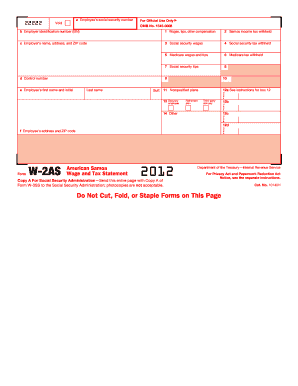
Da 31 2012 form
The document provides information regarding the Form W-2AS, American Samoa Wage and Tax Statement, including instruction ...

Form pde 338 g
The document is the General Application for Pennsylvania Certificate (Form PDE 338 G), which outlines the process for in ...
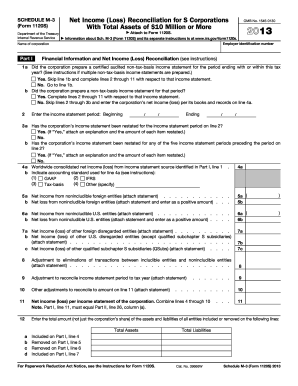
2013 Form 1120 S Schedule M-3.Net Income (Loss) Reconciliation for S Corporations With Total Assets of $10 Million or More
2013 Form 1120 S Schedule M-3.Net Income (Loss) Reconciliation for S Corporations With Total Assets of $10 Million or More
The document is Schedule M-3 (Form 1120S) for S Corporations with total assets of $10 million or more, used to reconcile ...
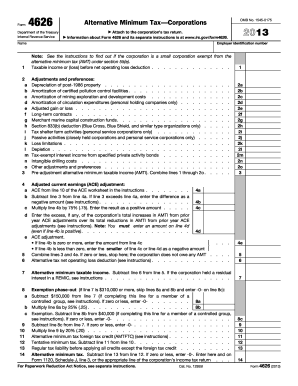
2013 form 4626
Form 4626 is a document used by corporations to calculate the Alternative Minimum Tax (AMT) for the tax year 2013. It in ...