
Event Balance Sheet Templates
Collaborate and edit Event Balance Sheet Templates in real-time. Get a free DocHub and handle your financial records with accuracy, stay ahead your competition, and protect your records.

Create a new Event Balance Sheet Template

Personal financial statement template

Sba form 413
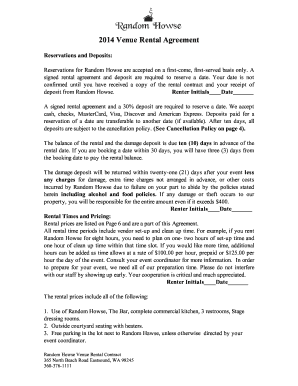
Wedding venue contract template

Judicial title
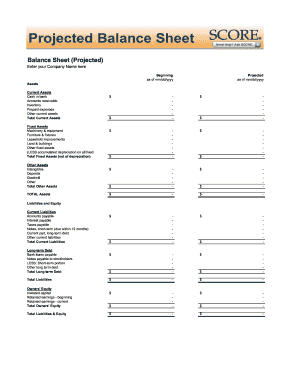
Balance sheet fill in the blank
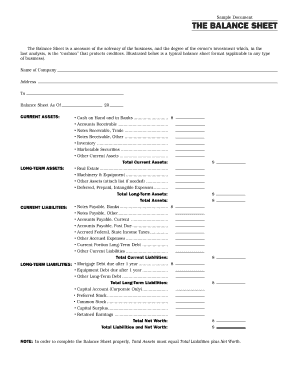
Interim ytd balance sheet pdf
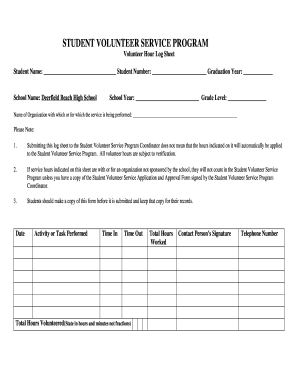
Volunteer sheet form

F financial statement

Lds permission slip
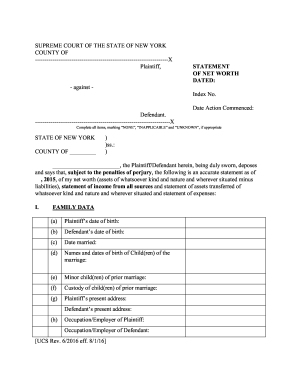
New york statement net worth form
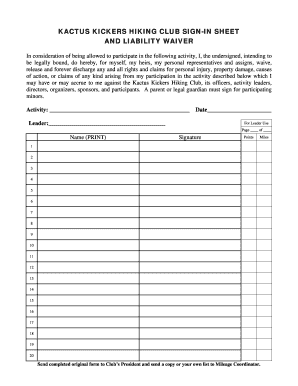
Create a signup sheet online
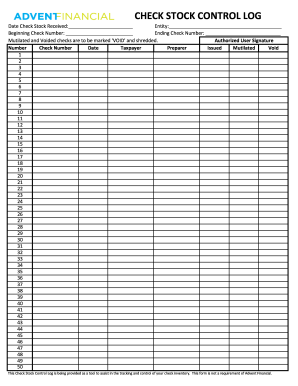
Check log template
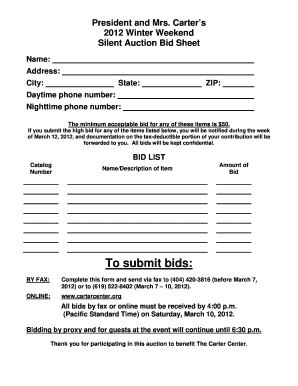
Silent auction bid sheet printable
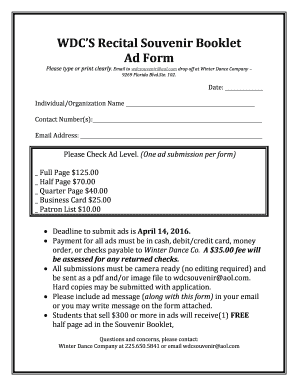
Souvenir booklet ad form
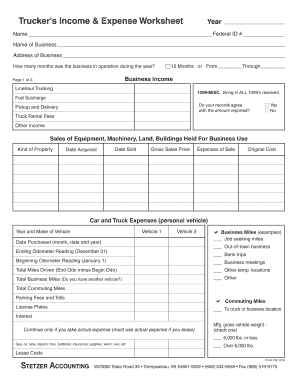
Profit and loss statement for trucking company pdf
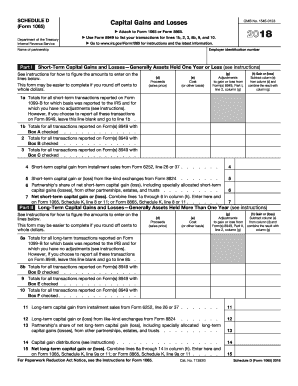
2012 irs 1065
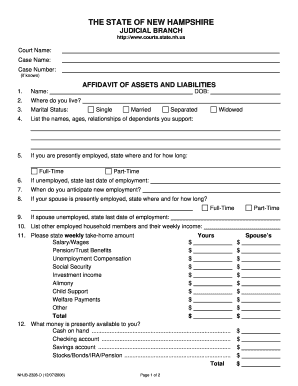
Nhjb 2328 d
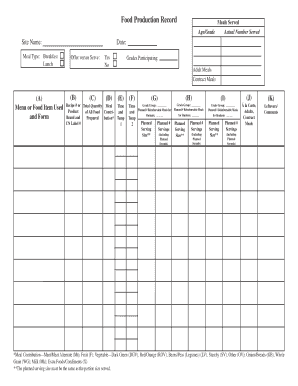
Food Production Record Meals Served Age/Grade Site Name: Meal Type: Breakfast Lunch (A) Menu or Food Item Used and Form Actual Number Served Date: Offer versus Serve: (B) (C) Yes No (D) Recipe # or Total Quantity Meal Product of All Food -
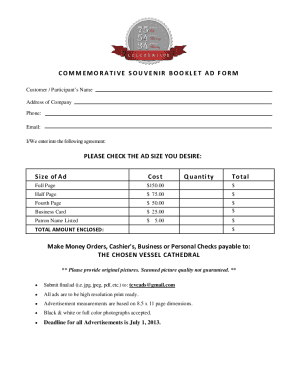
Souvenir booklet ad template

Souvenir booklet ad form
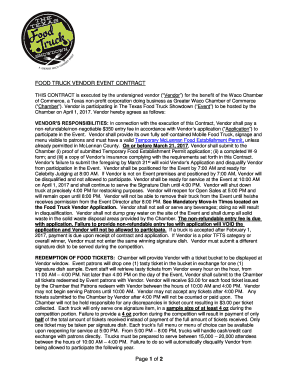
Food truck vendor event contract
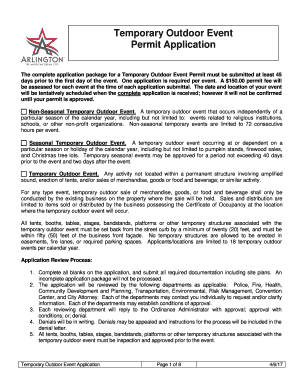
Event application arlington
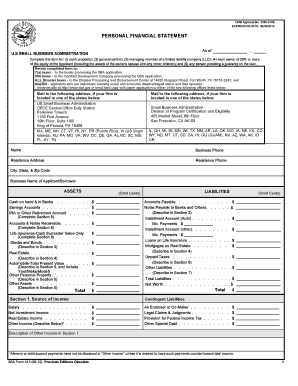
Sba personal financial statement form 5 12
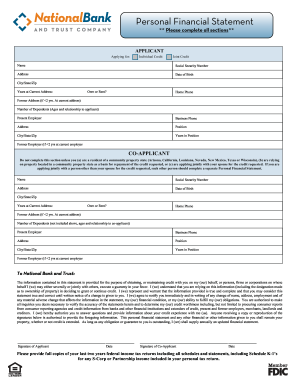
An automated Personal Financial Statement form. - National Bank ...
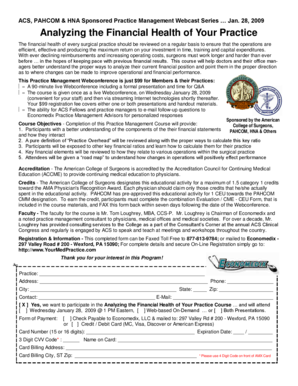
Analyzing the Financial Health of Your Practice
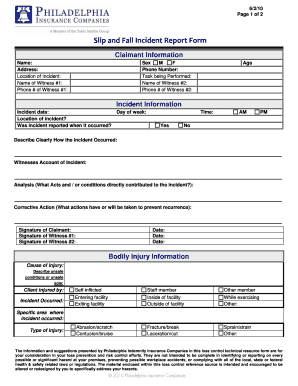
Slip and fall incident report
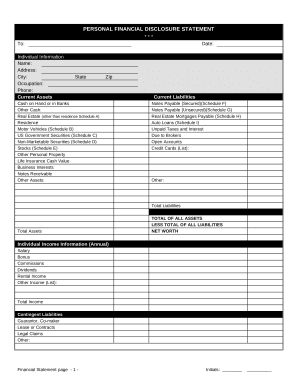
Financial form
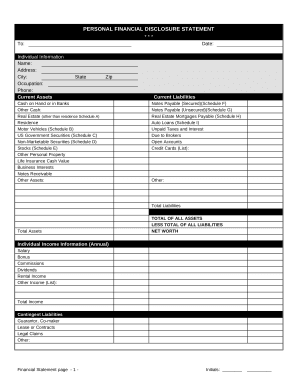
Financial statement form

Dj contract pdf
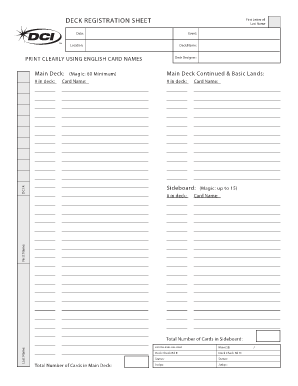
Mtg decklist sheet
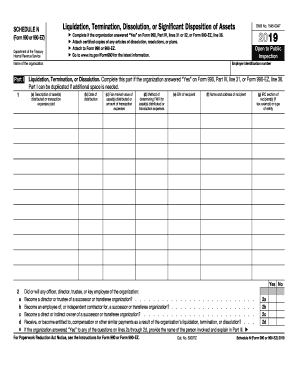
990 assets form
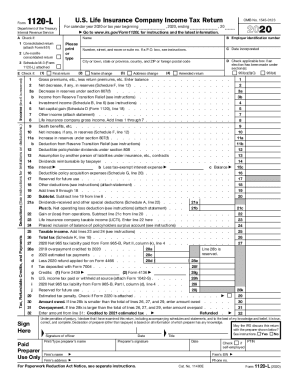
Form 1120 schedule l

Certificate of insurance special event fillable form
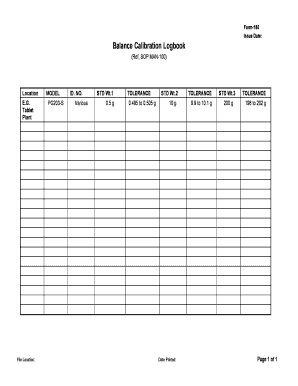
Scale calibration log sheet

Tournament registration form template word
Increase your productivity with Event Balance Sheet Templates
Record managing occupies to half of your office hours. With DocHub, it is possible to reclaim your time and enhance your team's productivity. Get Event Balance Sheet Templates collection and investigate all document templates related to your daily workflows.
The best way to use Event Balance Sheet Templates:
- Open Event Balance Sheet Templates and apply Preview to find the relevant form.
- Click on Get Form to start working on it.
- Wait for your form to open in our online editor and start modifying it.
- Add new fillable fields, symbols, and pictures, change pages, and many more.
- Complete your file or prepare it for other contributors.
- Download or deliver the form by link, email attachment, or invite.
Improve your daily document managing with our Event Balance Sheet Templates. Get your free DocHub profile right now to discover all templates.
Video Guide on Event Balance Sheet Templates management

Commonly Asked Questions about Event Balance Sheet Templates
Does Excel have financial templates?
Creating a budgeting plan for your household can feel overwhelming and hard, but Excel can help you get organized and on track with a variety of free and premium budgeting templates.
How to make a balance sheet in Excel template?
Preparing a balance sheet involves several steps: Gather Financial Information: Gather all your financial data, including assets, liabilities, and equity. Organize Assets: Here is the list of all assets, including current assets (cash, inventory) and non-current assets (property, equipment).
How do you make a budget sheet for an event?
Step-by-Step Guide to Create an Event Budget Start with the Big Picture. Break Down the Costs. Account for Miscellaneous and Unexpected Costs. Track and Adjust the Budget as Necessary. Prioritize Expenditures. Get Multiple Quotes. Factor in Revenue. Review Contractual Obligations.
Does Excel have a bookkeeping template?
Those who havent used Excel before or arent familiar with its features can download Excel bookkeeping templates online. Once you create or download templates, you can use them as a basis for more advanced account-related tasks like basic financial statements, forms, receipts, reports, etc.
Is there a balance sheet template in Excel?
The Balance Sheet Template for Excel is a pre-designed spreadsheet that allows users to enter their companys financial information, including assets, liabilities, and equity. This template is useful for businesses of all sizes, as it can be customized to fit each companys specific needs.
How to create a balance sheet?
How to make a balance sheet Invest in accounting software. Create a heading. Use the basic accounting equation to separate each section. Include all of your assets. Create a section for liabilities. Create a section for owners equity. Add total liabilities to total owners equity.
How to make an opening balance sheet?
Create an opening balance in 5 steps Set the opening balance sheet date. Preparation ing to assets and liabilities. Posting to your opening balance sheet account. Further information in the opening balance sheet. Submission to the tax office.
Does Excel have a financial statement template?
A: Yes. Excel has a range of financial templates, including income statements, cash flow statements, and balance sheets.
Related Templates
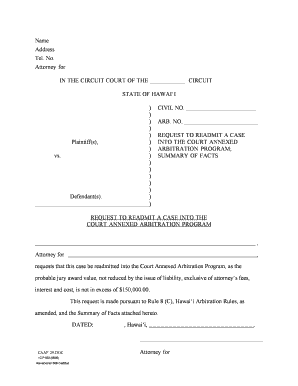
Hawaii readmit annexed program
The document is a formal request to readmit a case into the Court Annexed Arbitration Program in the State of Hawai‘i. I ...
Community service form
The document outlines the community service procedure for defendants at the 8th District Court in Kalamazoo, MI. It deta ...
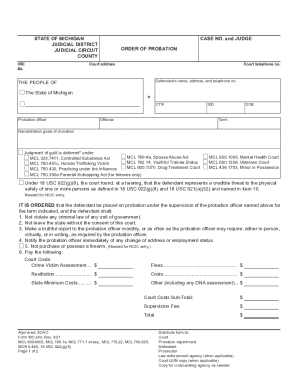
Michigan Court of Appeals Rules That Judges Cannot Prevent
The document is an 'Order of Probation' issued by the State of Michigan, detailing the terms and conditions under which ...

While toxicology tests take time, state crime lab exceeds
The document is a Coroner/Medical Examiner Toxicology Submission Form from the Montana Department of Justice, Forensic S ...
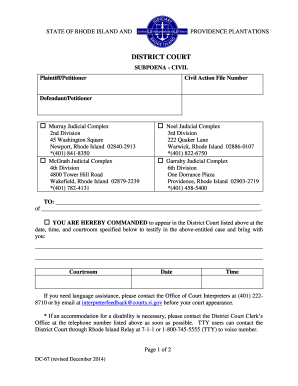
Rhode island subpoena sample
The document is a civil subpoena issued by the District Court of Rhode Island, commanding an individual or organization ...

Ohio statement expert evaluation
The document is a form used in the Probate Court of Butler County, Ohio, for the Statement of Expert Evaluation regardin ...

Captive Actuarial Opinion Waiver Affidavit Actuarial Opinion Waiver
The document is a Captive Actuarial Opinion Waiver Affidavit that must be completed and submitted to the Texas Departmen ...

Our Office - Brownsville OB GYN Associates
The document is an employment application for Brownsville Obstetrics & Gynecology Associates, PLLC. It collects personal ...