
Get any PDF form from the DocHub library of ready-made templates - Page 2246
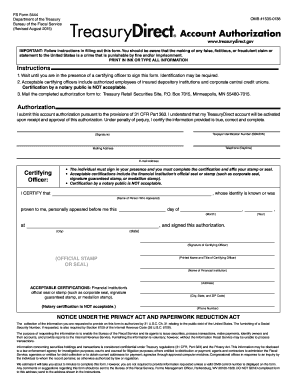
Treasurydirect form

Form 2290 2015

Ktea 3 scoring manual pdf
European accident statement form uk
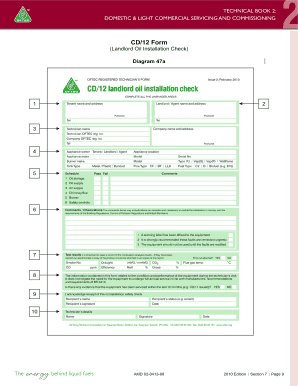
Oftec cd11
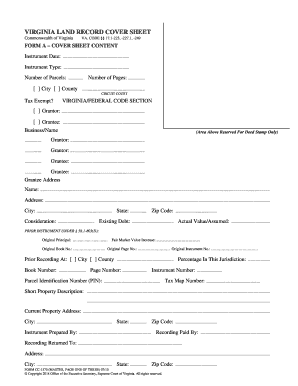
2012 virginia simplified wall bracing calculation sheet

Saint paul college lawrenceville va transcript request

E106 formular österreich pdf

Printable starbucks menu
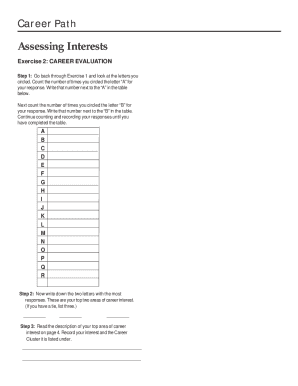
Printable career interest inventory
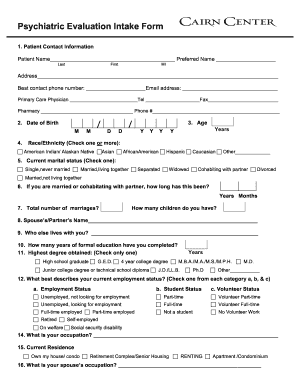
Psychiatric intake form
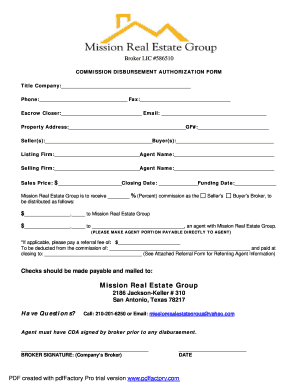
Commission disbursement authorization form florida
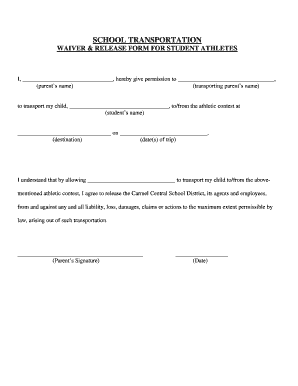
Waiver
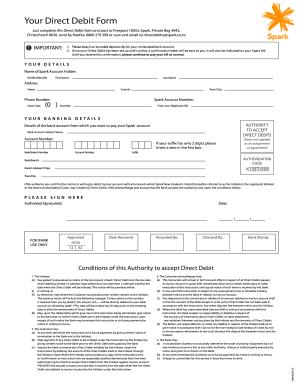
Spark direct debit
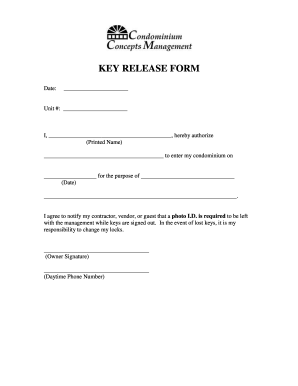
Key release form
Cost plus contract template

Standby letter of credit sample hsbc
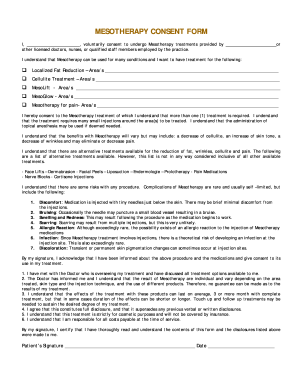
Mesotherapy consent form
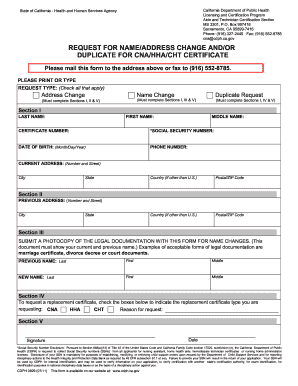
Cna address change
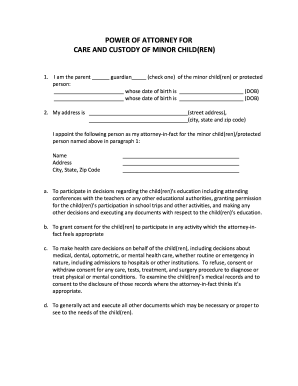
Minor child children
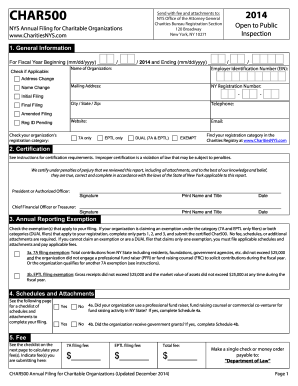
Summary of Registration and Filing Requirements ... - Charities Bureau
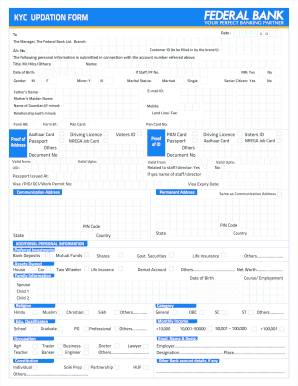
Federal bank video kyc
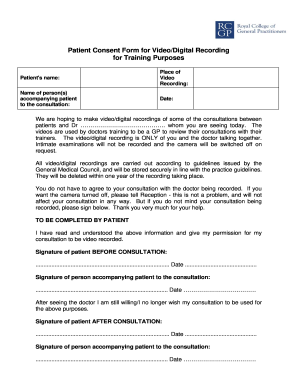
Electronic consent form template
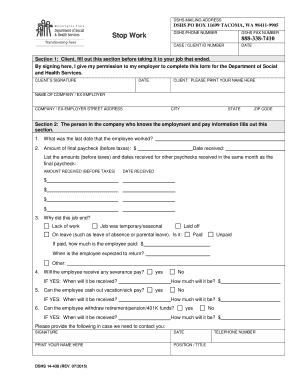
Stop work form
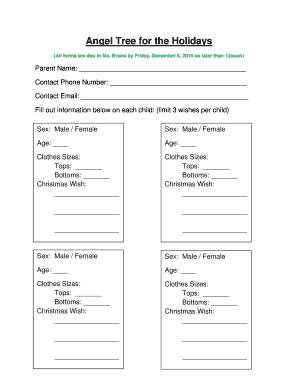
Printable angel tree tags template
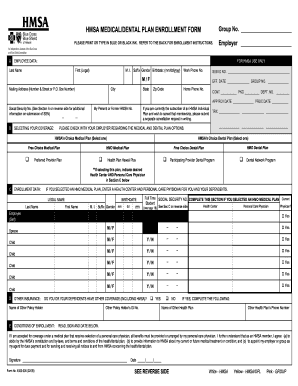
Hmsa medical form
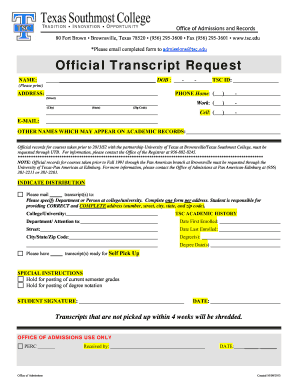
Tsc online transcript form

Transcript official indiana

Warrant application fulton county form

Masshealth casualty recovery unit
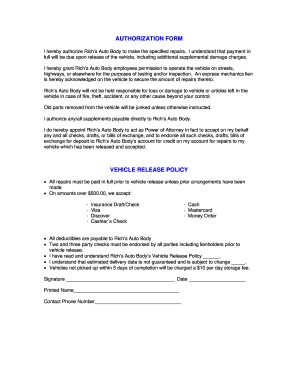
Body shop release form
96 1 form
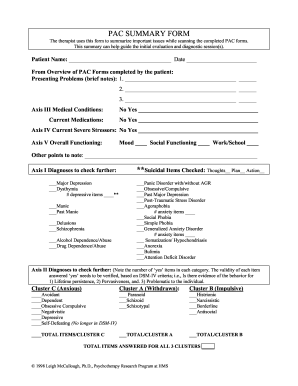
Counselling assessment form
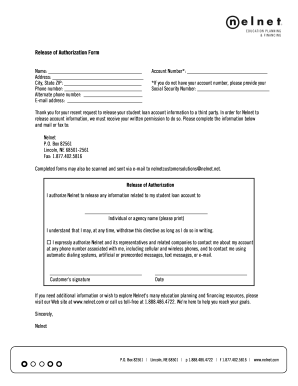
Nelnet release of authorization form

Bpi manager's check form
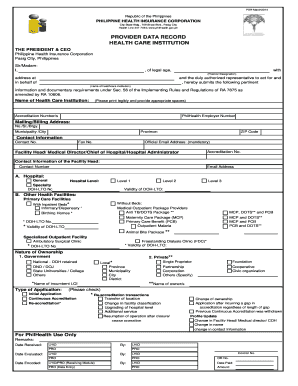
Provider data record philhealth
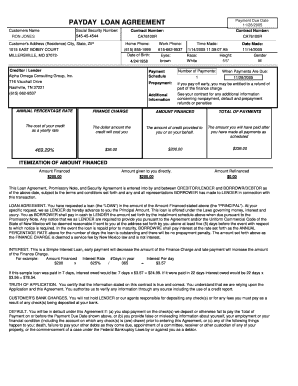
Payday loan agreement template
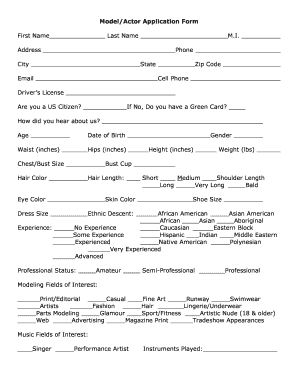
Model application form
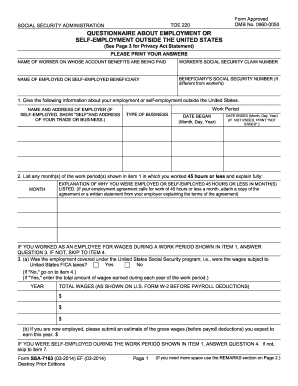
2014 2019 form ssa 7163 fill online
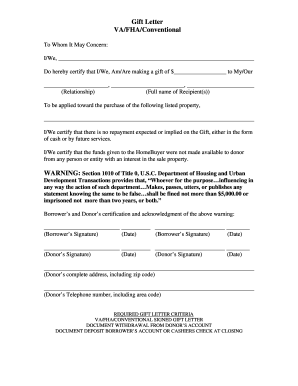
Va gift letter
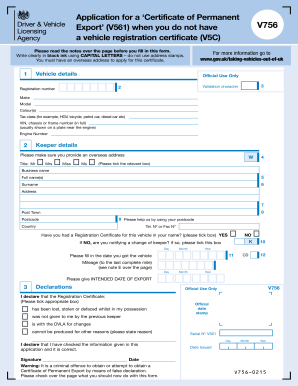
V561 certifikat 2014 form
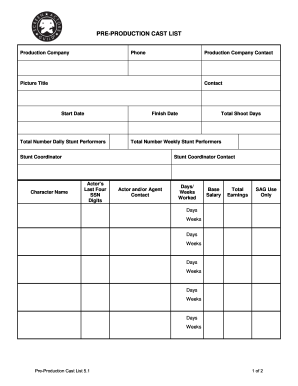
Pre production cast
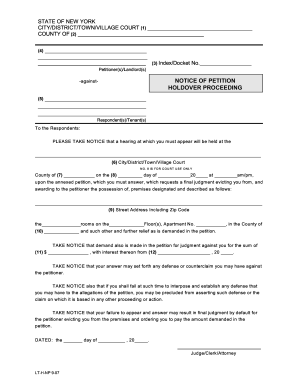
Notice petition holdover form
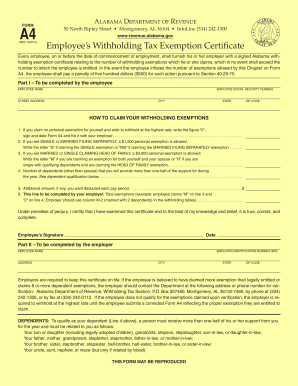
Alabama a 4 form 2022 pdf
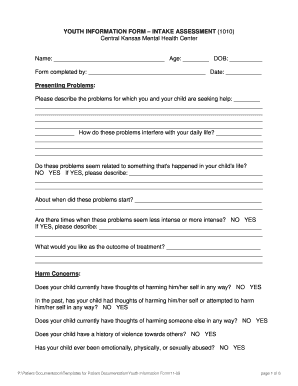
Youth intake assessment form

Nebraska cna reciprocity
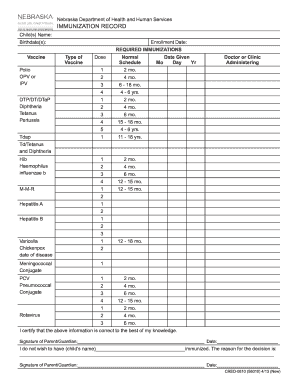
Nebraska immunization record
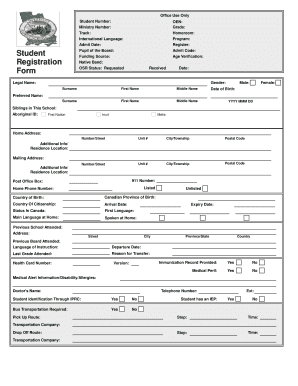
School registration form online
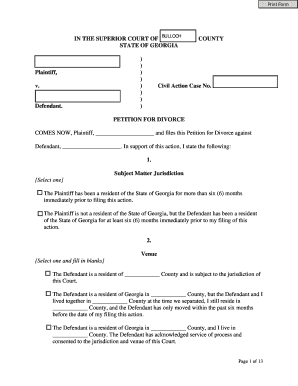
Divorce forms for bulloch county
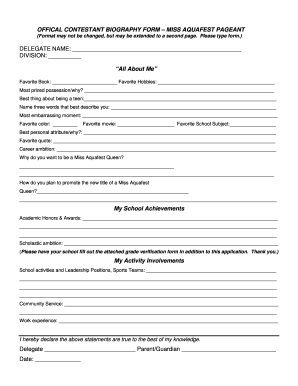
Beauty pageant application form pdf

Construction site induction template uk
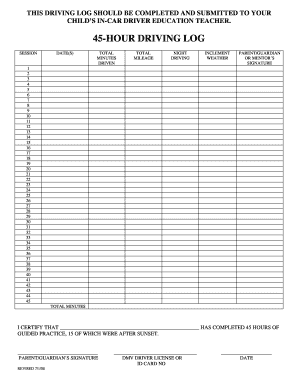
Va driving log

How to skip a month on melaleuca

Pre-employment Physical Form - Hutchinson Clinic
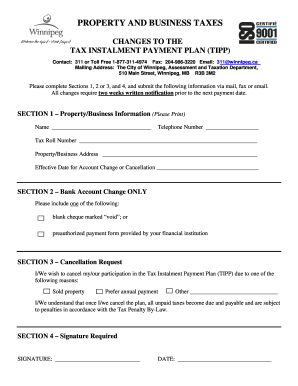
Tipp winnipeg
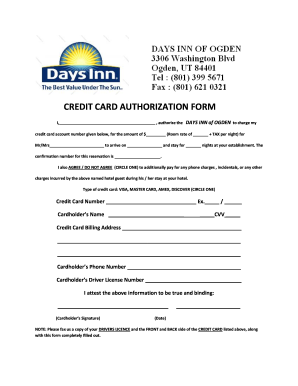
Days inn credit card authorization form

Hawaiian falls donation request
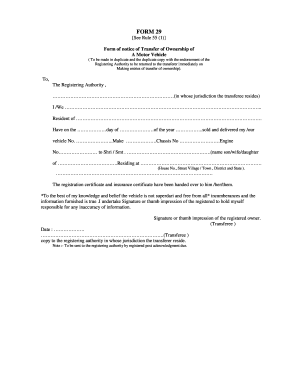
Form 29 and 30 sample filled
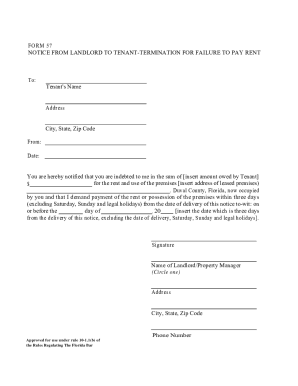
Duval county eviction packet

Ushpa p2 rating form
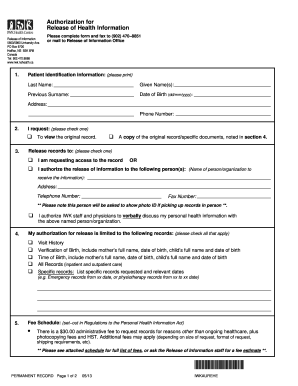
Advent health
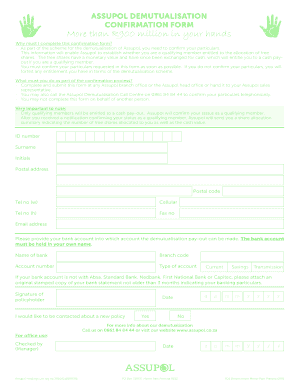
Assupol cancellation form
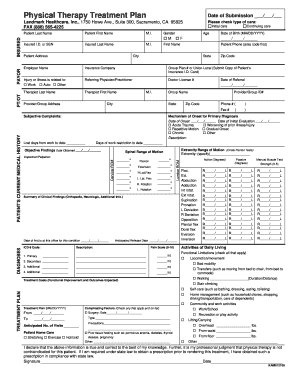
Physical treatment plan
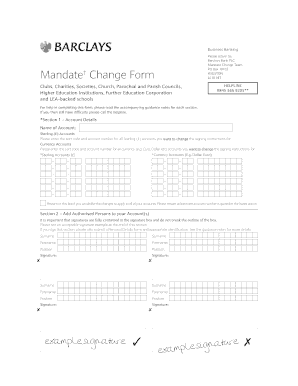
Barclays mandate change

Barclays mandate change
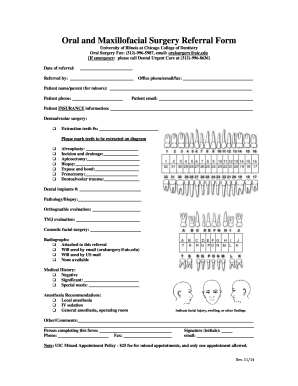
Uic referral
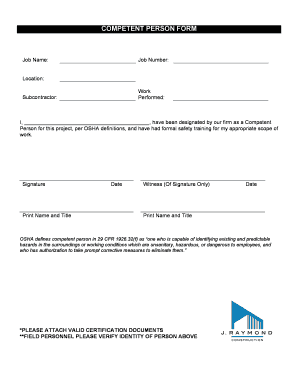
Competent person letter document
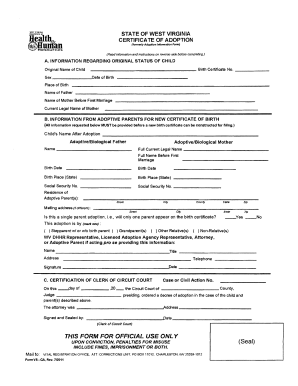
Certificate of adoption form
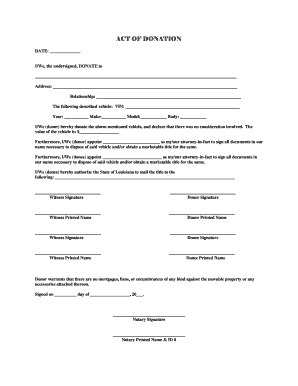
Louisiana act of donation of immovable property form
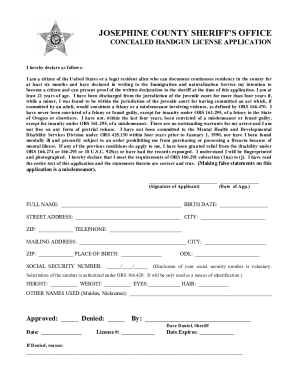
Josephine county sheriff concealed weapons permit
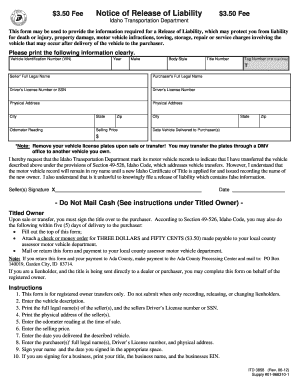
Idaho dmv release of liability

Concrete pour checklist excel
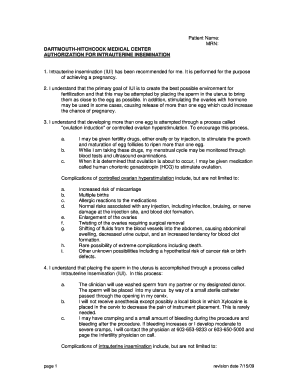
Form iui
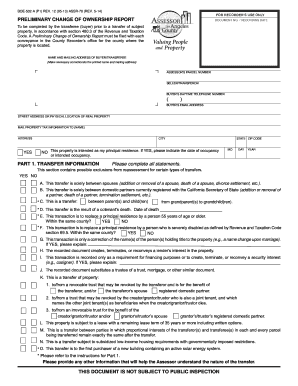
Preliminary change of ownership report los angeles county
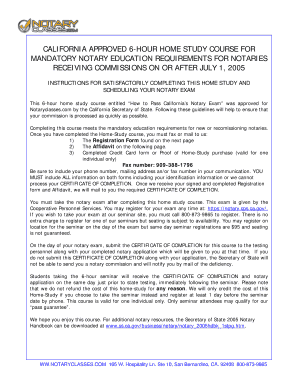
Notary practice test california 2020 pdf
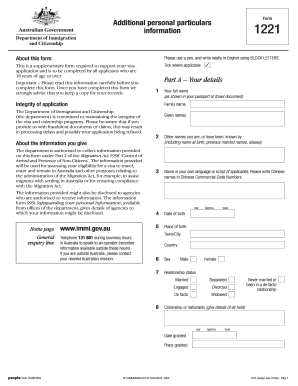
Form 1221 - Australian Embassy - Australian Mission - iran embassy gov
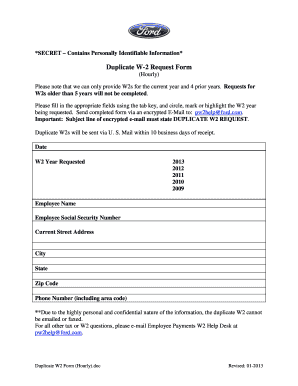
Hpay ford com
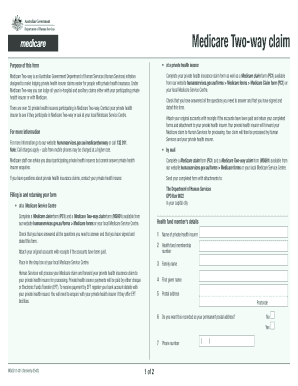
Medicare two way claim form
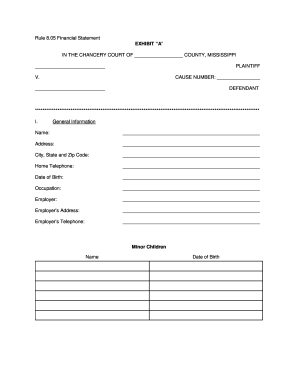
RULE 8.05 FINANCIAL DISCLOSURE - 2nd Chancery Court - 2ndchancerycourtdistrictms

Form 568 - 2006 Limited Liability Company Return of Income
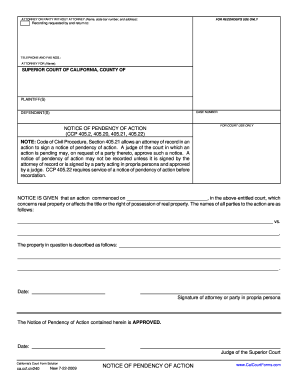
Notice of pendency of action california form
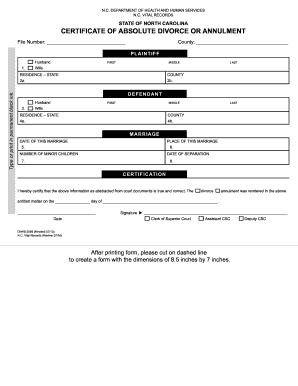
Dhhs 2089

Pregnancy Test Request Form - Colorado.gov
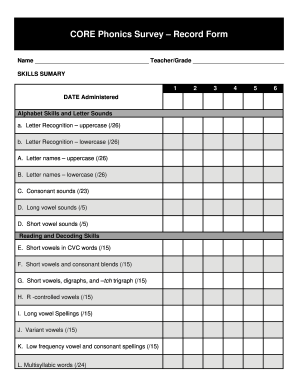
Core survey record form

What is saws 2 plus 2013 form
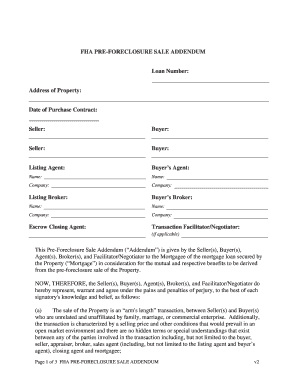
Wells fargo pre foreclosure sale addendum

Hph online forms

Police report philippines

Child care subsidy claim forms
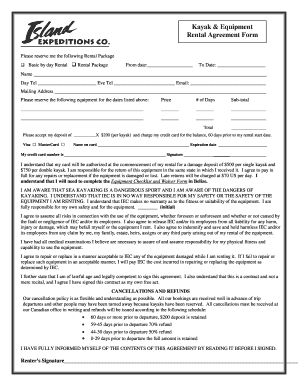
Kayak rental agreement form
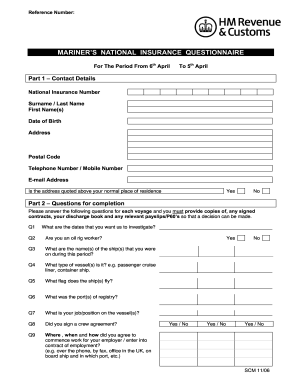
Mariners questionnaire pdf
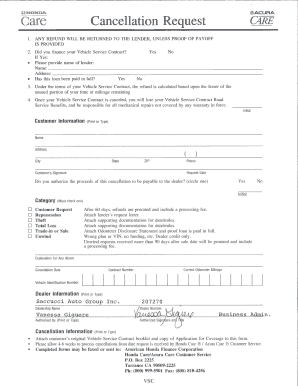
Honda care cancellation form

Angel one poa form pdf

Resurgens medical records

Personal net worth statement template form

Deutsche bank account opening form pdf

Delta airlines skymiles registration
Lambtoncollege
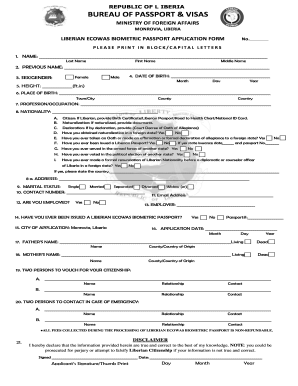
Liberia passport
S:Real Estate, BAEC FormsContract, 2010-12Contract_2012.12.12_v4_2013.01.04.wpd
Benefit from the DocHub online library of fillable PDF forms
Searching the PDF forms doesn't have to be a tedious and time-consuming process. With the DocHub online library, it has become easier to find the fillable PDF forms and modify them in your browser. The service allows you to adjust the document to your needs using powerful editing tools.
You can use online document editing features to modify almost any type of document with ease. You just need to find the template of your choice, open it in the editor, and use the toolbar to make the necessary corrections.
Follow this guide to get your document done with DocHub:
- Find the PDF template you need.
- Click the Get Form button to open the file in the editor.
- Use the toolbar to fill out and edit the document.
- Easily add and highlight text, insert images, checkmarks, and symbols.
- Drop new fillable fields, and rearrange or delete pages from your file.
- Save changes and download your record.
DocHub empowers everyone to streamline document editing, signing, and distribution, and form completion. Create an account and benefit from our well-organized PDF Forms library and comprehensive editor.