




Here's how it works

01. Edit your physical form for work online
Type text, add images, blackout confidential details, add comments, highlights and more.

02. Sign it in a few clicks
Draw your signature, type it, upload its image, or use your mobile device as a signature pad.

03. Share your form with others
Send employment physical via email, link, or fax. You can also download it, export it or print it out.
How to use or fill out Pre-employment Physical Form - Hutchinson Clinic with our platform

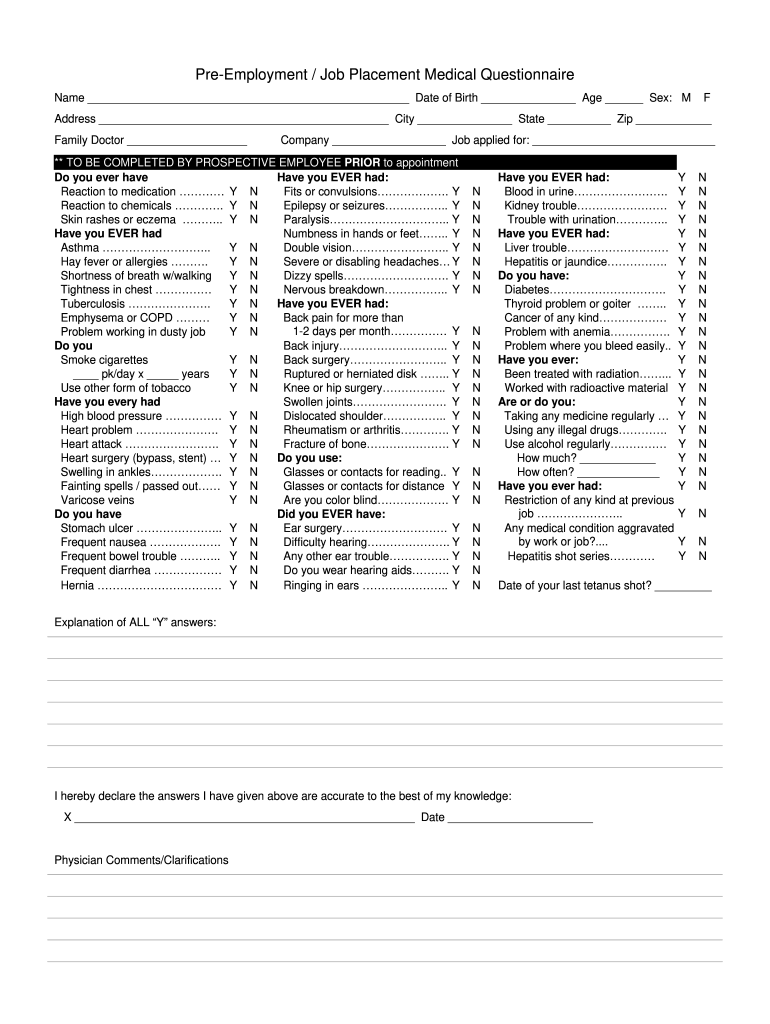
- Click ‘Get Form’ to open the Pre-employment Physical Form in the editor.
- Begin by entering your personal information at the top of the form, including your name, date of birth, age, sex, and address. This section is crucial for identifying you as a prospective employee.
- Next, provide details about your family doctor and the job you are applying for. This helps establish a connection between your medical history and potential employment.
- Carefully answer all health-related questions regarding past medical conditions and reactions. Use the 'Y' or 'N' options provided to indicate your responses accurately.
- In the final section, review your answers and sign to confirm their accuracy. Ensure that you also note any additional comments or clarifications required by the physician.
Start filling out your Pre-employment Physical Form today for free using our platform!
Fill out Pre-employment Physical Form - Hutchinson Clinic online
It's free
It's free
See more Pre-employment Physical Form - Hutchinson Clinic versions
We've got more versions of the Pre-employment Physical Form - Hutchinson Clinic form. Select the right Pre-employment Physical Form - Hutchinson Clinic version from the list and start editing it straight away!
| Versions | Form popularity | Fillable & printable |
|---|---|---|
| 2006 | 4 Satisfied (40 Votes) |
Security and compliance
At DocHub, your data security is our priority. We follow HIPAA, SOC2, GDPR, and other standards, so you can work on your documents with confidence.
Learn more


Related forms
Care Coordination Agreement Template
The Care Coordination Agreement establishes a formal framework between two healthcare organizations to enhance patient c ...
Startup Board of Directors Agreement Template
The document is a Board of Directors Agreement that outlines the roles, responsibilities, and governance principles for ...
Child Support Modification Agreement Template
The Child Support Modification Agreement outlines the terms and conditions for modifying existing child support obligati ...
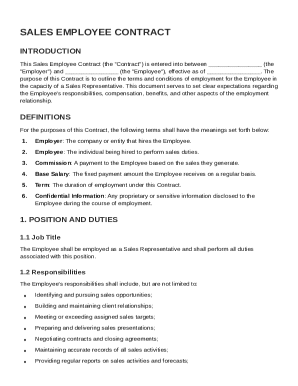
Sale Employee Contract Template
The Sales Employee Contract outlines the terms of employment for a Sales Representative, detailing job responsibilities, ...
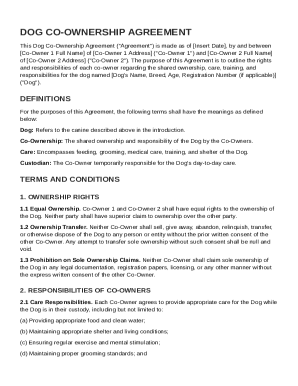
Dog Co Ownership Contract Template
The Dog Co-Ownership Agreement outlines the rights and responsibilities of two co-owners regarding the shared ownership, ...
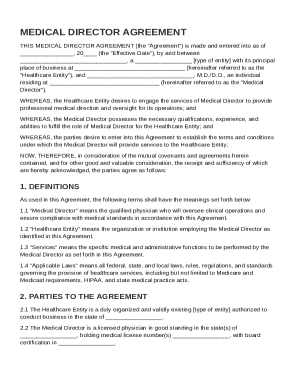
Medical Director Agreement Template
The Medical Director Agreement outlines the terms and conditions under which a qualified physician (Medical Director) wi ...
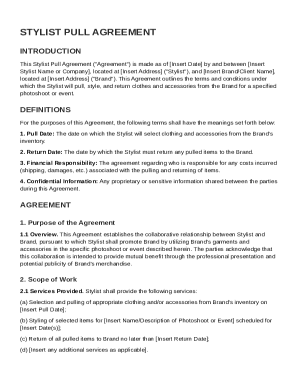
Stylist Pull Agreement Template
The Stylist Pull Agreement outlines the terms between a stylist and a brand for the selection, styling, and return of cl ...
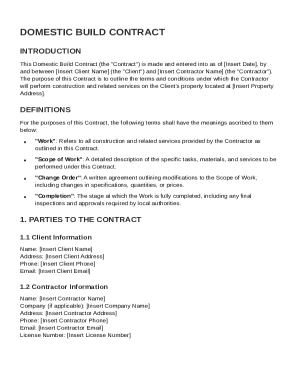
Domestic Build Contract Template
The Domestic Build Contract outlines the agreement between a Client and a Contractor for construction services on the Cl ...