




01. Edit your eas form online
Type text, add images, blackout confidential details, add comments, highlights and more.

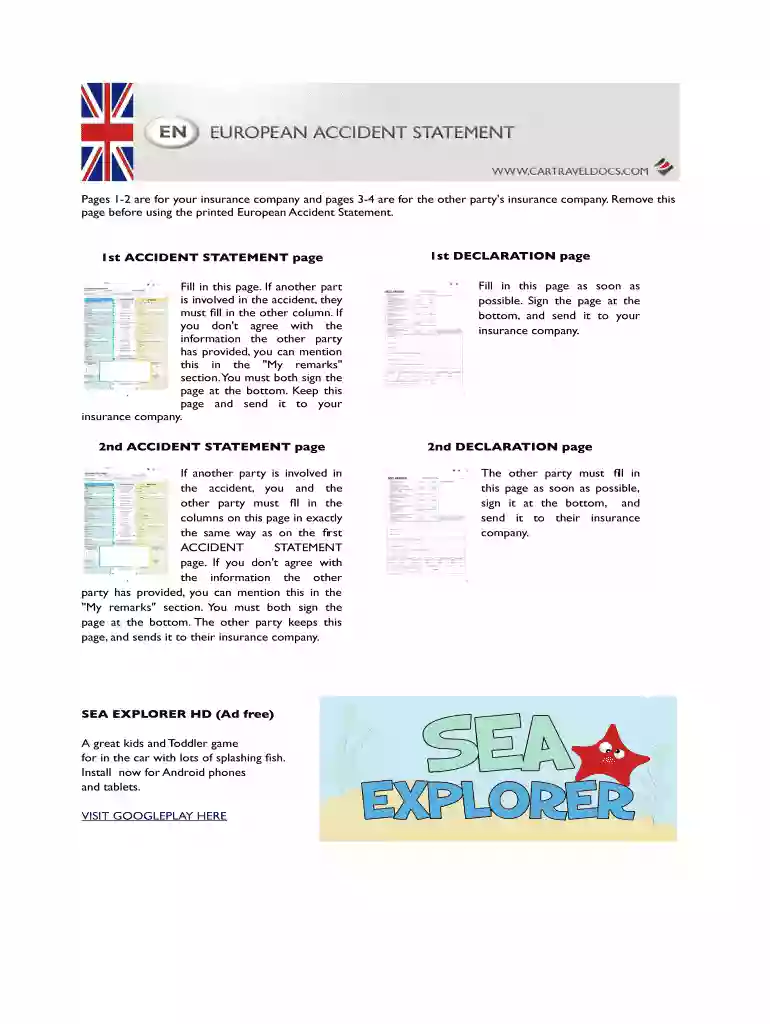
Type text, add images, blackout confidential details, add comments, highlights and more.

Draw your signature, type it, upload its image, or use your mobile device as a signature pad.

Send european accident report form via email, link, or fax. You can also download it, export it or print it out.

Start using our platform today for free to streamline your form completion process!
At DocHub, your data security is our priority. We follow HIPAA, SOC2, GDPR, and other standards, so you can work on your documents with confidence.
This Certificate of Coverage describes all of the travel insurance benefits, underwritten by Nationwide Mutual Insurance. Company and herein referred to asRead more
Nov 24, 2025 Reciprocal acceptance of aviation safety-related approvals and services with the European Union Aviation Safety Agency (EASA) and Member StatesRead more
Nov 19, 2019 In the case of a serious incident or accident in the UK any person who is either involved, or has knowledge of it must inform the Air AccidentRead more


