




Here's how it works

01. Edit your days inn hotel receipt online
Type text, add images, blackout confidential details, add comments, highlights and more.

02. Sign it in a few clicks
Draw your signature, type it, upload its image, or use your mobile device as a signature pad.

03. Share your form with others
Send days inn credit card authorization form via email, link, or fax. You can also download it, export it or print it out.
How to use or fill out days inn credit card authorization form with our platform

- Click ‘Get Form’ to open the days inn credit card authorization form in the editor.
- Begin by entering your name in the designated field, authorizing the DAYS INN of OGDEN to charge your credit card.
- Fill in the amount you wish to authorize, including room rate and tax details.
- Provide the guest's name who will be staying at the hotel, along with their arrival date and duration of stay.
- Indicate your agreement regarding additional charges by circling either 'AGREE' or 'DO NOT AGREE'.
- Select the type of credit card you are using by circling one of the options: VISA, MASTER CARD, AMEX, DISCOVER.
- Enter your credit card number and expiration date in the specified fields.
- Complete the cardholder’s name, CVV code, billing address, phone number, and driver’s license number.
- Sign and date the form to attest that all information provided is true and binding.
- Finally, ensure you fax a copy of your driver's license and both sides of your credit card along with this completed form.
Start filling out your days inn credit card authorization form online for free today!
Fill out days inn credit card authorization form online
It's free
Security and compliance
At DocHub, your data security is our priority. We follow HIPAA, SOC2, GDPR, and other standards, so you can work on your documents with confidence.
Learn more


Related forms
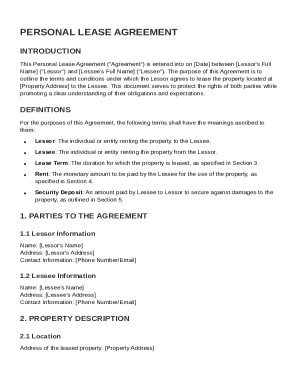
Personal Lease Agreement Template
The Personal Lease Agreement outlines the terms and conditions for leasing a property between the Lessor and Lessee, inc ...
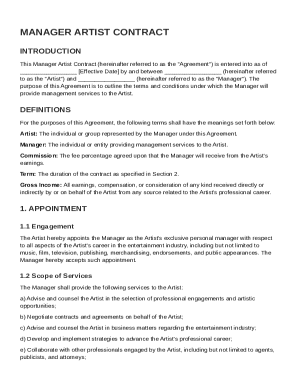
Manager Artist Contract Template
The Manager Artist Contract outlines the agreement between an Artist and a Manager for management services in the entert ...
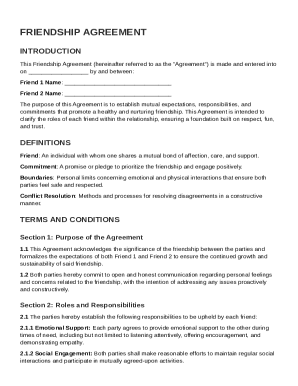
Friend Contract Template
The Friendship Agreement outlines the mutual expectations, responsibilities, and commitments between two friends to fost ...
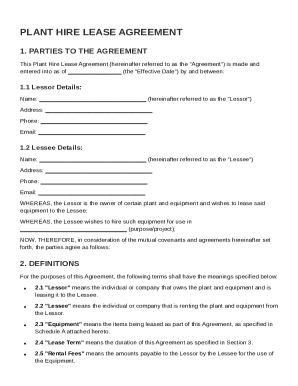
Plant Hire Lease Agreement Template
The document is a Plant Hire Lease Agreement between a Lessor and a Lessee for the rental of specific equipment. It outl ...
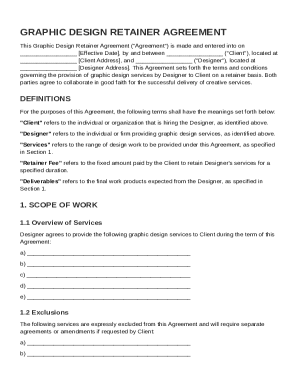
Graphic Design Retainer Contract Template
The Graphic Design Retainer Agreement outlines the terms and conditions for a retainer relationship between a Client and ...
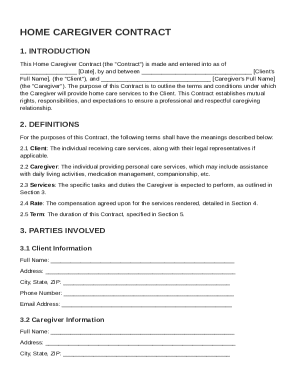
Home Caregiver Contract Template
The Home Caregiver Contract outlines the terms and conditions for caregiving services between a Client and a Caregiver. ...
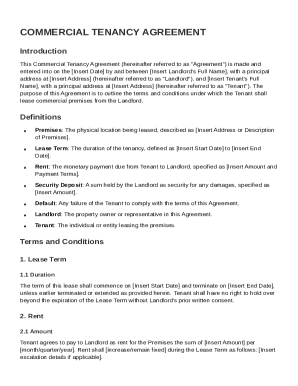
Commercial Tenancydocument Agreement Template
The Commercial Tenancy Agreement outlines the terms and conditions for leasing commercial premises between a landlord an ...
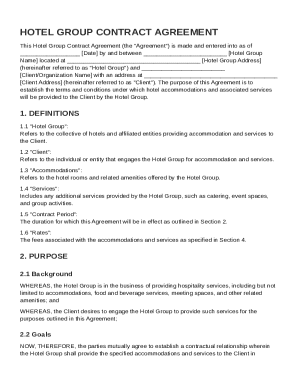
Hotel Group Contract Template
The Hotel Group Contract Agreement outlines the terms and conditions for hotel accommodations and services provided by a ...