
Get any PDF form from the DocHub library of ready-made templates - Page 2193

Mechanical bull contract
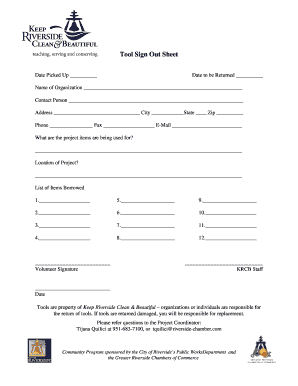
Tool sign out sheet

Certificate of good health
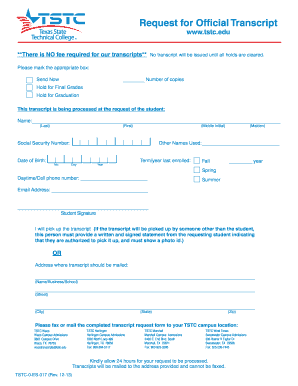
Transcript tstc 2013 form

Churches homes association
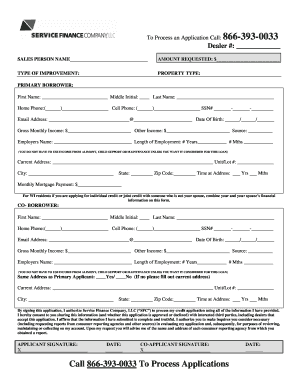
Credit Application - Service Finance Company
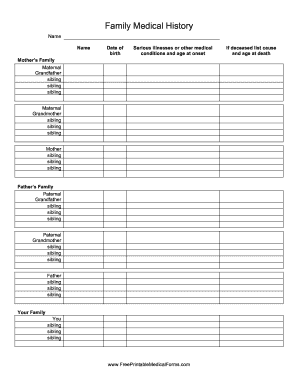
Family medical history template

Napolcom application form
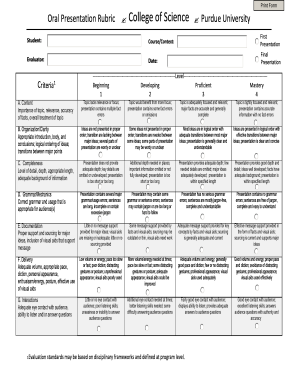
College presentation rubric

Cc dr 50 fillable

Attest form
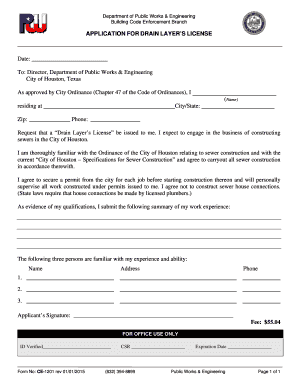
Drainlayers license
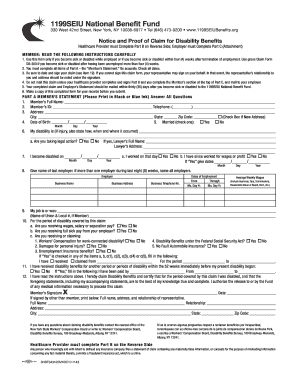
1199 disability form

Printable request for school records by name

Dc37 optical voucher request form
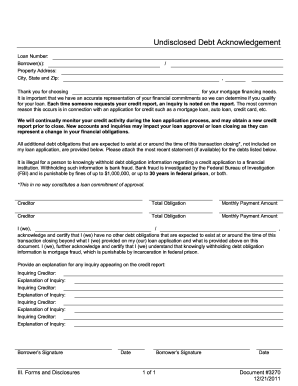
Undisclosed debt acknowledgement form
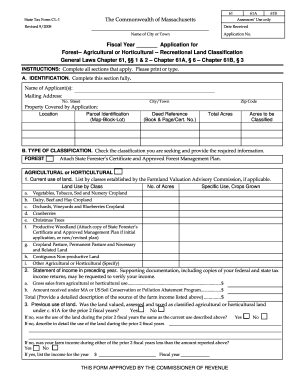
State tax form cl 1
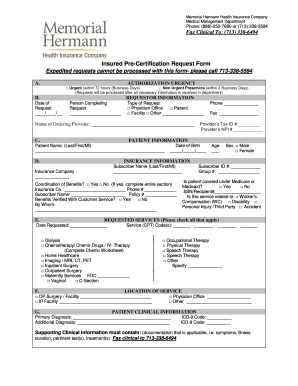
Memorial hermann doctors note
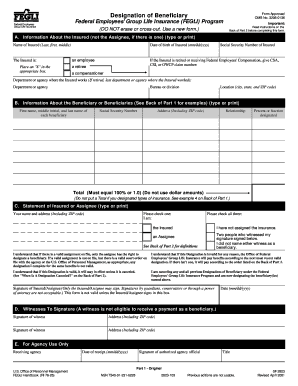
Form omb 3208
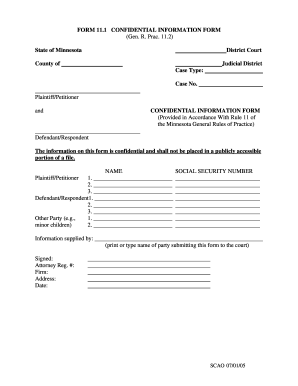
Form 11 1 confidential information
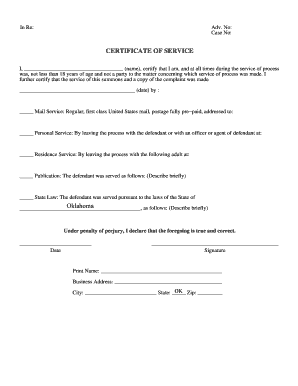
Oklahoma return of service form
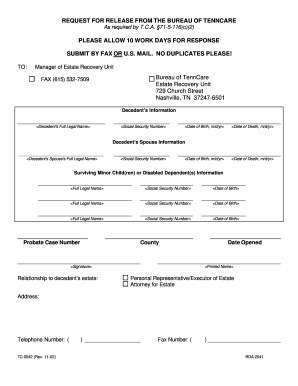
Tenncare release
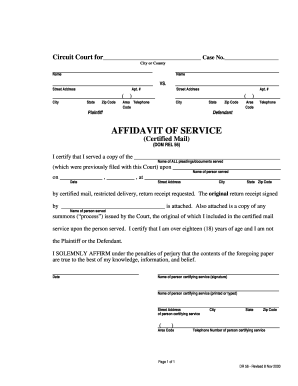
Service 56 form
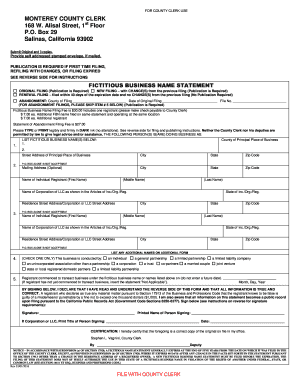
Business name monterey county
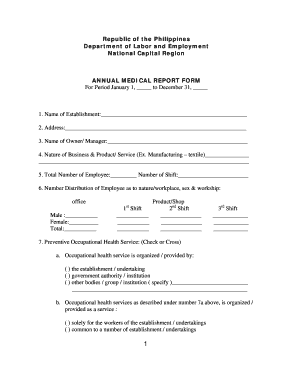
Annual medical report form
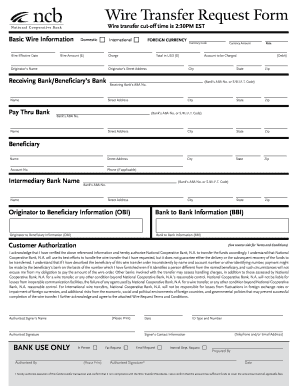
Ncb deposit slip

Coach evaluation form for players
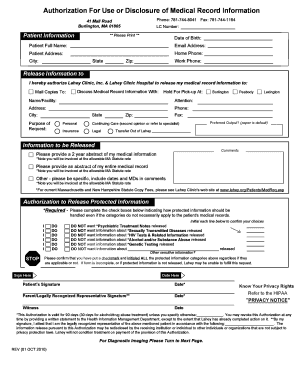
Lahey burlington medical records
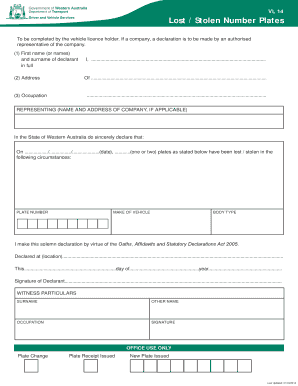
Vl14 form
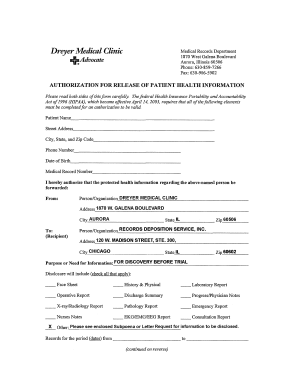
Advocate dreyer medical clinic release of information fax
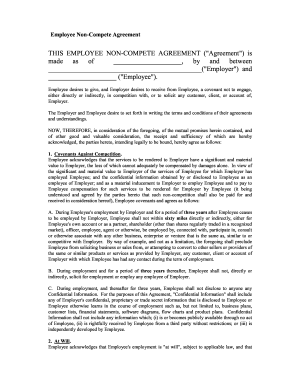
Employee non compete form

Fire watch checklist forms
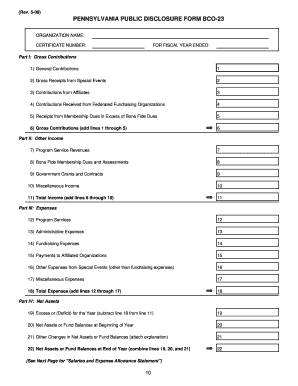
Bco 23
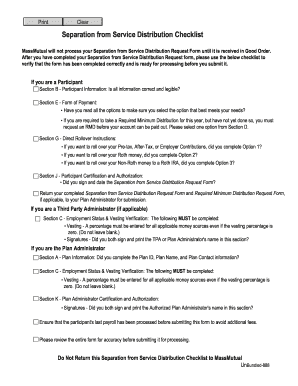
Massmutual forms
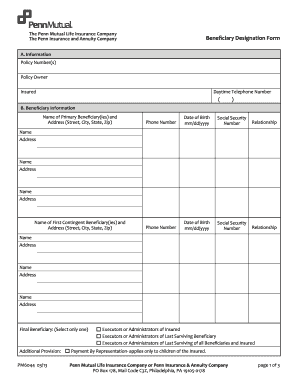
Penn mutual forms
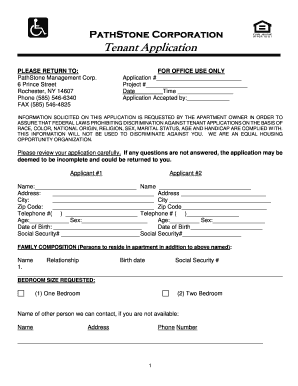
Pathstone application

Volleyball camp registration form
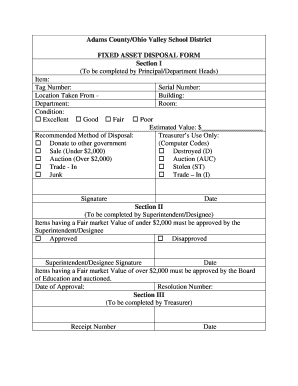
Asset disposal form template excel
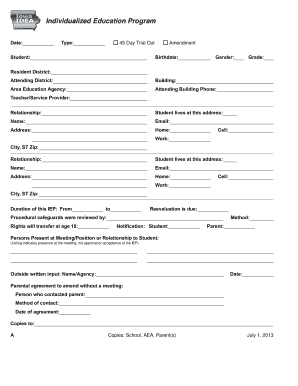
Aea1
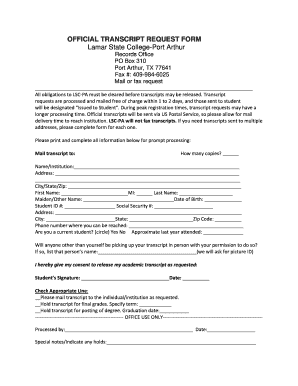
Lamar university transcript request
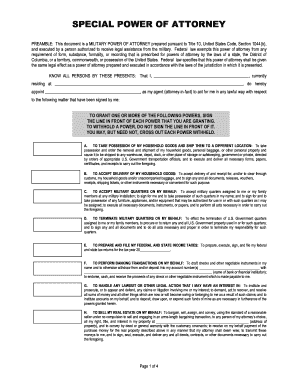
Special power of attorney

COMMERCIAL REAL ESTATE LOAN APPLICATION
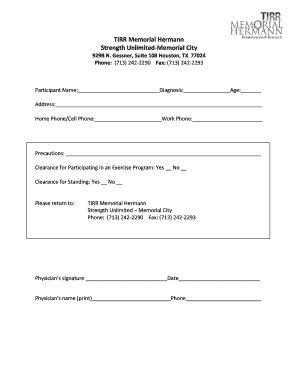
Memorial hermann doctors note

Pregnancy massage intake form
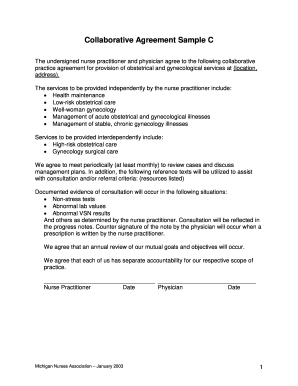
Collaborative Agreement Sample C - Michigan Nurses Association - mmbaonline
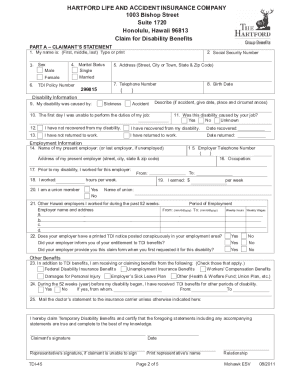
Tdi 45

Warranty form for construction
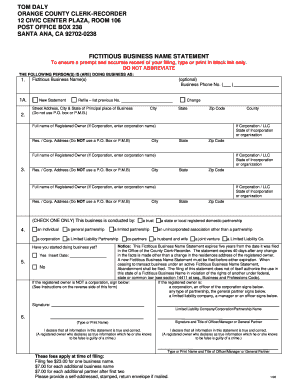
Orange county fictitious business name form

Form damage claims
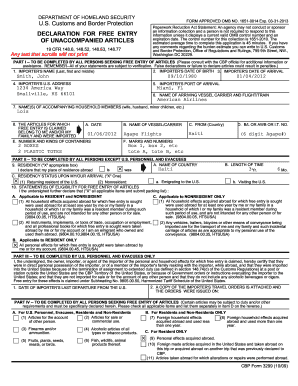
Customs form 3299 2009
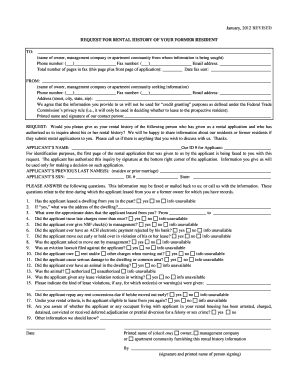
Request for Rental History of Your Former Resident.doc. 2003 Rental Application

Idoc visitation form

Hca 18 005
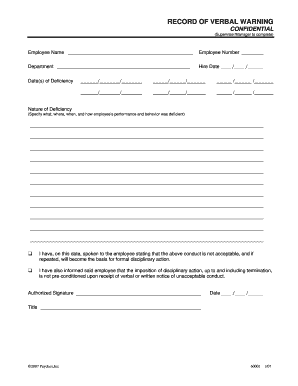
Verbal warning
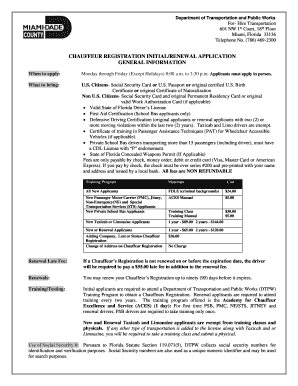
Hack license miami
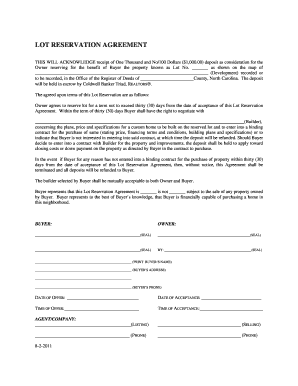
Lot reservation agreement
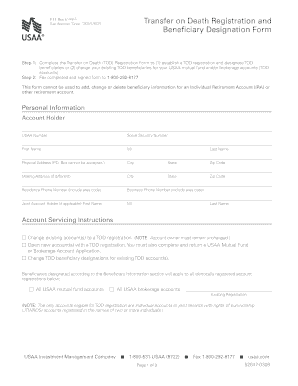
Usaa payable on death form
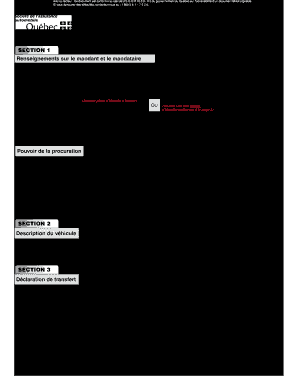
Procuration saaq

Producers 88 lease form

Cdl pre trip inspection checklist form
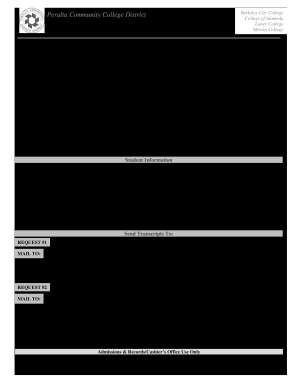
Laney college transcripts
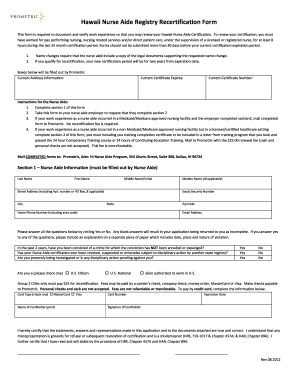
Hi aide
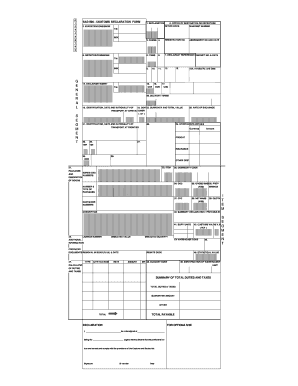
Sad500

Internship evaluation form iqra university
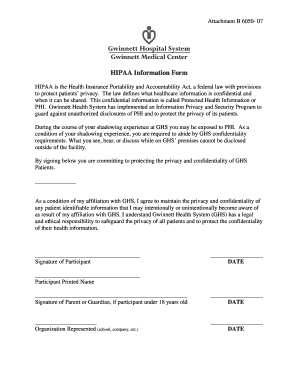
Gwinnett medical center medical records
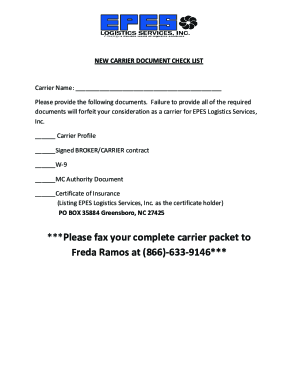
Epes logistics carrier setup
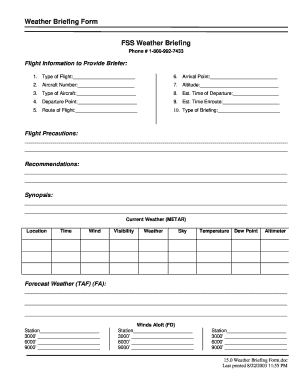
Faa weather briefing form

Bahamas customs forms printable

Lease agreement
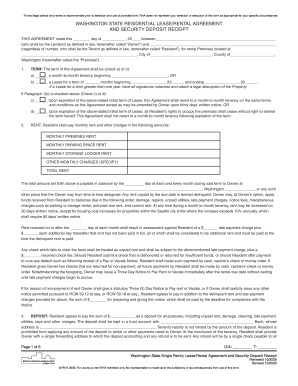
Online DocHub lease security deposit

Liquor order sheet template
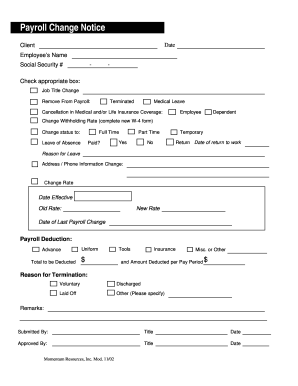
Payroll change notice form
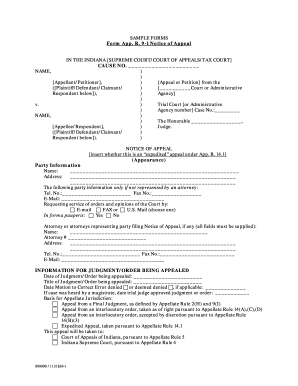
Notice of appeal sample nigeria
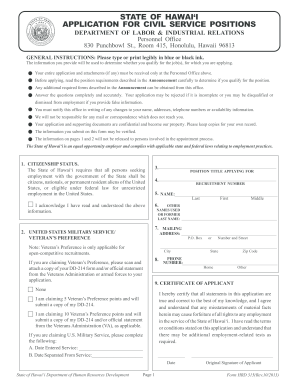
Hrd 315a
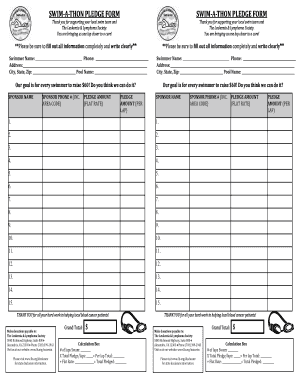
Swim a thon pledge sheet
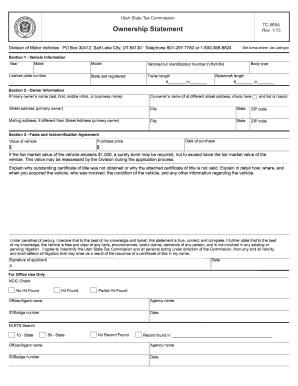
Tc 569a
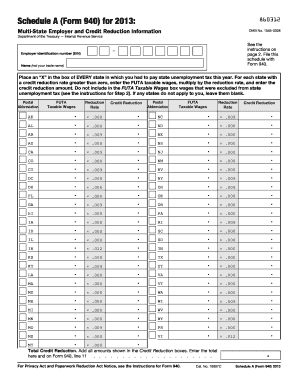
2013 a 940 form

Sports contract template

Fnd 101
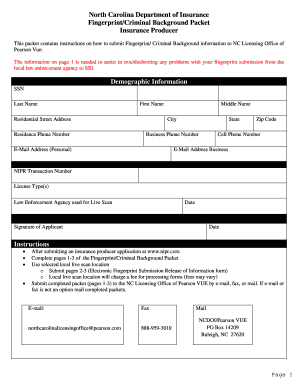
Background check nc
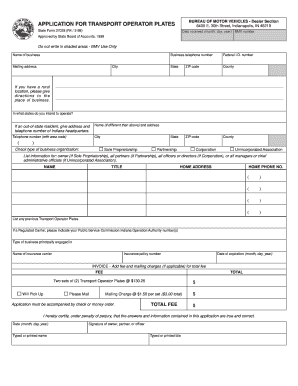
Indiana temporary license plate
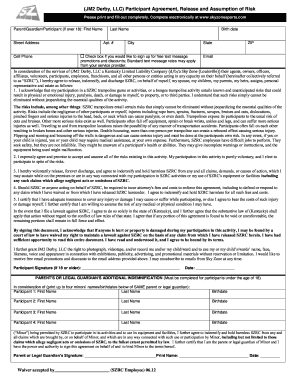
Sky zone waiver
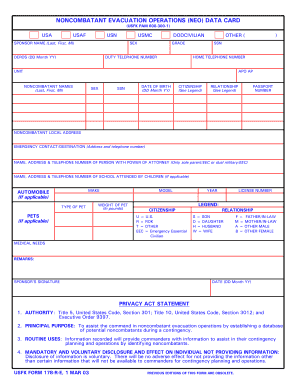
Usfk form 207
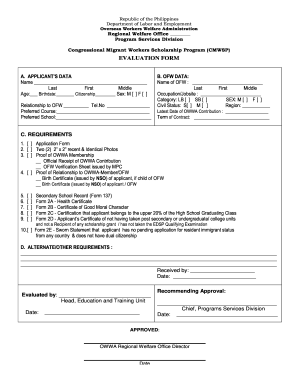
Owwa application form
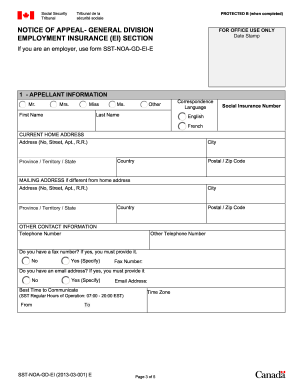
Apply for ei online
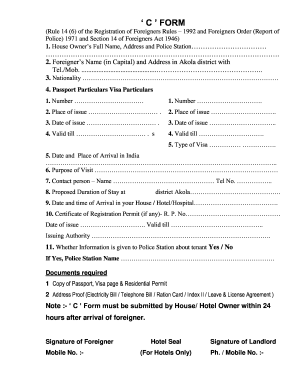
Form c download pdf
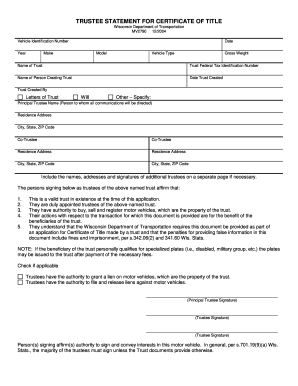
Mv2790
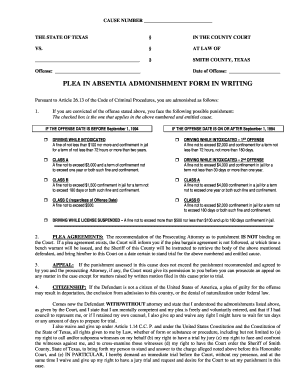
Plea in absentia texas
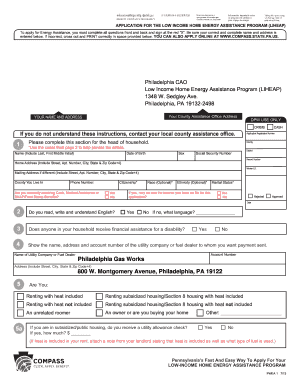
Pa application energy assistance form
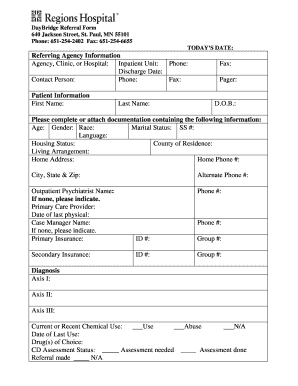
Regions daybridge referral form
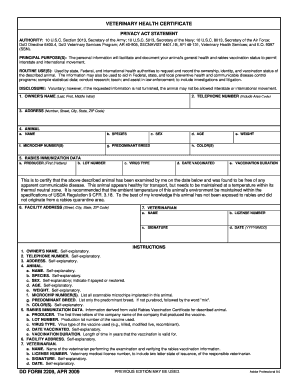
Vet health certificate print
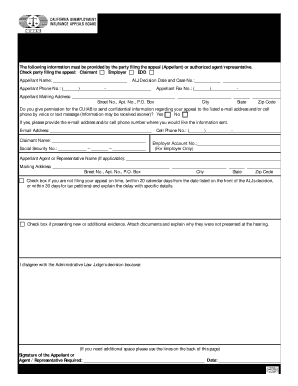
How to fill out cuiab board appeal form
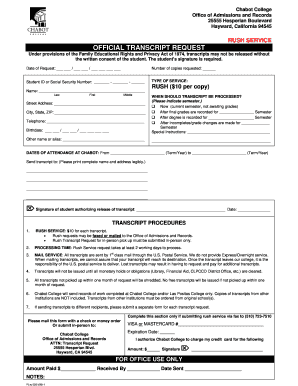
Chabot college transcript
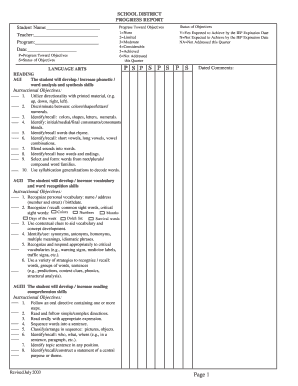
Iep progress report examples pdf
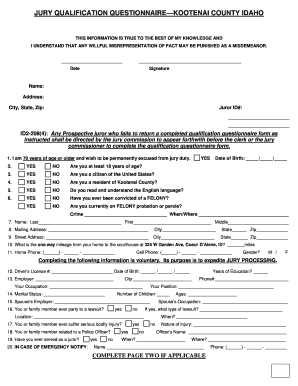
Id jury qualification questionnaire
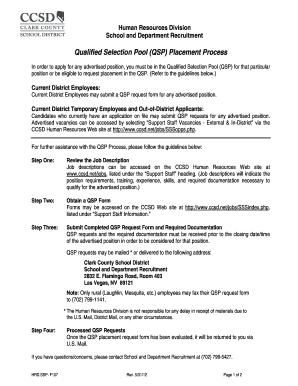
Qsp full form
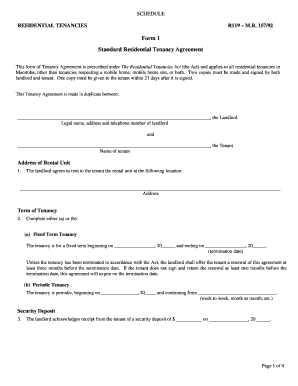
Manitoba lease agreement pdf
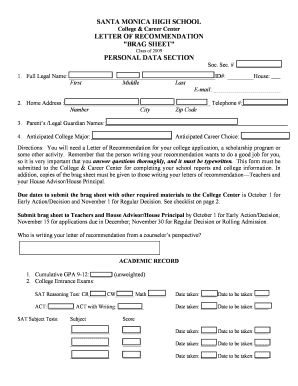
Brag sheet template

Form 22
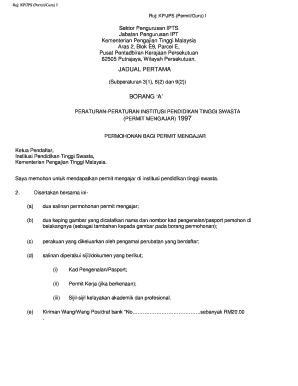
Teaching permit malaysia
Benefit from the DocHub online library of fillable PDF forms
Searching the PDF forms doesn't have to be a tedious and time-consuming process. With the DocHub online library, it has become easier to find the fillable PDF forms and modify them in your browser. The service allows you to adjust the document to your needs using powerful editing tools.
You can use online document editing features to modify almost any type of document with ease. You just need to find the template of your choice, open it in the editor, and use the toolbar to make the necessary corrections.
Follow this guide to get your document done with DocHub:
- Find the PDF template you need.
- Click the Get Form button to open the file in the editor.
- Use the toolbar to fill out and edit the document.
- Easily add and highlight text, insert images, checkmarks, and symbols.
- Drop new fillable fields, and rearrange or delete pages from your file.
- Save changes and download your record.
DocHub empowers everyone to streamline document editing, signing, and distribution, and form completion. Create an account and benefit from our well-organized PDF Forms library and comprehensive editor.