




01. Edit your northside hospital gwinnett medical records online
Type text, add images, blackout confidential details, add comments, highlights and more.

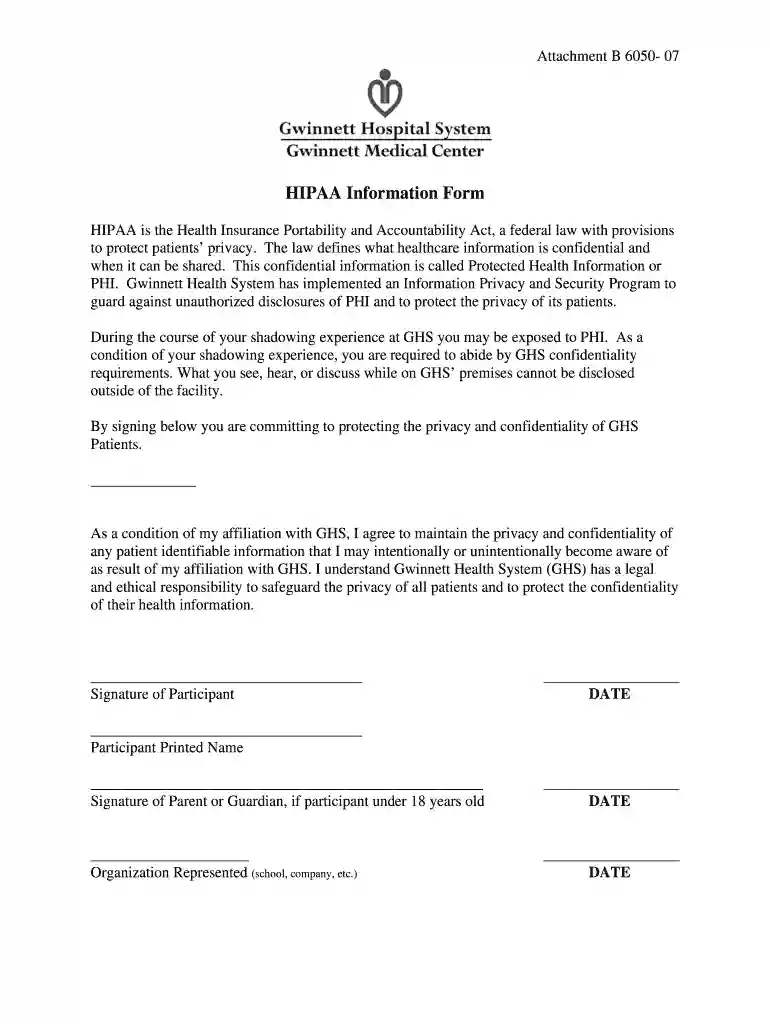
Type text, add images, blackout confidential details, add comments, highlights and more.

Draw your signature, type it, upload its image, or use your mobile device as a signature pad.

Send northside gwinnett medical records via email, link, or fax. You can also download it, export it or print it out.

Start using our platform today to easily fill out and manage your gwinnett medical center medical records for free!
At DocHub, your data security is our priority. We follow HIPAA, SOC2, GDPR, and other standards, so you can work on your documents with confidence.
In case of an emergency, a Health Services staff member or school representative will notify the appropriate person stated in your health records. Due toRead more
You are entitled to a copy of your medical records under most circumstances after providing the physician with a signed release and paying the required fees.Read more


