
Get any PDF form from the DocHub library of ready-made templates - Page 2102
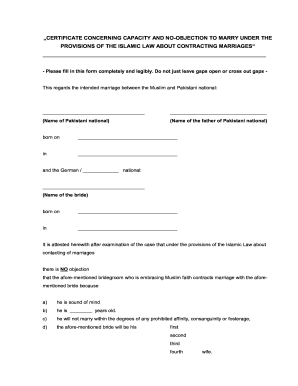
No objection certificate for marriage from church
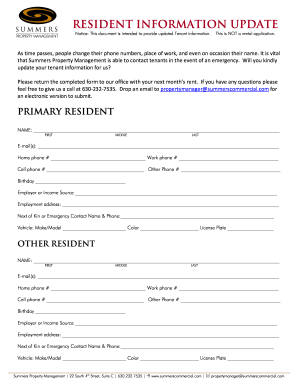
Resident update form
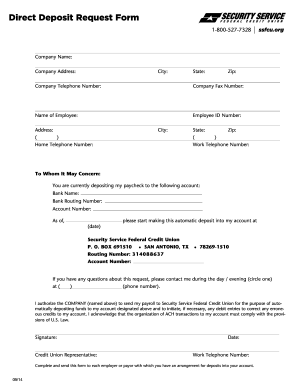
Security service deposit
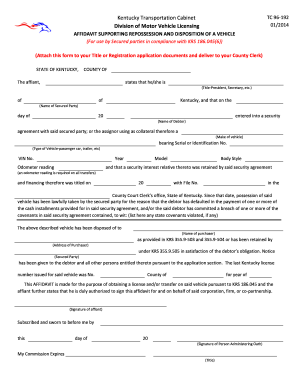
Tc 96 192
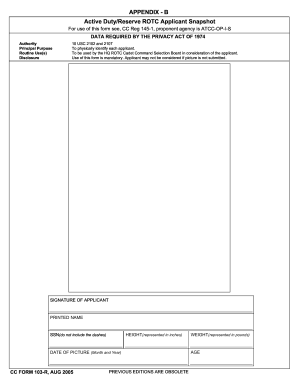
Hawaii r duty reserve
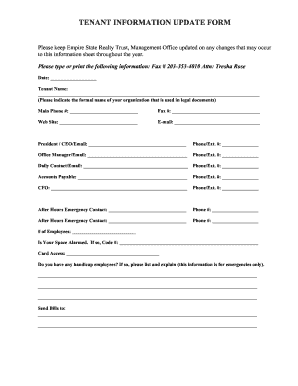
Tenant information form
D47p form

16 team bracket
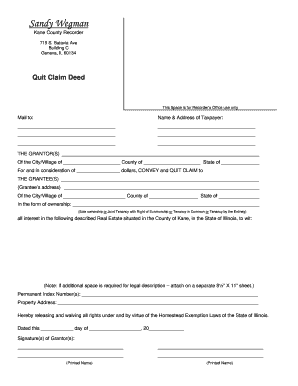
Kane quit claim
Psf printable 2013 form
Tk maxx application form 2016
DSS-5190 - NC DHHS Online Publications - Home - info dhhs state nc

Telegraphic Transfers Order Form
Kansas adoption form
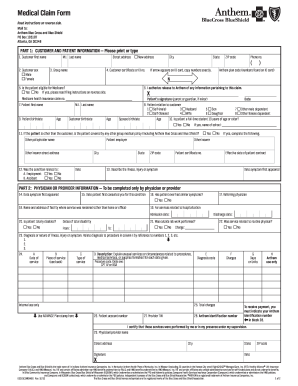
Anthem member claim form
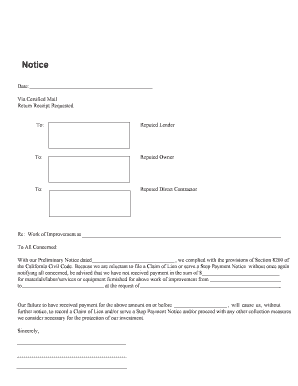
California intent stop form
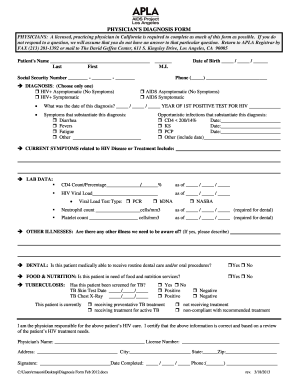
Apla west hollywood
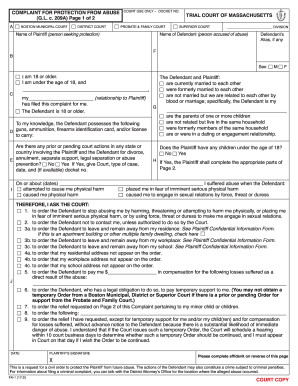
Protection abuse form

Reference check form
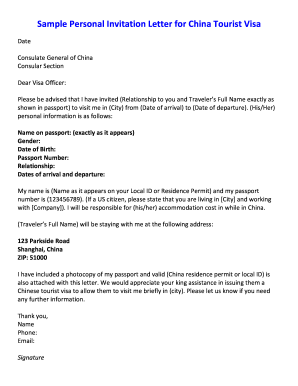
Sample personal invitation letter for china tourist visa
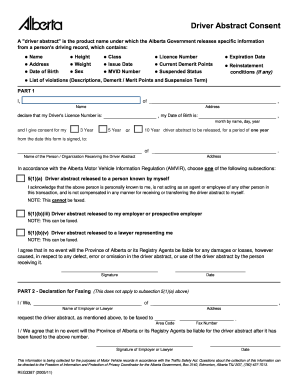
How to edit driver abstract in alberta
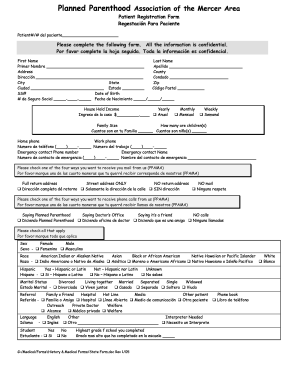
Planned parenthood health form
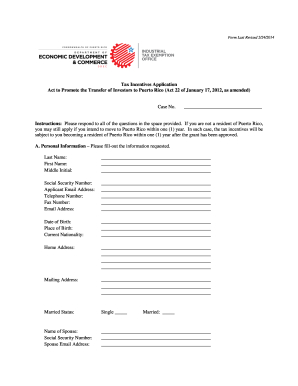
Puerto rico application act 22
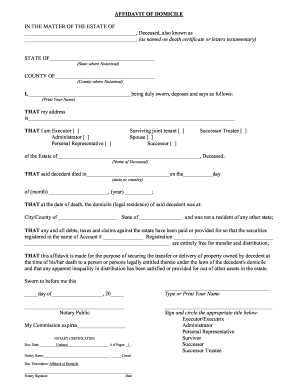
Domicile wells fargo
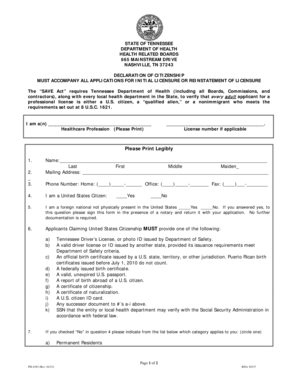
Tennessee declaration of citizenship

Florida application employment

Vehicle description sheet form
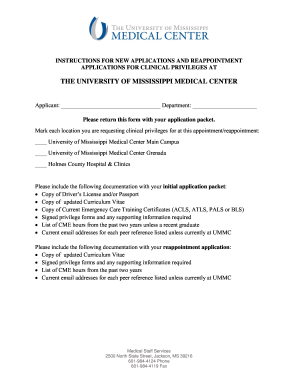
Mississippi participating application
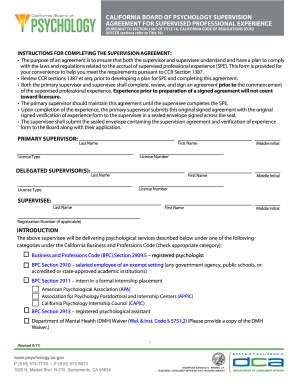
What is a supervision agreement
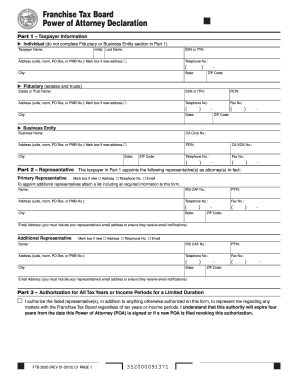
Power of Attorney for Vehicle Transactions (PDF) - TN.gov
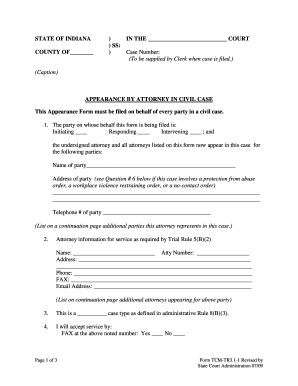
Indiana form appearance
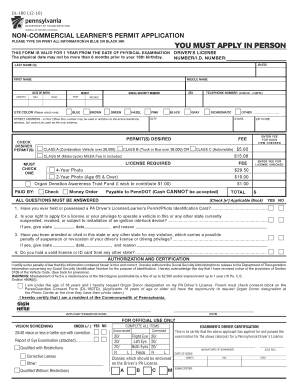
Pa permit physical form
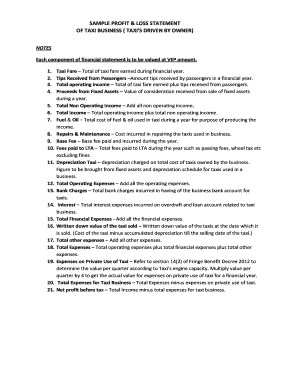
Profit and loss statement for uber driver
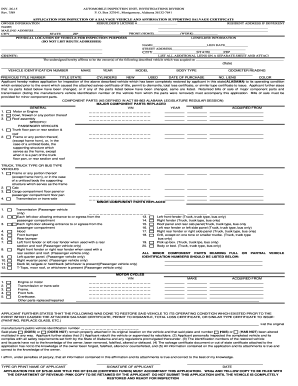
Inv 26 15 1989 form
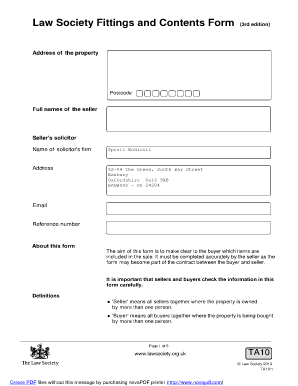
Law society fittings and contents form 3rd edition

Videography Confirmation Agreement Work For Hire.pdf - PPVA
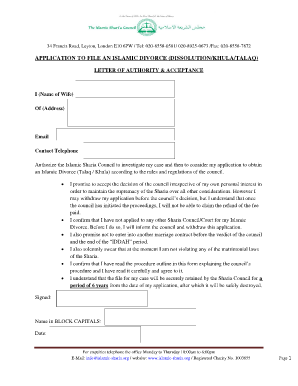
Khula papers pdf
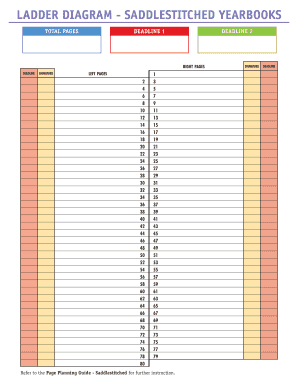
Yearbook ladder template
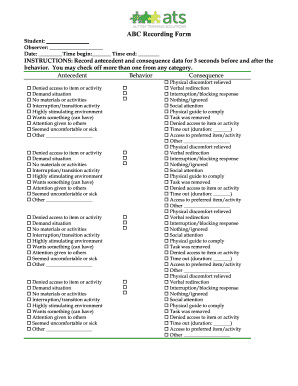
Ats abc recording form
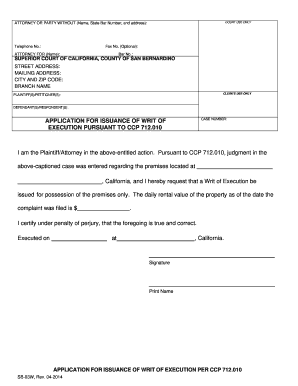
Writ execution pursuant form
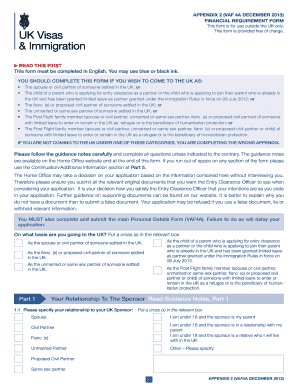
Form su07 12
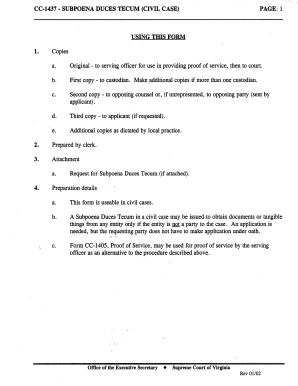
Virginia cc 1437
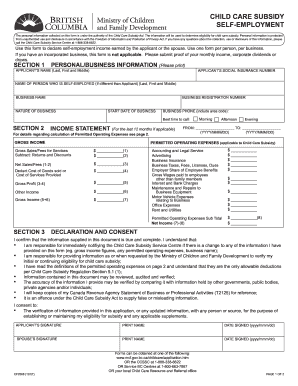
Proof of employment form
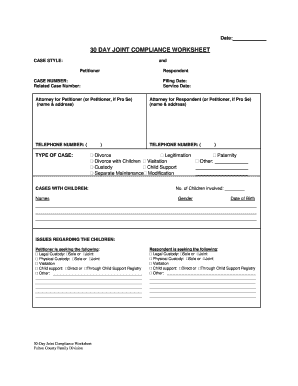
30 day joint
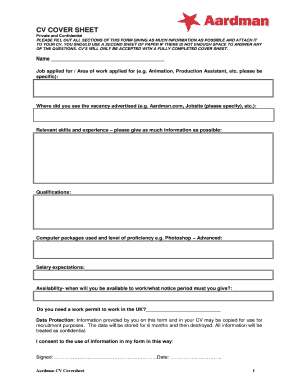
Aardman CV Coversheet
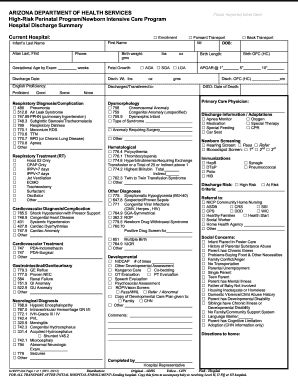
Mental hospital discharge papers
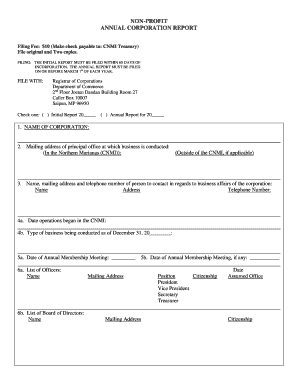
Non corporation report

Record keeping agreement form 85017
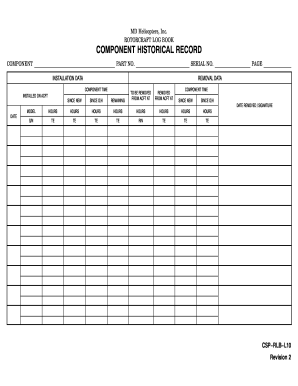
Csp rlb form

Movado form
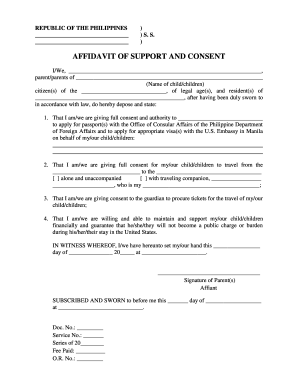
Philippines affidavit support
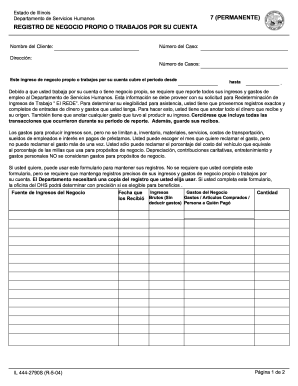
Form il 2790

Summary list of sales and purchases excel format download
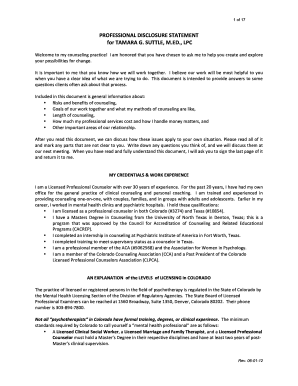
Professional disclosure suttle form
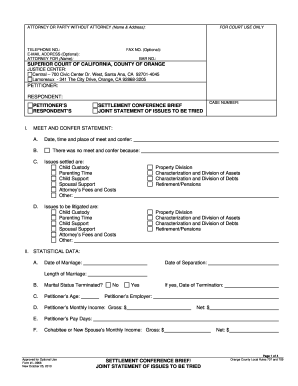
Form l 0966
2454 form
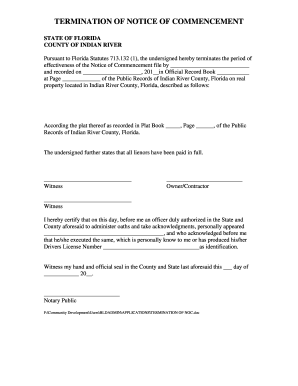
Termination commencement

B239e
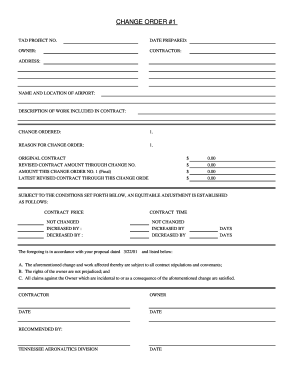
Content form
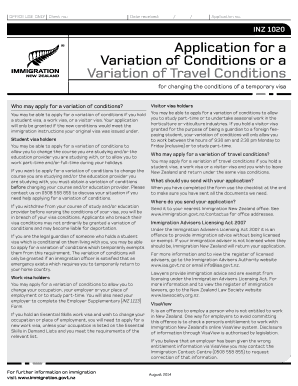
Inz1020 2014 form
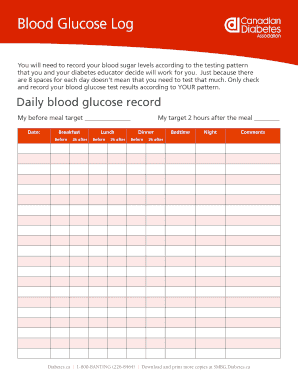
Log diabetes record
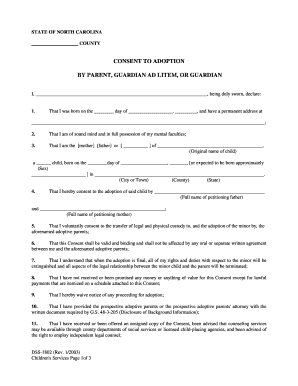
DSS-1802 - NC DHHS Online Publications - Home - info dhhs state nc
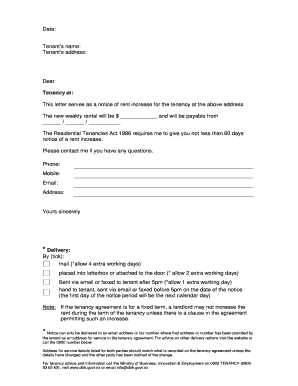
Lease renewal letter with rent increase
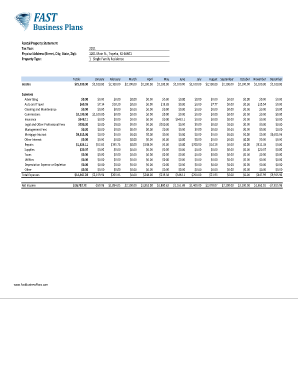
Income and expense worksheet pdf
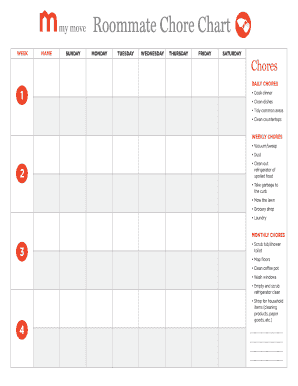
Chore chart template
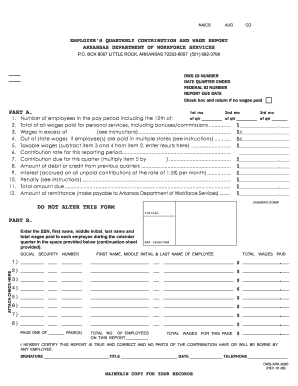
Dws ark 209b
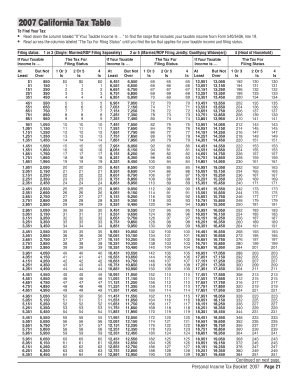
California tax table
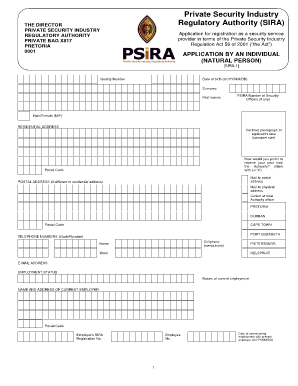
Sira
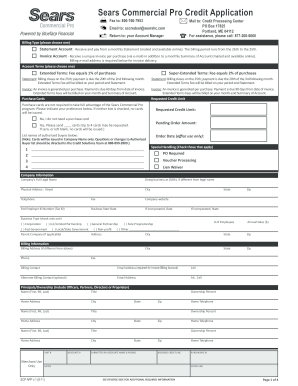
Sears Commercial Pro Credit Application

Electrical Power Distribution - California Energy Commission - State ... - energy ca

Cherokee nation w9
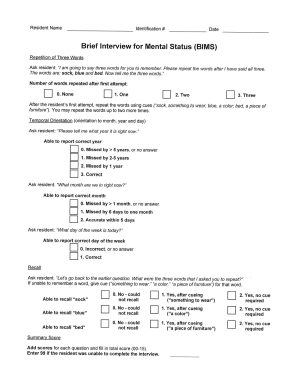
Bims pdf

Religious exemption form florida
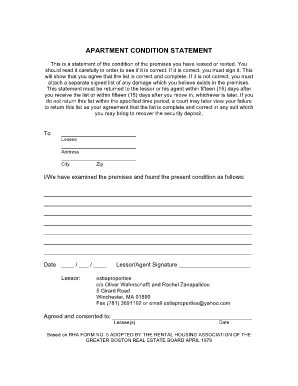
Massachusetts estia properties condition statement
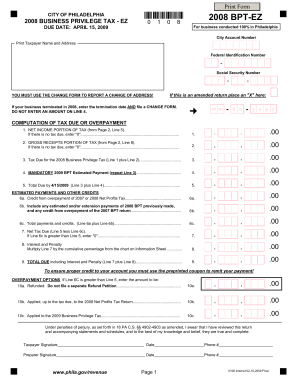
Print Form CITY OF PHILADELPHIA 2008 BUSINESS PRIVILEGE TAX - EZ DUE DATE: APRIL 15, 2009 0 1 0 8 2008 BPT-EZ For business conducted 100% in Philadelphia City Account Number Print Taxpayer Name and Address Federal Identification Number - -
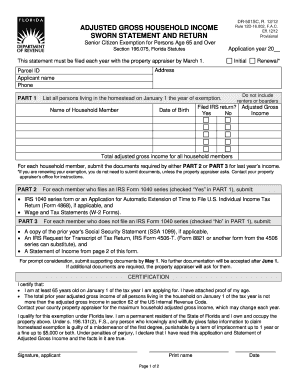
Dr 501sc
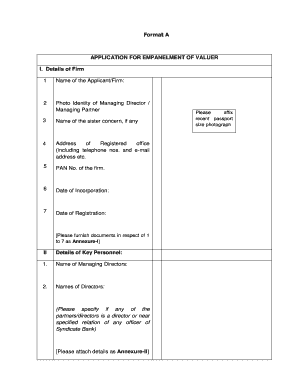
Sbi approved valuers list
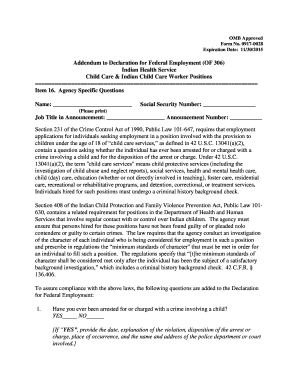
Form no 0917 0028
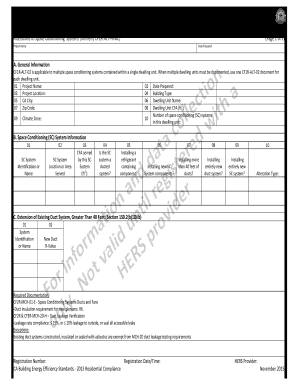
CEC-CF1R-ALT-02-E (Revised 11/15) - energy ca
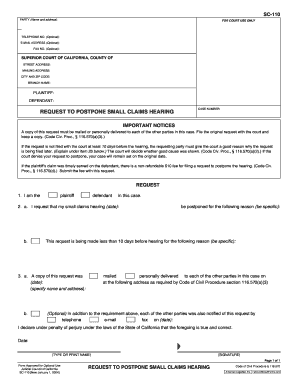
Sc110 form
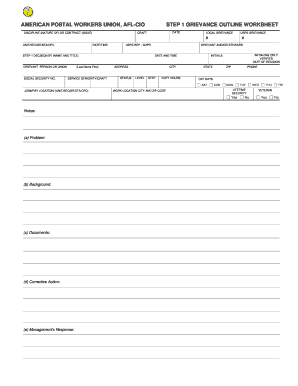
Step 1 grievance apwu

Kindercare app
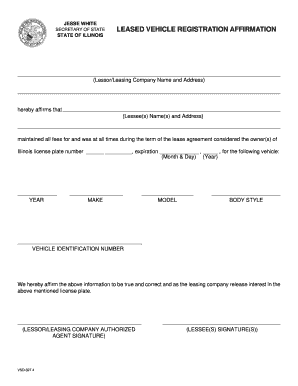
Illinois leased registration
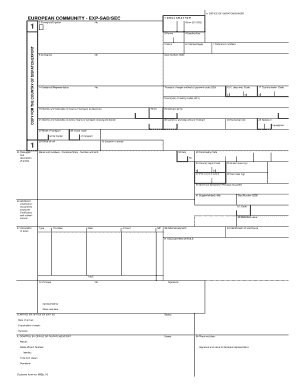
Expsad form
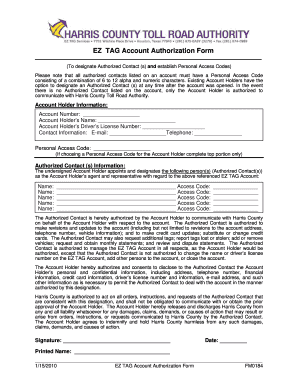
Eztag
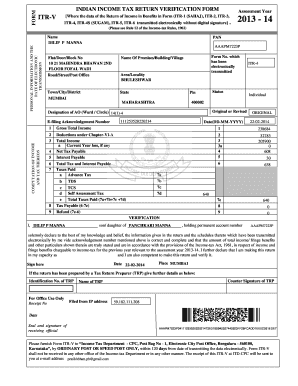
Itr v acknowledgement ay 2020 21 pdf
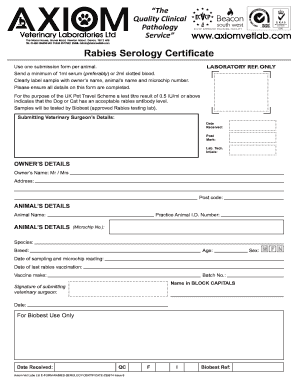
Axiom rabies
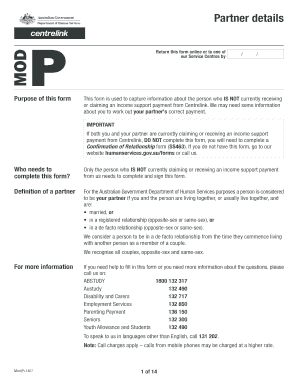
Centrelink mod p form
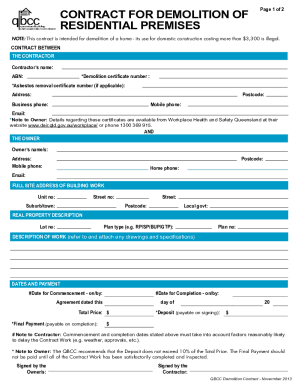
Demolition contract template
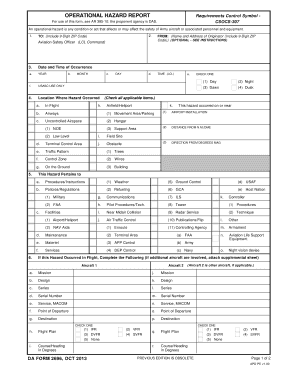
Da form 2696
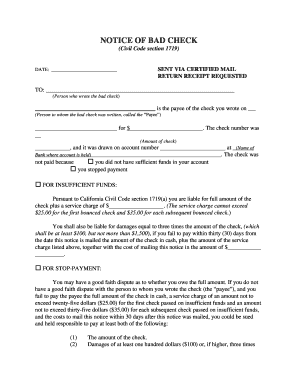
California bad check court

Family group sheets pdf
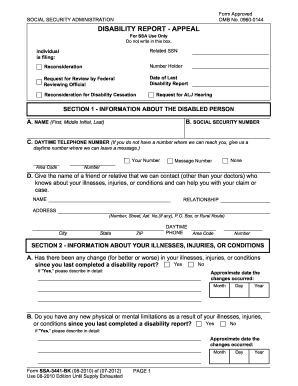
Ssa 3441 bk 2012 form
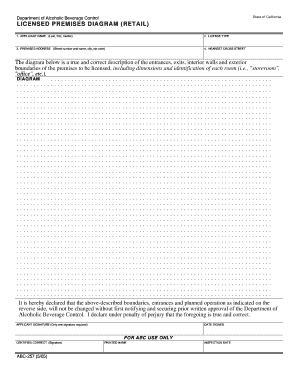
Abc 257
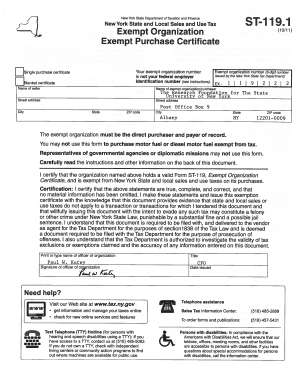
St 119 1 10 11 blank

Rent farm cash sample

Tenant pre screening form pdf
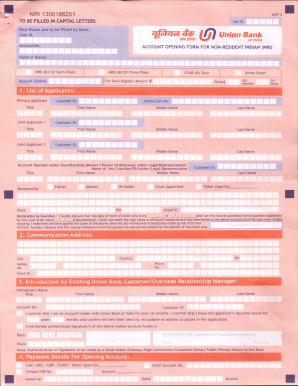
Union bank account opening form pdf
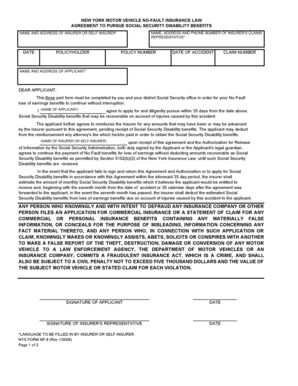
Nf 8
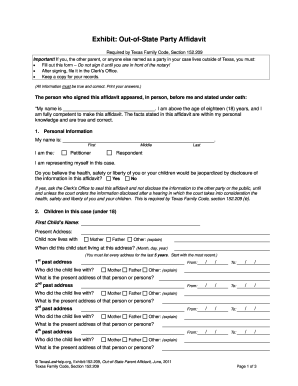
Exhibit: Out-of-State Party Affidavit - TexasLawHelp.org - texaslawhelp
Benefit from the DocHub online library of fillable PDF forms
Searching the PDF forms doesn't have to be a tedious and time-consuming process. With the DocHub online library, it has become easier to find the fillable PDF forms and modify them in your browser. The service allows you to adjust the document to your needs using powerful editing tools.
You can use online document editing features to modify almost any type of document with ease. You just need to find the template of your choice, open it in the editor, and use the toolbar to make the necessary corrections.
Follow this guide to get your document done with DocHub:
- Find the PDF template you need.
- Click the Get Form button to open the file in the editor.
- Use the toolbar to fill out and edit the document.
- Easily add and highlight text, insert images, checkmarks, and symbols.
- Drop new fillable fields, and rearrange or delete pages from your file.
- Save changes and download your record.
DocHub empowers everyone to streamline document editing, signing, and distribution, and form completion. Create an account and benefit from our well-organized PDF Forms library and comprehensive editor.